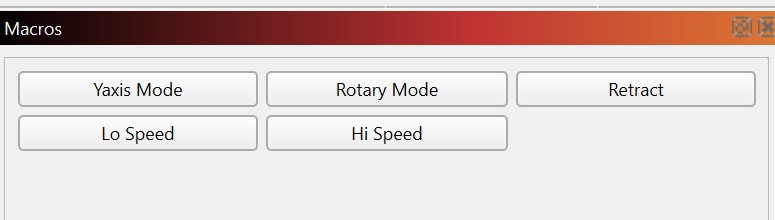
Setting up my Shapoko XXL new the Macros do not show up in the setup. Any suggestions? I’m new at this and pretty Green when it comes to Gcode..
A new setup would require entering the Macros manually. It is quite easy. A Macro is just a series of commands you would enter to perform a particular operation. If you already have a source of Macro text, just copy and paste the Macro text as needed.
For example, I prefer to have my laser to retract to the back right corner to get it out of the way…
Macro Name: Retract
Macro text: G0 X380 Y380
Of course, you must adjust the X and Y values to fit your machine.
Here are the Macro buttons for one of my machines: