Lightburn shows ready but Laser Doesn't want to "print"

Good day,

I am struggling in Light burn to get my laser reconnected. It was working perfectly fine and now it doesn’t want to recognise the laser. I have done all the ports via device manager. Checking / Uninstalling / Installing again. I did do the correct selection, I have tried adding laser manually. It is still not working, when I go to find my laser it is not picking up the laser. All ports says device is working properly. When I hit start it says laser is running or might be busy, when I am not doing any work. What else can I do?

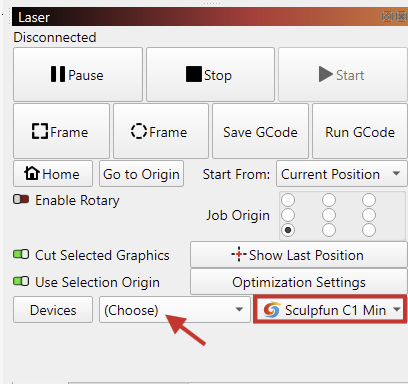
Not every device can be found with the “Find My Device” feature. In some cases, you do need to use Create Manually

After that, you’ll need to select the device in the Laser window, and select the correct COM port.

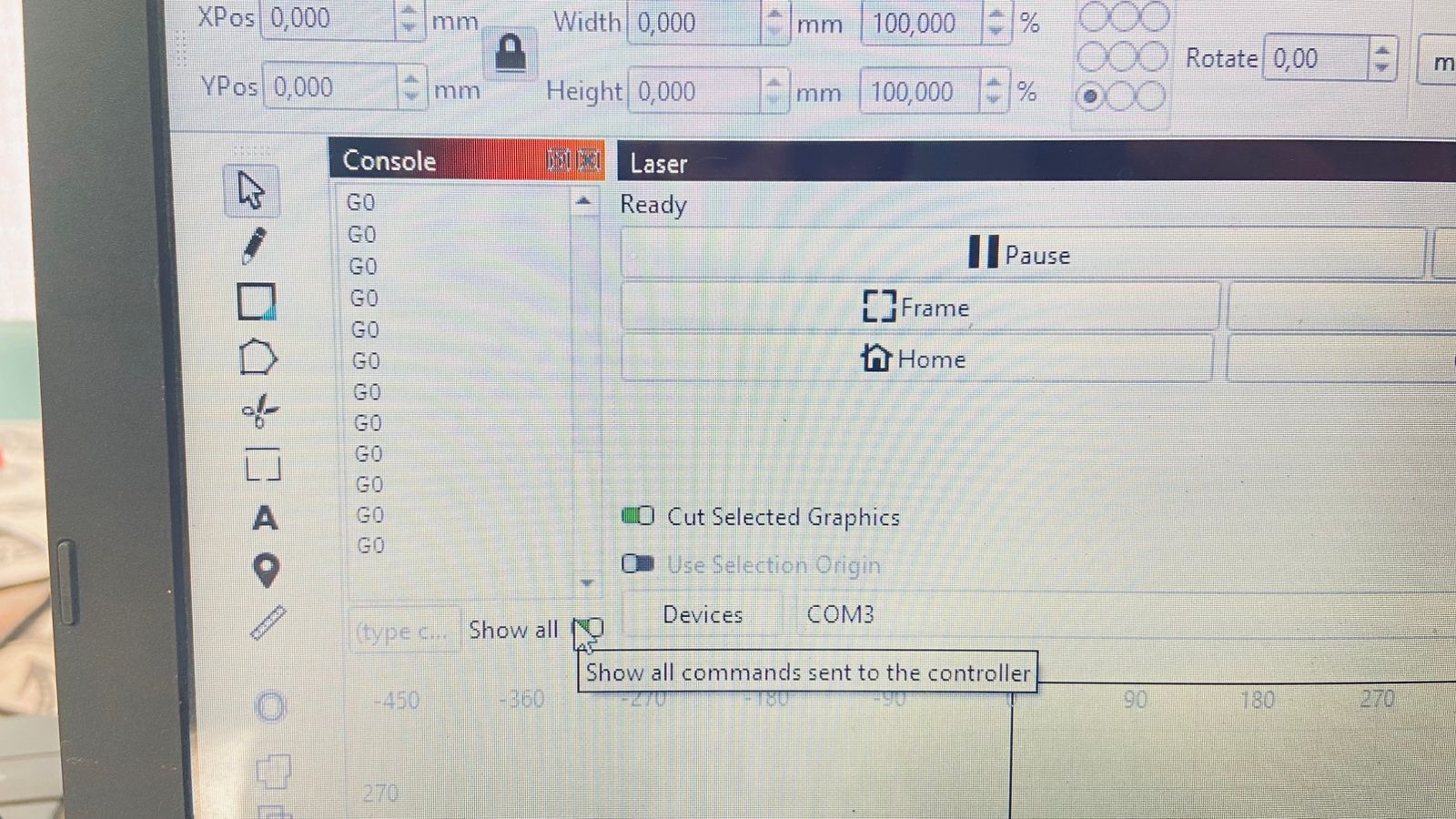
You should see a response in the Console Window - LightBurn Documentation when you’ve selected the correct port.

Please send us a screenshot of what you see in the Console window.

I did do it manually it is still giving me the same problem.


Do you have other options besides the COM7 in the drop-down? (Use the one that disappears if you unplug the laser)

We don’t see much in the Console output. See if we get a more verbose output if you enable the “Show All” toggle.

Hihi

We are selecting the one that dissappear. We have tried this multiple times with different ports. Still no success.

We’ve seen the stream of G0 before, but I still don’t exactly know what causes it.

Do you recall what might have changed since this first started happening?

Are you using the TwoTrees TTS Pro 20 listed in your profile, or a different machine?

I am using the TwoTrees TTS Pro20 machine. I was doing a job when the laser was moving but not cutting, when I stopped the machine and restarted it, that’s when this problem started to occur.

1 Like

If you didn’t already, power-cycle the laser completely:

Unplug both the laser and the USB cable to make sure the controller actually restarts.

I’m curious to hear the results after that.


BTW, you can safely install the slightly newer version of LightBurn, 1.7.08. It will run even if your license has expired for free updates. Here’s a direct link to the Windows installer:
https://release.lightburnsoftware.com/LightBurn/Release/LightBurn-v1.7.08/LightBurn-v1.7.08.exe

Good day,
It seems the problem was with the controller of the laser itself. I had to buy a new laser controller, seems like everything is fine now. Thank you!

Interesting! thank you for the update.

I’m curious: Have you been in contact with TwoTrees, and did they suggest updating the controller?
Do you have the version numbers of the old and new controller boards?