The second release candidate for LightBurn v2.1.00 is now available to download here:
LightBurn-v2.1.00-RC-2 - Change Log
Changes Since LightBurn-v2.1.00-RC-1
Bug Fixes
- Camera alignment pattern designer not properly converting zone size to/from Imperial units
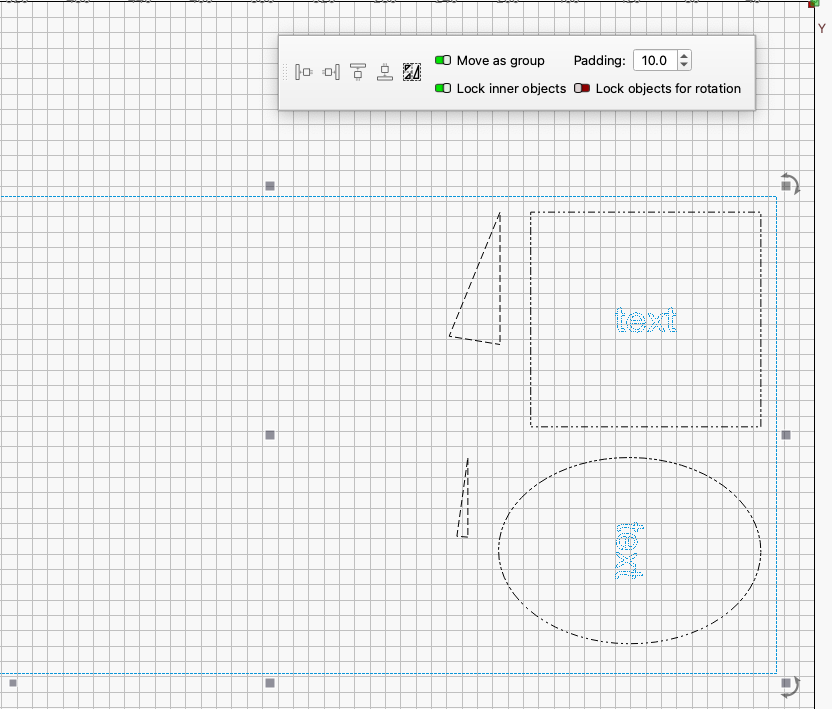
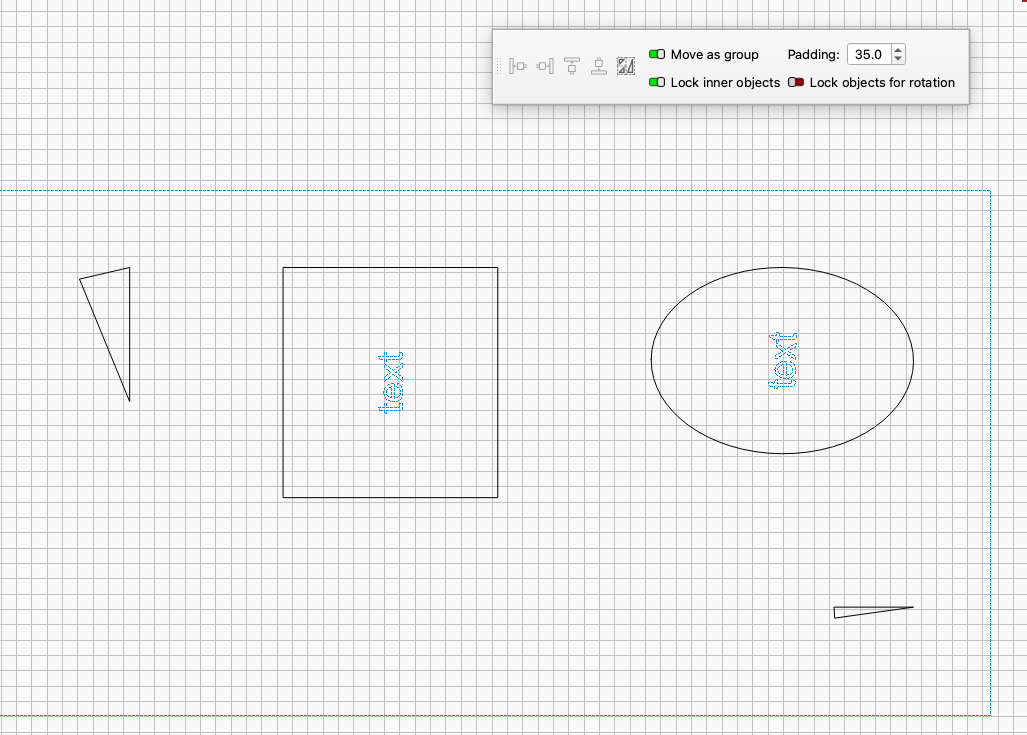
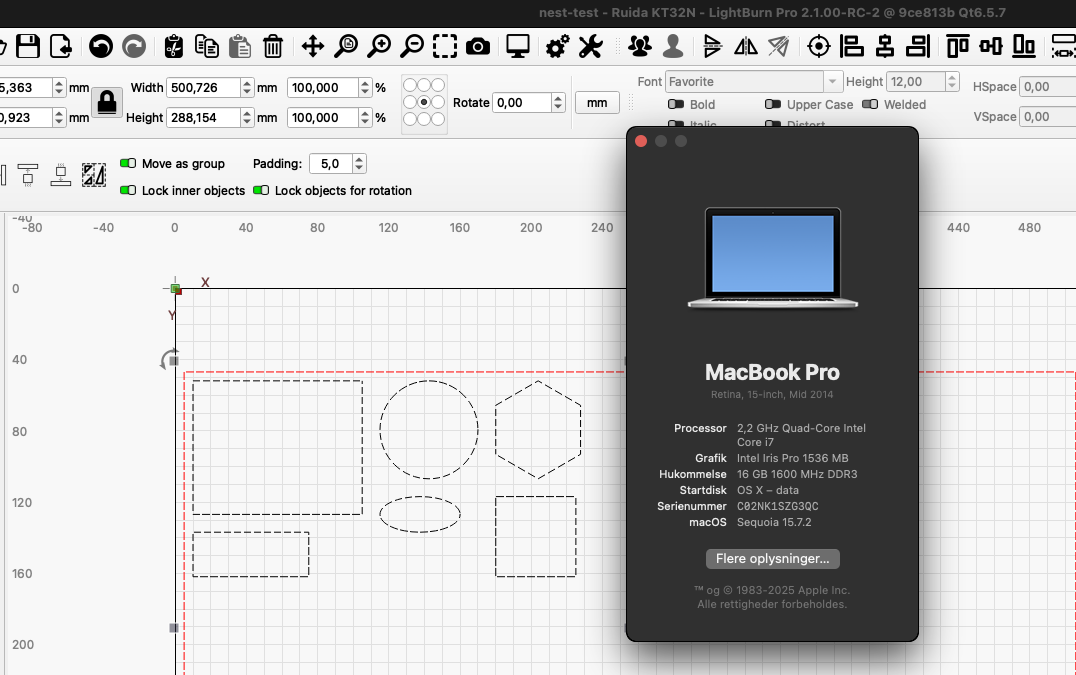
- Quick Nest - Support for Text and Group objects
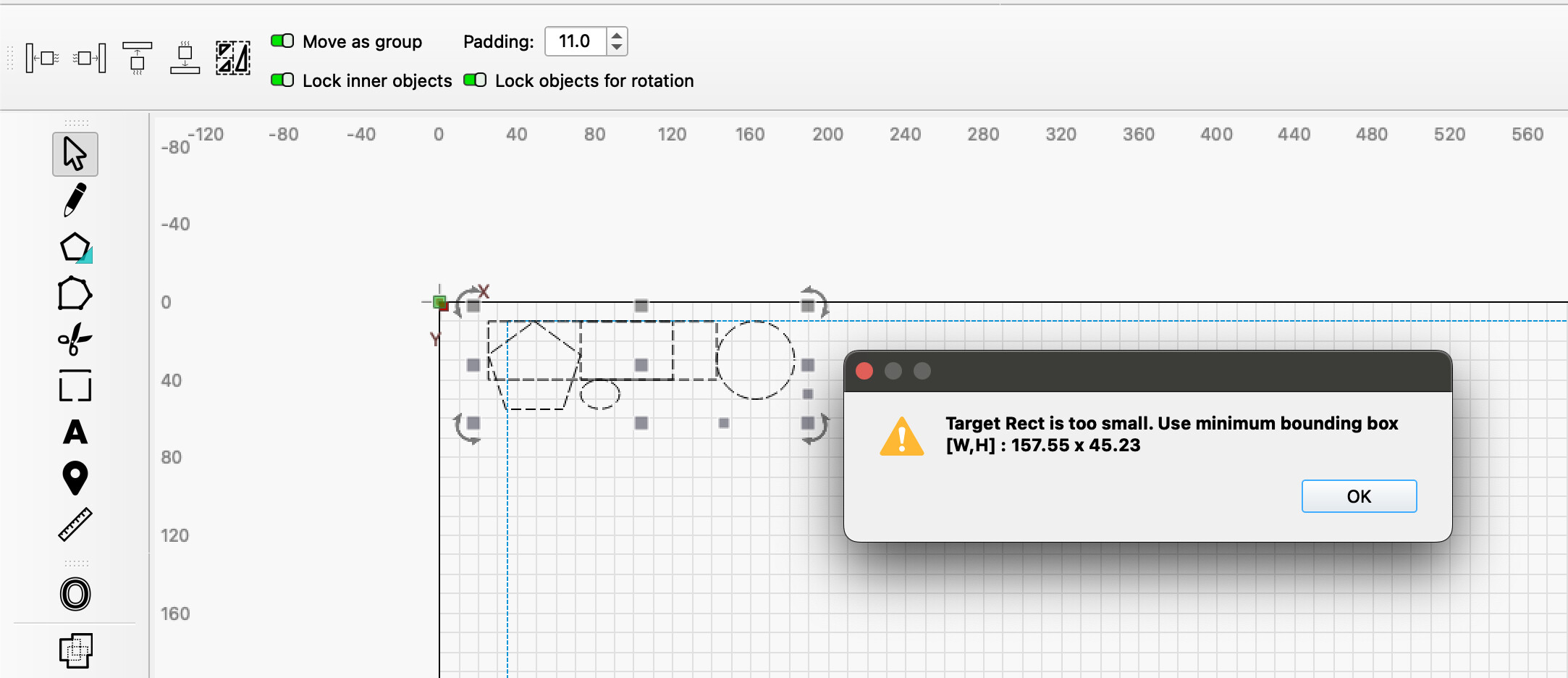
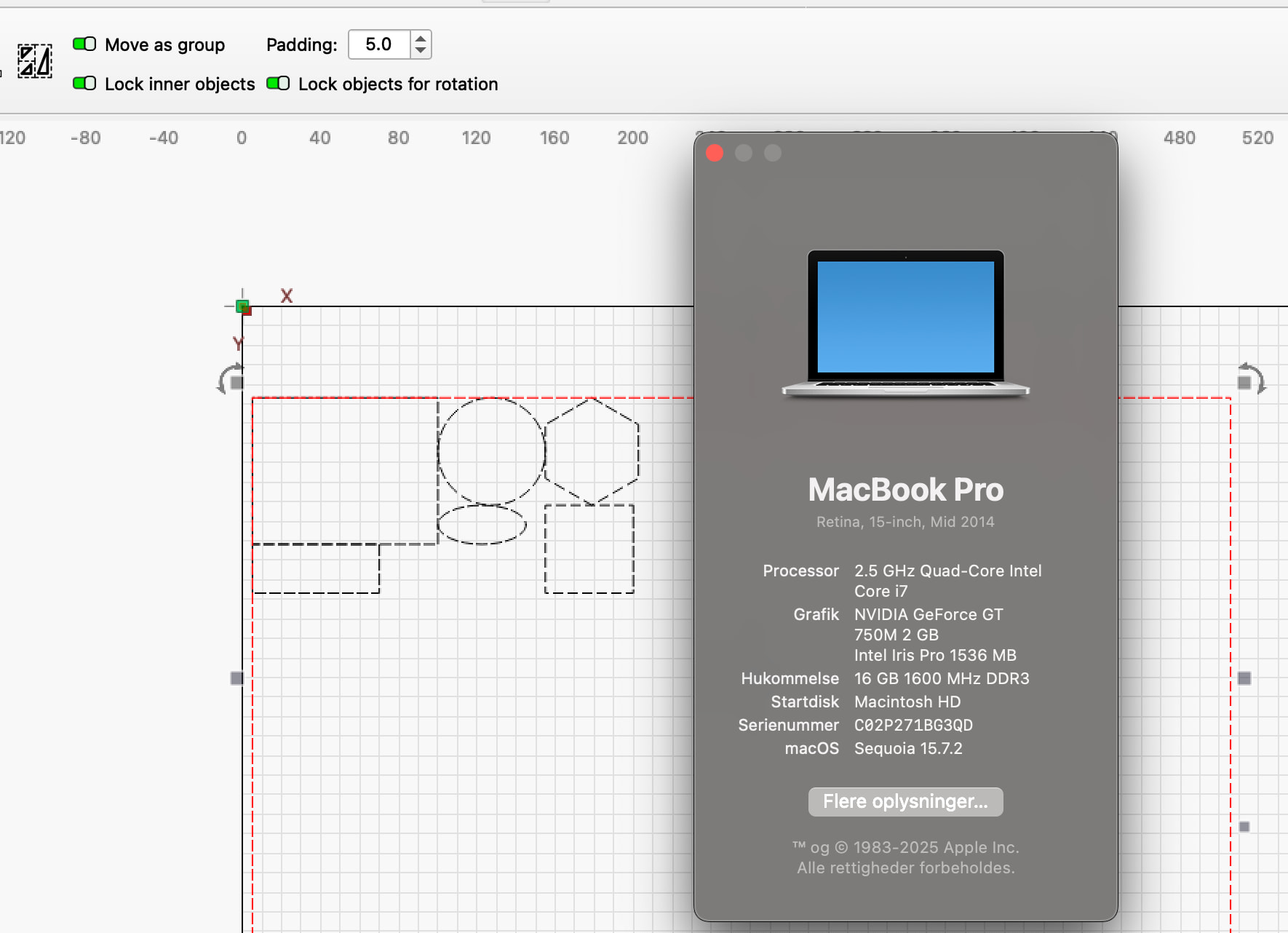
- Quick Nest - Not respecting move as group and lock inner objects
- Font + Paths grouped scaling Bug
- Fix program stall on update for FilletTool
- Unsaved changes indicator in window title fixed for change of device.
- Jog distance and speed were not being restored properly on program start due to unintended events.
- Tool layers weren’t collected if framing something too complex
- When undoing a deleted layer (or undo delete last shape in a layer) ensure the layer returns to original priority (order) in the layer list.
- Scanning Offset units were entered as Control Units but shown as Device Units
- Laser 1 and 2 are exclusive on GCode. Don’t show 2 laser power boxes
- Click to remove fillet didn’t always work
- X/YPos values with apostrophe not recognised
- Fixing the move toggle off not preventing unselected shapes from being dragged in the workspace.
- Fixed theme bug that would cause the settings dialog to think a restart is required if the app theme is set to “System Theme” even if no settings have been changed.
- Very old camera settings files (from before 1.6) could crash on import
Existing Feature Updates
- Improved compatibility for Thunder Vision camera streams
- Swap ‘add camera’ and ‘migrate from 2.0’ button order
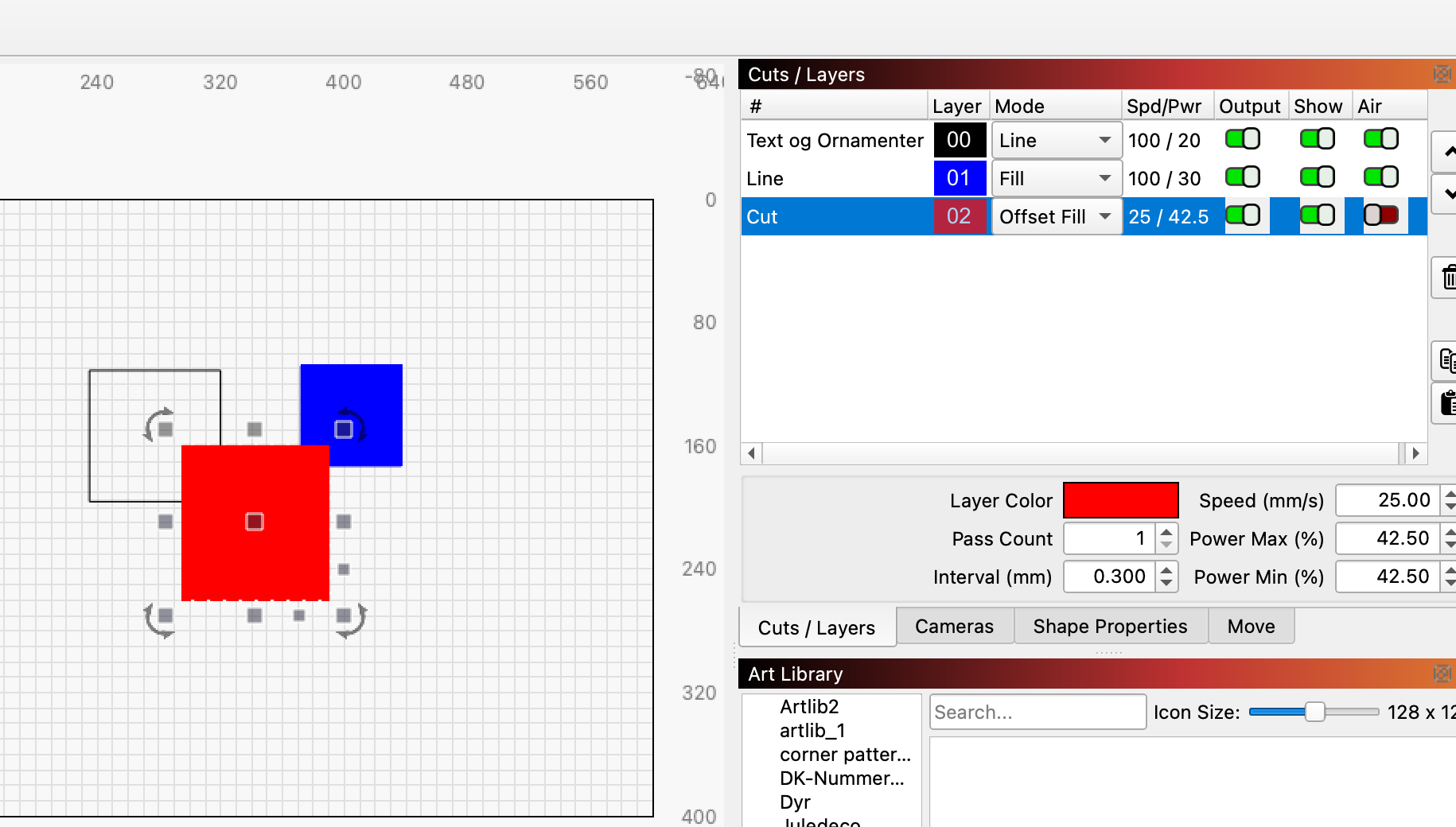
- Sub-layer remove/hide logic improvements
- Increase printer line width resolution to three decimal places
New Features
- Camera Lens Calibration wizard sample thumbnails and percentage scores
User Interface Updates
- Added startup checks for common issues that cause ui elements to grow too large for the screen.
- Added prompt to automatically restart when settings are changed that require an application restart to apply.
- Macro Edit text input now correctly strips formatting from pasted text.
Code Refactors
- Camera widget menus rearranged for clarity and consistency
Other Changes Since LightBurn-v2.0.05
Bug Fixes - Summary
Bug Fixes
- Prevent extreme fisheye projection infinities in head-mounted camera wizard
- Prevent extreme fisheye projection infinities from crashing the diagram in the head-mounted camera wizard
- Handle cancel of Offset Fill
- Galvo auto-rotate scan angle was not being reset between jobs
- Invalid custom gcode blocks were getting hidden
- Tabs not created properly on spiral cut when wraptab necessary
- When framing first, job was continuing if canceled after out of bounds warning
- Large images might not load with Qt6 build
- Restore geometry after previously zeroed values
- Better handle device units for people upgrading from older versions
- Enable relative arrow-jogs with Ruida
- Increase epsilon distance on Trim checks
- If an image fails to import, show an error message about file size (if greater than 100MB) or possible corruption.
- If a very large image fails to import, show an error message about file size or corruption.
- Adding origin type to Go to Origin
- Node editing was not undoing properly because the selected node got removed from the undo.
- Fixing the fire power setting when the Fire button is already enabled.
- 3D slice masked / transparent pixels shouldn’t be negated
- Proper handling of click-drag of multiple nodes
- Fixed Windows DPI scaling bug that could increase the size of UI elements to a degree that made application unusable.
- Fixes a few laser-specific jog issues.
- Rotary enable icon was not showing correctly in some cases
- 3DSlice resampler crash caused by temp variable going out of scope early
- Fix file ‘Start’ corruption after using Send
- Switching user start script and header positions for custom gcode.
- Fixed DPI scaling issue causing blurry / pixelated setting switches and list item icons when display scale is above 100%.
- Properly parse firmware hold state for GRBL-like firmwares if triggered by the machine.
- Changed single line font prefix to SLF, instead of SLF-
- Intersection snaps fixed
- BSL ‘Done Marking’ signal wasn’t emitted
- Ruida ignored focus command if Z-speed wasn’t set
- Extend Docking outside workspace, to fix rounding error bugs
- Relax distance requirements on Docking
- Do not allow user to toggle laser FIRE while framing or busy.
- Fixed comparison calculations causing CutShapes to leave bits behind.
- Empty shape could crash gcode generation
- Bundle Import from device window was broken
- Head mounted camera wizard AprilTag pattern was not working if device units were imperial
- Use error dialog in case of error reading controller info, use warning icon otherwise.
- Removing discrete jogging clamping, fixing continuous jog for G54-configured machines.
- Fix synchronous-mode timing regression.
- MacOS rate limit for Ruida, + variable packet size limit
- Forcefully truncating float numeric error for position down to 1 micron.
- Fail gracefully on DXF SPLINE objects with fit points
- Adding a parsing in the connection info to check for G54 offsets with a warning dialog.
- SVG ‘s’ command didn’t work for sequences of points
- Fixed bug causing bottom of main window to appear off screen on load.
- Fixed incorrect maximum size limit on MacOS toolbar buttons.
- Fixed issue with toolbar icons having edges cut off.
- Fixed issue that could cause main window to load on incorrect screen, sometimes many times larger than the screen.
- Prevent top level menu keys from conflicting with hotkeys.
- Updating displayed position to 0,0 after homing on Ruida.
- MacOS could hang or crash when framing
- Font skips around and reverts on Mac
- Qt6 set a 256mb max image size. No thank you.
- When pasting a copy of a PathShape, do not create Tabs unless the source cut had Tabs enabled.
- Fixed issue with docks resetting to default layout every time app is started.
- Fixed issue causing docks to consume entire window if operating system display scale is changed.
- Ellipse tool ovals are not exporting properly to DXF
- Stop button didn’t properly reset spindle/laser state to off.
- Updating the logic & text of the device size mismatch warning.
- BSL libraries don’t apply lens correction to jump moves
- PDF - Crash - Pack Tokens
- Allow zero spindle speed operations with new Tool Type of Scribe.
- Kerf was not behaving like before, and not correct re inner and outer direction.
- Missing check on empty strings and missing default custom gcode blocks for LightBurn compared to MillMage.
- Icon theme is sourced from correct path for pre release builds.
- Fixing the parsing for metric or imperial modal checks.
- Prevent text shapes from commit when only whitespace
- Prevent crash when trying to load a malformed text backup path
- Prevent MaxOS keyboard bug, paste into new folder dialog incorrectly causes the text to paste into the current project.
- Updated BSL library for MacOS
- Fix the escape sequence logic flaw for custom gcode.
- XTool device position query was broken
- Fixed reversal of RTL text when applying bend.
- Tested with SHX font, fixed mistake in last checkin.
- For Marlin Devices, force the FeedRate to be sent for G1 whenever the mode changes to G1.
- Inverted SHX Fonts in FontManager
- Replacing the broken truncate function for negative numbers.
- Material library combo box was too wide
- Emblaser WiFi wizard dark mode issues on Windows due to Aero theme
- Deform on an image could glitch on parallel lines
- Fixing rotary CCW jog switching directions
- Importing SVG with ungrouped DEF shapes could crash
- Double-click to launch if unconfigured would crash
- Device units could sometimes get corrupted for galvo devices
- When switching devices using the device combo box, if the CutOrigin has been saved for a device then use that setting instead of the UI prefs setting.
- If the CutOrigin has been saved for a device, then use that setting instead of the UI prefs setting when switching devices using the device combo box..
- Fixes for issues seen in testing.
- Fixed some missing cases for scissor tool, Bézier curve at nodes, and line segments that are not terminations.
- Fixed issue with device settings incorrectly sizing custom gcode options tab contents.
- Fixed Bezier Cubic Root function missing a case that caused scissor cut to fail.
- Art library crashed if files dropped when no library selected
- Auto-join could crash in extremely rare cases from a float rounding issue
- Tab drawing wasn’t saving/restoring drawing color
- Prevent a null pointer crash when closing the program.
- Fixed recursive draw error. Show Progress dialog when switching to Ops Mode.
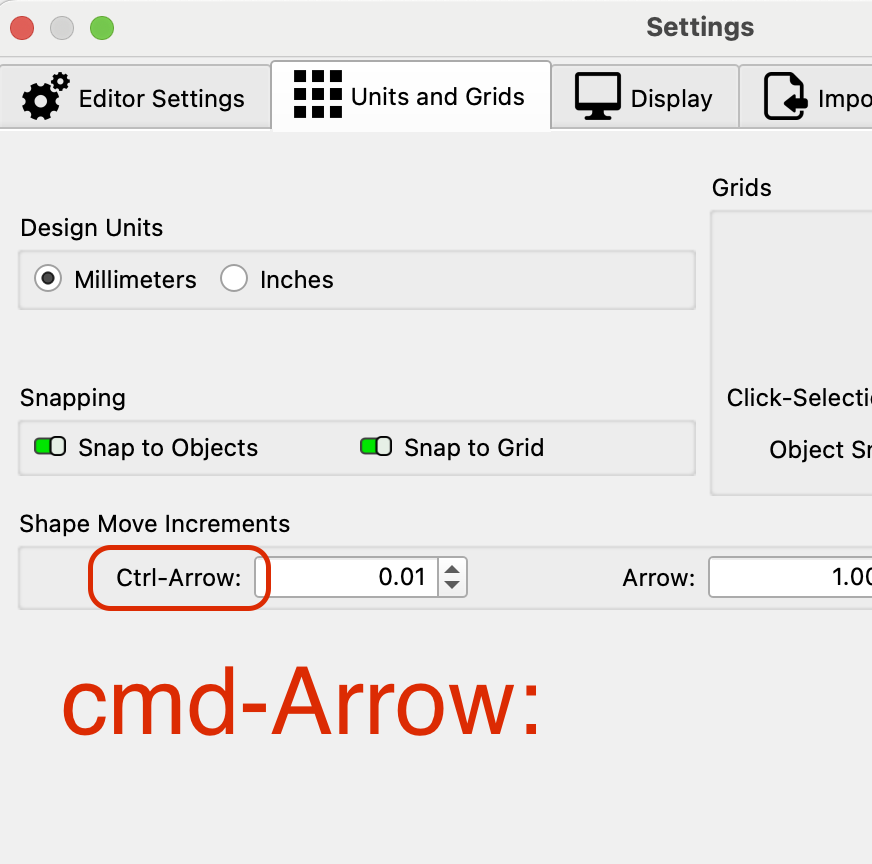
- When choosing different units in settings dialog, convert the arrow move distances immediately to show the converted values, and ensure the range limit works in each control.
- Fix ScissorTool bug that caused duplications during cuts and crashes during undo
- Undo History displayed backwards
- Invalid DXF color indices could crash on import
- Rotary slices weren’t always merged correctly with Run Whole Shapes
- Set Zero on BSL could hang the hardware
- Trim would fail if snipping a shape scaled to zero in X or Y
- Windows camera driver could get stuck (wouldn’t reconnect properly) if there were USB connection problems
- Prevent thread contention of JCZ command buffers
- Fixed issue causing toolbar icons to double in size when a dialog is on a different screen to the main window.
- Fixed bug that can occasionally set all console text to the color red.
- Svg import can now handle tspan elements with arrays of xy coordinates.
- OffsetFill was ignoring PWM override
- Optimizations couldn’t be completely disabled
- Fonts jump in Listview
- Fixed variable text was not restoring the last settings when loading a project.
- Custom Gcode syntax highlighter was stripping out special characters and hex codes.
- Fixed Custom escape character causing string corruption.
- Emit laser2 freq setting
- Quick Nest acting up if Device Origin is top left.
- Fixed fatal crash when applying a radius to a line segment.
- Catch illegal memory access to prevent crash, and show properties correctly for multi shape.
- Overscan distance value wasn’t updating in image mode
- Fixed issue with some numeric input boxes not displaying unit values when units are set to metric.
- Fixing punctuation in dialog messages.
- Fixed the Tab wizard when using tab count, building one less tab than expected
- Fix for incorrect WeCreate disconnect message
- Fixing the G54 offset warning not being shown.
- Fixing the Marlin-related crash on “Go To Origin” button generating “G53G1” without a space.
- Fixing the need to turn off and on again the Show All toggle in the Console for gcode if a connection is reset or device changed.
- Don’t show overrides panel during jogging
- Nested bitmaps could cause infinite loop when merged
- Font Dropdown Box displays font headers
- Font Dropdown Box displays “Favorites” as a selected font
User Interface Updates - Summary
User Interface Updates
- Fixed vertical spacing and minimum height for tabs for the galvo cutsettings dialog
- Set the Radius tool to have 2 decimal places when in mm units.
- In the layers form, Spd_Pwr column, show the Power to 1 decimal (if value is under 100 so user will see the fractional power setting they expect)
- Change Radius to show 2 decimals in mm units. Changed the min max Radius mm to equal the converted inches so conversion back and forth at the maximum is consistent.
- Dramatically improved quality of UI when High DPI scaling is enabled.
- Fix the AirAssist and Marlin Laser Commands groups boxes getting squished when form is reduced vertically.
- Selected shape / item dash length now scaled for screen dpi.
- Better message for PDF Import Error to suggest converting to image before import.
- Improvement to probe wizard to deal with zero Tool Diameter better.
- New icons for diamond scribe
- Added shortcut for device manager [Alt-Shift-M]
- Hide other bundle controls when editing vendor info
- Applied correct DPI scale to message box icons when display scale is above 100%.
- Updated MessageBox icon set.
- Prevent app title bar from appearing off screen when stored window position offsets are incorrect.
- Added higher resolution images for unidirectional and offset fill types.
- Console colors are now set from the application theme.
- Added “Workspace DPI Scaling” display setting. This allows higher resolution drawing / previews to be switched off to improve line visibility on very high resolution display (eg. Apple Retina), or to improve performance on low powered devices.
- Changed console and custom GCode settings font from “Courier” to “Consolas” if available on Windows devices.
Existing Feature Updates - Summary
Existing Feature Updates
- Certain zoom levels were slow because of transparent grid
- Add ‘Flash Layer Shapes’ action so it can have a hotkey
- Minor Tweaks to Cut Settings height
- Better handling of Enter key in Repeat Marking
- Major improvements to reduce direction changes, choose best direction
- Major improvements to reduce dir changes, choose best dir
- Don’t auto-weld single line fonts, only classify SLF-OPF as Single Line
- Added RunLengthDecode support to PDF import
- Allow ‘Bake’ variable text work on selection
- Allow ‘Bake’ variable text to commit a
- Give stacked buttons a bit of forced extra width to allow side clicking
- Move “library” buttons under the lib to allow shorter vertical
- Move “library” buttons into a menu to allow shorter vertical
- Show a message if the user tries to calibrate axis while rotary mode is on (gantry)
- Icons for Material Library functions
- Material test, allow boxes as large as 400mm, limit max font size depending on laser type.
- Keep cuts list position when list changes, keep selection in view when moving up/down
- Forgot to check in new themes for gcode
- Show tool position during cuts using the linecount sent.
- Turned off extra comments that were incorrect for custom gcode
- Increased galvo rotary size limits to 20 meters
- Updated rotary runner screen limits to match setup screen
- Shrink the cut settings window
- Double-click to Adjust Image
- Smaller galvo settings window for Devil’s Resolution
- “Remove fillet” preview
- Made MillMage use ToolLibraries variable and keyname instead of reusing Lightburns MaterialLibraries var and key name to avoid conflicts in the prefs and bundles files.
- Reduced cut setting window 10 pixels more by reducing the dither preview size
- Raised acceleration limits for gantry simulation
- Show warning if using 3DSlice with a single pass
- Drill files with Z drop + Z lift in place will generate 1mm circles
- Export hidden lb/mm layers to svg as hidden entities in SVG
- Regenerate the color swatches when font scale is changed
- Store/restore the repeat mark jog distance
- Galvo framing now gracefully handles when you have too many shapes
- Auto-select laser1 / 2 if appropriate
- Handle 16 bit maps with pre-multiplied alpha
- Add rotary diameter as a custom gcode variable
- Large performance improvement for Operations Mode, and fix to recursive drawing warning.
- New Scissor Tool operation uses shift key to send the clippings to the active layer.
- New optimizer wasn’t special casing filled shapes
- Remove the null at the end of Adobe’s SVG paste data
- When logging enabled, write SVG content to file
- Write available paste formats to debug log
- Fixed multicameras head-scan going out-of-bounds when the camera offset was too big
- Added Thunder Laser presets to New Camera list
- Automatic TabBuilder fixed to prevent having first and last tabs closer than the minimum requested distance.
- TabWizard fixed to prevent having first and last tabs closer than the minimum requested distance.
- Head-mounted camera scans were not being limited by the DPM settings
- Emblaser shared cameras required some settings to be tweaked
- Modified Emblaser Pro Stop command to suppress duplicate newline
- Added “air protect” setting for Thunder
- Camera Preview Quality is now a global preference
- Fiducial markers modified to not overdraw crosshair line when demicircle is not filled
- Some emblaser commands were missing newlines
- Another missing newline for Emblaser Pro and strip upload terminals
- Modified EPro firmware upload to wait for completion rather than depend on timer
- When using ‘Negative’ with 3D slice, reverse the slice order
- Force “Flood Fill” to fill shapes individually, to enforce order
- Redirect main toolbar ‘Update background’ action to multicameras
- Network camera download limits & faster shutdown
- New Camera wizard improvements and modified camera prefs
- Added a checkbox to job control to Ask for Send Name so it can be disabled.
- Improved Add New Camera URL entry UX
- Accept PNG images for HTTP camera sources
- Changed Connection type ‘Ethernet’ to be ‘Ethernet or Wifi’ for clarity
- Changed Connection type ‘Ethernet’ to be ‘Ethernet or Wifi’ for clarity.
- Show rotary icon on the Start button if active
- Update Overlay could crash during homing if changing device from a bigger machine
- Camera wizards UX pass
- Renamed “Undistorted” Camera Image capture menu action to “Calibrated”
- Camera alignment wizard manual process had old extra step when going back
- Rare multicamera async crash when changing device
- Fixed HTTP camera bug that was corrupting some mjpeg streams
- Memory leaks in New Camera Wizard
- HTTP camera compatibility improvements
- Scissor Tool with shift-click should move entire shape to current layer just like trimming a section does.
- Limit outgoing TCP queue size to 8K
- Fix Emblaser Pro file upload progress
- New Camera presets updated
- Clear ToolState on device disconnect
- Changed text in 2 places to License Management to be consistent
- Fix multicameras head-mounted alignment when using manual ‘circles’ alignment target.
- Position query was interfering with emblaser GetFileContents
- Device-level LastCamera prefs needed to remain
- New camera wizard was not setting reconnection properties correctly
Code Refactors - Summary
Code Refactors
- Moved code to calc the width hint for the qNumEntry control to a function because it is needed to be called from any place that changes the space required to display the number.
- Bundle wizards & Zip lib refactored from .cpp to .inc
- GameController.cpp converted to .inc
- Added vision.inc to gather moc_ include files
- Idle job queue and Protocol::IsReady
- Mods to emblaser 2 and 3 protocol file transfers
- Found a potential bug in the emblaser 3 protocol where we were sending extra newlines that were required by the 2, but not anymore?
- Moved faceClearancePcnt into cut_face class from cut_cnc.
- Camera alignment pattern classes moved out of Multi-Alignment wizard and into new utility file.
- Aspect ratio controls moved out of Multi-Camera widget and into new utility file.
- Split many vision classes into .h and .inc
- Single-camera system Emblaser Pro network camera deprecated
- Moved most control mode code out of mainWindow into staticSimulationWidget.
- Fix MacOS compiler warnings in camera classes
- Rearranged New Camera Wizard to simplify inter-object comms
- Deprecate single-camera functions and menu actions
- The Allow G53 toggle was only affecting position queries. This now prevents sending it in any circumstance.
- Fix warnings and log messages
- Translate new camera connection status strings
- Modify camera shutdown logic to wait for full stop
- Always reapply camera widget list mode after device change
New Features - Summary
New Features
- Added custom gcode job header auto generation and editing as a gcode block.
- Add font management dialog
- Custom gcode can now have escaped text sequences.
- Make G20/G21 modals editable gcode blocks for custom gcode.
- Support Dxf Export for AC1009 & AC1021
- Added Undo History window to MM / LB
- Split out Control Units from Device Units
- Added toggle switch to disable KT332N U → Z axis mapping
- Develop 2D Tangent Circle Generator for Triple Circle Input
- Renaming Dxf Export File Filters
- Added the ability to save/load template project files
- Multi-Cameras
- Print Line Width is now a user setting in Import/Export
- Direct Raw and Undistorted image capture from all camera types
- Add ability to name lasers sources when dual lasers enabled
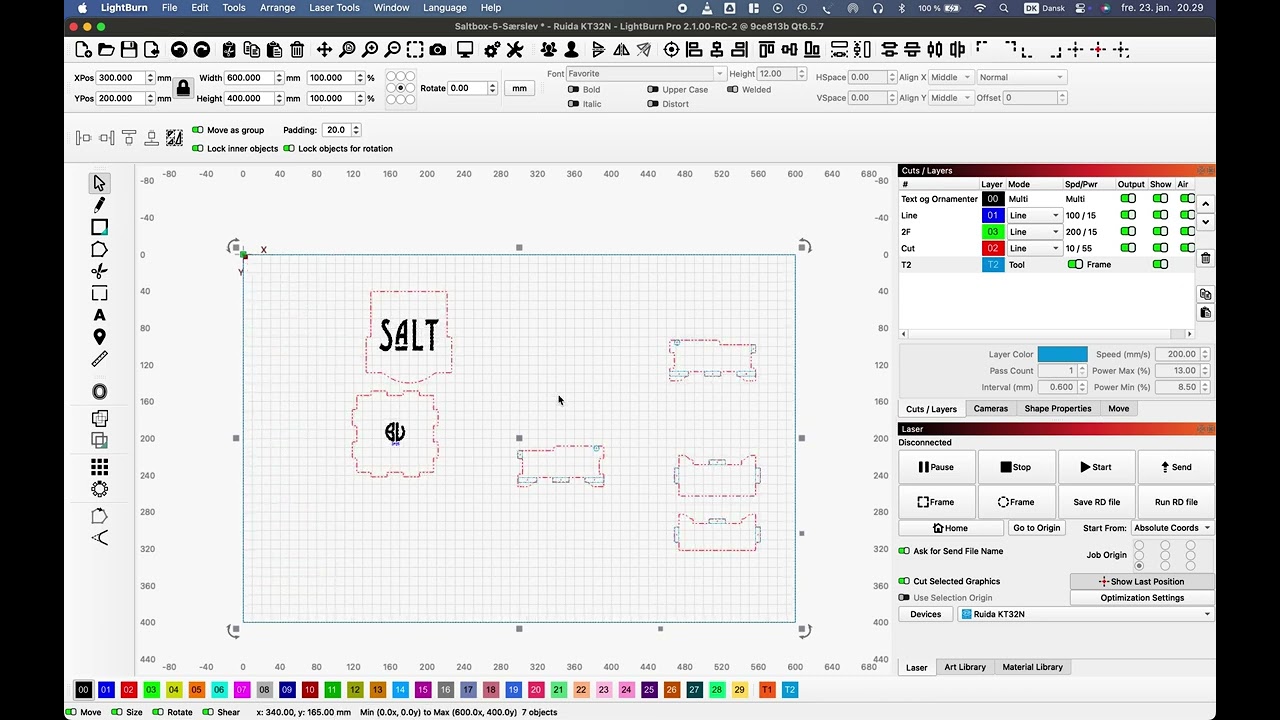
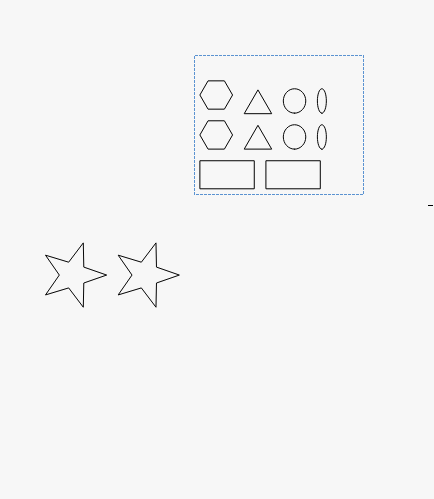
- QuickNest