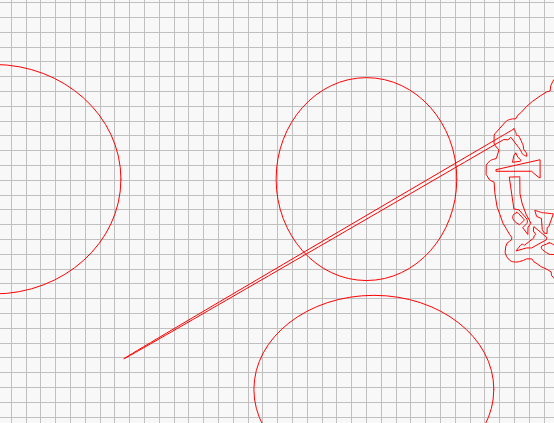
This happens a lot. I don’t know the cause but almost every shape I draw with the line tool, it does this to one of the grid corners. Any way to stop this from happening?
Just turn OFF Snap to Grid in the Settings window?
It still does it with that setting off. I even turned off “Snap Objects” as well.
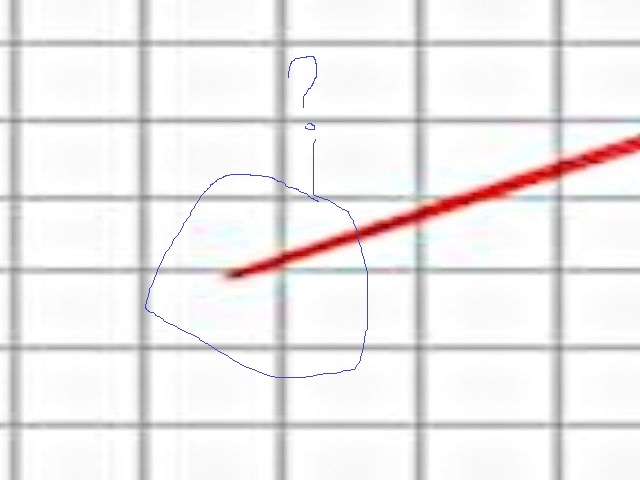
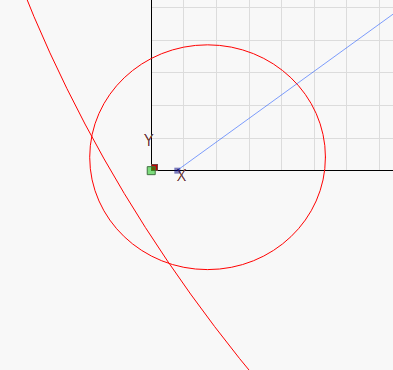
Is this what you are talking about? That is NOT a Snap to Grid result.
With Snap to… turned on, you can hold the CTRL key and it will override the snap.
I tried using CTRL for some shapes and some without and they still had this result. The only way I can fix it is if I use the “Edit Nodes” tool and drag that node from the very bottom corner to the middle and delete it. The shape goes back to normal afterwards. It’s tedious and I’m curious as to why it’s doing this.
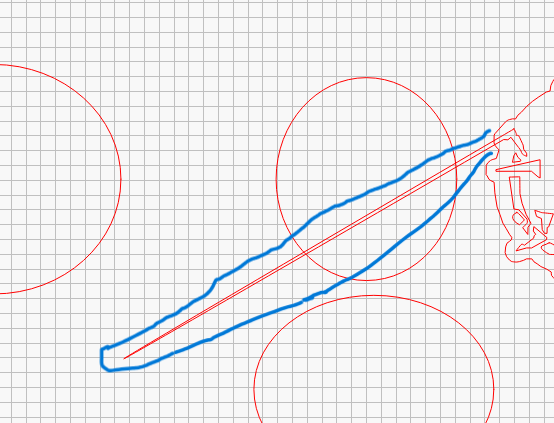
Yes that is what I have been referring to with the image.
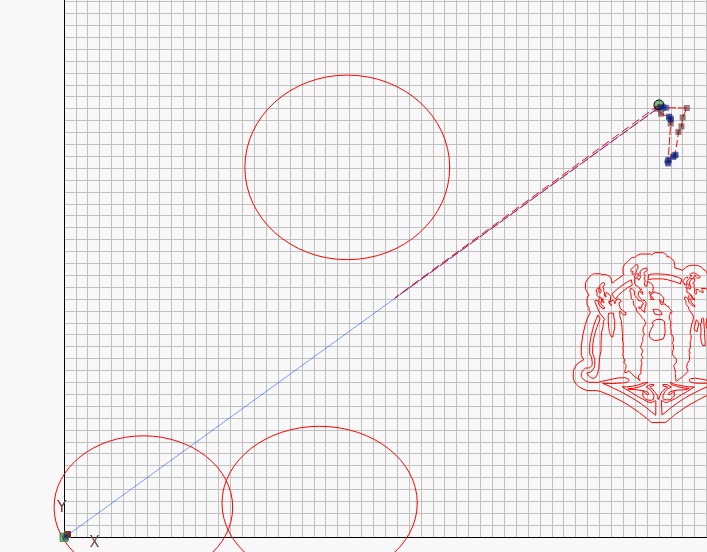
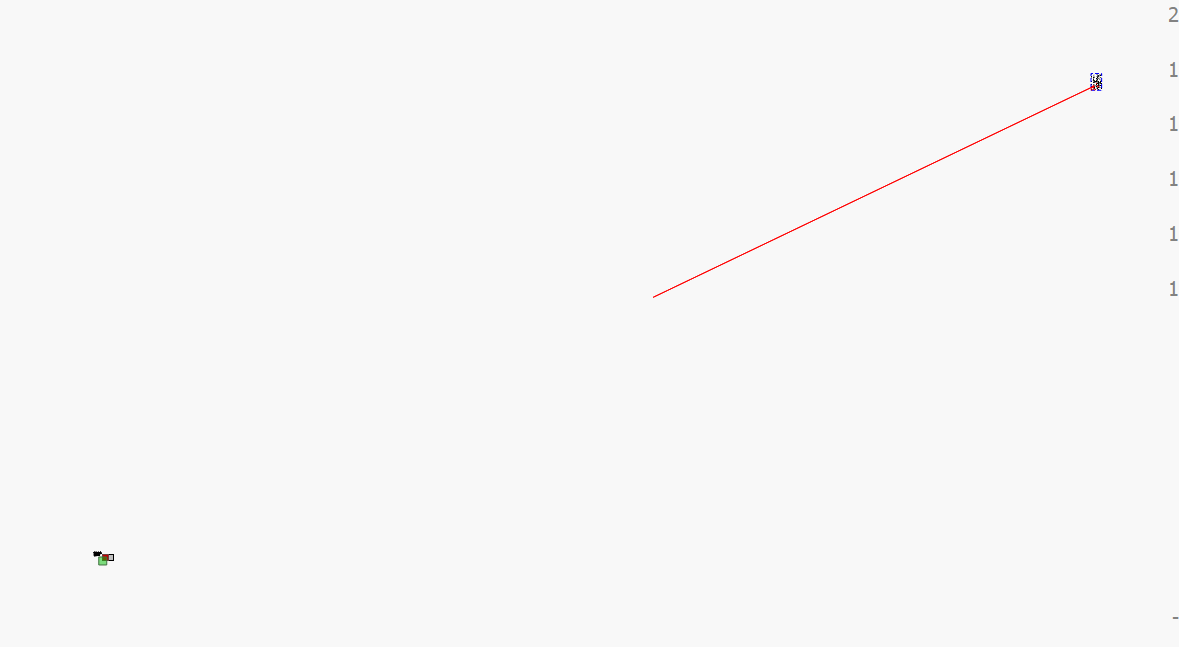
Here is the same issue with another shape with Nodes enabled.
I have a mouse with a hair trigger right button that is driving me nuts. Could be your mouse or its battery.
If that does not cure the problem, and I rarely suggest this, completely uninstall Lightburn and reinstall it. Make sure your work files are in a safe place just in case.
Use the Windows Settings → Apps to do the uninstall. Then download and reinstall the current version you are using.
Hmm. I have a wired Logitech mouse and keyboard. I’ll give uninstalling a shot and see if that fixes it. Thank you for your help
1 Like
Could still be a flakey mouse switch.
Yeah I did everything you suggested and i’m still having the issue. I even tried moving the shapes really far away from the grid and they still manage to warp to that bottom left corner.
I have no more ideas. I do not know if it is a Windows or Lightburn issue.
I suggest you send an email to Support@LightburnSoftware.com and include the link to this thread.
Can you upload the Lightburn file and let me know which version you are using? I would like to experiment with it.
No worries. I’ll let support know about this.
Achievements.lbrn2 (457.5 KB)
The version i’m using is Lightburn 1.4.05. It’s the only version my job will allow me to have until further notice. Again, thank you for the help.
That is really sad! There have been so many improvements that it is like a completely different program.
I looked at your program and see nothing that would cause what you describe. In fact, it is pretty much a simple design.
Yeah it kinda sucks to stay stuck on this version. Hmm i’m not sure then what the cause is. I sent an email to support so I’ll wait for their response
1 Like
This topic was automatically closed 30 days after the last reply. New replies are no longer allowed.