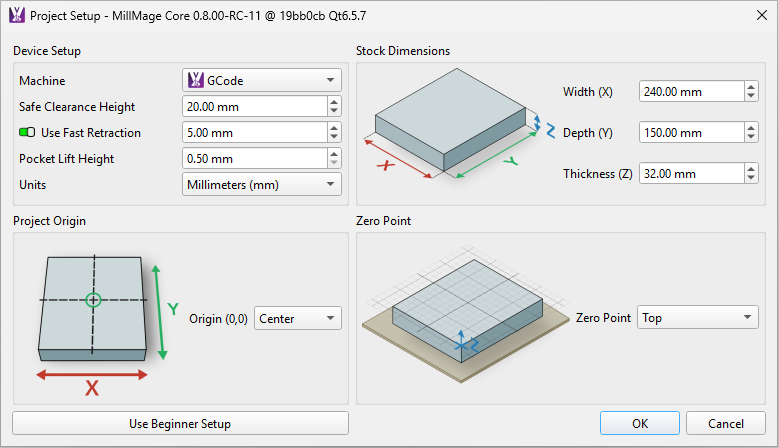
The material is set so that the origin is the top of the material and the centre:
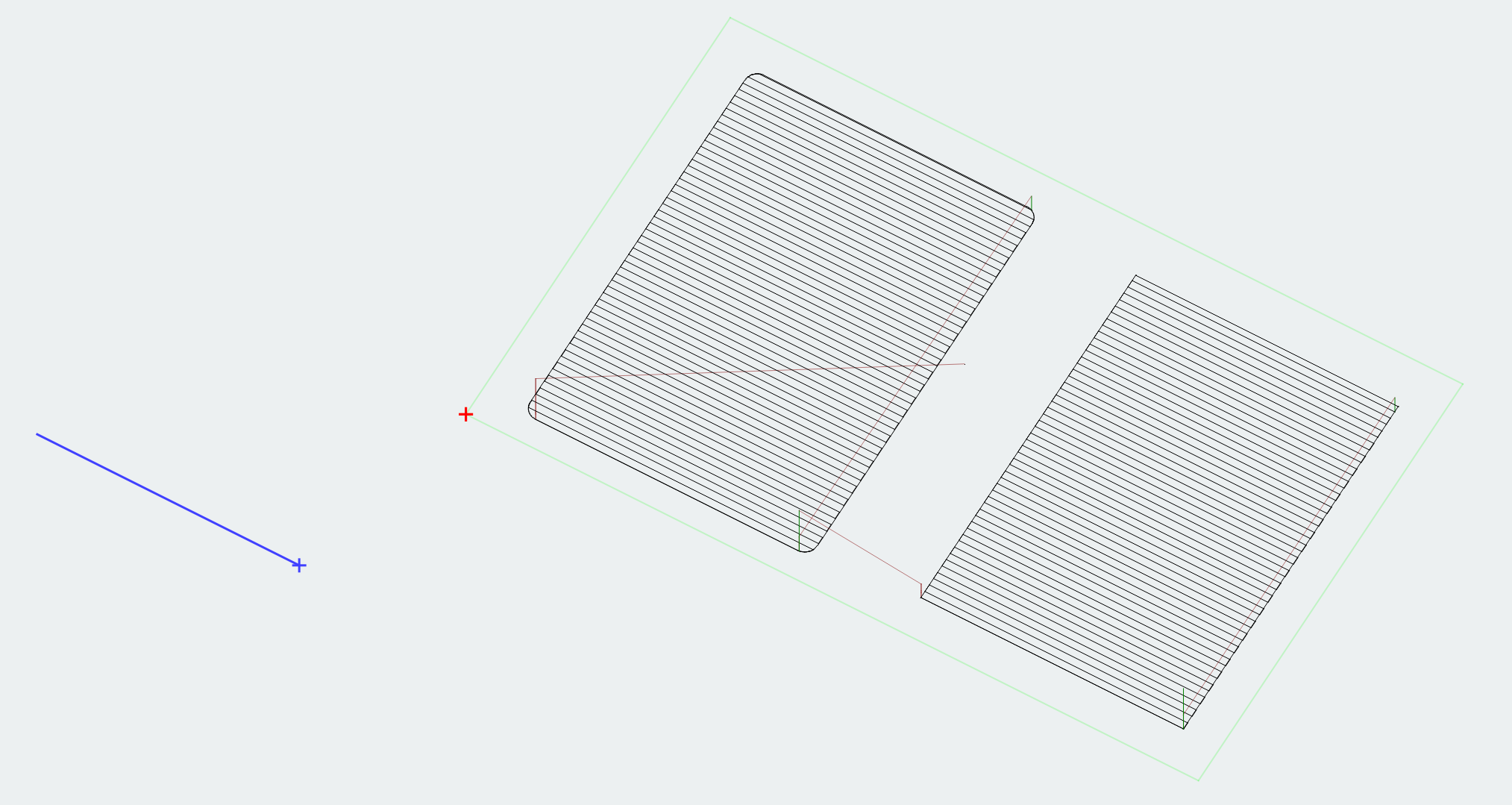
When I switch to control mode and click on the gCode on the left hand side I down arrow until I get to the first movement, the blue line does not line up with the path and the red cross is still the bottom left:
When save the gCode and then load it into a simulator it does not line up with the grid but it should right?
Which Rc is it , there is a bug re Z height, which this could be part of. which support is aware of. a new RC has been released try that see what happens
I downloaded and installed RC11 yesterday.
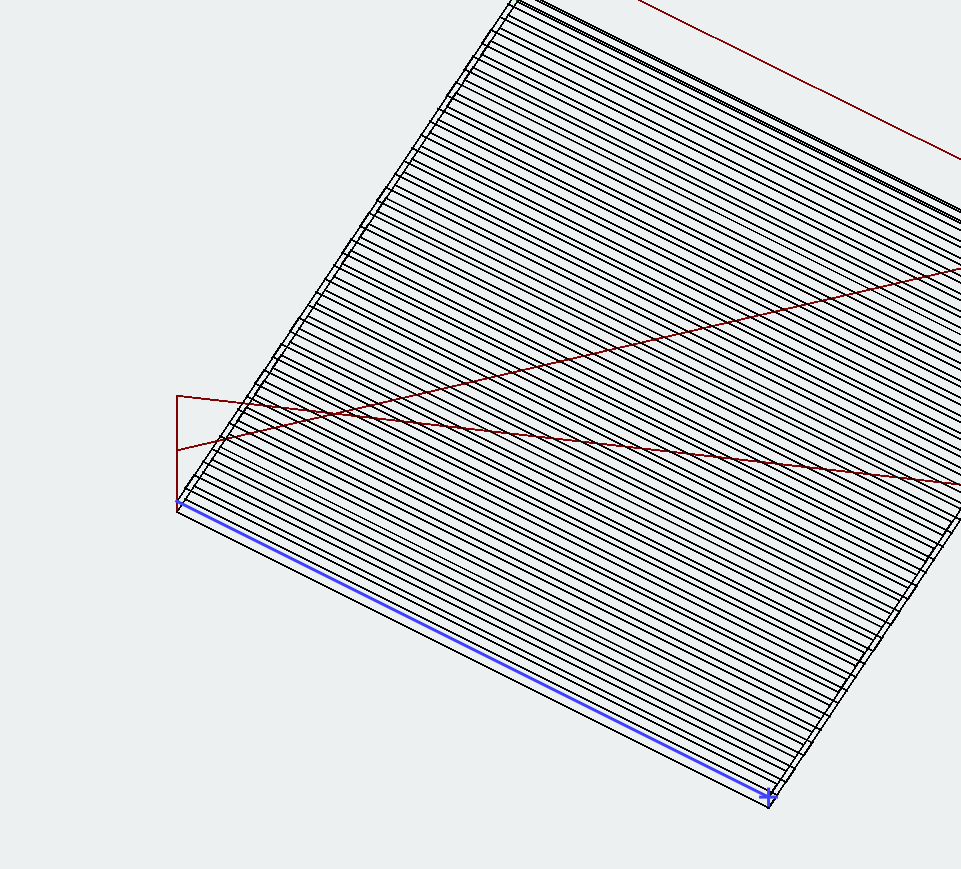
So I just downloaded RC12 then installed it and it seems the blue line alignment is fixed:
1 Like
Gahhhhh… the box says to mark it as Solved but it doesn’t say how!!!
Ah I see now, there is a box that allows you to mark one of the replies as the Solution.