In my experience, the ortur laser is easier to run when units are set to mm/mimute. Not sure what you are using.
2000-3600 mm per minute is a good rate.
In my experience, the ortur laser is easier to run when units are set to mm/mimute. Not sure what you are using.
2000-3600 mm per minute is a good rate.
That is okay, I see it was “”, meaning it might not have been saved. The Red layer was not visible, so I could not make changes to the file provided and try to duplicate your results.
Maybe we can attack this from the other end. I have created a test file using your design, and hopefully end up with what you are trying to get. Run this file and let us know if it works for you. You may have to adjust the position a bit.
Laser Sign - MH.lbrn2 (30.6 KB)
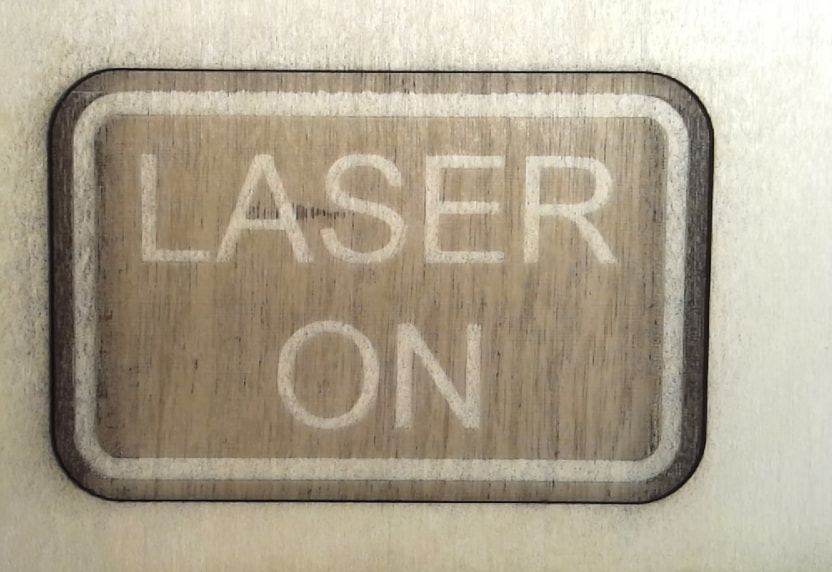
My output (previously used scrap wood)…
Mikey
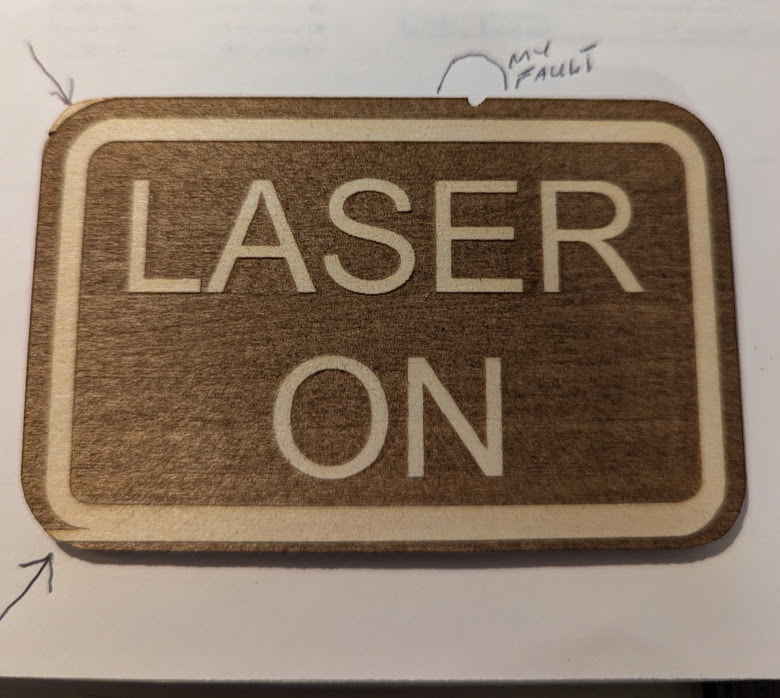
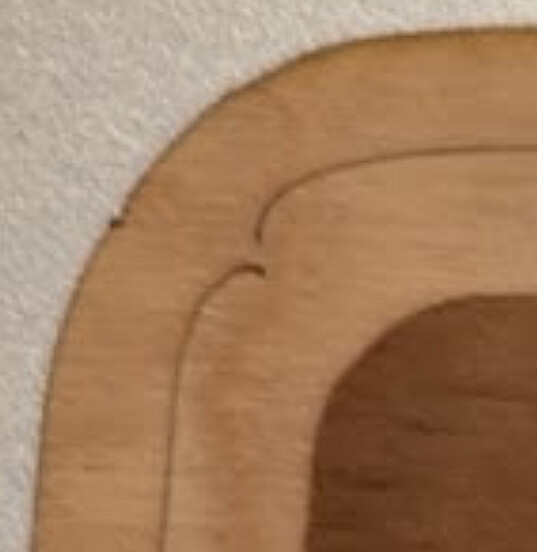
I ran the file you sent me and it worked a lot better with 2 flaws,actually 3 flaws but the 3rd one was mine because I had to use a piece of wood that barely fit the sign and a cut from a previous job is present in the new sign.
Can you please tell me how you came up with the very precise for fill and cut
Fill 236/40
Cut70.9/95
Why not 240/40 80/95
In any case I’m still trying to figure why your worked and mine failed?
Thanks so much for all your help
Tom
Better, but still not acceptible.
That shows your machine is 98% okay and Lightburn is 100% okay. I am guessing here, but those 2 areas suggest the laser is turning off during motions at the far left of the travel. I would look at the cable going to the laser module: loose connector or intermittently broken wire.
Because my setings are all mm/m for the laser motion. I design in both inches and metric, but moves are always metric (this has been said best for diode lasers at least 1000 times on the Forum). They came up incremental because you are not using the same units.
It looks like you are using in/m for motion units. Look at the number conversions…
Yours Mine (roughly rounded)
80.0 = 2032
81.0 = 2057
Diff 1 = 25
As you can see, you can have a lot finer adjustment of the speed compared to using whole numbers with inches.
Bottom line: Use what is most comfortable for you. Just be sure to include the units for all numbers when sharing information.
Being 82 years old and trying to learn a new measuring system is very difficult for me but I’ll try my best. I’m not sure what to change or where to change it though.
The method of selection has changed since v1.7.00, and now you can link design and control units so they are the same. I prefer to unlink so control is mm/m and design is whatever if feel like at the time, inches or metric.
Guess I’m behind the times. Still stuck in 1.7.
Seems like those three options do the same thing.
Thanks for all that info.I really helps me to know what to set and where to set it!
Tom
You could not previously lock both together. Based on what I read, 50% do and the other half do not. 
Maybe we can get someone like @ednisley to look at this problem with some new eyes. Your latest is an improvement but still not right.
Which look very much like typical USB communication problems:
The usual advice applies:
A cable with ferrite cores on both ends, bought from a reputable supplier (rather than a randomly named Amazon / eBay seller who also offers beach attire and kitchen utensils), seems to resolve many problems. IMO it’s because the ferrite cores justify a price high enough to allow better (or any) QC for the internal wiring.
However, this suggest a different problem:
Power supply problems can be caused by a loose / slightly unplugged connector, so be certain all the electrical connections are solidly plugged in and not wiggly loose.
The symptoms suggest getting a better cable, because that’s relatively cheap and easy.
If the problems continue and, in particular, if the power supply error occurs again, then a new power supply is likely to help.
You’re in the right place with the right questions. IMO, a fair number of young pups are doing much worse. 
Have you checked the source to see if that ‘glitch’ is there? That or preview should show you.

What was the final fix?
No glitch in the preview window.
To be honest I don’t really know other to follow all of the instructions I got from all of the guys.
I did change everything to mm which I’m having trouble dealing with but if that fixes things I’ll suffer through it.
I did check all of my wire connections and complettttttely reset buth my laser and downloaded the latest version of lightbur,I had gone back to 1.7 earlier but that didn’t fix my problem.
One of the guys ,I think Melvin but I don’t remember gave me his file of this project and after that it looks like all is well.
Sorry I don’t have a definitive answer for you.
Tom
You can change your project creation to inches and laser speed to mm/min. It’s what I use, As I’m not comfortable dimensioning in MM.