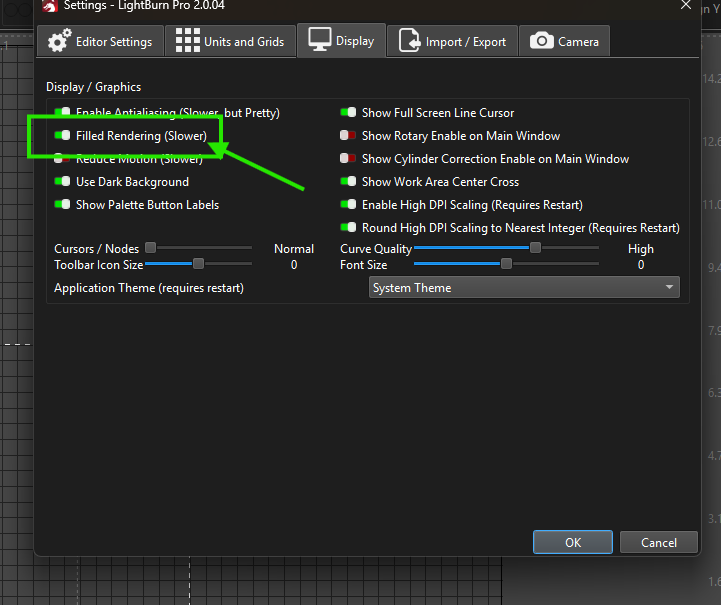
I haven’t been using LightBurn for a few months ,been on the other computer ,both mac’s and now line like making a square I cut make it out and the colour isn’t showing ??? I’ve tried thoughts please
Pat…ps I’ve taken 2 pictures but not sure how to put them up
There are some times where being in LINE mode will be helpful - like when editing nodes. 95% of my time is spent in FILL mode so I can better see the shapes that I am moving about,
thanks for your input. thought i had it better ,and actually is better but not as it was !still lines are so hard to see ?
must be somthing in the settings ive accidently turned off or on???
pat
Pat, take a screenshot of your cuts/layers window.
Take a screenshot of your workspace that you are having trouble with.
Please show us what your eyes are seeing (or not seeing)
The differential spread of skills and knowledge of the LB user base makes it very hard for the forum to accurately predict where you are on the learning curve.
Win+shift+S to open snip tool. Drag a box around what you want to show us. Come back here to the forum and press CTRL+V to past the screenshot.