Hi LB community!
So this issue I’ve been sitting on for awhile now. I figured out the work around and I just do that, but today is I was looking for solutions and wasn’t able to find any.
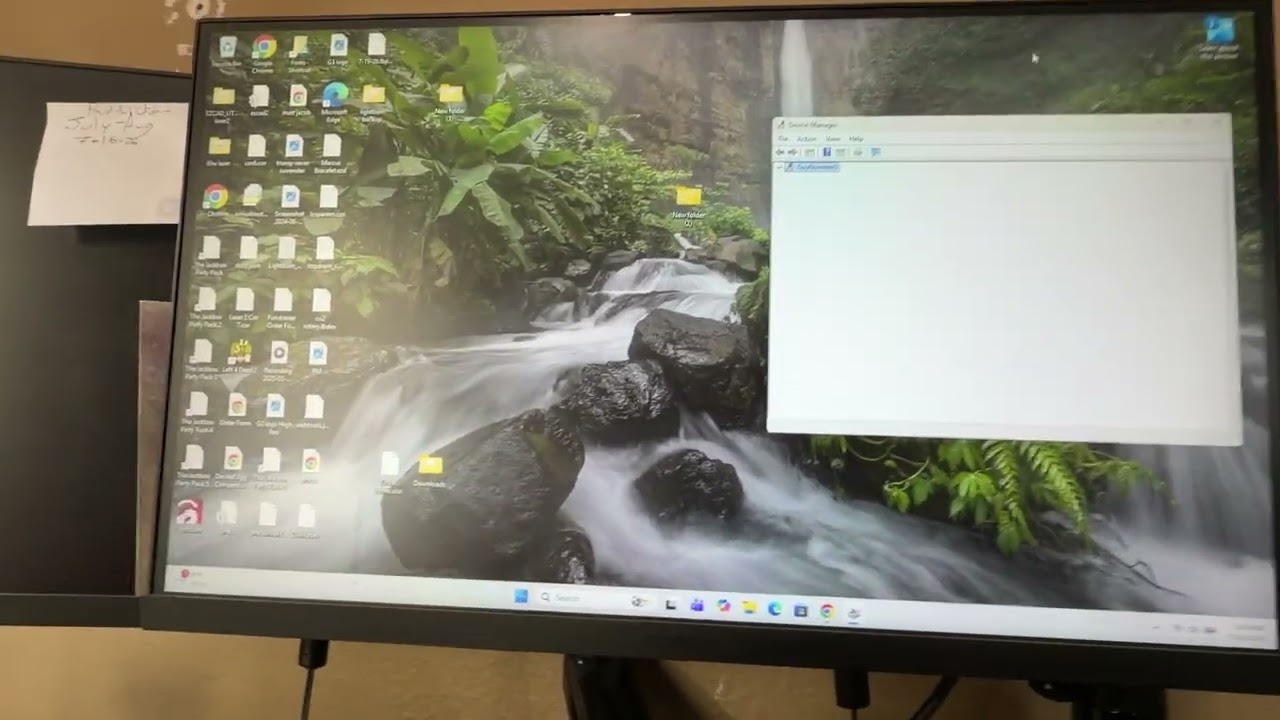
I made a video so you can see what its doing.
If I have my laser with an LMC driver turned on and I open lightburn, it will crash and I have to close LB. If I have the laser turned off, open lightburn, change the device to the laser I want to use with the LMC driver, open the file I want to engrave, I can then turn my laser on without lightburn crashing.
The video I start with my work around to get my laser to work, then I turn the laser on and open LB and it crashes, then I have the laser off and go through the steps again to get it to work.
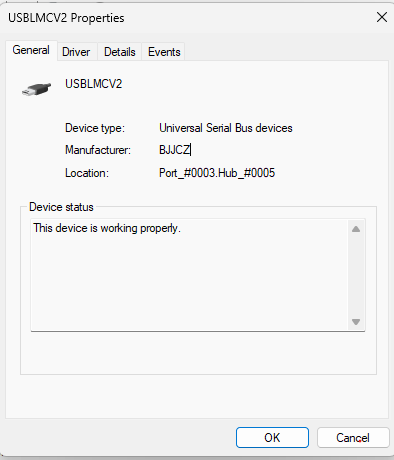
I’ve uninstalled and reinstalled drivers, I’ve reinstalled LB.
This is way above my pay grade, but if Lightburn crashes, there will be a crash report file on your Windows desktop. Email that file to Support@LightburnSoftware.com and include a link to this Thread.
Hi Mikey, thanks for that. I checked my log it had a red X and it hasn’t been updated since 2025. I’ll see if i can get it to make a new one or something.
Question:
Do you have more than one galvo connected?
In the second video, after reopening LightBurn, the status in the Laser window is quickly changing between Ready and Framing.
Does it improve things, if you select the COM port number of the laser in use, instead of (Auto)?
We hear a couple of Windows bleep-bloop sounds of the laser re-connecting during the video, and it’s not clear if you unplugged a device when this happened.
LightBurn did not crash during the video, so there won’t be a crash log. When it’s locked up, does it continue responding if you unplug all lasers from the USB ports?
Hi Aaron!
Thanks for the response. Here’s a new video of the same issues. I unplugged the USB and it still freezes up with no responding. I’ve left it for awhile before and it never comes back.
I think I’ve narrowed it down to there’s something wrong with my computer. I installed lightburn on another computer and had no issues with it freezing up while the laser is on before lightburn. If you guys have any ideas about that or maybe I throw it out and get a new new one. Let me know.
Thank you for the tests, confirming that LightBurn stays locked up when you unplugged the laser. It’s also valuable to know that it doesn’t come back on its own if you let it sit for a while.
In the video, right when LightBurn is starting, we hear the Windows sound of a device re-connecting. Did you change anything on the device at this point?
We also have this docs page for Windows Specific Problems that’s worth reviewing.
The status toggling between framing, disconnecting, and ready is interesting.
My first guess would have been a faulty controller, but it’s good to hear that the problem doesn’t occur on another computer!
Are both computers using the exact same USB connection? If you are using any extensions or USB hubs on the offending machine, see if taking them out of the line helps.
I’m, eager to find the cause of this. If you make any further interesting discoveries, please share them with us.
Hi Parsec,
I had a driver from 2024 on here before, I thought it was a driver issue at first so I uninstalled Lightburn, uninstalled the driver and reinstalled everything brand new. Didn’t seem to help, I’m willing to uninstall and reinstall again. At this point i feel like I need to toss my PC lol