Hello all. I recently bought a Longer ray5 20w. I cannot get it to work whatsoever.
I installed the CH340 driver and it is showing as being connected to com 5.
I am running lightburn on my HP pavilion g series with Windows 10.
I have tried adding it manually and when i change from com 3 where i am using my Sculpfun S9 to com 5 for the Longer ray5 i do hear something that suggests its registered (kind of like the motor is powered)
Everything else powers on, ie Air assist and i can hear the fan. I just can’t get any movement whatsoever from it.
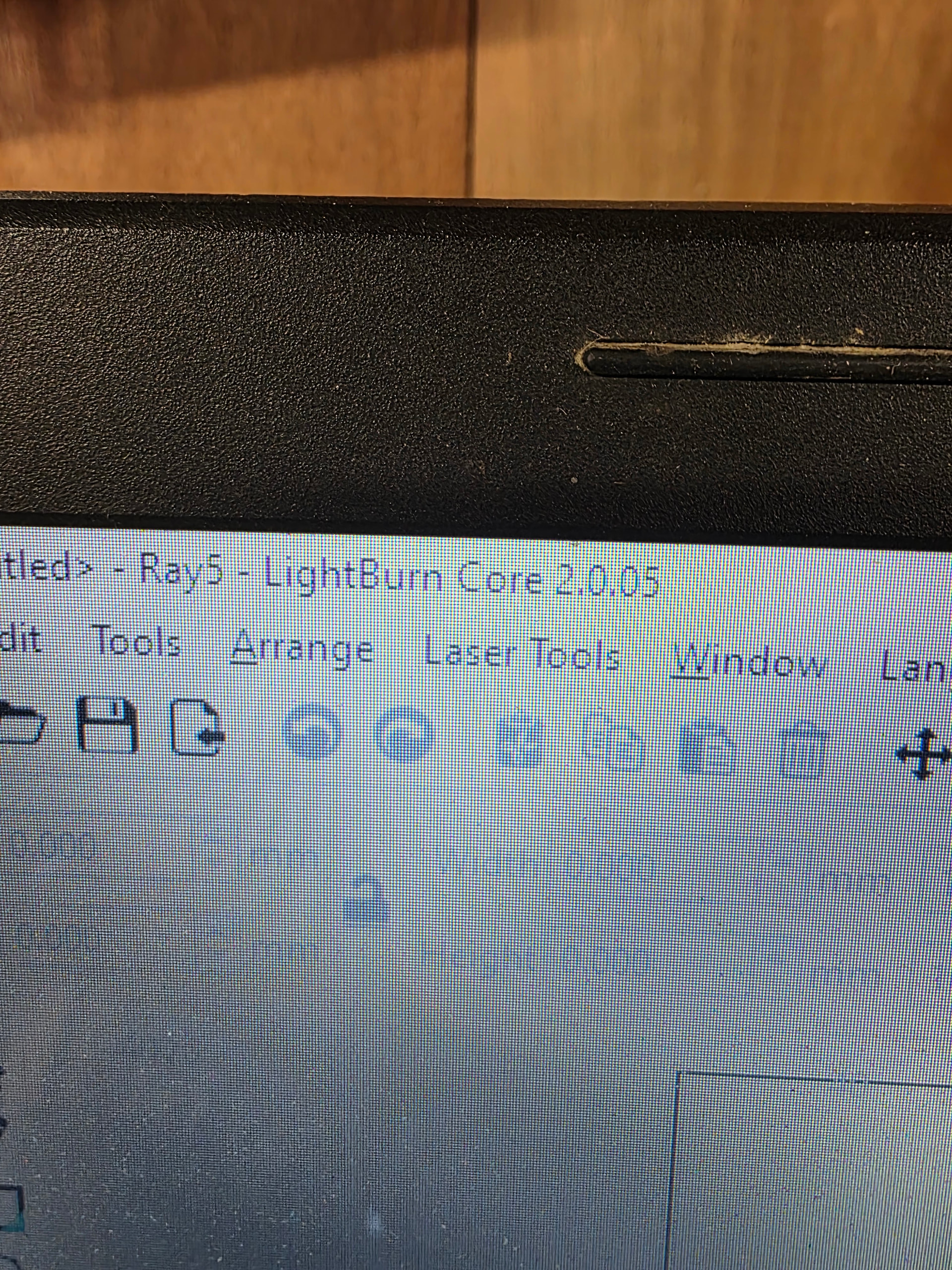
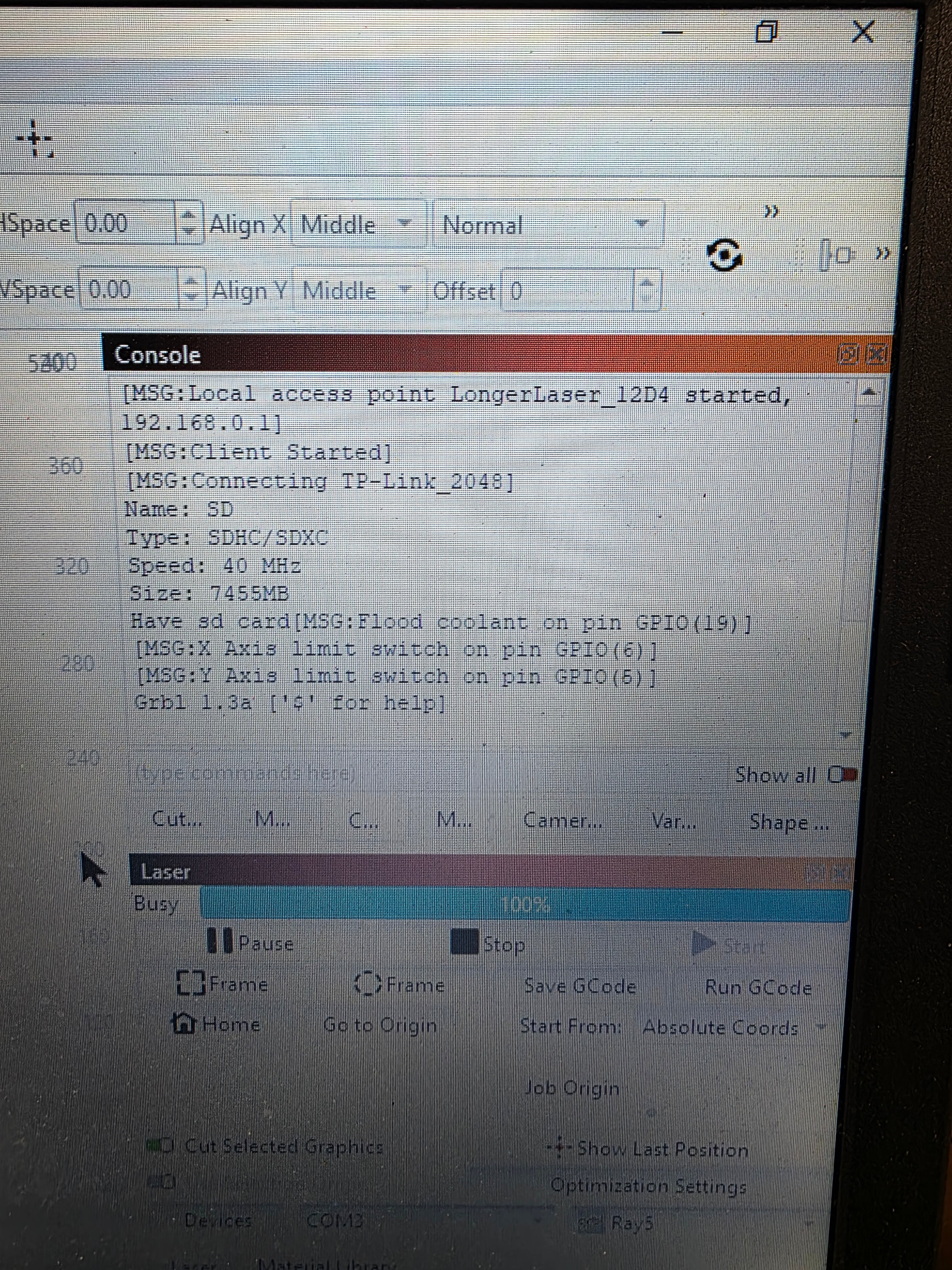
I have attached the lightburn version and a screenshot of the console with all the messages it throws up.
Hopefully one of you geniuses can help me. 
You have to enable DTR in device settings.
There are no errors or alarms in the messages. @parsec likey has the right solution.
The Chinese are notorius for changing software versions during model production runs.
My SF-A9 needed to do a COM refresh before it would home. My S30 would automatically connect and Home. Flashed the SF-A9 yesterday and now it behaves like the S30 on power up.
Sorry for the delay.. enabling DTR sorted my problem out.
Thanks a million