Hello
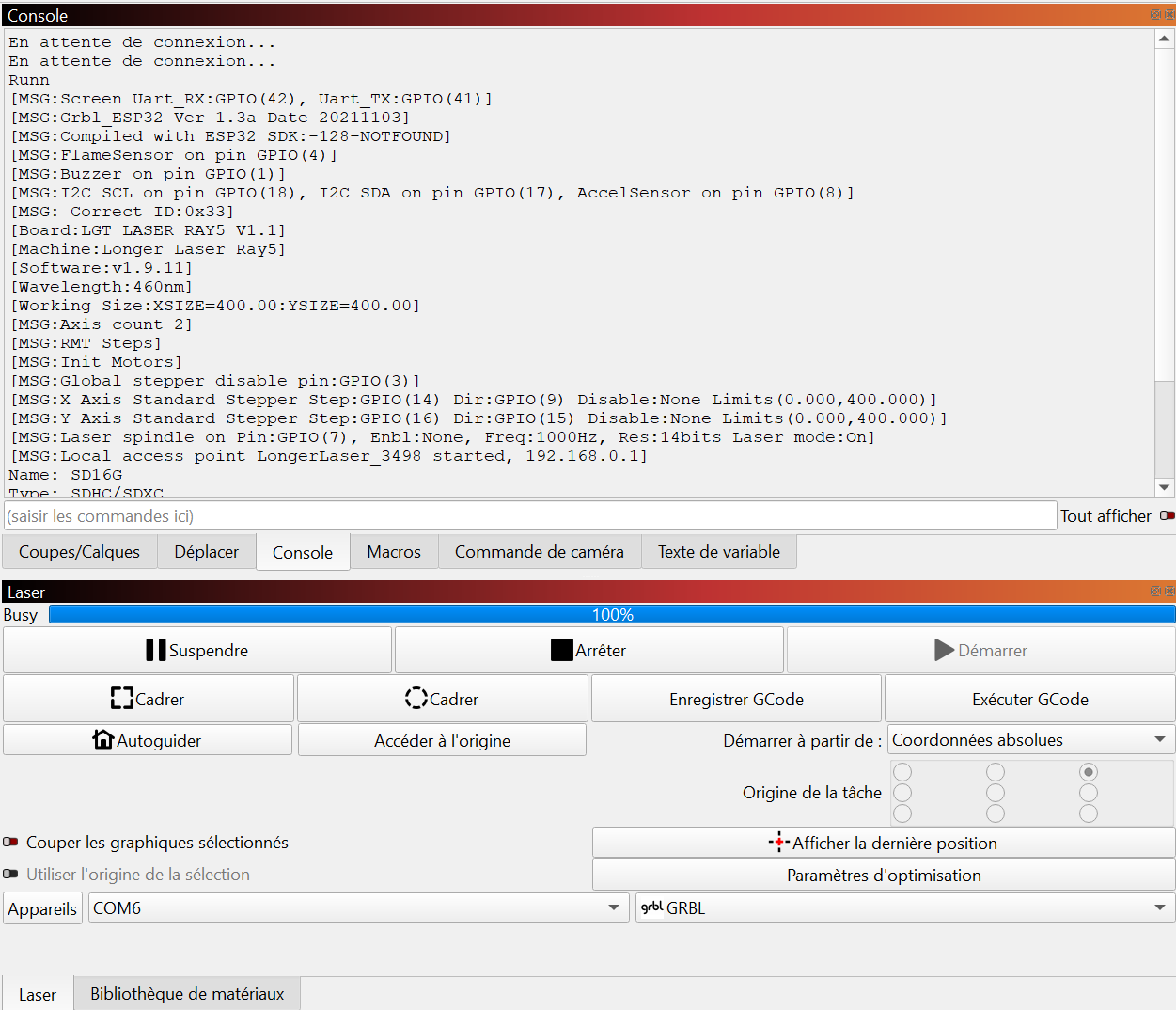
I am having a connection issue with my Longer Ray5 laser. As soon as the machine connects, LightBurn status switches to “Busy 100%” and I cannot move the laser or run any jobs.
My setup details:
Machine : Longer Laser Ray5
Controller : LGT LASER RAY5 V1.1
Firmware: v1.9.11
Connection: COM6 / GRBL
Console Log Observations:
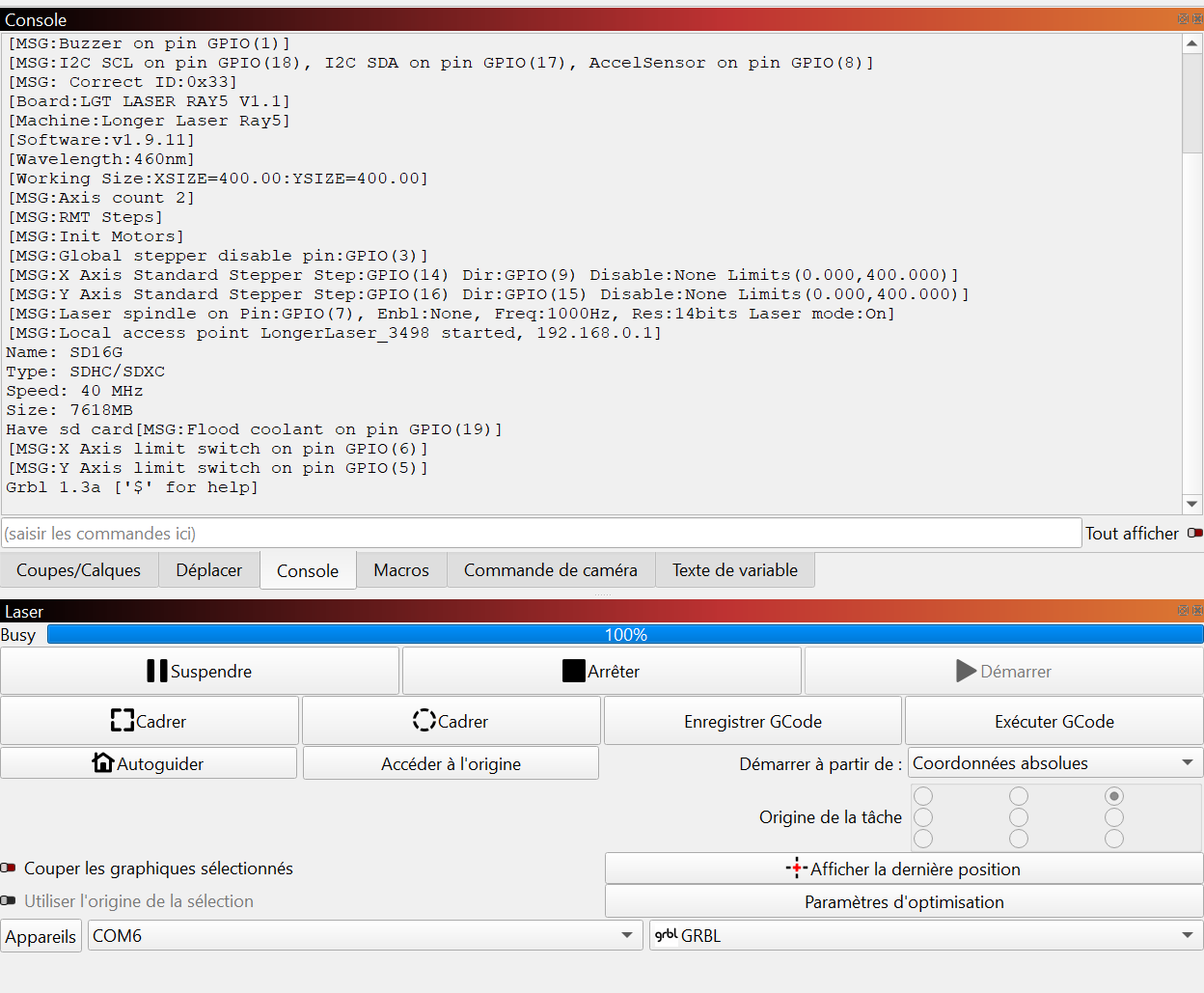
The boot sequence seems to complete, ending with Grbl 1.3a ['.
However, the progress bar stays at “Busy 100%” immediately after the connection.
I noticed a message: [MSG:Compiled with ESP32 SDK:-128-NOTFOUND].
SD Card is detected and limit switches are initialized.
What I have tried so far
Restarting both the laser and LightBurn.
Verifying the COM port selection.
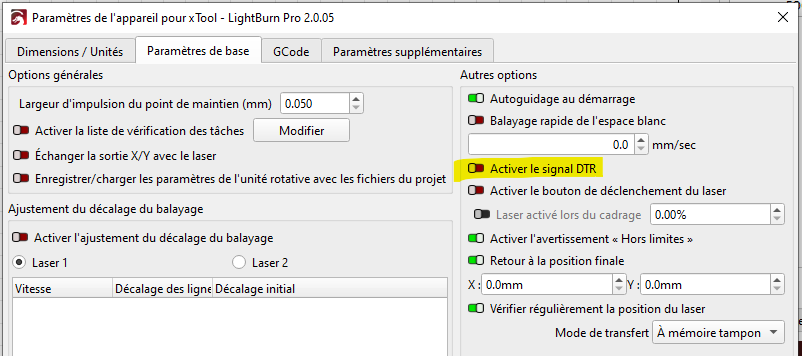
Is this a known communication issue or a specific setting I should check in the Device Settings?
Thank you for your help! for help]`.
- However, the progress bar stays at “Busy 100%” immediately after the connection.
- I noticed a message:
DISCOURSE_PLACEHOLDER_2. - SD Card is detected and limit switches are initialized.
What I have tried so far:
- Restarting both the laser and LightBurn.
- Verifying the COM port selection.
Is this a known communication issue or a specific setting I should check in the Device Settings?
Thank you for your help!