Machine not working proper

I have a ortur laser machine 2
20w laser
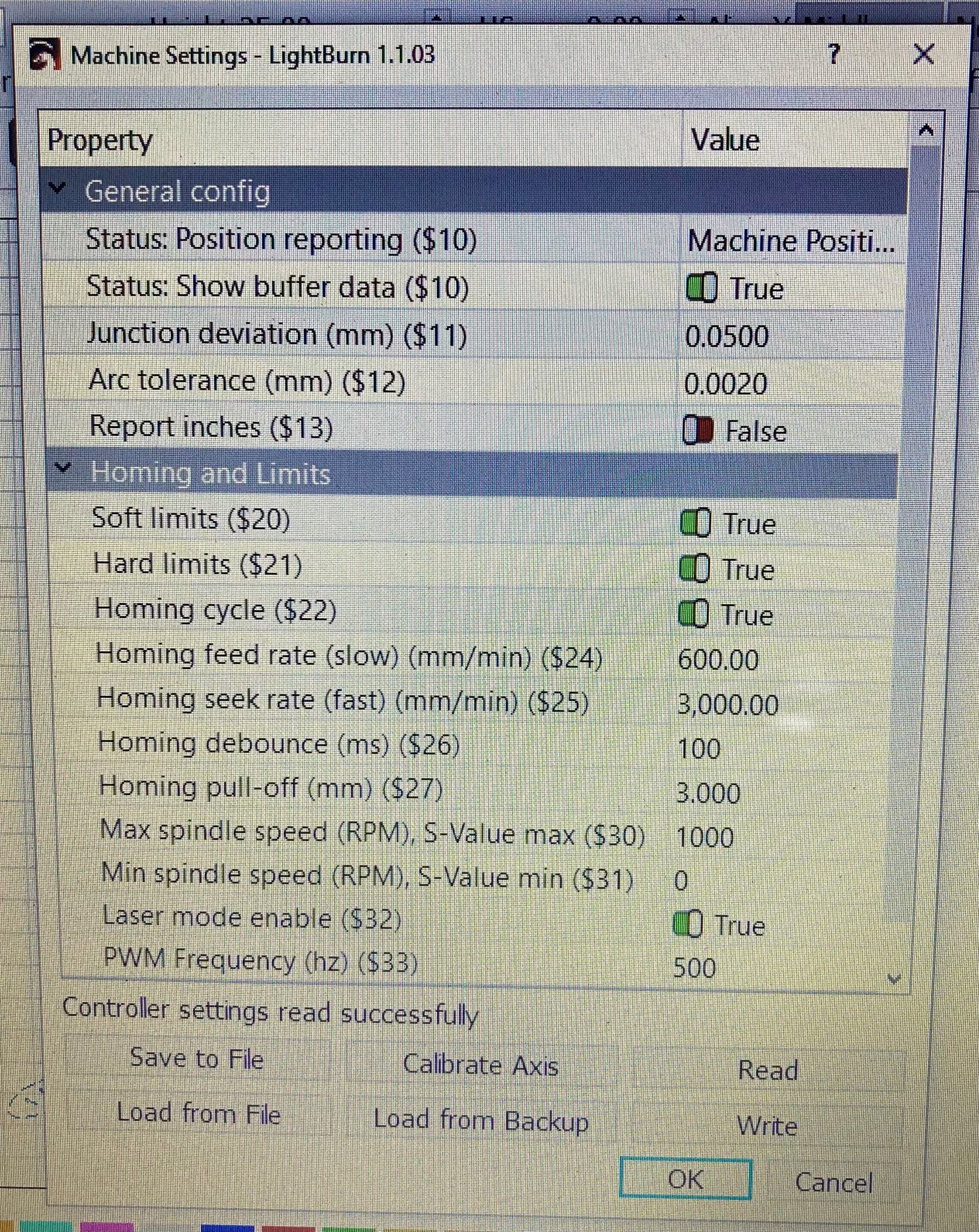
$0=2000.000
$1=25
$2=0
$3=0
$4=0
$5=0
$6=0
$10=3
$11=0.050
$12=0.002
$13=0
$20=1
$21=1
$22=1
$23=7
$24=600.000
$25=3000.000
$26=100
$27=3.000
$30=1000
$31=0
$32=1
$33=500.000
$50=0
$51=0.000
$52=0.000
$100=80.000
$101=80.000
$102=80.000
$110=9000.000
$111=9000.000
$112=1200.000


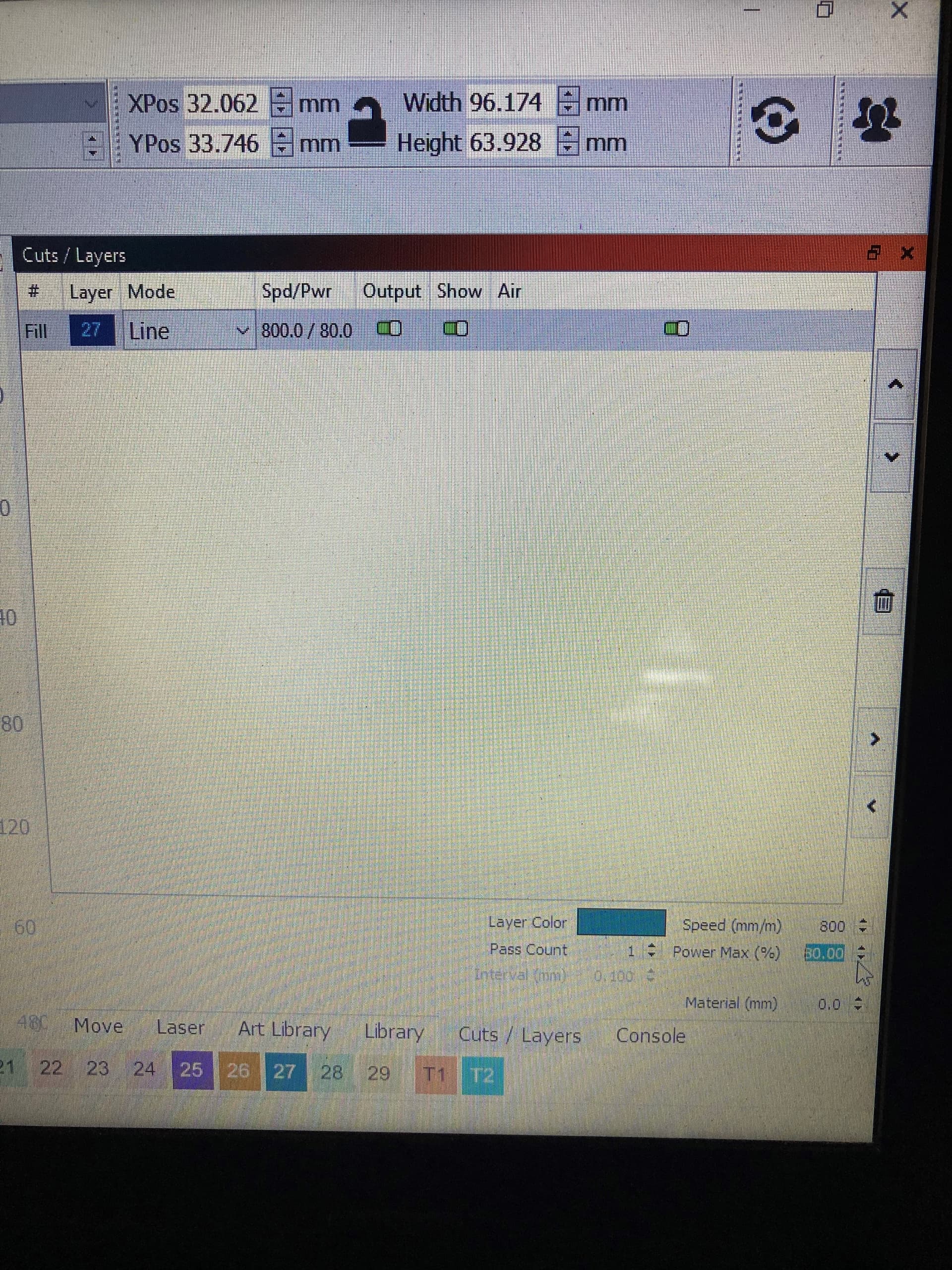
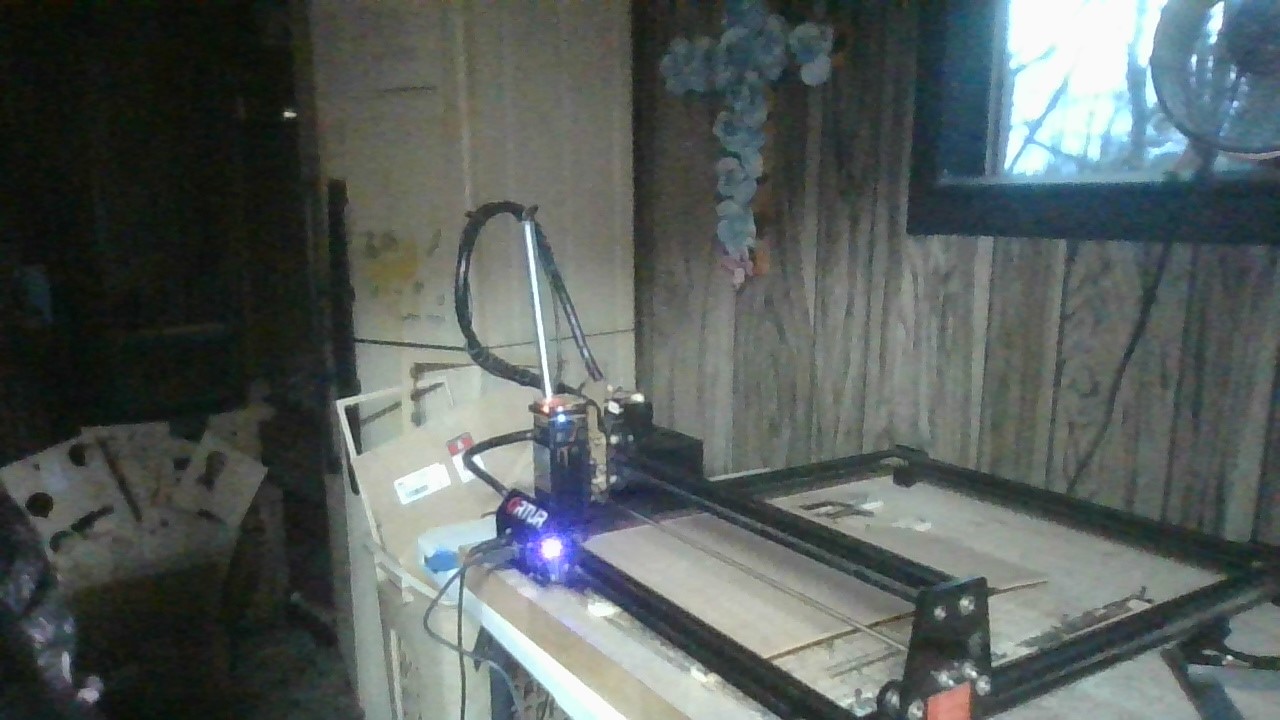
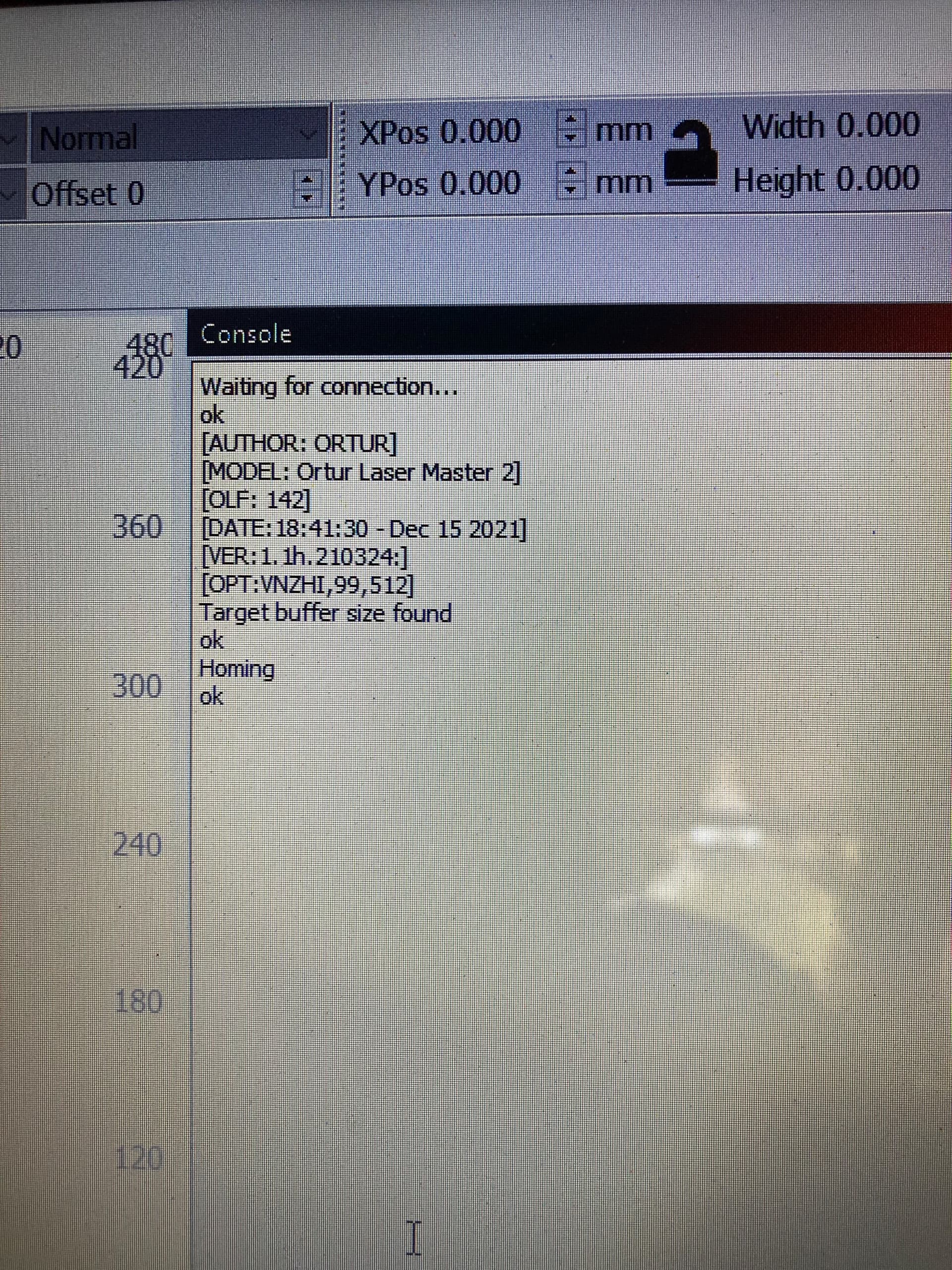
this is what i see when I just open it for the first.
I went and got a new cord. Did not help.

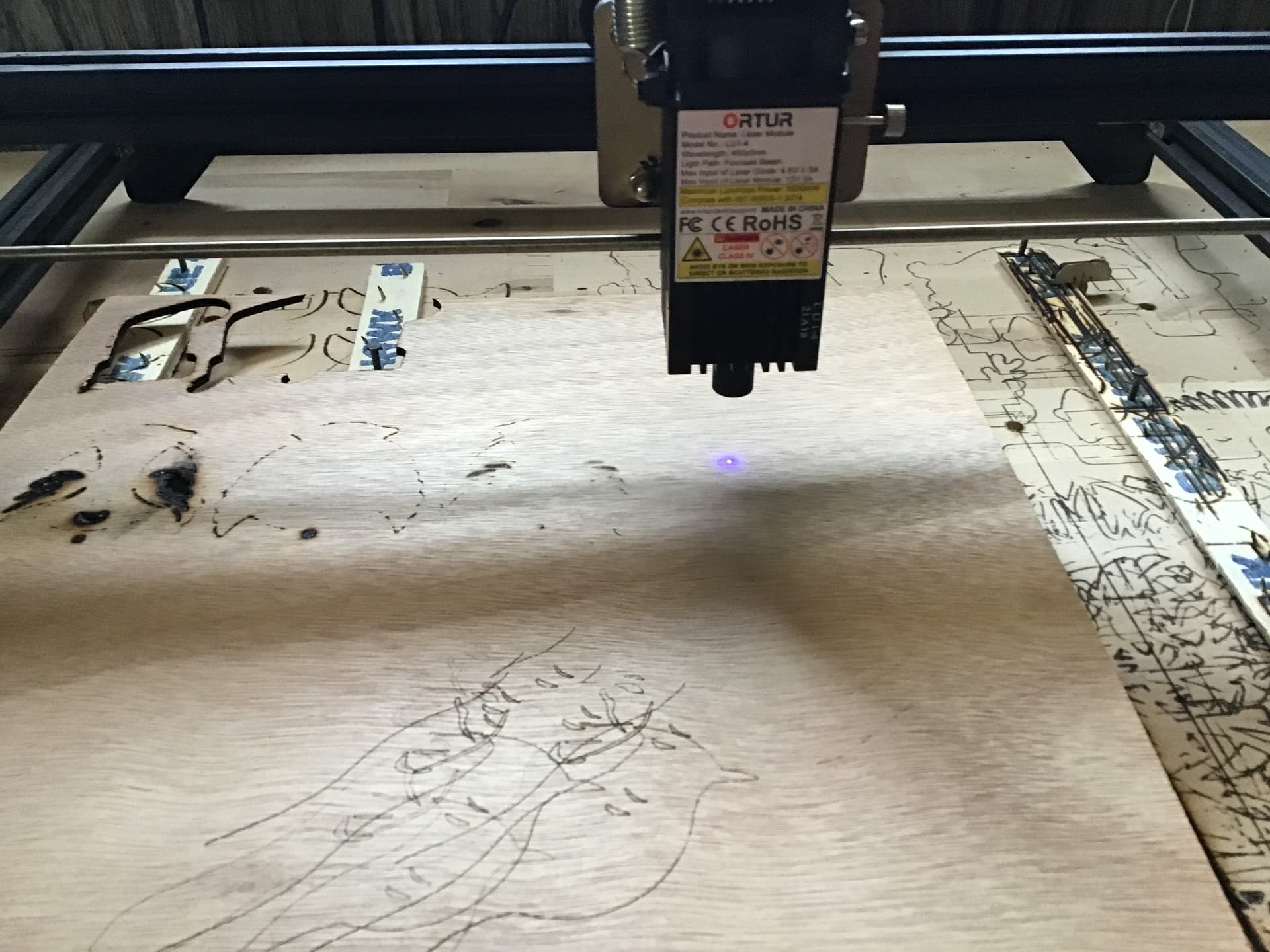
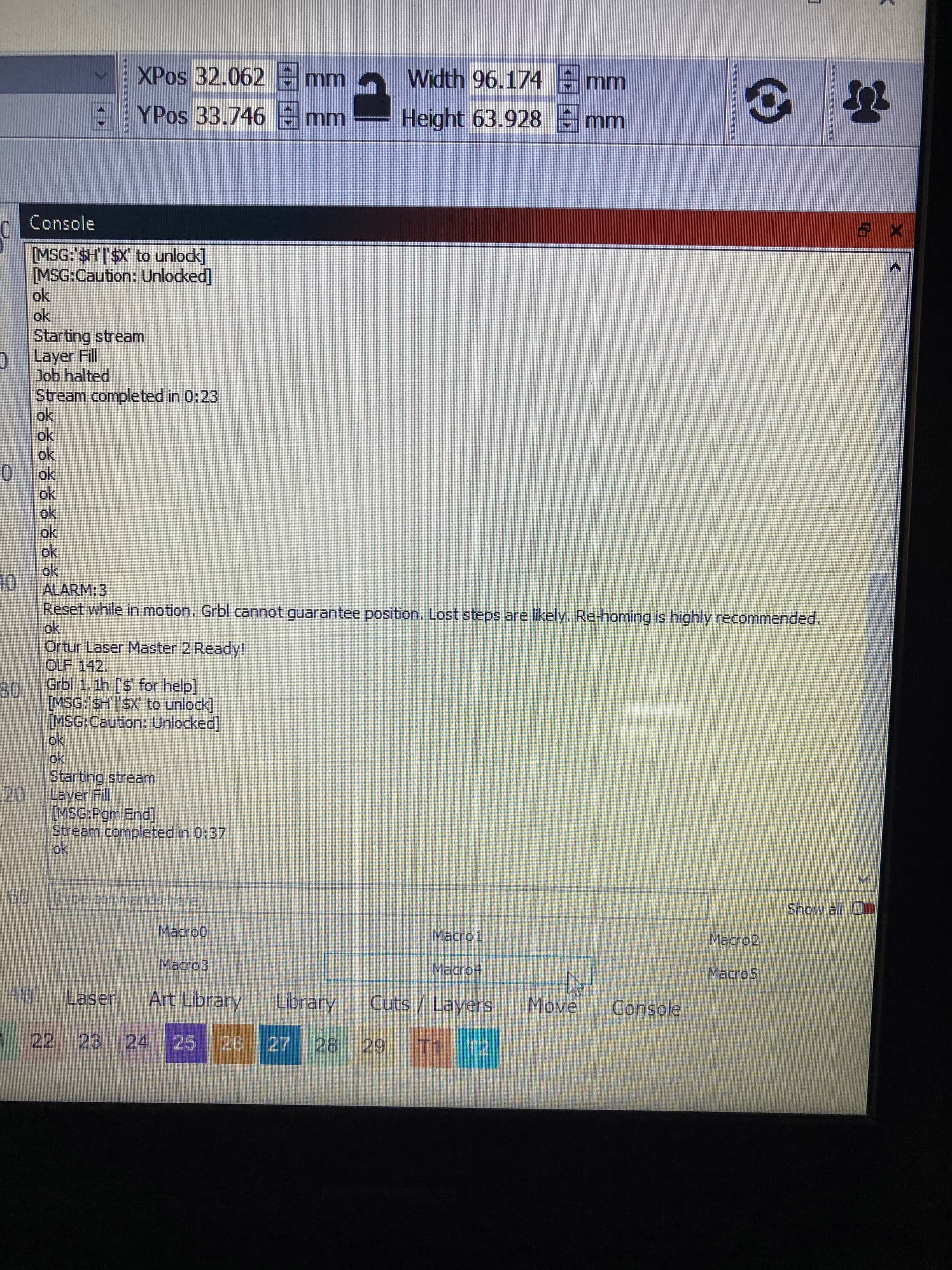
this is after trying to engraved.


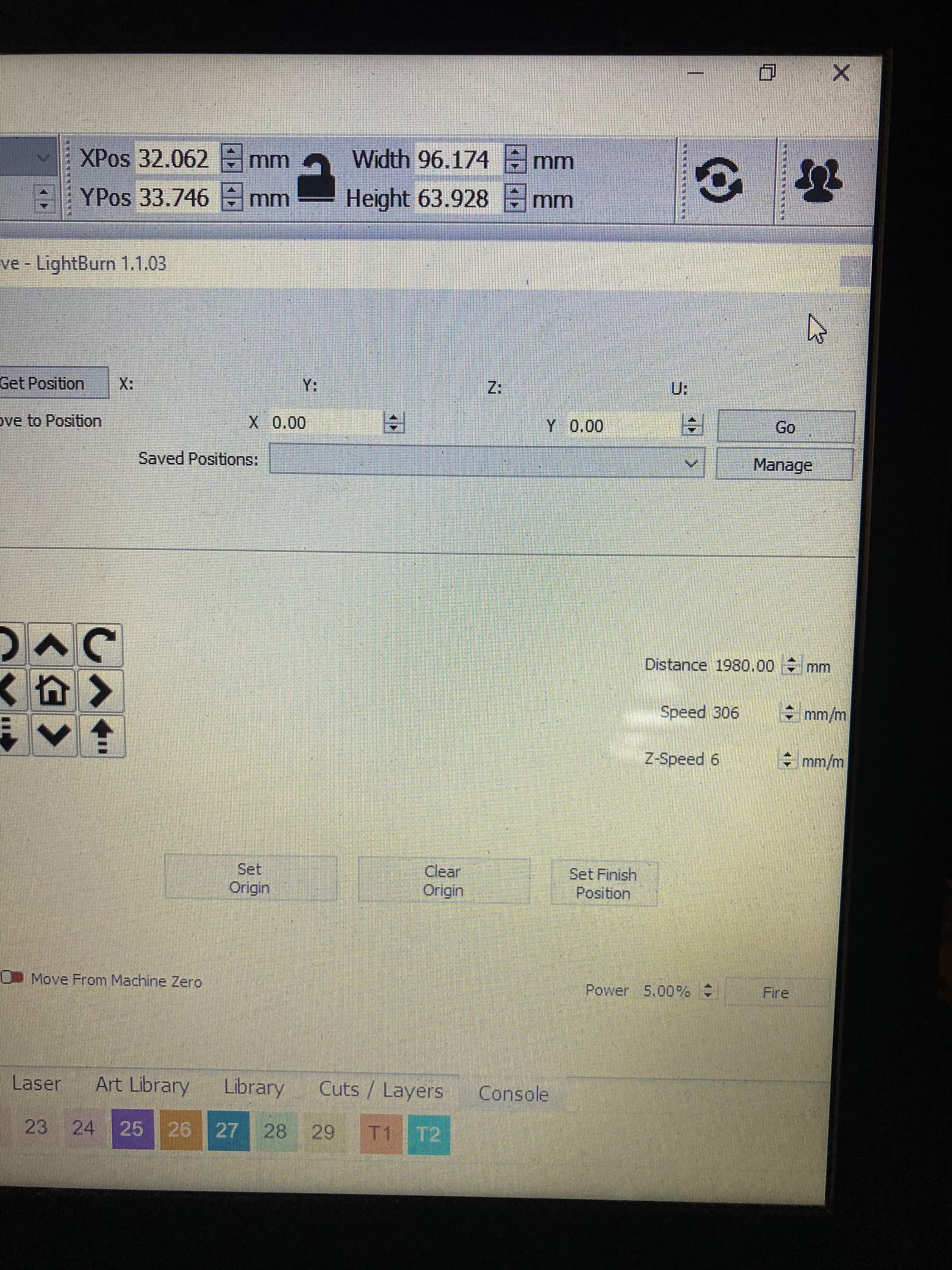
I think i have mess up my move setting.
try to sent video but can’t
does not engrave or laser not engaging.

here the video
please up

Start by disabling Z-axis in Device Settings. Test and see if things go back to normal. If not, can you provide revised symptoms?

I disable that z axis in device setting.
still not working correctly.
file:///C:/Users/Margurite/OneDrive/Pictures/Camera%20Roll/WIN_20220416_11_54_29_Pro.mp4

where every i put my image the laser head start close to home position. very weird noise and like it hesitating.

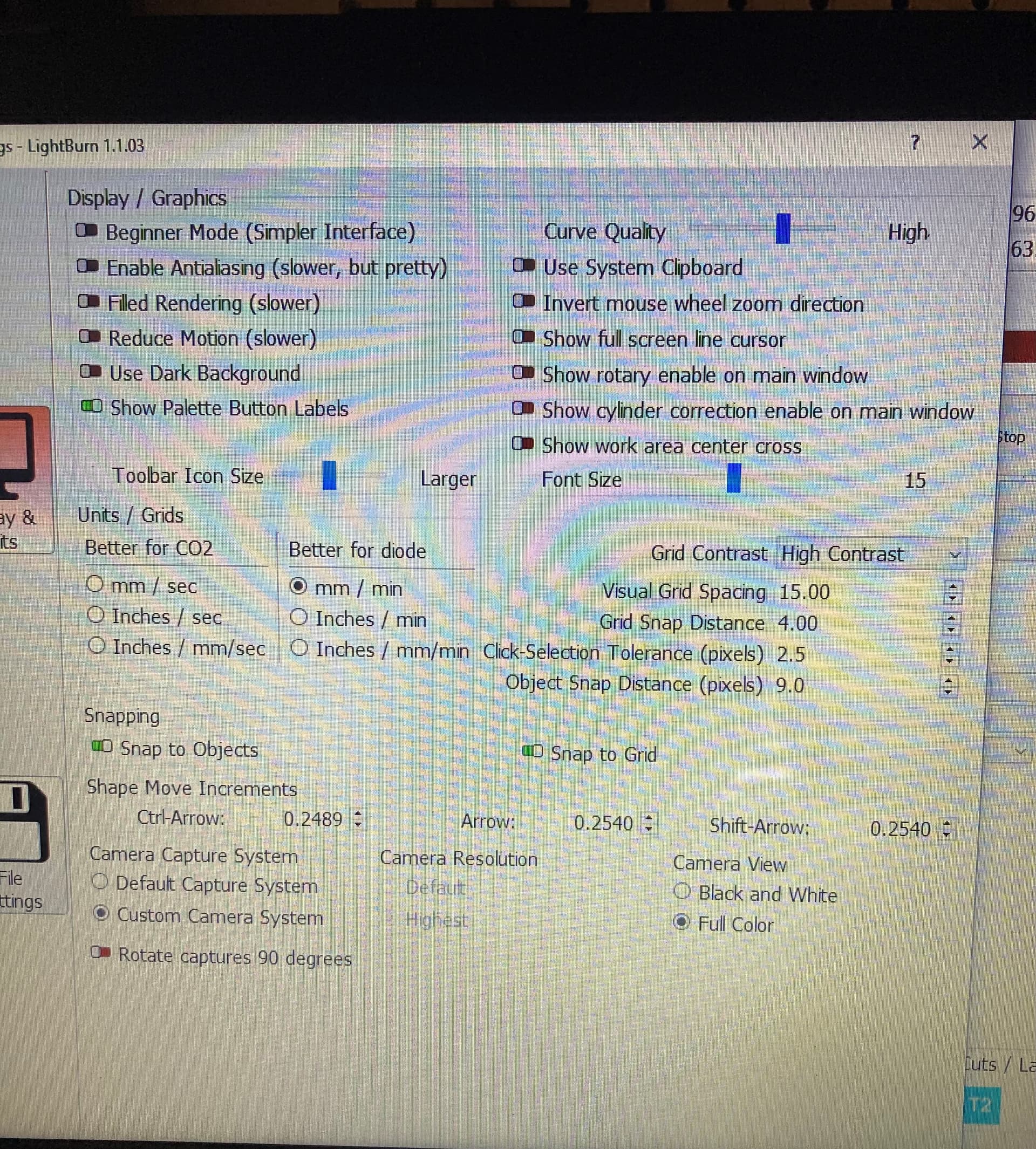
Did you change this setting? It’s unusually high.

Can you run this in Console and retest. Please describe exactly what’s happening please.

$0=2.000

I did not change any setting but I notice a lot of change after update to system and firmware.

When I put the image on my grid
Click laser
The machine started to engage but make a notice like it hitting the frame
The image didn’t engrave
And after complete did not return home.
Click home and turn correctly

Does the machine home correctly when you power on?

Please run these commands in Console after homing and return results:

$I
$$
$#
?

YES ,THE MACHINE HOME CORRECTLY WHEN I POWER ON
Waiting for connection…

ok

[AUTHOR: ORTUR]

[MODEL: Ortur Laser Master 2]

[OLF: 142]

[DATE:18:41:30 - Dec 15 2021]

[VER:1.1h.210324:]

[OPT:VNZHI,99,512]

Target buffer size found

ok

Homing

ok

$i

[AUTHOR: ORTUR]

[MODEL: Ortur Laser Master 2]

[OLF: 142]

[DATE:18:41:30 - Dec 15 2021]

[VER:1.1h.210324:]

[OPT:VNZHI,99,512]

Target buffer size found

ok

$$

$0=2000.000

$1=25

$2=0

$3=0

$4=0

$5=0

$6=0

$10=3

$11=0.050

$12=0.002

$13=0

$20=1

$21=1

$22=1

$23=7

$24=600.000

$25=3000.000

$26=100

$27=3.000

$30=1000

$31=0

$32=1

$33=500.000

$50=0

$51=0.000

$52=0.000

$100=80.000

$101=80.000

$102=80.000

$110=9000.000

$111=9000.000

$112=1200.000

$120=2200.000

$121=1800.000

$122=2500.000

$130=400.000

$131=430.000

$132=1.000

ok

$#

[G54:0.000,0.000,0.000]

[G55:0.000,0.000,0.000]

[G56:0.000,0.000,0.000]

[G57:0.000,0.000,0.000]

[G58:0.000,0.000,0.000]

[G59:0.000,0.000,0.000]

[G28:0.000,0.000,0.000]

[G30:0.000,0.000,0.000]

[G92:0.000,0.000,0.000]

[TLO:0.000]

[PRB:0.000,0.000,0.000:0]

ok

?

<Idle|MPos:0.000,0.000,0.000|Bf:99,511|FS:0,0|Pn:P|Ov:100,100,100|A:C>

ok

This figure is still high. Did you run the command I previously indicated?

$0=2.000

If not, can you try running this in Console and retesting?

If you already did, let’s try resetting to defaults. I don’t see anything that should cause your issue other than this but it’s an easy thing to try. Run in console.

$RST=*

Power cycle and retest.

Yes that working better except not laser not engage
When it engrave

It is engage but later not burn image to the material

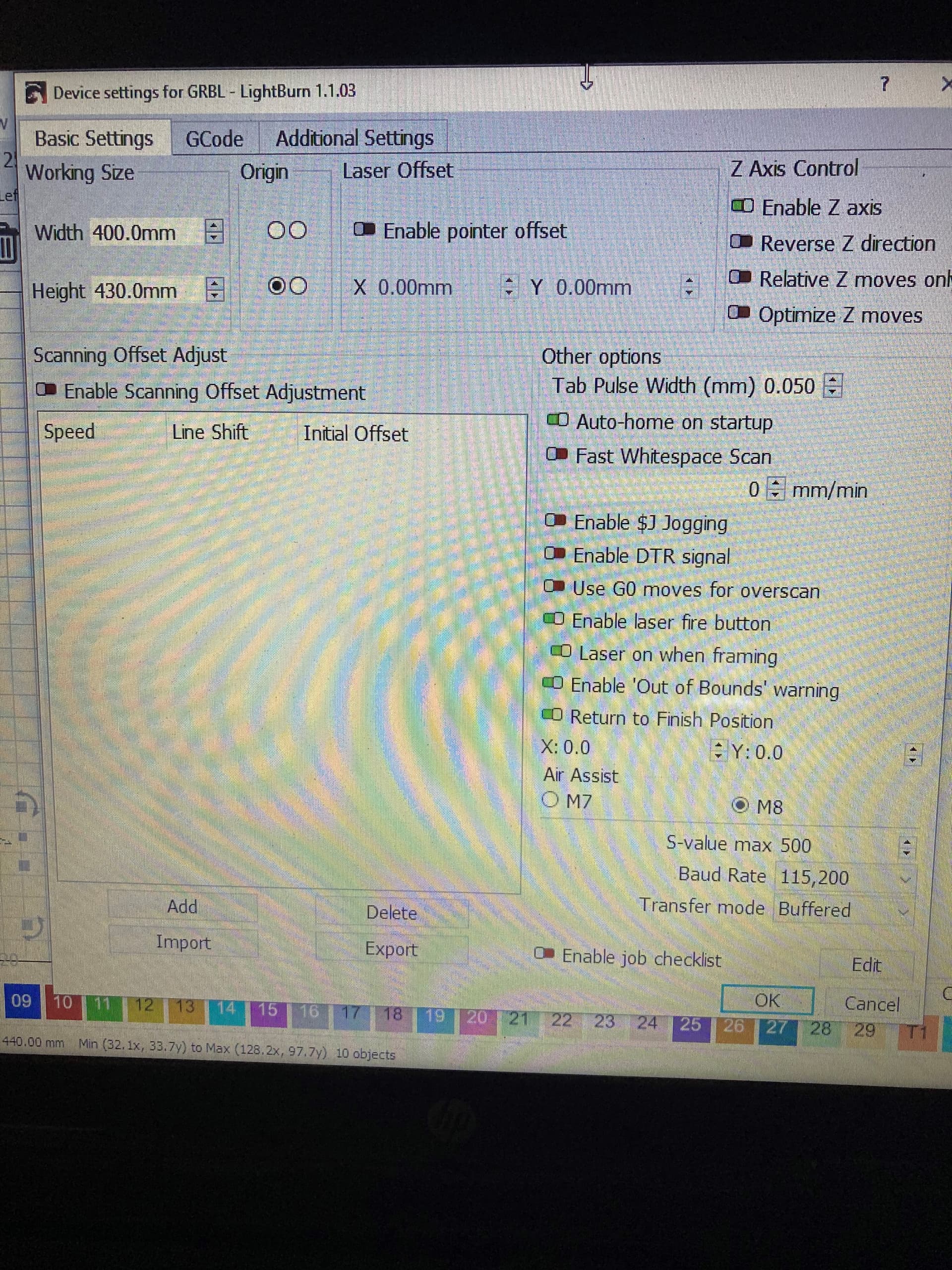
Go to Device Settings and set S Value Max to 1000. Right now it’s set to 500. S Value Max is meant to match the value found in $30.

My $30=1,000
Still did not engraving
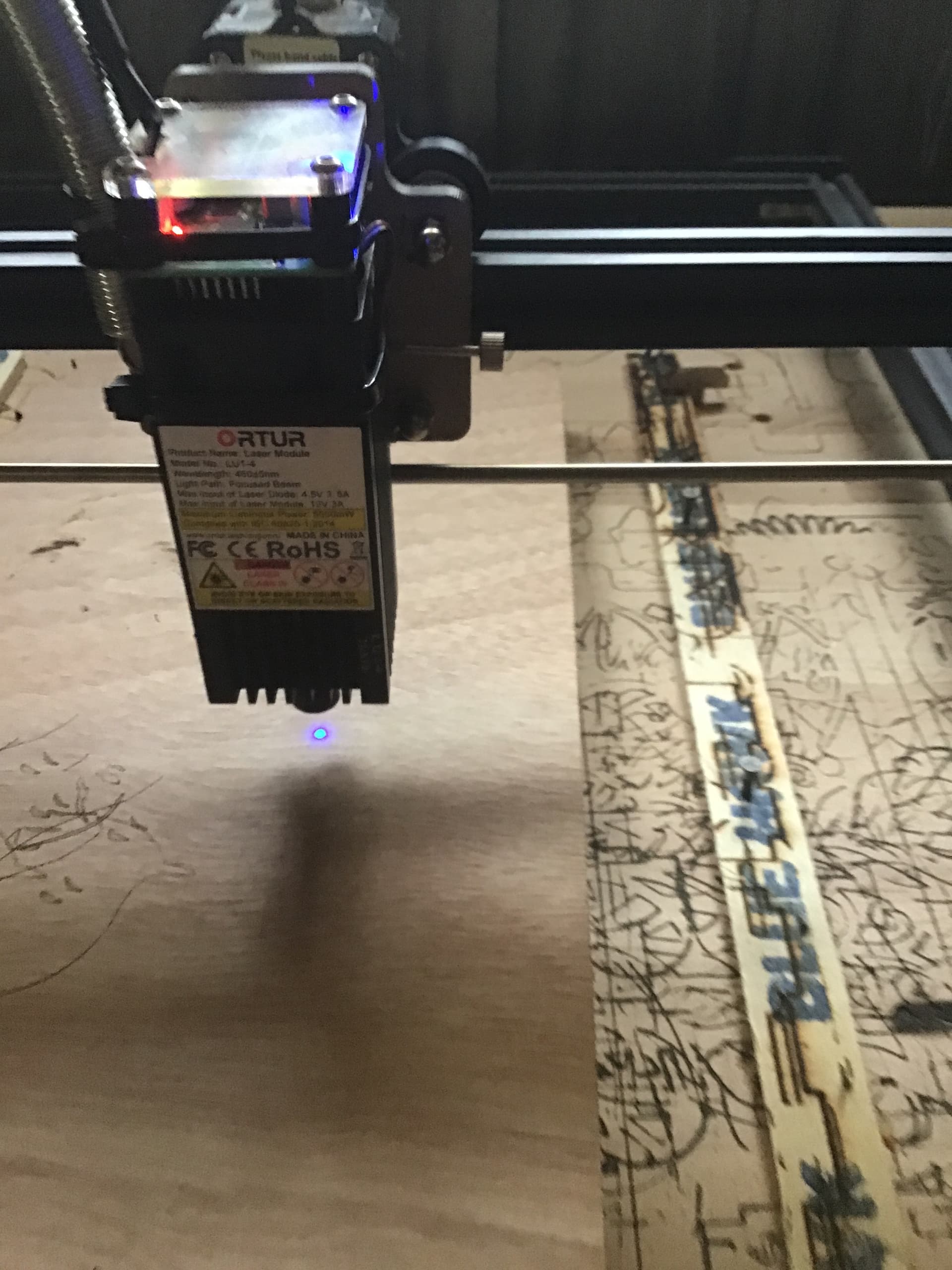
when a run a job the light is very dim
Look like it flashing


This picture is work the laser running

Did you change S Value Max in Device Settings to 1000?

Yes , i change in in the device setting too

If you use the Fire button in Move window and change power level up and down. Do you see the light get brighter and dimmer?

If you slow down the speed and increase power do you get any mark at all?

It could be that your laser diode has also degraded.

Try one thing… try taking off the connector to the laser module and cleaning the connectors as best you can using either a contact cleaner or IPA. Reseat and see if this helps.

Also, make sure the lens itself is clean. Clean with IPA.

Yes the fire button in move get brighter when I get add to it
Slow down speed and increase power : nothing happened.
Clean everything and know have no light burn or in fire button not responding.

I hope you had power off when you did this. Anyhow, double check your connection and make sure that it’s clean and dry.

If power was still low after slowing down and increasing power it’s likely that your laser module has degraded to the point of not being able to burn. Run a test pattern to be sure.
Yes power was unplug.
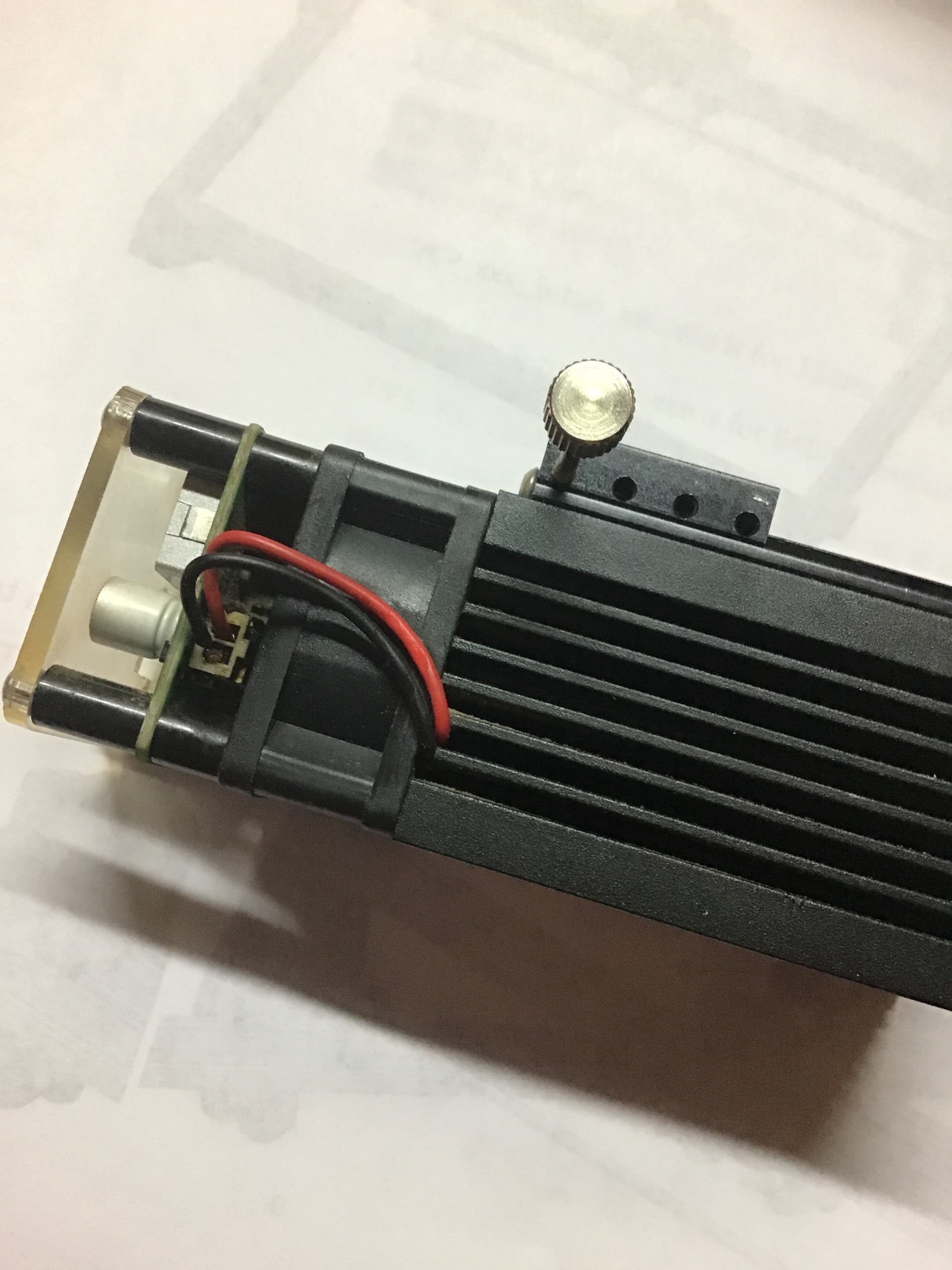
I found my problem


Broken wire