open /Applications/Lightburn.app
i.e. removing the preceding dot (and matching the capitalisation). giving an absolute path. Again, don’t have a mac handy, so cant test.
open /Applications/Lightburn.app
i.e. removing the preceding dot (and matching the capitalisation). giving an absolute path. Again, don’t have a mac handy, so cant test.
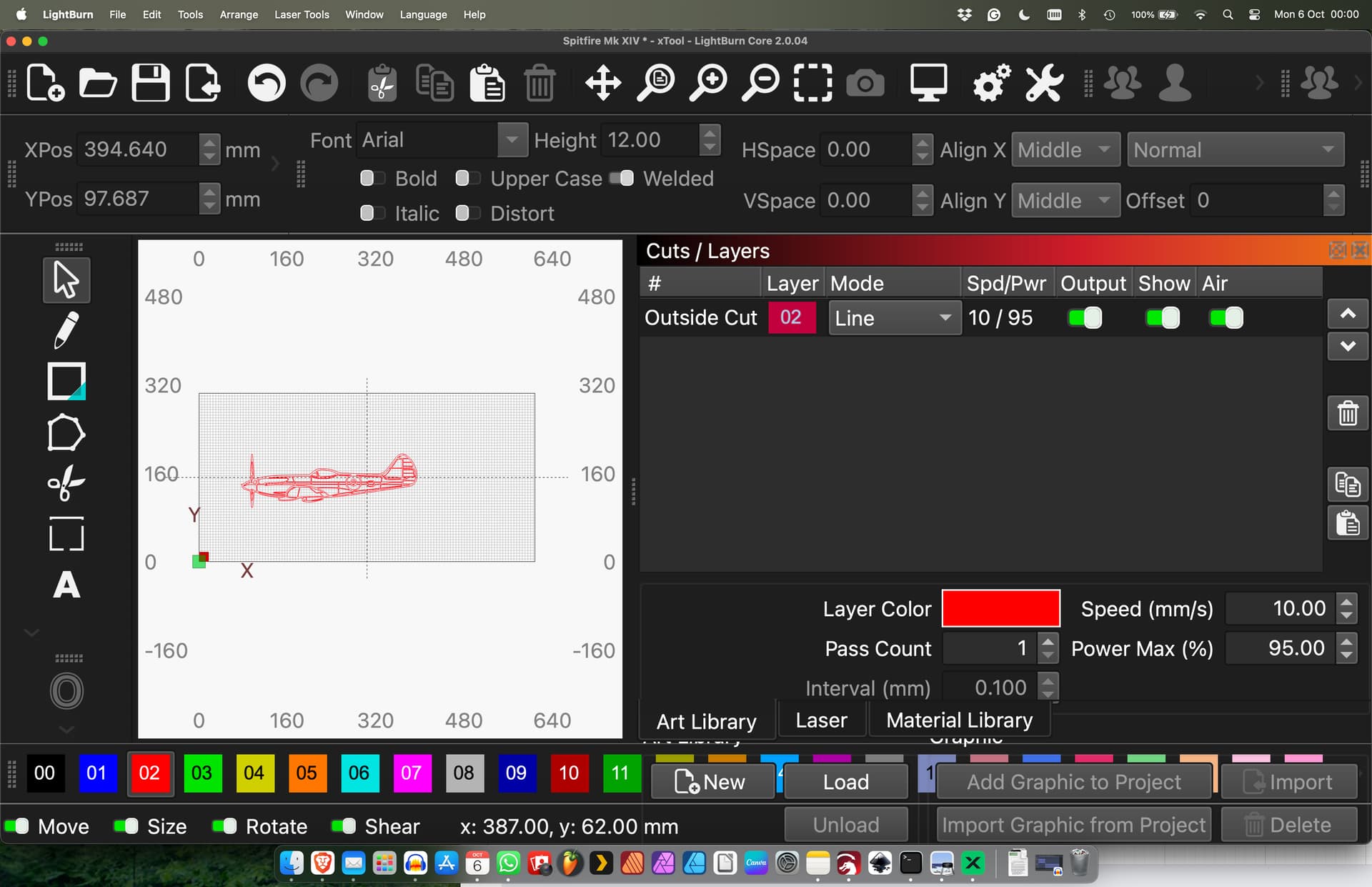
Ah, that worked but as ednisley pointed out it just makes everything huge and so, although I can see it now (thanks for that code) it now becomes unusable because the whole screen is taken up by the rest of the real estate.
Never mind, thanks for trying… 
Nor a MAC guy, hope it was obvious, but Windows has keystrokes that maximize the Lightburn window to full screen. Maybe that is something that will work for you too?
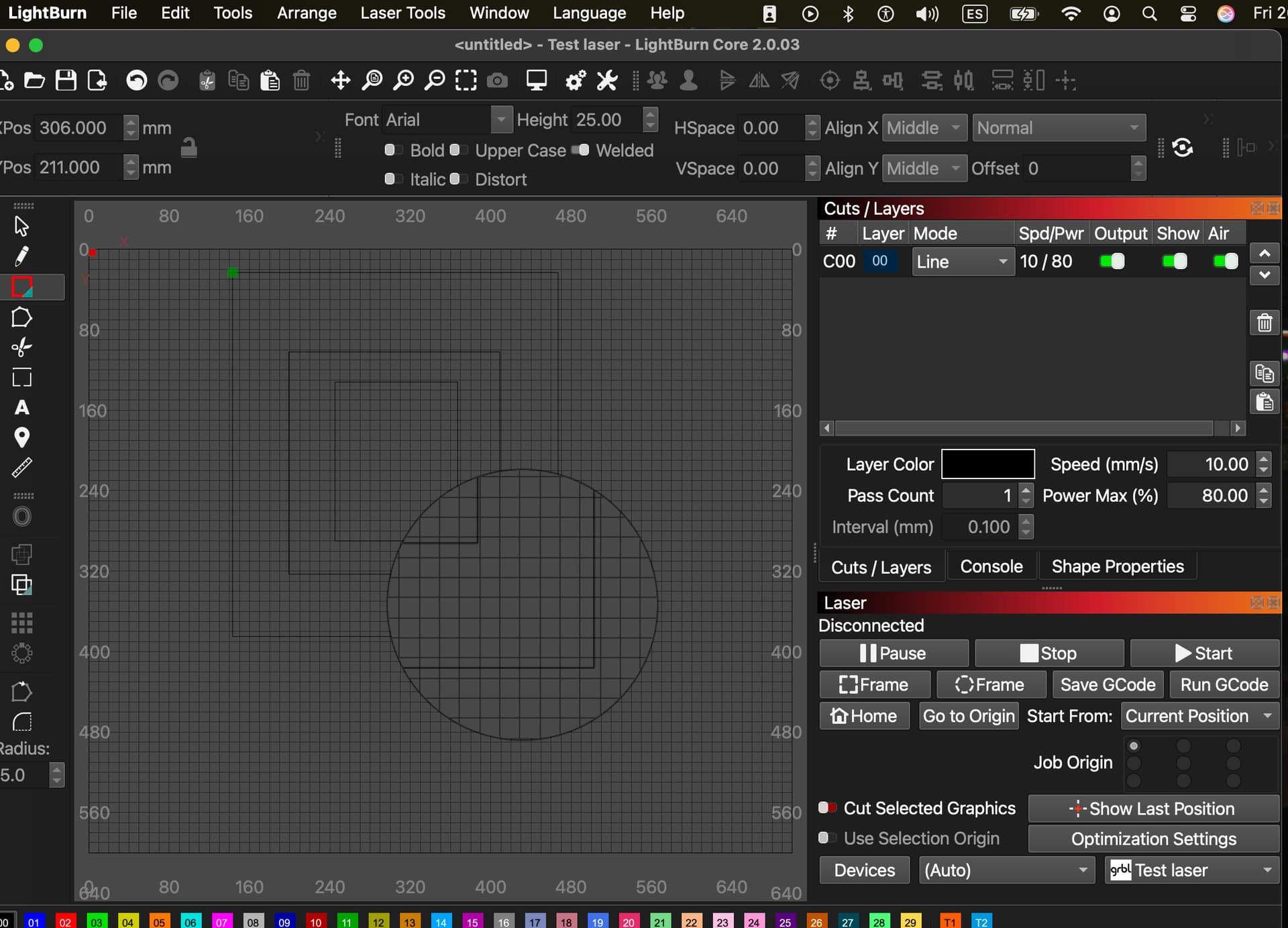
I have the similar problem but in Mac OS X dark theme it’s virtually impossible to see the drawing lines and there is absolutely no way to alter either the line colour or the darkness of the LightBurn work area screen.
It’s currently being looked at by LightBurn, I suffer from glaucoma which makes it very difficult to see on bright white screen so I need it to work on the dark scene and when I try and draw you virtually see nothing, it might as well be unusable.
Thanks for the suggestion but no it doesn’t appear to help. I have currently had to revert to 1.7
This topic was automatically closed 30 days after the last reply. New replies are no longer allowed.