Frame button not working. The laser moves slowly about half way from middle the YRR rotary rollers don’t spin and glass doesn’t rotate This has been a 2 day project trying to get lightburn installed and working with the YRR . Please give me some help I am new to this, don’t know what to do. I am certainly disappointed in this software. Using Ortur M3 laser, Lightburn software and YRR Rotary.
This will be a hardware issue rather than software if you have double/tripple checked you have all the correct settings enabled.
I’m having similar problems but the software is pretty solid. I can’t knock it. We’re just new and we have a larger learning curve.
That is true! but so frustrating trying to diagnose what the problem is. Can never rule out a defective machine or software glitch Would a defective YRR rotary be even considered as a problem? I’m thinking I can rule that out ? Could it be a hardware issue?? Could it be user error??? I just don’t know and I feel the tech support is crappy!! Sorry to vent but I’ve been messing with this for 2 days. Any suggestions are greatly appreciated Thanks
Turn OFF the enable Rotary button. I am a 3 year user of LB and had similar issues when I installed the YRR.
For the record, I have the Ortur YRR 3.0 and the Xtool YRR - both exhibit the same issue.
It really helps get better answers if you can take screen shots of your program and computer settings - then post them here.
Windows(button)+S+Shift opens tool to take screen shots. Drag around what you want to show and the computer will copy it to the clipboard. Come here, CTRL+V to paste into the forum.
1 Like
Thank you for responding but now I’m getting a new message in console
Frame button still not working but getting new message in console when trying to use the frame button .
ok
[MSG:61:Error: Laser exposure timeout! Check TroubleShooting Section in User Manual.]
Ortur Laser Master 3 Ready!
OLF:210.
OLH:OLM_ESP_PRO_V2.4B.
OLM:GENERAL.
GrblHAL 1.1f [‘$’ or ‘$HELP’ for help]
[MSG:‘$H’|‘$X’ to unlock]
[MSG:3:Warning: Caution: Unlocked]
ok
<Idle|MPos:6.6744,39.2217,0.0000|Bf:63,32767|FS:0,0|CL:0,0|PS:2,0|VA:24567,66|Ov:100,100,100|A:SFM>
ok
Starting stream
Stream completed in 0:02
[MSG:61:Error: Laser exposure timeout! Check TroubleShooting Section in User Manual.]
Ortur Laser Master 3 Ready!
OLF:210.
OLH:OLM_ESP_PRO_V2.4B.
OLM:GENERAL.
GrblHAL 1.1f [‘$’ or ‘$HELP’ for help]
[MSG:‘$H’|‘$X’ to unlock]
[MSG:3:Warning: Caution: Unlocked]
ok
Rotary setting update successful
<Idle|MPos:7.7953,18.2713,0.0000|Bf:63,32767|FS:0,0|CL:0,0|PS:2,0|VA:24564,64|Ov:100,100,100|A:SFM>
ok
Starting stream
Stream completed in 0:01
[MSG:61:Error: Laser exposure timeout! Check TroubleShooting Section in User Manual.]
Ortur Laser Master 3 Ready!
OLF:210.
OLH:OLM_ESP_PRO_V2.4B.
OLM:GENERAL.
GrblHAL 1.1f [‘$’ or ‘$HELP’ for help]
[MSG:‘$H’|‘$X’ to unlock]
[MSG:3:Warning: Caution: Unlocked]
ok
<Idle|MPos:7.7953,3.4173,0.0000|Bf:63,32767|FS:0,0|CL:0,0|PS:2,0|VA:24578,70|Ov:100,100,100|A:SFM>
ok
Starting stream
Stream completed in 0:00
[MSG:61:Error: Laser exposure timeout! Check TroubleShooting Section in User Manual.]
Ortur Laser Master 3 Ready!
OLF:210.
OLH:OLM_ESP_PRO_V2.4B.
OLM:GENERAL.
GrblHAL 1.1f [‘$’ or ‘$HELP’ for help]
[MSG:‘$H’|‘$X’ to unlock]
[MSG:3:Warning: Caution: Unlocked]
ok
<Idle|MPos:7.7953,3.4173,0.0000|Bf:63,32767|FS:0,0|CL:0,0|PS:2,0|VA:24539,67|Ov:100,100,100|A:SFM>
ok
Starting stream
Stream completed in 0:00
[MSG:61:Error: Laser exposure timeout! Check TroubleShooting Section in User Manual.]
Ortur Laser Master 3 Ready!
OLF:210.
OLH:OLM_ESP_PRO_V2.4B.
OLM:GENERAL.
GrblHAL 1.1f [‘$’ or ‘$HELP’ for help]
[MSG:‘$H’|‘$X’ to unlock]
[MSG:3:Warning: Caution: Unlocked]
ok
When referring to the users manual about this it gives a solution to change power settings in Windows 10. The problem is I’m running Windows 11 which does not give me the same options in the control panel under the power settings. Does anyone know what I can do or how to change the settings in Windows 11 to fix this problem
Thanks marlene
The correct sequence for screen capture Winkey +Shft +S. Winkey+s pops up something else before the shift key is included.
2 Likes
Uhm… Welcome…
It’s just after Midnight on a Long weekend and I decided to hop on for a bit to see if anyone is struggling.
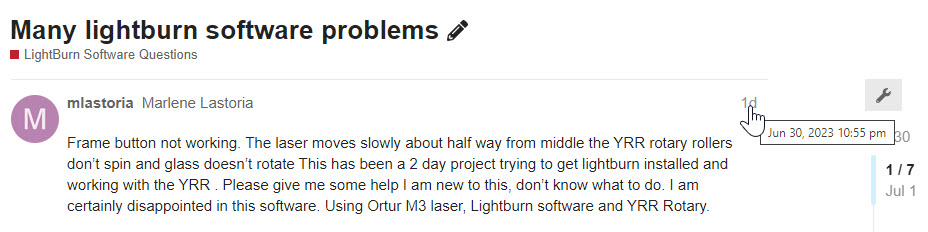
In my time-zone you posted just before 11 PM Friday Night. You have actionable constructive input from the community before 8 AM on a Saturday. I may be somewhat biased but I believe that the Support LightBurn offers here is second to none. I’m continuously grateful for the contributions made by the community to help new users.
Here’s a website offering advice, tailored to the visiting computer, on taking a Screenshot:
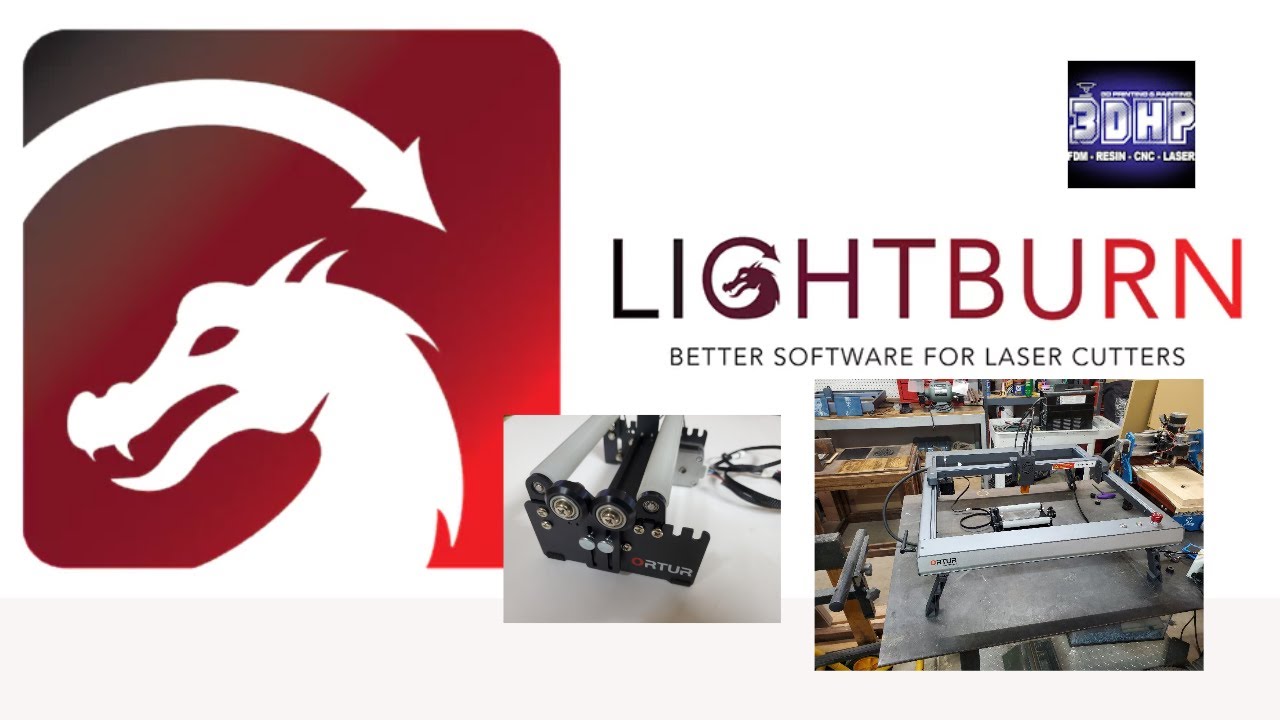
Here’s a nice straight-ahead setup video for a YRR rotary on an LM3.
Not an official video. Just another enthusiast helping folks out.
I went looking for the manual and I don’t have one referencing the power settings in Windows 10. Please take a picture of the book or use the screen capture if it’s a pdf file in your computer. you can drag and drop the image into your reply here. It’s a bit of a guess om my part, but I’m guessing you’re looking for this information:
https://www.elevenforum.com/t/enable-or-disable-usb-selective-suspend-in-windows-11.10251/
1 Like
This topic was automatically closed 30 days after the last reply. New replies are no longer allowed.