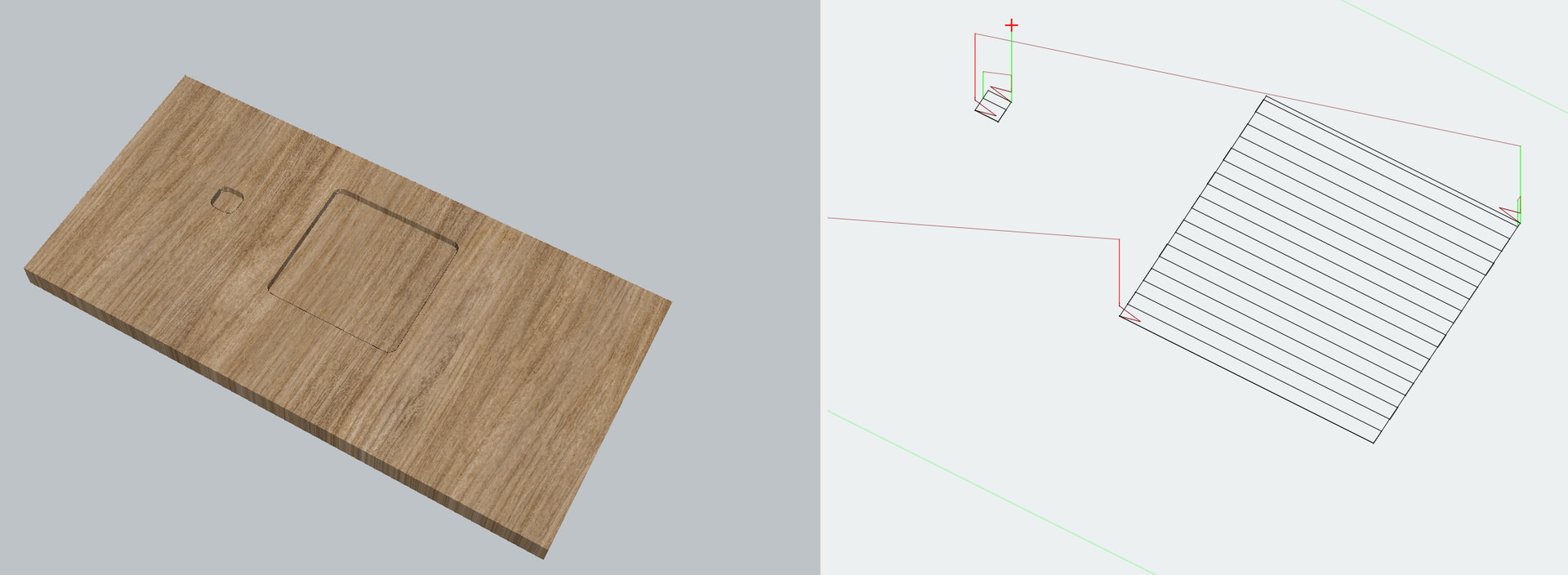
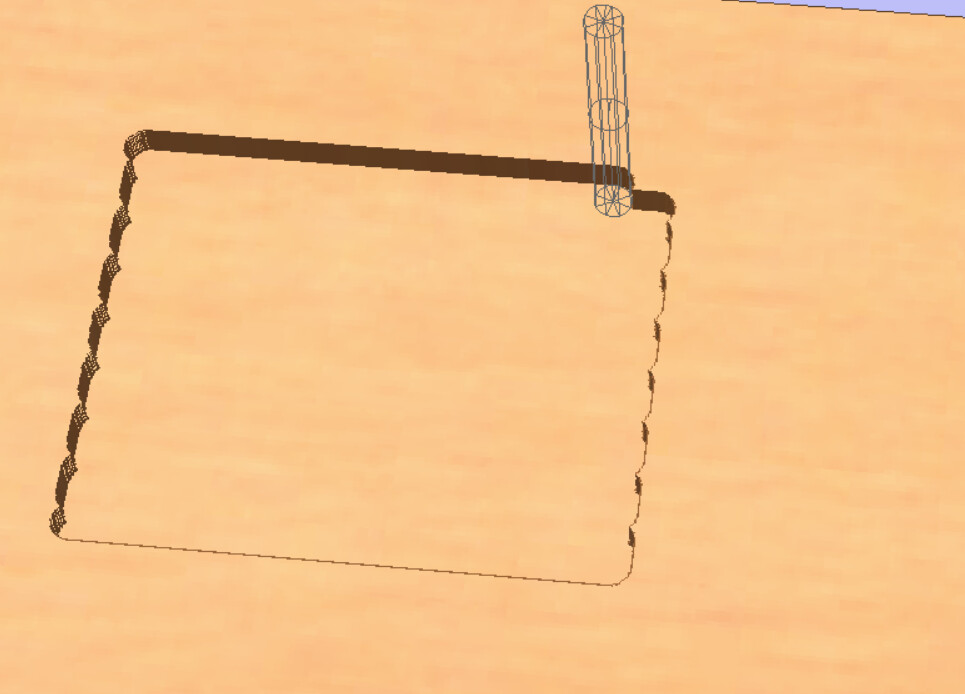
In Aspire when you do a pocket it leaves a small amount of material for the Outline pass:
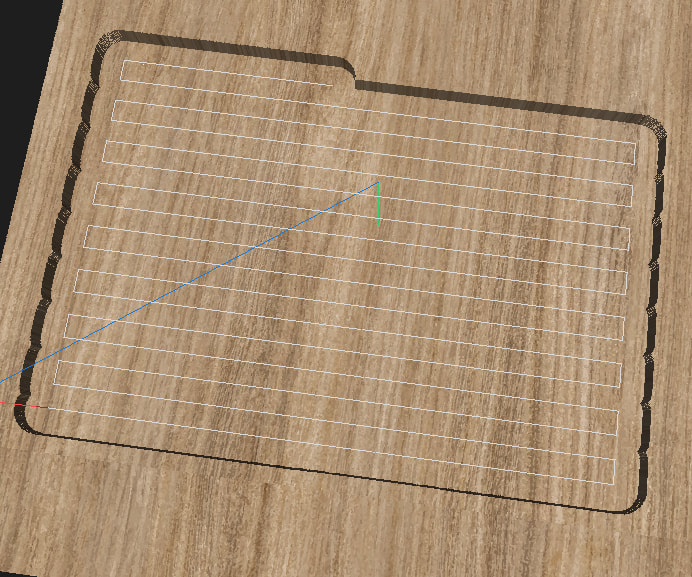
In Millmage it does the cut of the pocket goes all the way to the edge:
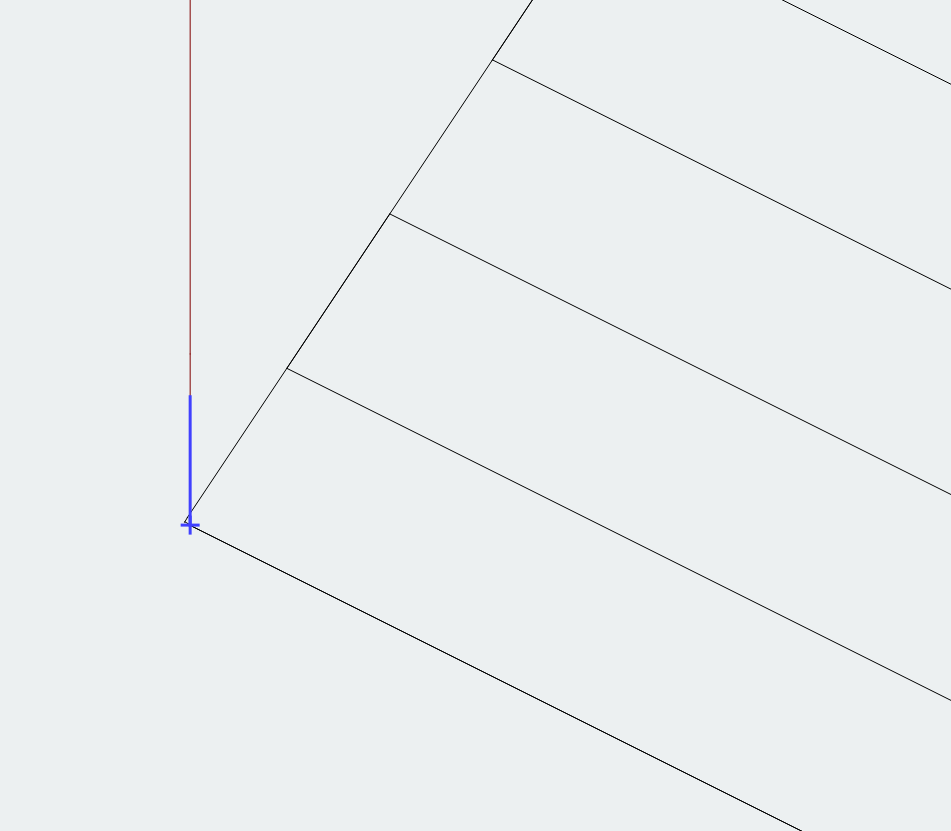
Is there any way to have Millmage leave a little bit so it is the same as Aspire?
In Aspire when you do a pocket it leaves a small amount of material for the Outline pass:
In Millmage it does the cut of the pocket goes all the way to the edge:
Is there any way to have Millmage leave a little bit so it is the same as Aspire?
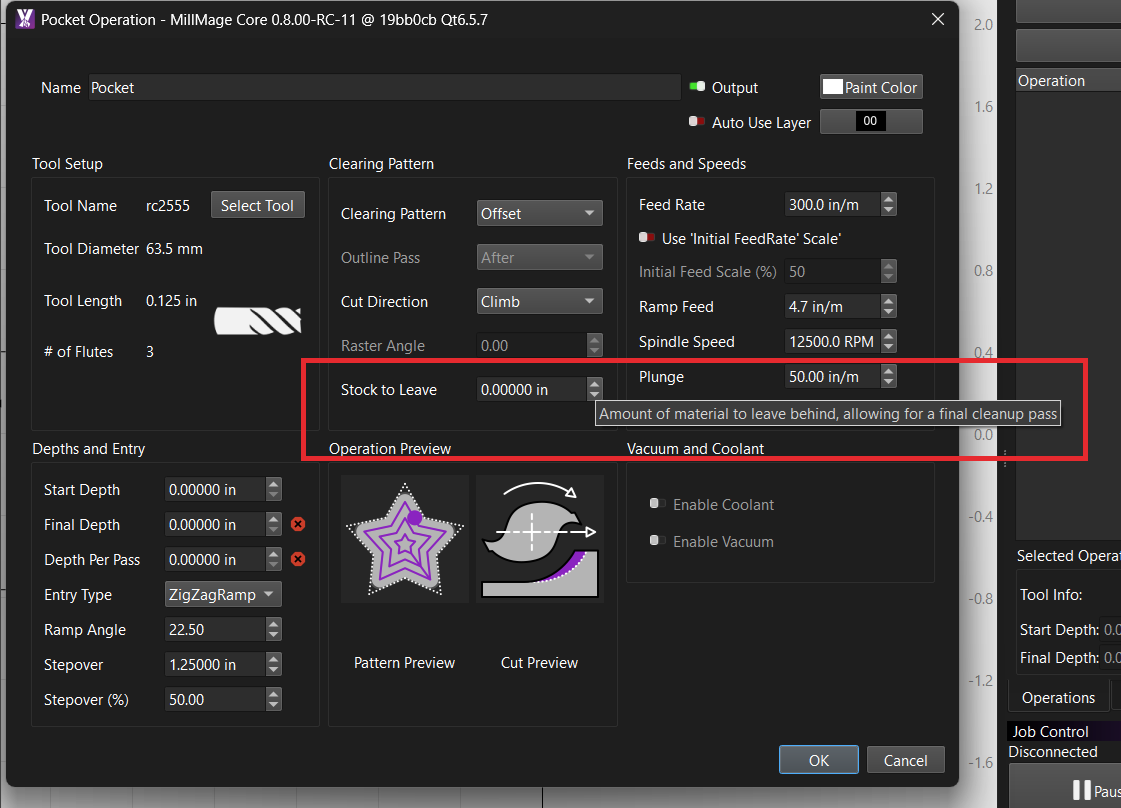
No that is not it, see how you have the Clearing pattern set to Offset and your Outline pass is greyed out? That is because there is no Outline pass, it still allows the Stock to leave value to be entered.
If your pocket is 100mm wide and you set that value to 20mm it would be trying to do a last pass of 20mm with a 6mm bit, that is not possible. What actually happens is that you end up with a pocket that is 60mm wide (20mm left over each side).
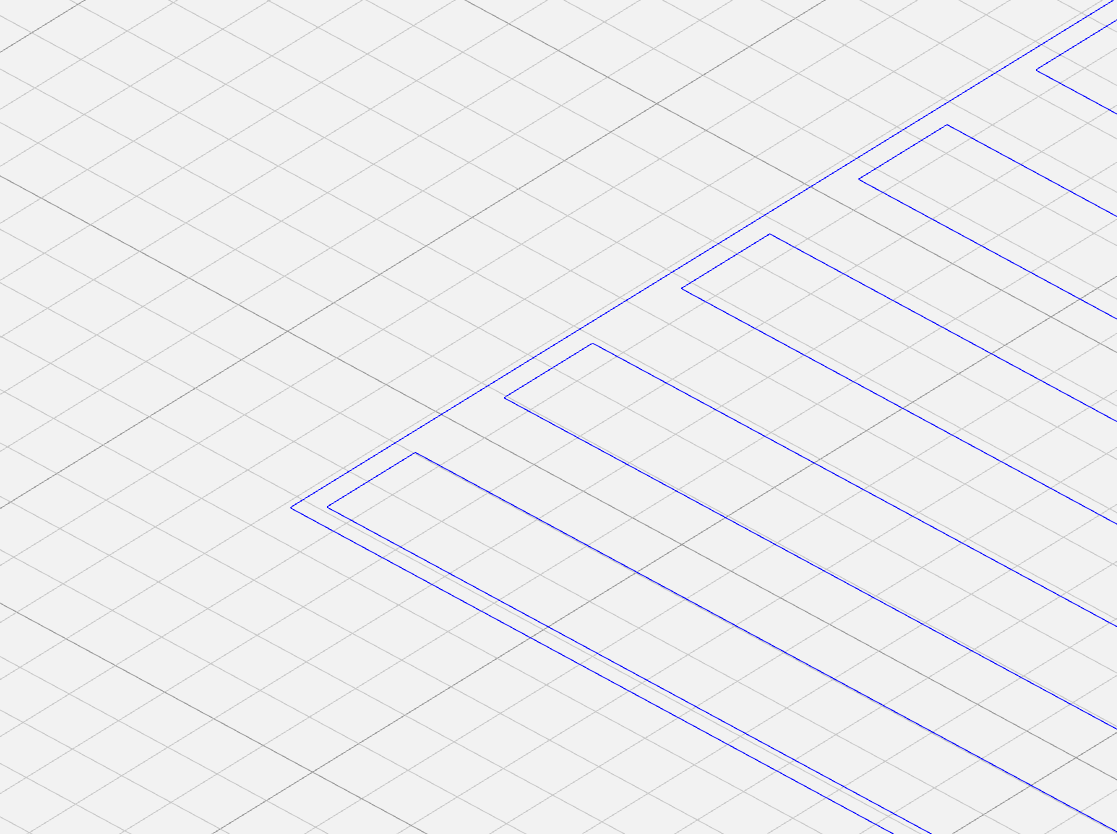
Here are two squares 50mmx50mm:
Both are pockets, one has “Stock to leave value of 20mm”:
Stock to leave is the same as “Offset” in Aspire
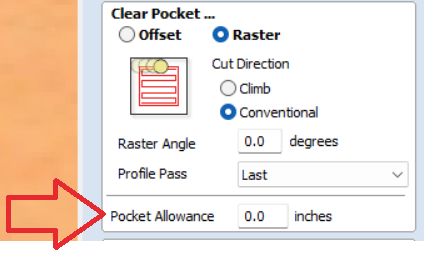
No, that would be the equivalent to “pocket allowance” in Aspire.
I am not sure why you would decide to set a finish pass width larger than your bit size. I would select a value of .5mm or 1mm for a finish pass.
I can see what you are saying with the pocket op. Vectric tends to leave a little more materials at the end of the raster.
Where MillMage is travelling slightly farther.
End result will be the same. I am not sure why there is more padding in Vectric.
The reason I like a small amount left for the last pass is that it gives a cleaner cut. Apparently there is a value you can set in Aspire but I have not found it.
It would be great if MillMage had a value you could set but it only allowed a max of something like 75% of the bit diameter. So a 6mm bit could only have a max width of 4.5mm as the last pass.
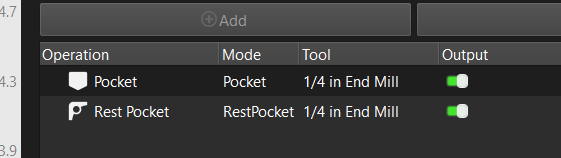
That is what a “rest pocket” is for. If you leave a small amount of material say “4.5mm” then follow up with a rest pocket to clean the walls after.
Rest pocket can also be used with a larger clearance bit beforehand. No reason you can’t use it to follow up as a cleaning path.
Rest Pocket is intended for using a larger bit followed by a smaller bit, to clean up “the rest” (IE, the part that the bigger bit couldn’t reach). It doesn’t know how to compensate for pockets produced with a “stock to leave” amount.
It wouldn’t be too hard to make the raster not travel all the way to the edge if one of the outline options is enabled.
Edit: I’ve logged this as an internal feature request.
Can we take that one step further and make a cleanup operation? Amount to leave–>wall cleanup pass.
I realize that the rest pocket is meant to clean up the areas that the larger bit cannot cover.
For this simple rectangle shape the rest pocket can be used as a cleanup path. That works in this simple example. I realize it might not work for every shape.
example rest pocket.mage (6.1 KB)
I mean apart from the warning message it even works with more complex shapes. Intended usage or not.
example rest pocket star.mage (14.8 KB)