Never have I ever felt so dumb with a piece of technology. I have tried reading a ton and watching countless videos before bothering people with questions. I have been trying to get past the homing stage, to perform a focus test, etc - but this is my second attempt, it went so bad with my first installation, I uninstalled and started over.
Here is what I’m dealing with;
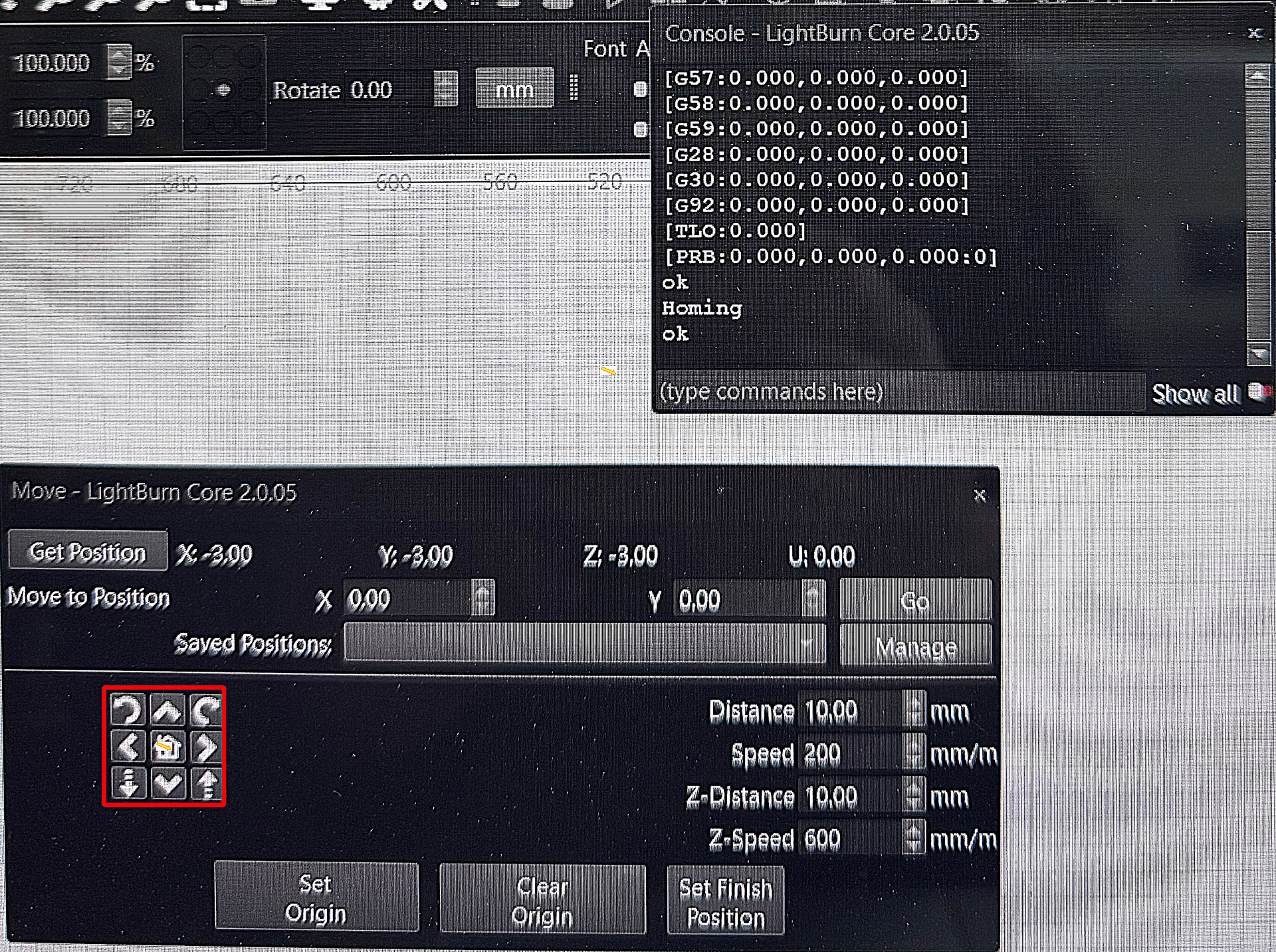
· When the machine homes, it goes to back left (as seen in the video) but on my lightburn screen it shows the position as the back right (pictured).
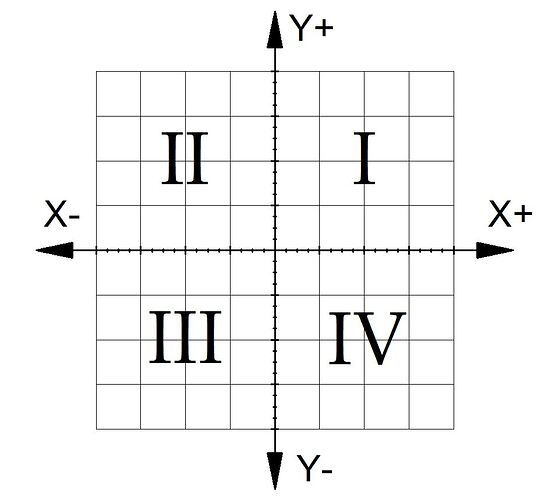
· I also noticed the grid starts at zero in the upper right corner and counts up going to the left (Y), and going down (X).
· If I jog using the move arrow for X that works correctly, up goes back, and down comes forward.
· But if I try to jog the left arrow, the machine goes to my right – and vice versa.
· I’ve also noticed the (mm) increments don’t seem to match, if it is set at 10mm, it travels approximately 10cm.
I have also noticed that the focus test preview shows it is going to travel 900+mm during the test, that is way too much and should only be like 2-3cm.
· Finally, I have noticed when it was first installed the speeds seemed to be smooth with no smashing into the limit switches – now it smashes them hard and occasionally when the machine goes to moves left/right it makes a grinding noises like the teeth are dragging or skipping on the belt.
I need more guidance, so my machine matches what I see in Lightburn (homing to front left, 0,0 coordinates, travel matches settings, etc. I am a disabled veteran w/TBI so I need explainations to read like a packing list, step-by-step 1,2,3..