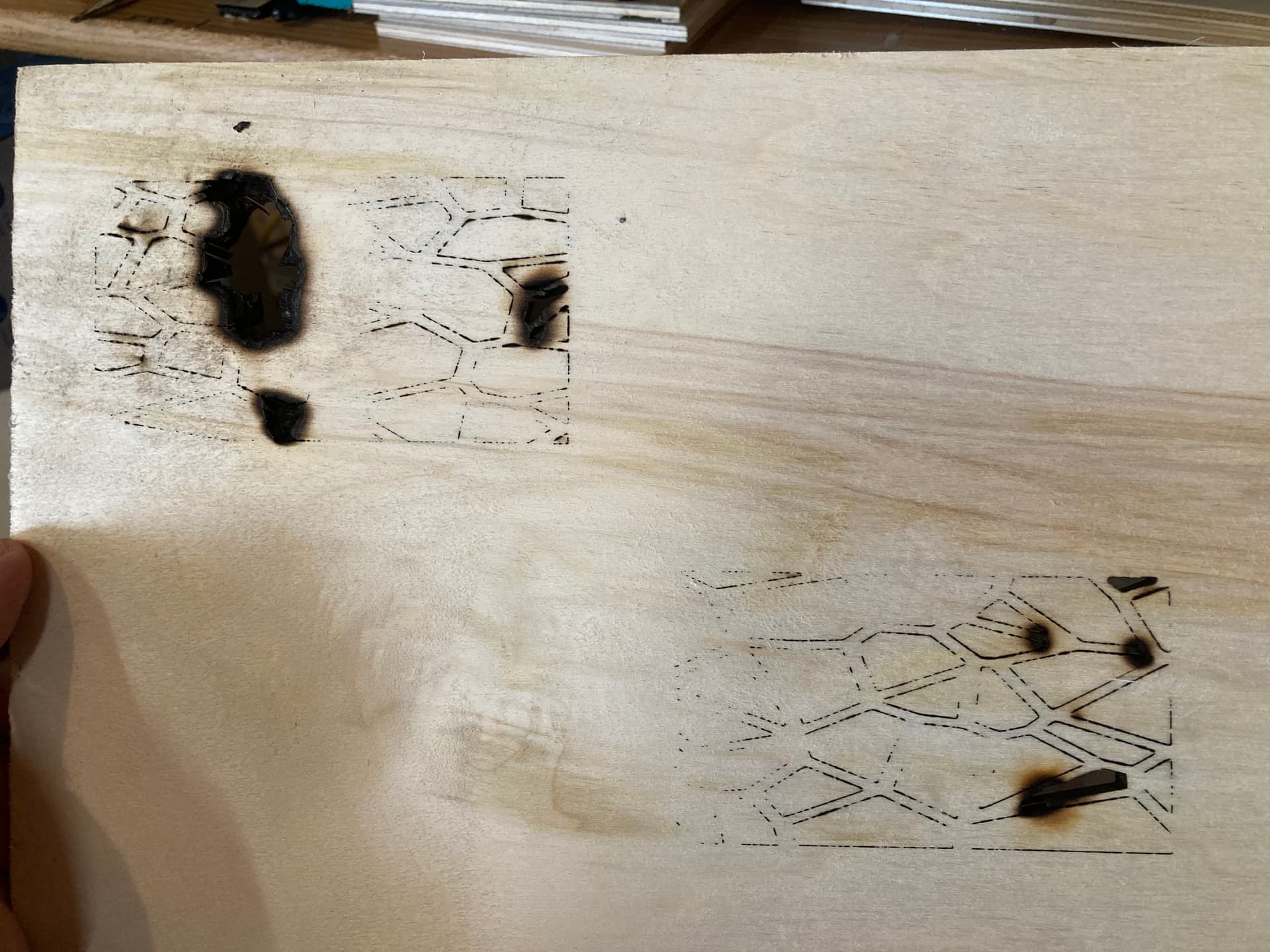
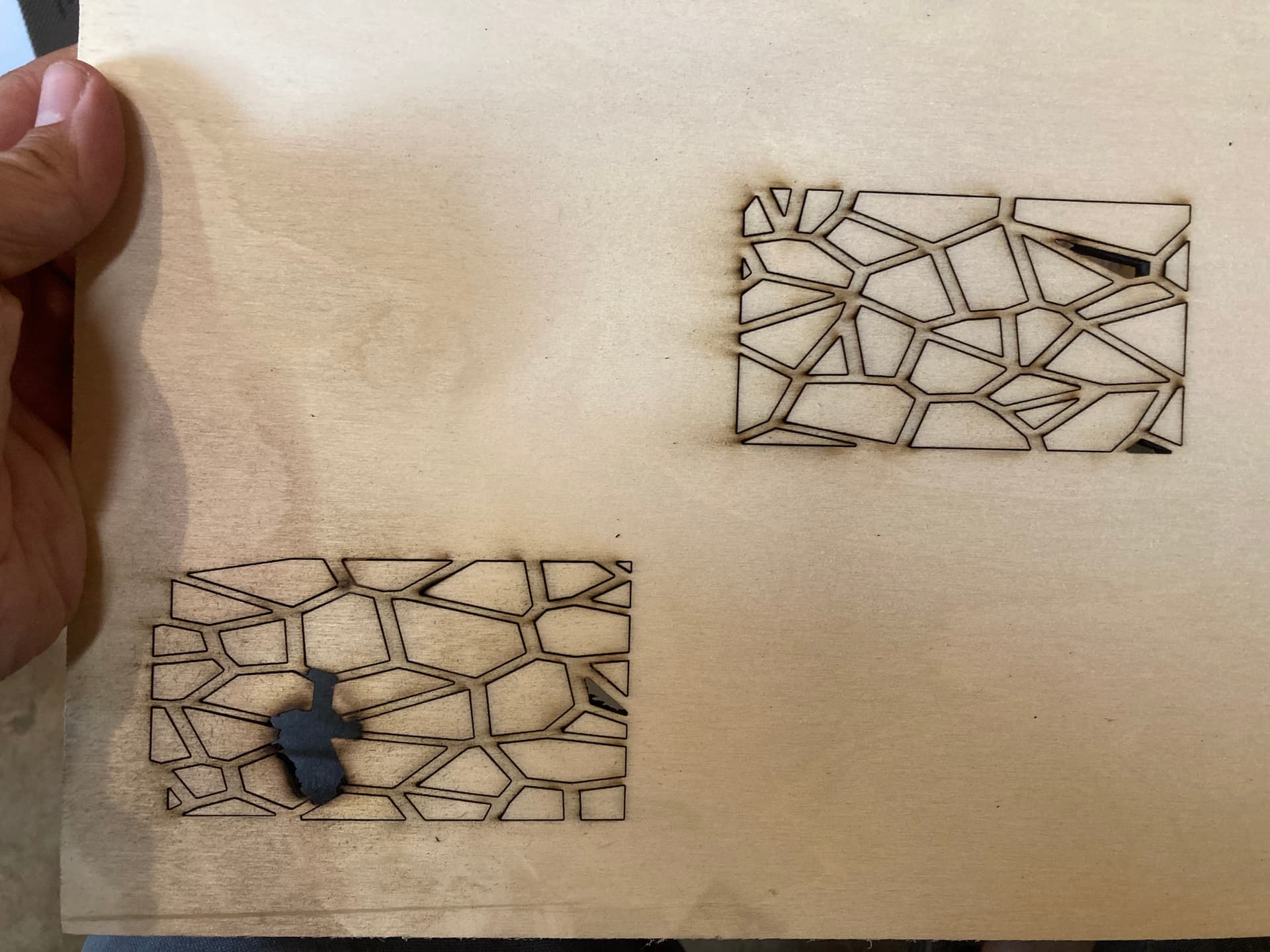
I’m having a lot of trouble cutting and engraving with my new Atomstack S20 Pro. My preffered material is 1/4" aspen plywood because I have access to lots of it for free. I need to make multiple passes (6 or 7) on cut path to get through without causing the material to smolder, but when these are small pieces near each other too much heat is building up from adjacent cuts and causing the material to smolder. I tried assigning various levels of priority to keep cuts from occuring next to each other without adequate time for the area to cool, but not enough apparently. I appreciate that LightBurn optimizes the path but in this instance I actually want the least optimized path to give my material enough time to cool in between cuts. I suppose I could create a phantom layer that just eats up time without doing any cutting or engraving…
I’m disappointed that the laser I bought can’t do the things that I want it to (yet?). I’m looking for suggestions on how to use it more effectively. Lower/Faster Speeds? Lower/More Intensity? Larger distance between cut out areas? I imagine a better machine would cut this more easily but I’m struggling to find the right parameters to cut and engrave with what I have. Is my material the problem? I’m still very new to all this so what else am I missing to help someone diagnose my problem?
Cut Settings: Speed 550 mm/min, Power 85%, Number of passes 6. Space between cuts 1/8"
Engrave Settings: Speed 2500 mm/min, Power 50%, DPI 254. Grayscale.
Material: 1/4" Aspen, 3 ply
Front:
Back: