The edit material setting are the basic setting for the layer… The test will allow you to modify whichever pair you pick to vary.
The text settings do the same except it’s set there speed/power for your text only. All the text used on the dog tag were generated by Lightburn… the text settings are specific for the text.
Although from my fiber, you can see the speed and interval is varying. What doesn’t vary is taken from the materials layer…
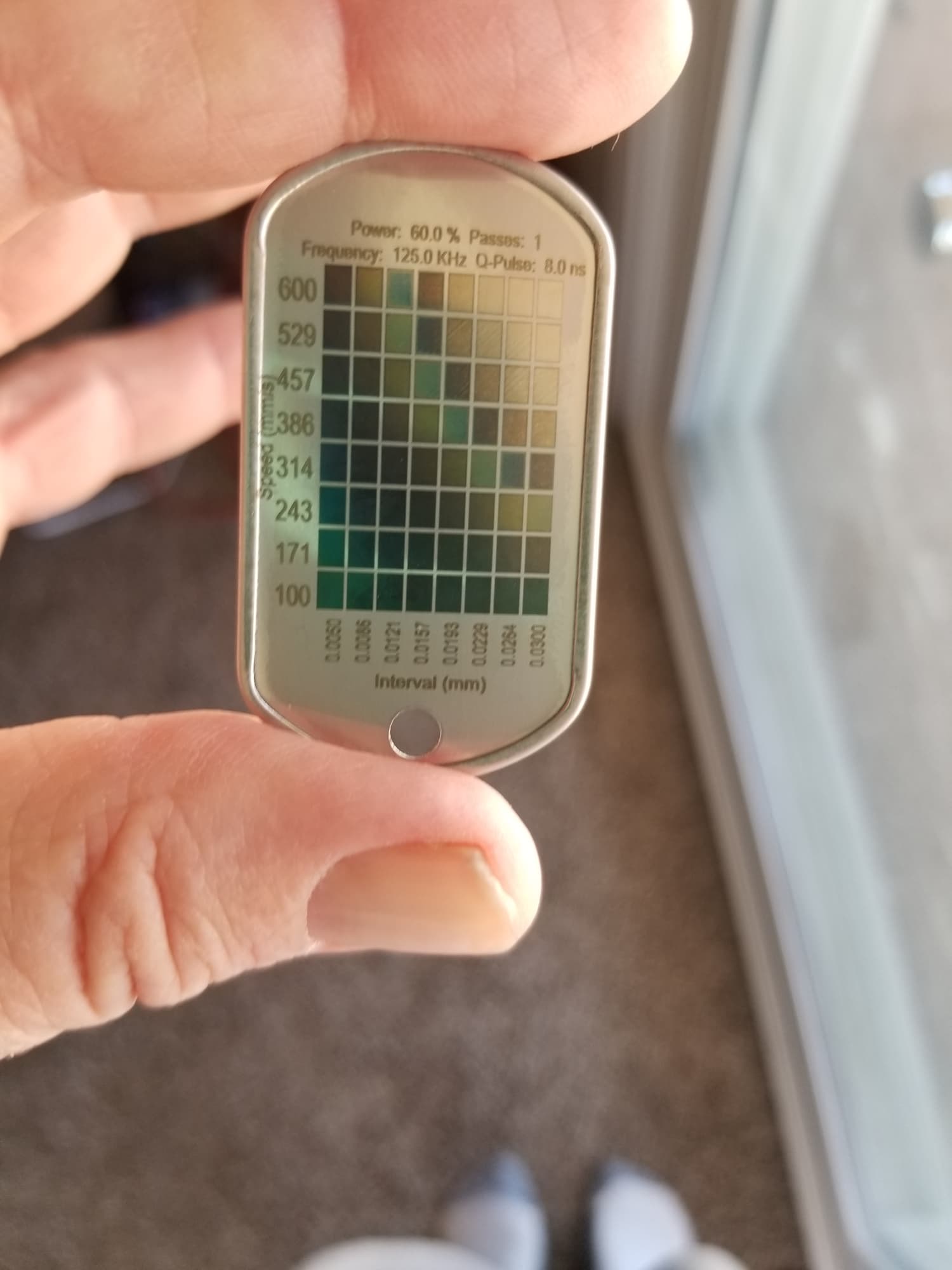
The interval is usually referred to as the dpi/lpi… an interval of 0.10mm is 254 dpi/lpi…
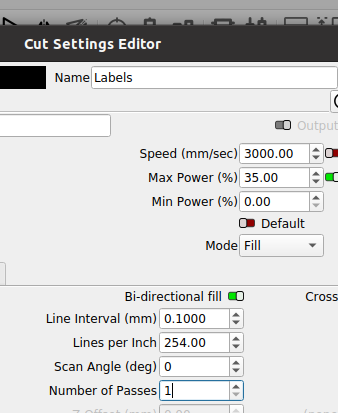
Always a good idea to review the documentation…
Good luck, have fun
