I seen a lot of post but not about everything scribbled. Some people say edges or x axis or y axis are good but squares scribbled. My test everthing is scribbled.
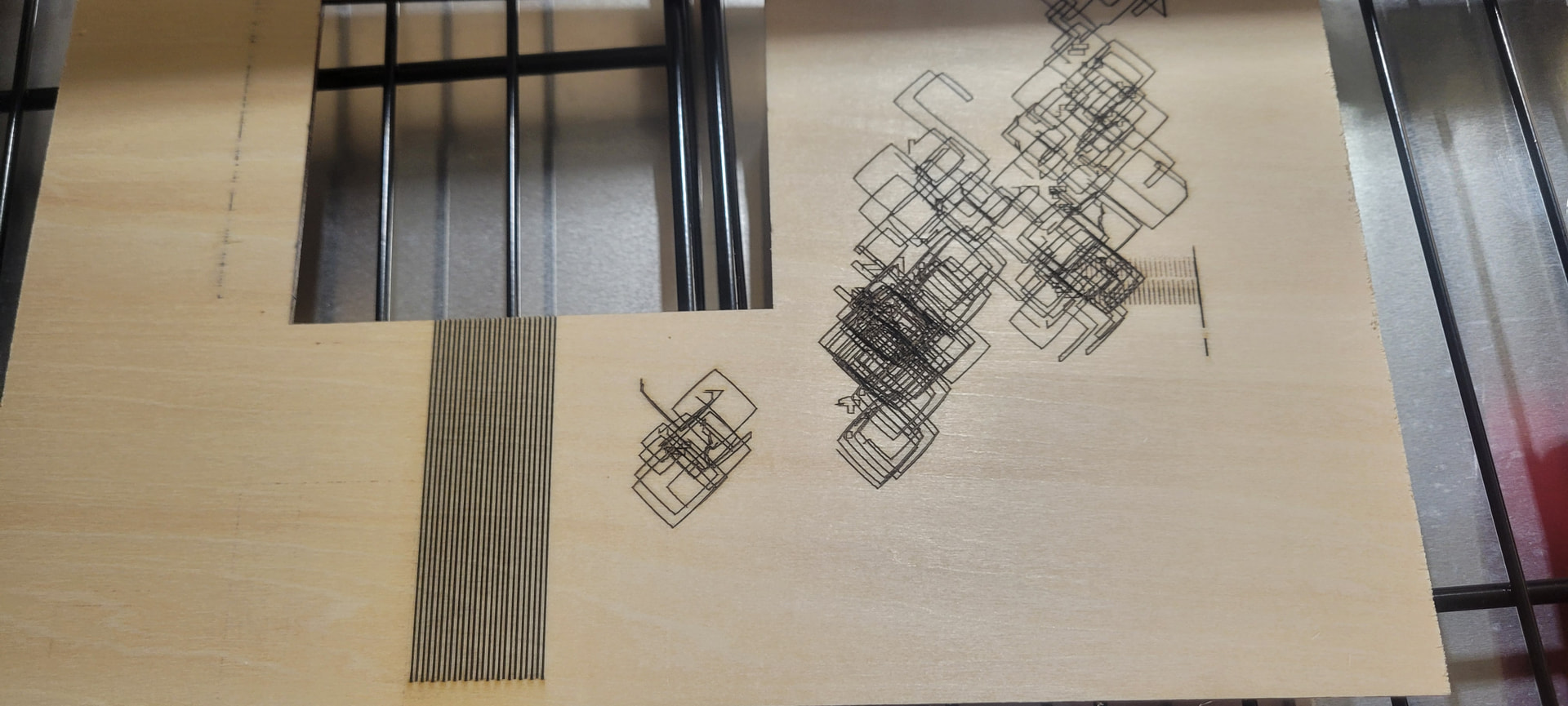
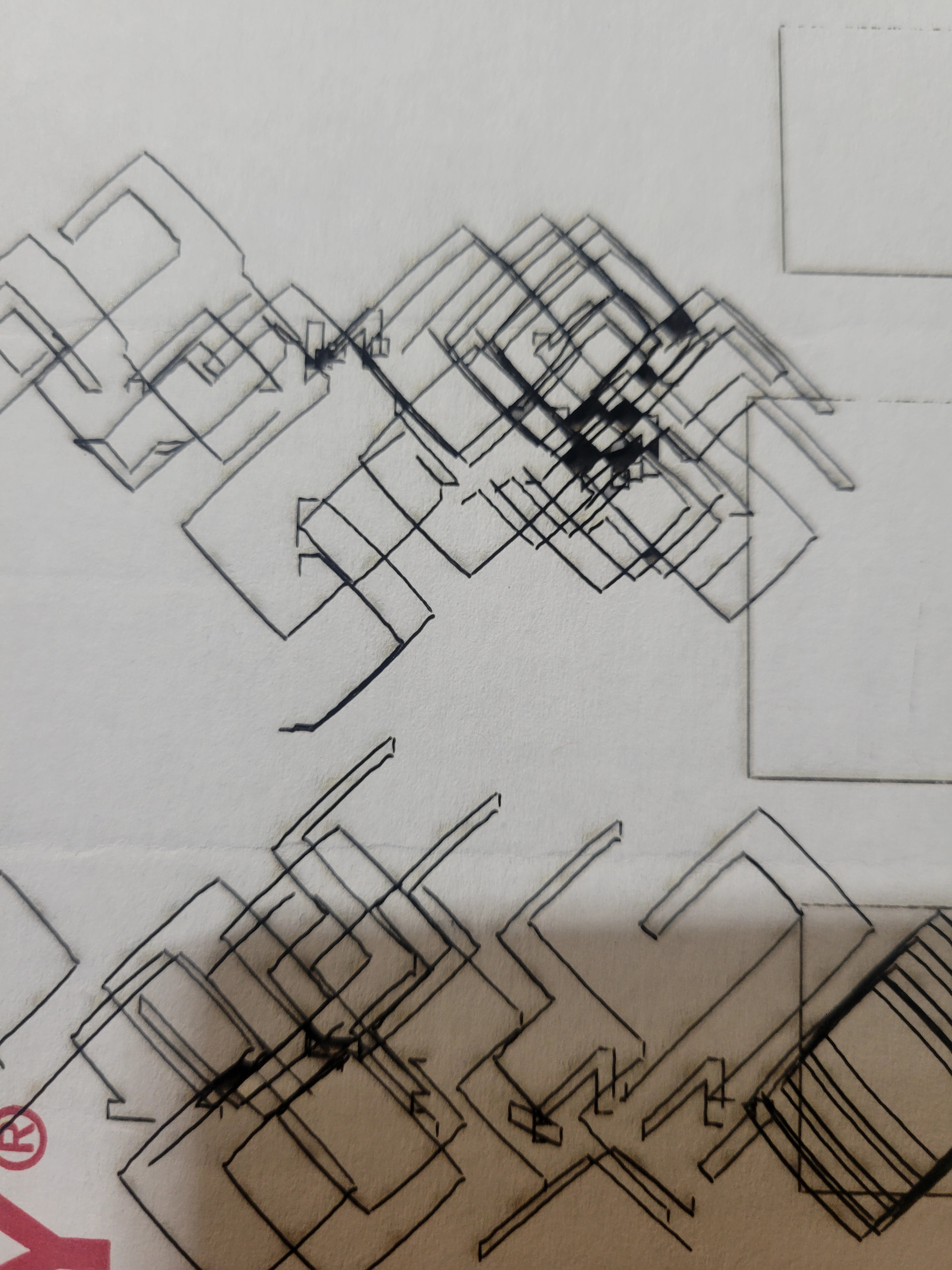
Sculpfun 30 20w diode laser cutter. Extension kit for x and y axis (roughly 36x36). This is my first laser and new to light burn. Been trying to learn through AI. Well set unit up, Trying to dial in settiings. Did a few simple square cuts on bass wood that came with unit. Cuts fine, little to no scorching. Now time to make a material test grid. Tried engraving with builtin presets, everything scribbled in 3 spots, tried making my own setting with 5 grid count, all scribbled. made sure constant power mode is switched off. adjusted min and max speed nothing works scribbled. I then tried cutting a few more squares and no problem cuts great. Went back to make material grid this time cut instead of engraving, still scribbles all over. I am still learning and will try to cut and engrave a few things, I am just wondering why everything seems to work fine but when trying material test grid, it does nothing but scribbles. like it is making 10 layers of squares 1 mm top of each other then moves 3mm does it again then goes back inbetween and does it again, then drops down 3-4 inches does it again then drop again repeats then back up to 2nd position and does it again in same 2-4 inch area. It moves so it is not like the gantry is stuck.
Bonus: If that solves the problem, then right now would be a good time for a good malware scanner run, because you never know what else may have crept in under false pretenses.
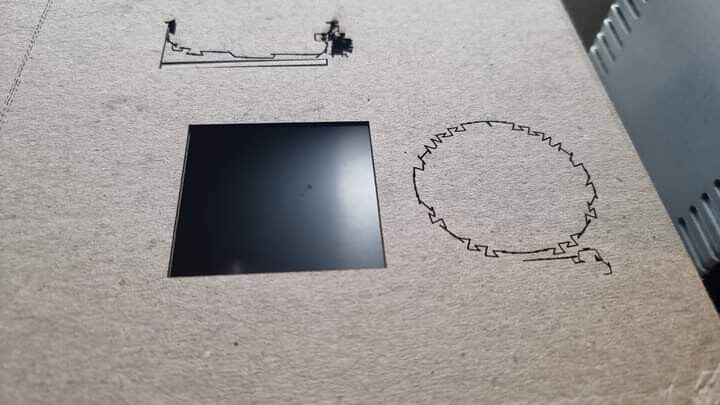
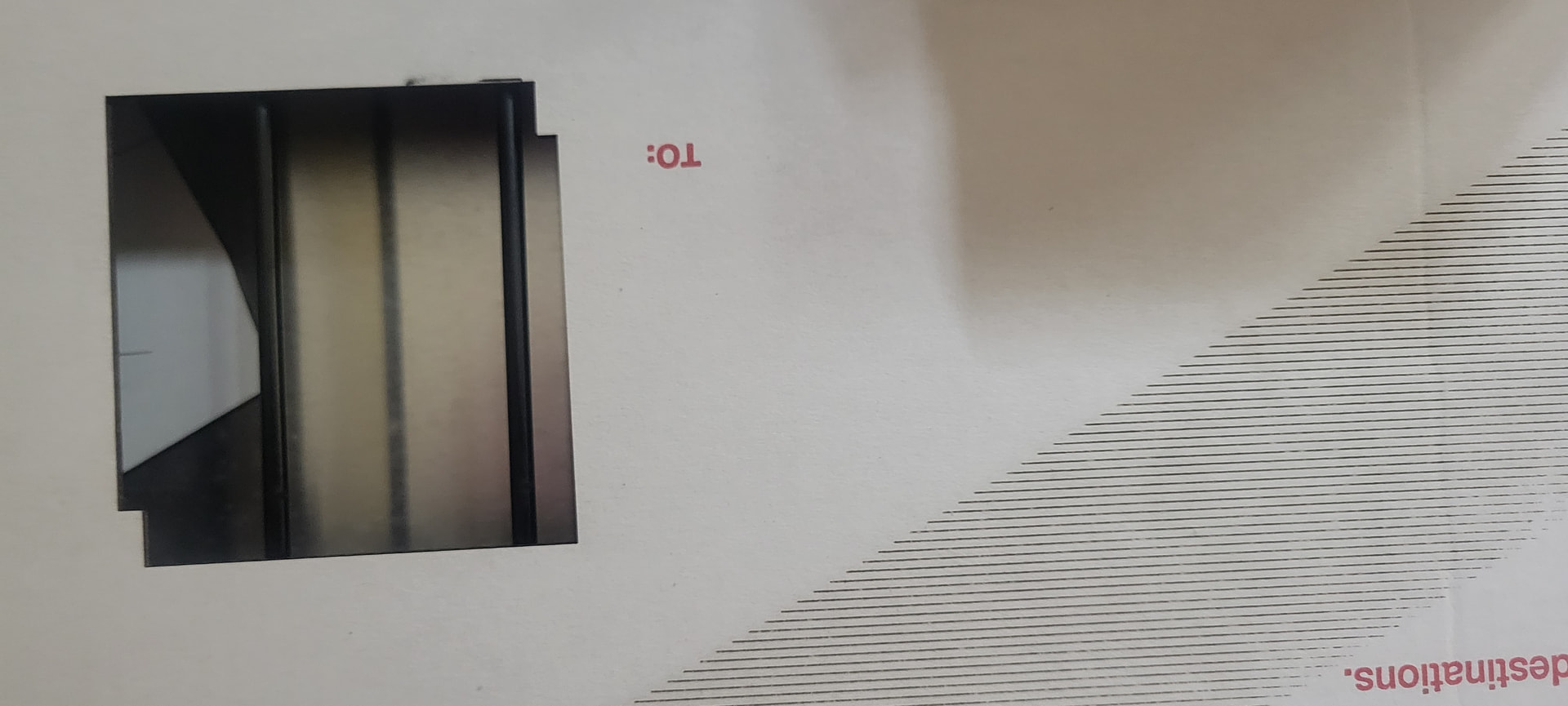
how do i make this chat box larger, sorry i forgot to add light burn pro. i thought maybe light burn or me, getting measurements mixed up asmy grid is set to inches but the software was reading in mm, so i changed everything to mm. In these images on the base wood i did a clean burn3 passes it cut through. scrap cardboard 2 passes clean cut. I move head to location i want to start from , set origin, frame, then hit start, walk 50 ft or so to make sure unit is running. The few cuts, i did work fine, i find the problem with material test generator. when ever i try to engrave to cut a gid it does notghing but scribble. does not even look like boxes, looks like multi layed diamond shapes. The test lines you see on the wood and cardboard is i was testing to make sure laser shut off for each line and not stay running while moving to new locations, the lines verify that it does shut ff and on, not dragging making a scribble mess.
Artificial Intelligence can, and often does, give Artificial Answers.
Read Posting #3 again.
Issues with the extended frames come from not telling the controller the frame is larger, and not properly adjusting the tension on the belts. Neither of these will cause what you have illustrated.
And your S30 does not need the Pro version, Core works just fine.
If you made sure that the issue is not the license:
Unmount the extension. The extension will add many new issues to the mechanical setup. If you get used to your laser, you can add it again and will have a much better idea what the issue is.