Is it in millmage possible to cut a product with a longer y measurement than my machine measurement. In Easel this is no problem with a function called “tiling”.
For the moment you’d have to do it manually, using the Cut Shapes tool to cut your project into sections.
We will eventually have output tiling, but this is an initial (early) release.
I were testing but thinking made something wrong tried again.
First try I use a rectangle shape with another color.
Not the expected results.
original file:
First_test.mage (11.6 KB)
Error file:
First_test_after_cut_and correction.mage (15.6 KB)
The shape used to cut the shapes (with same layer color) is hidden but remain assighed to operation.
Moved all the shapes a bit and all the first shapes stay in place hidden but with output:
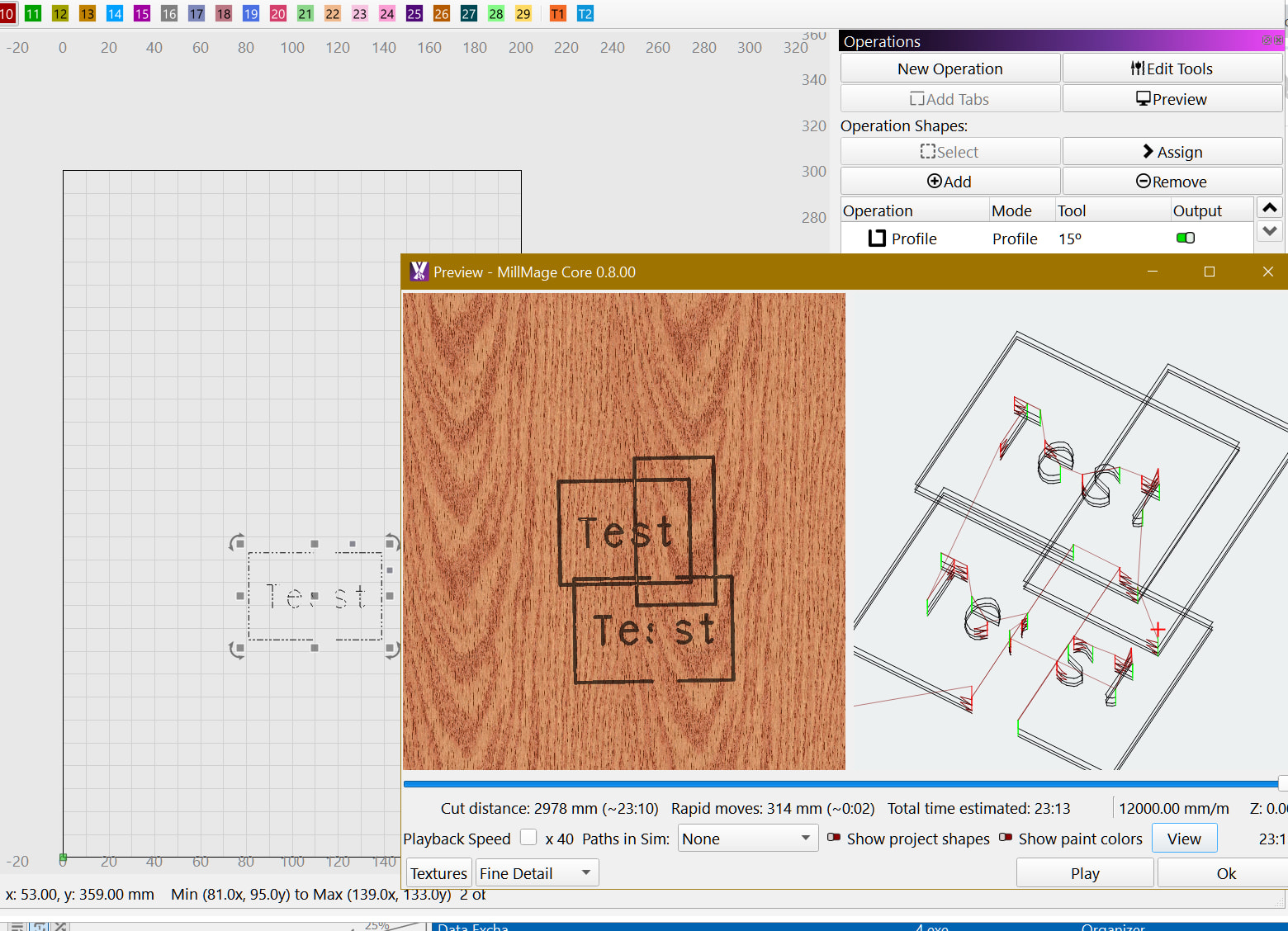
If I select half of the cut to output the other half is outputted:
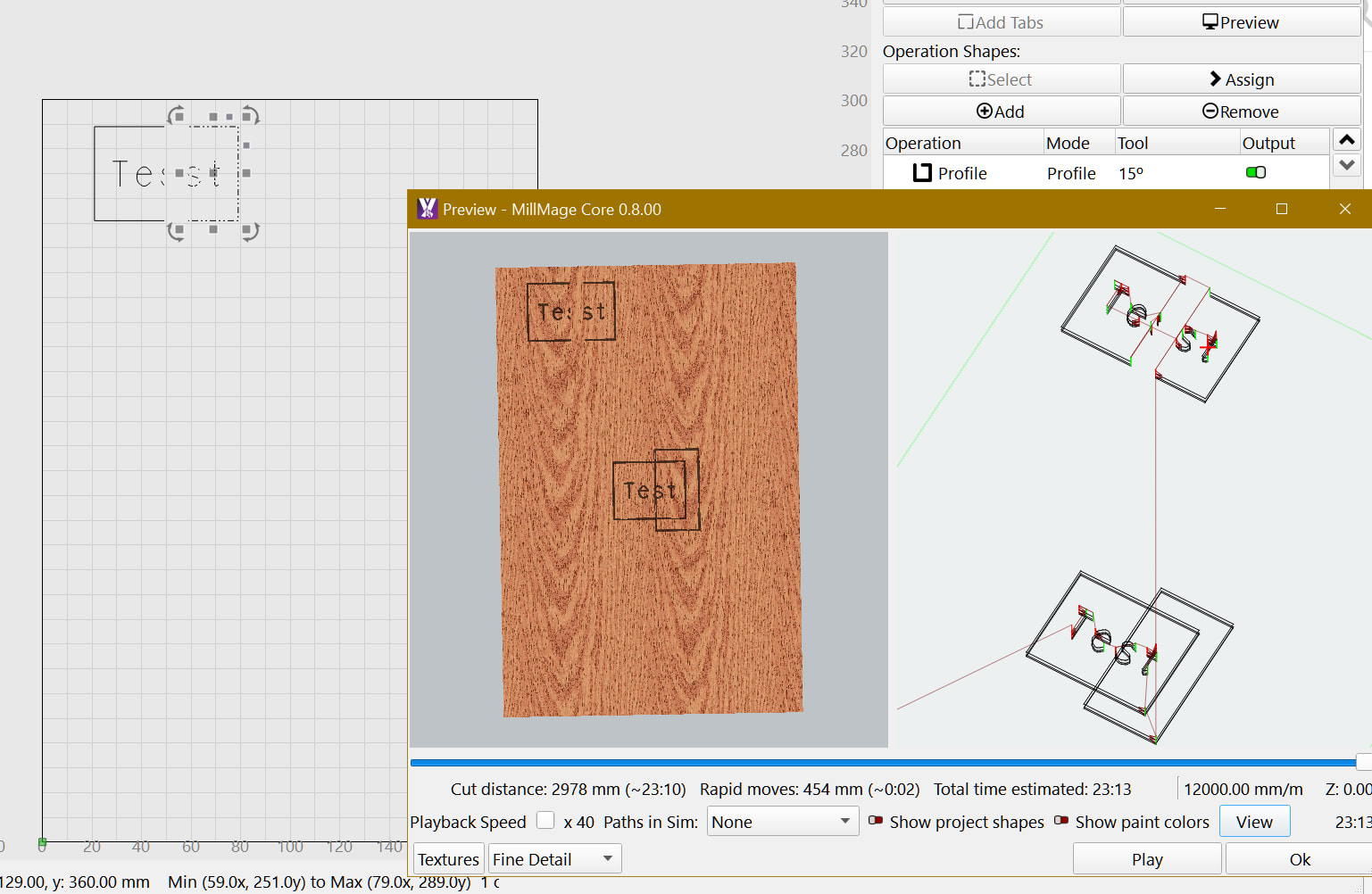
Tried again, restarted MillMage and a new similar design from the beginning, after the Cut Shapes the Mill operation assignment goes away as the firdt time with a saved project.
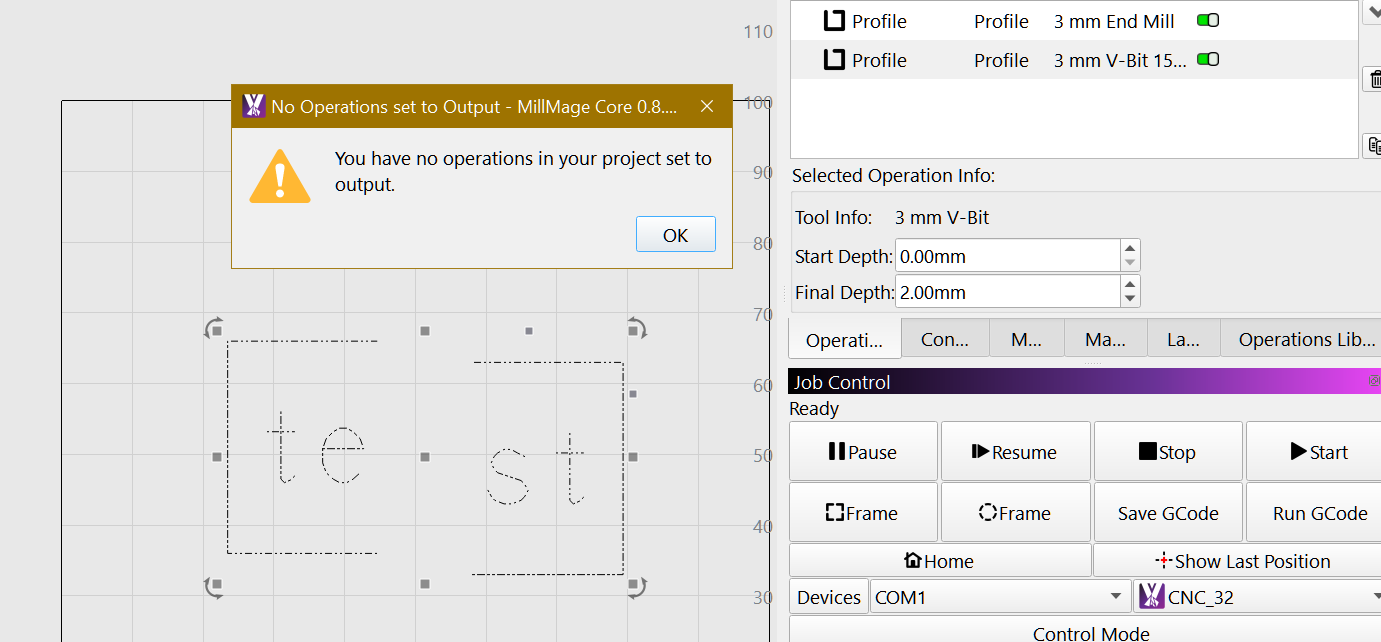
Wha do you mean by “select shape for output”? The current selection has no effect on what is sent to the machine - only the “output” toggles on the operations. Hiding shapes or layers also doesn’t remove them from being output.
2 Likes
Just noticed that for it not to output, you have to place it outside the MillMage work area (outside the stock material). (my bad)
It´s hidden from view, but I didn´t hide the shapes. They disappeared after the Cut Shapes operation (which is normal) but some “trash” remained there.
Maybe it was a random bug? because I opened the file where this happened and I´ve tried a few tines with other designs and it´s not happening.
But in my new tries it always loses the assignments to the milling OPs and I believe this is not expected.
Use some dowel to index your project. Just like if you were doing a project that was flipped over you can index with dowels…
1 Like
I figured something like a manual version of Print’nCut for my little extended 3018 (3040).