MillMage 0.9.00 Early Access – RC-6

Our MillMage 0.9 Early Access - RC-6 release is available here. With this release, we provide a critical bug fix identified below.

Change Log for MillMage-v0.9.00-RC-6

Changes Since MillMage-v0.9.00-RC-5

Bug Fixes

  • Fix fatal crashes caused by keyevent filter.
3 Likes

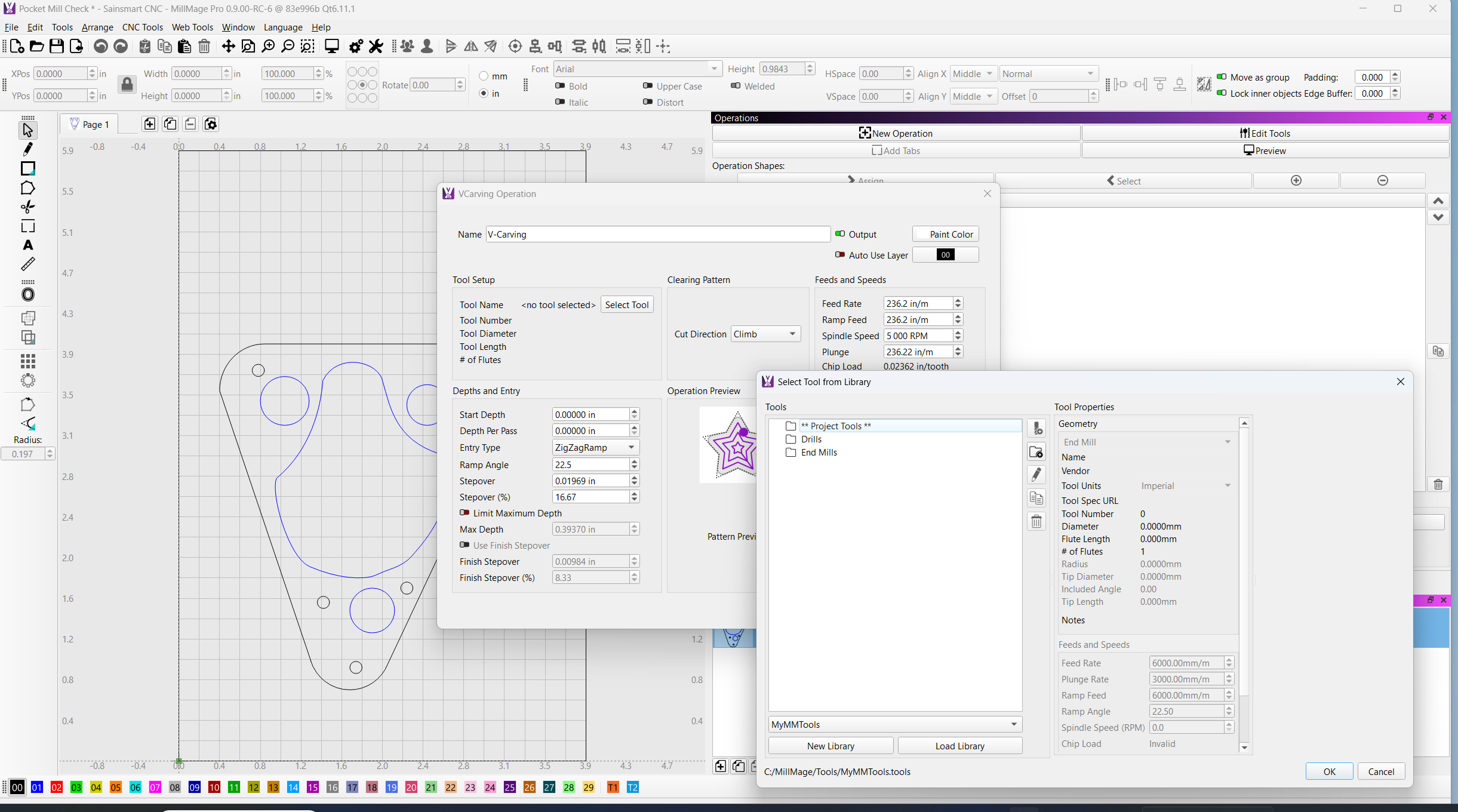
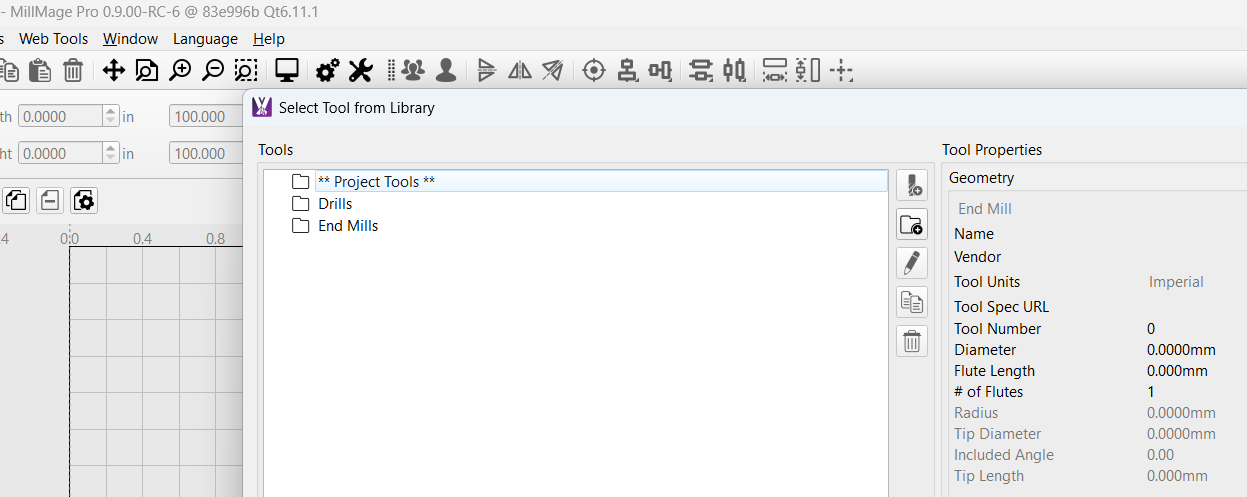
In RC-5, I could not select any tools until I loaded my Tool library. In RC-6, I cannot load any new tools at all.

Sorry @MikeyH, but I am not understanding what you are showing here. Are you saying the ‘Load Library’ button is not working for you?

Yes, sort of. It shows my Library at the bottom, but I can select no tools. Trying to add Vcarve to an existing project.

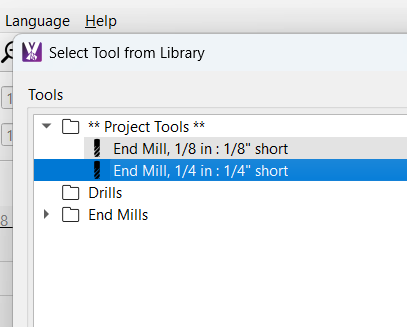
Normally looks like this…

Yes, I see what you are seeing. Thank you. Investigating further and will report back. :slight_smile:

1 Like

Ok @MikeyH just got feedback on this recent change. Some of the Tool Library views and access are now filtered to the Operation. In this case, the Vcarve op. Have you defined any VCarve tools in your library?

1 Like

Bingo! And g o o d t o k n o w !!!

I have a suspicion I am not the only one to get caught here.

My tool library does not have my taper tools in it (lazy me). But when I opened a project with Vcarve already in it, the tool was in the project, so all was good.

I hope this means: If your Tool Library does not have the appropriate tool for the Operation, or MillMage cannot identify a tool, no tool selection is offered. This will indicate you need to add a tool.
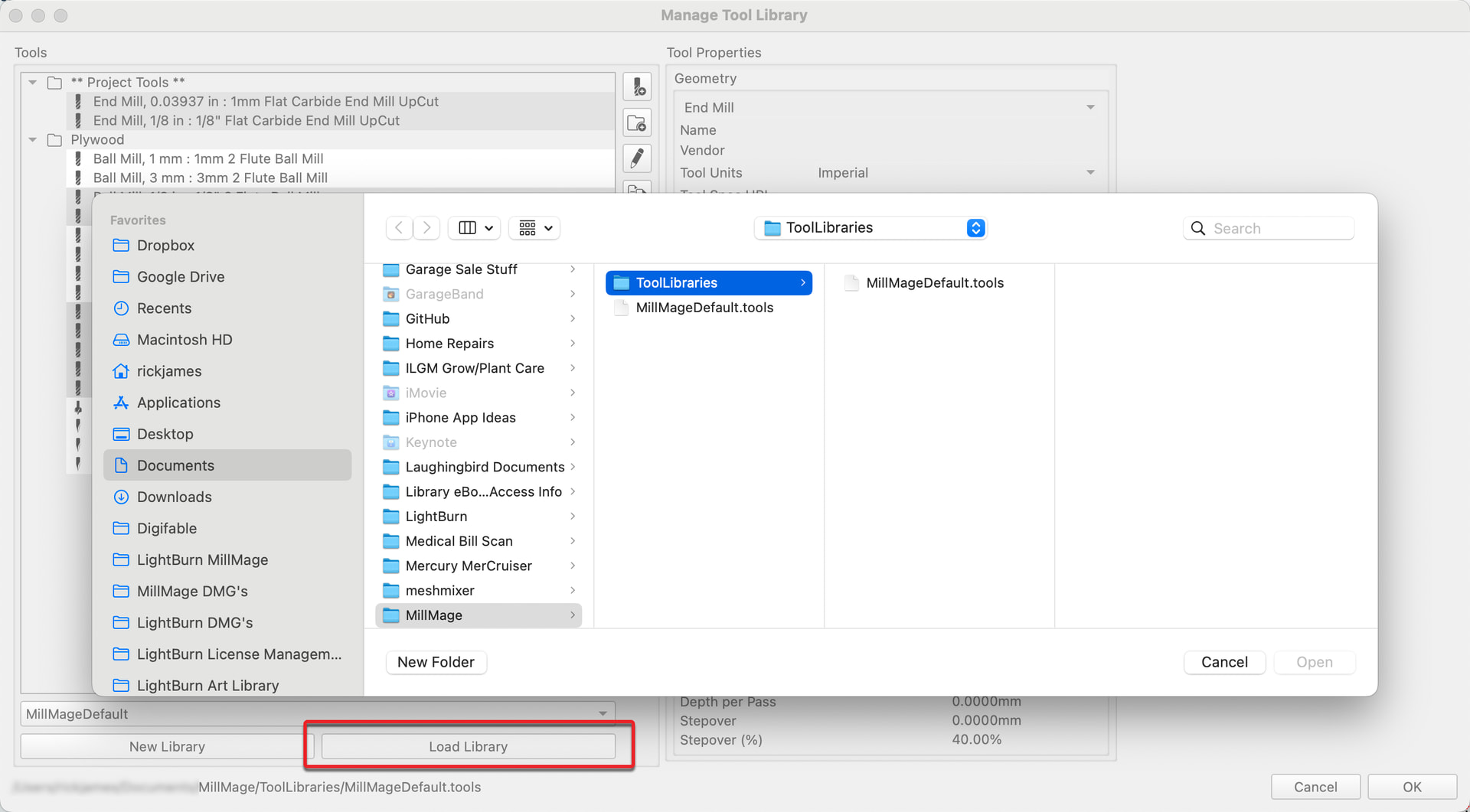
Correct, and thank you. A request for adjustment / refinement to this presentation has been recorded internally. :slight_smile:

Let’s await the team’s response together; the request for review ink is still wet. :wink:

1 Like