I am using the FoxAlien Masuter 3S machine w/ extension.
I am a Lightburn user and this is not an issue in lightburn.
When in Millmage pro, when I click as noted in the subject line it doesn’t go in the right direction.
$3 is set to 0
$23 is set to 3
Y value before a Forward move: -227.80
Y value after pressing the Forward button: -221.40 (but the actual spindle went back)
X value before pressing the left button: -446.98
X value after pressing the left button: -432.77 (even though the spindle went right)
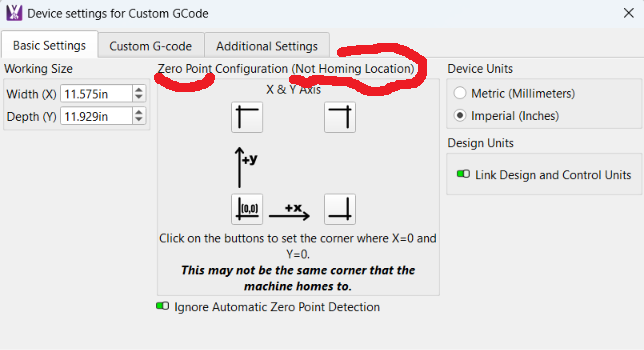
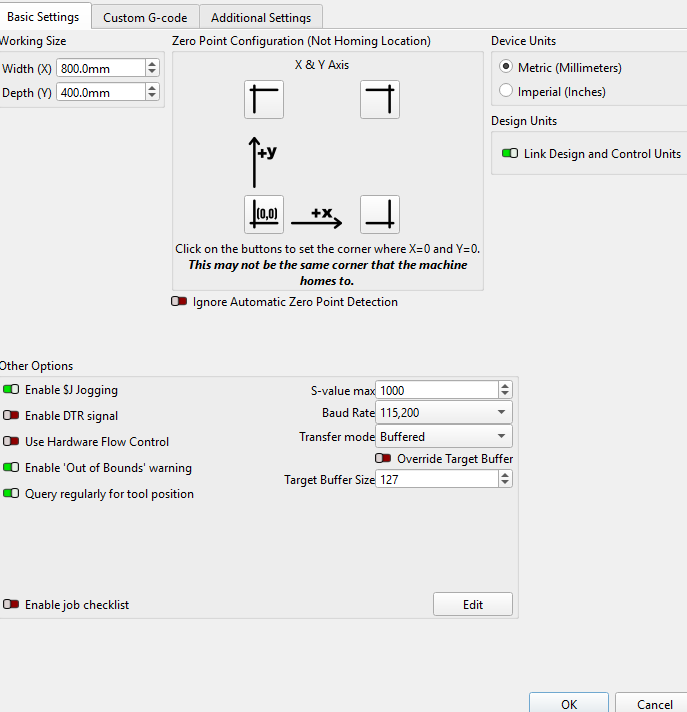
Thank you for replying. I’m not sure what I should change based upon your image. My Device Settings seem to look the same as yours. Can you provide a bit more context to help? Thank you.
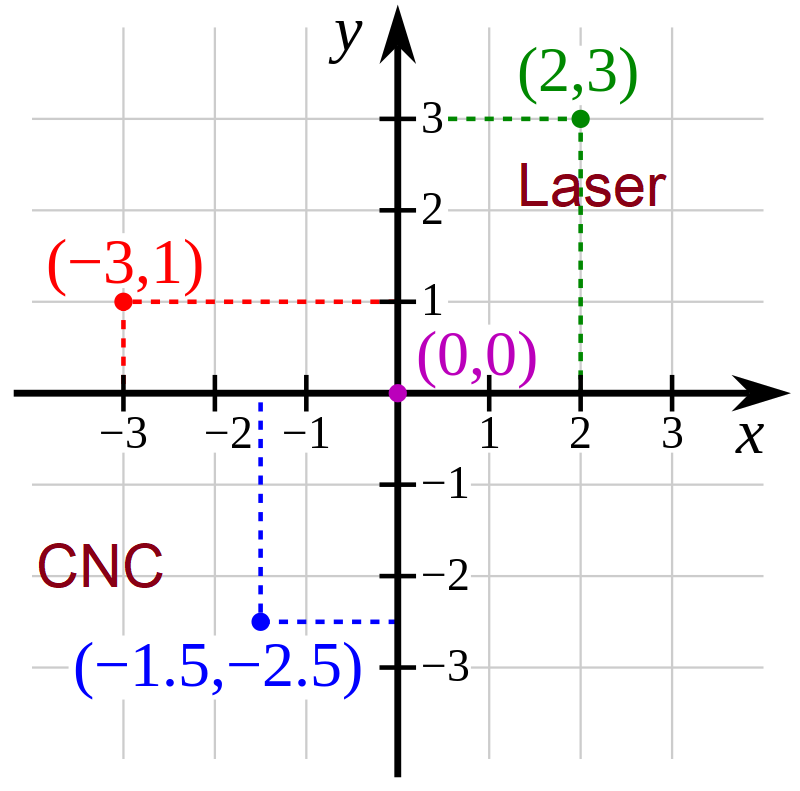
Not that complicated. Your X&Y are both negative, so that indicates you are operating in Quadrant III. If your Home position is the front left corner of the table, then the 0,0 location (Zero Point) would be the upper right selection in the Device Settings window.
No matter where it Homes, Jog around until you find the near 0,0 corner. Then tell MillMage which corner that is.