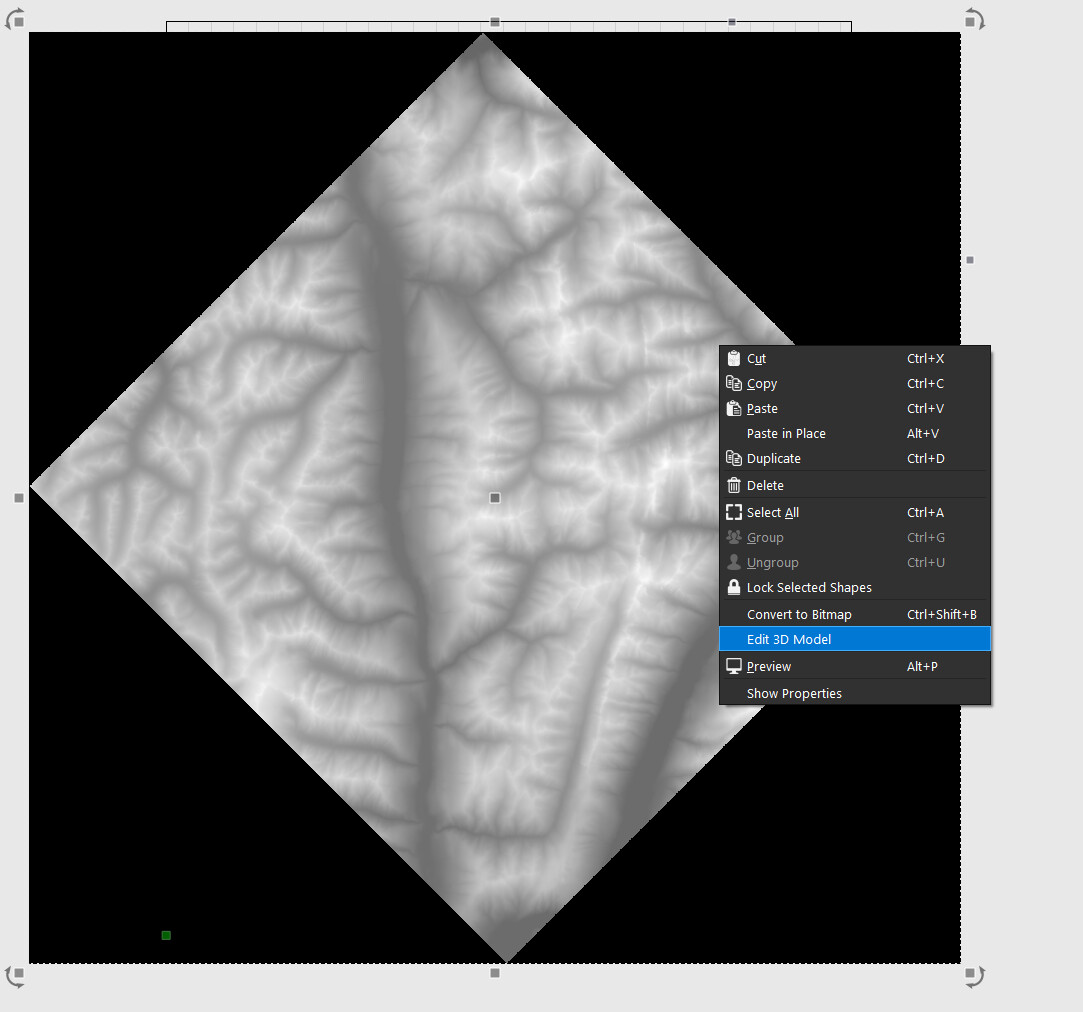
I am playing around with doing some 2.5D stuff and I wanted to check two things.
Can a carve be done right from an STL file?
I get a Bitmap error when I try to assign 3D toolpaths to the imported STL file.
Second when creating the Depthmap is there a way once generated to go back and make a tweak to the depthmap settings or do you need to re-import the STL and start again?
The relief carving code needs a depth map to work from. That said, we’re working on a mechanism where you can import a model and the depthmap generation just happens automatically, so you don’t have to bake it.
It will still look like a map, but have the model stored internally, and you’ll have the option to edit it (rotate, scale, etc) and it’ll regenerate with the new info.
That’s not done yet, so at the moment you need to actually generate the depth map to run it.
As I understand it once you generate the depth map the STL or 3D File goes away and you are left with just the depth map and if you need to make changes you would need to re-import the STL and re-generate a net new Depth Map, you can’t make iterative changes currently to the Depth Map but you also cant carve just based on the 3D Model.