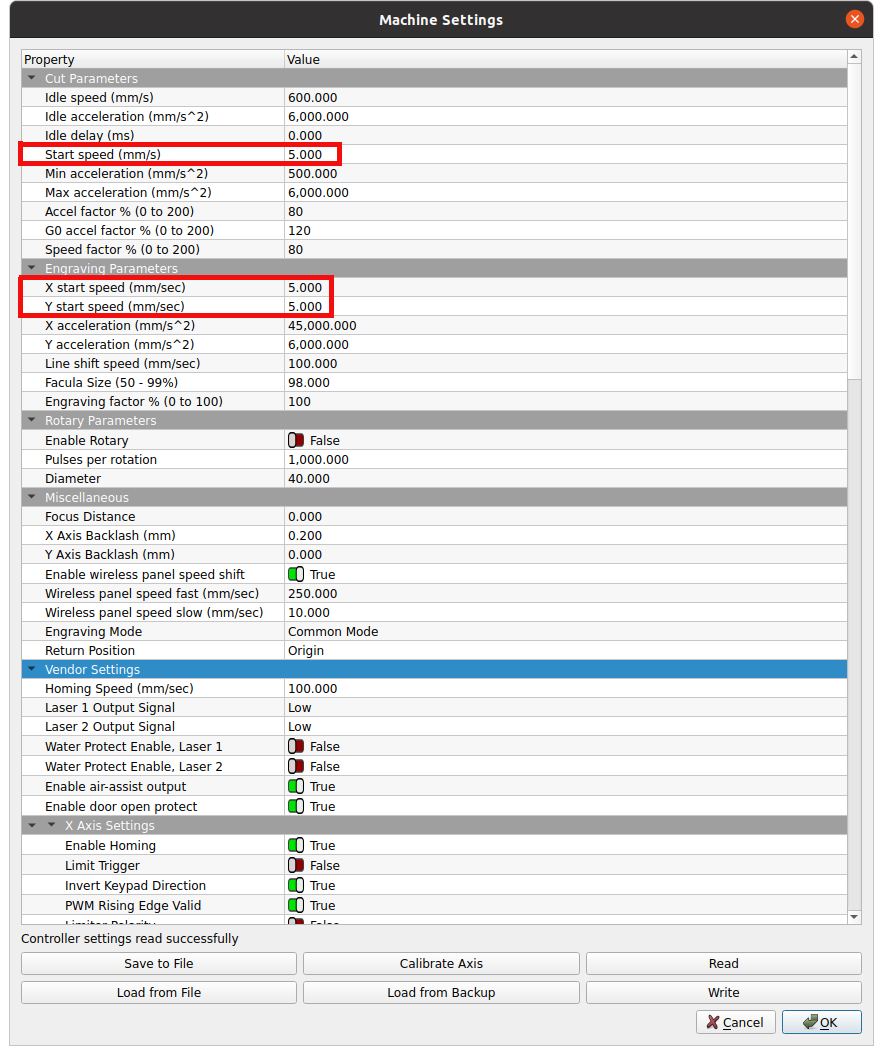
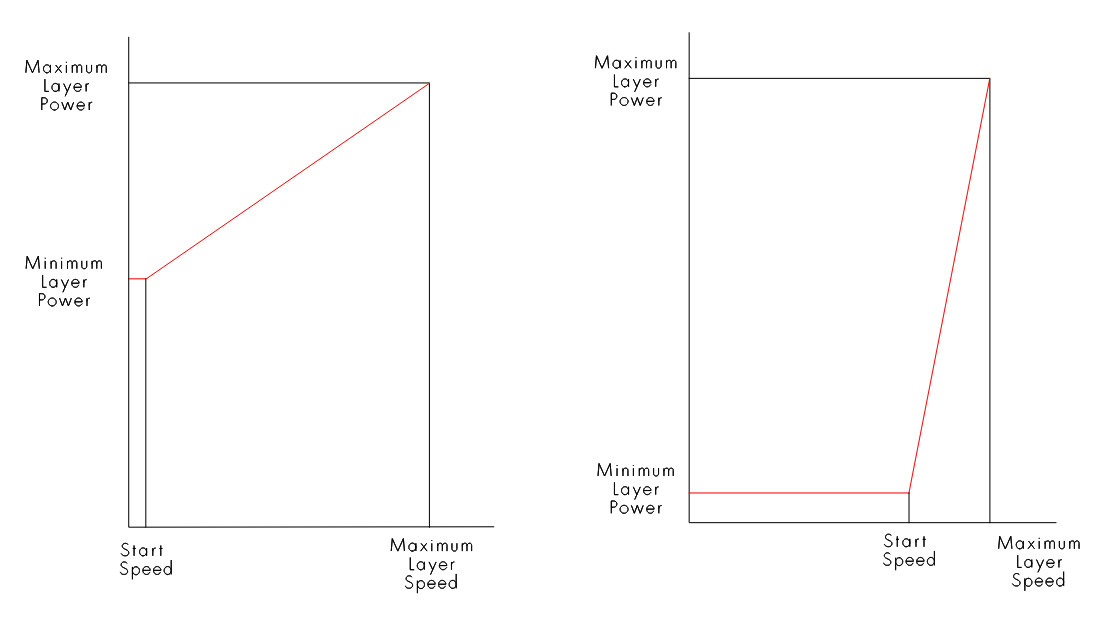
It’s used when the laser slows down due to the path of the head. If you have a sharp corner / turn, the head needs to decelerate, stop and then accelerate again. If you keep the full power all the time you’d have darker spots there because there is more power per time applied to the material.
Are you talking about the layer option? This is meant to not fully cut the object, such that it doesn’t fall off the plate. Sometimes you want it to stay in place and being removed with a knife after the laser job is done.
That’s handled by the min power option. The laser slows down automatically (control and physics), but you need to decrease the power then. You don’t actively control the speed. The only way to change speed in a line would be to cut the shape into different single shapes and assign it to different layers.

 Hope that helps