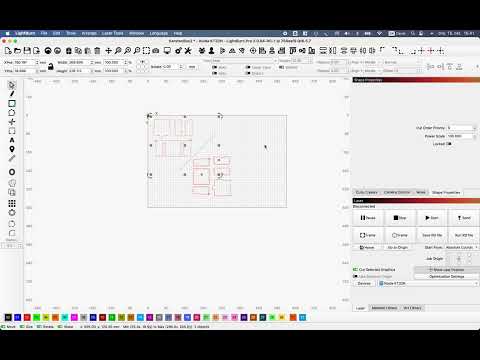
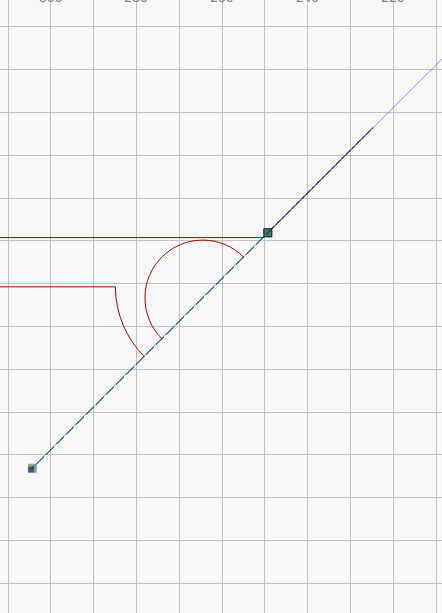
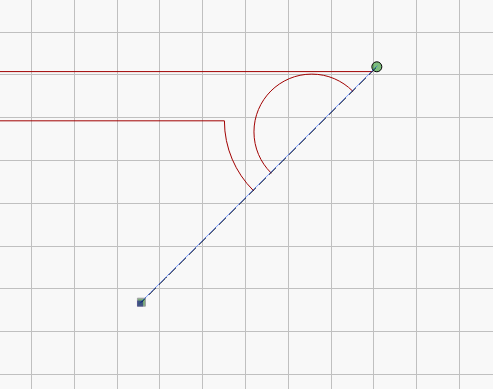
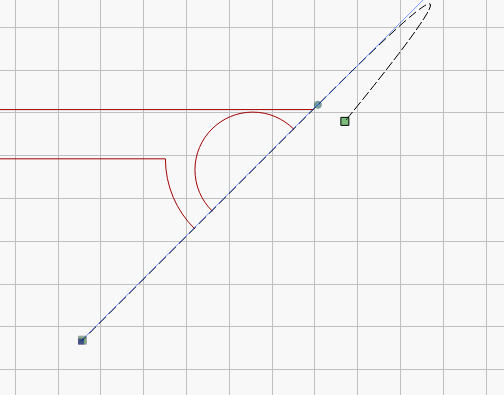
The question: how do I “Mirror Across Line” for the associated drawing? The specific complaint: the item “Mirror Across Line” is greyed out in the menu “Arrange”.
The paths to mirror are the maroon (color 10). The 45° line is black (color 00).
I readily Mirror Across Line if the line is horizontal or vertical.
I expected the same behavior if the line was at 45 degrees.
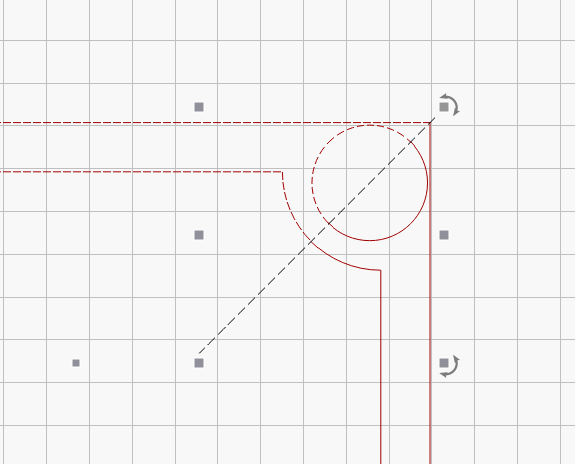
Some simple drawing =will= mirror across the 45 degree line.
I’m a relatively new user – say 6 months intermittent experience with LightBurn.
My system: macOS Tahoe 26.0.1; “Chip Apple M1 Pro”; LightBurn 2.0.04. Laser: Boss Laser LS-1630; Controller reports as “Ruida_644XS_Discovered”. I connect to the laser via USB.
The “associated drawing” is named “Elevator_Parts_cc.lbrn2”.
@brend.dk: Thanks, but the item “Mirror Across Line” is greyed out in the menu “Arrange”.
And I’m pretty sure I using the “Mirror Across Line” correctly because I it works as I expect if the reflection line is vertical or horizontal.
Weird:
a) If I make a horizontal line, then rotate it 30degrees, then mirror, I get the duplication.
b) If I make a horizontal line, then rotate it 45 degrees, then mirror, I get the duplication.
c) If I draw a 45 degree line with the “Draw Lines” tool, mirroring sometimes works and sometimes doesn’t.
I’ve sent a copy of a file to LightBurn via email. That may have some hidden information of use.
You have to select the item you want to mirror, then shift select the line you are mirroring across. Selection order matters and it must be a straight line. It’s very easy to get a slight curve in your line when drawing if you drag the mouse rather than only click points.
@thelmuth: Thanks. I’m pretty sure I using the “Mirror Across Line” correctly because I it works as I expect if the reflection line is vertical or horizontal. Further, the lines were almost always drawn by (1) making a rectangle, and then (2) Break Apart. Not much chance of a curve.