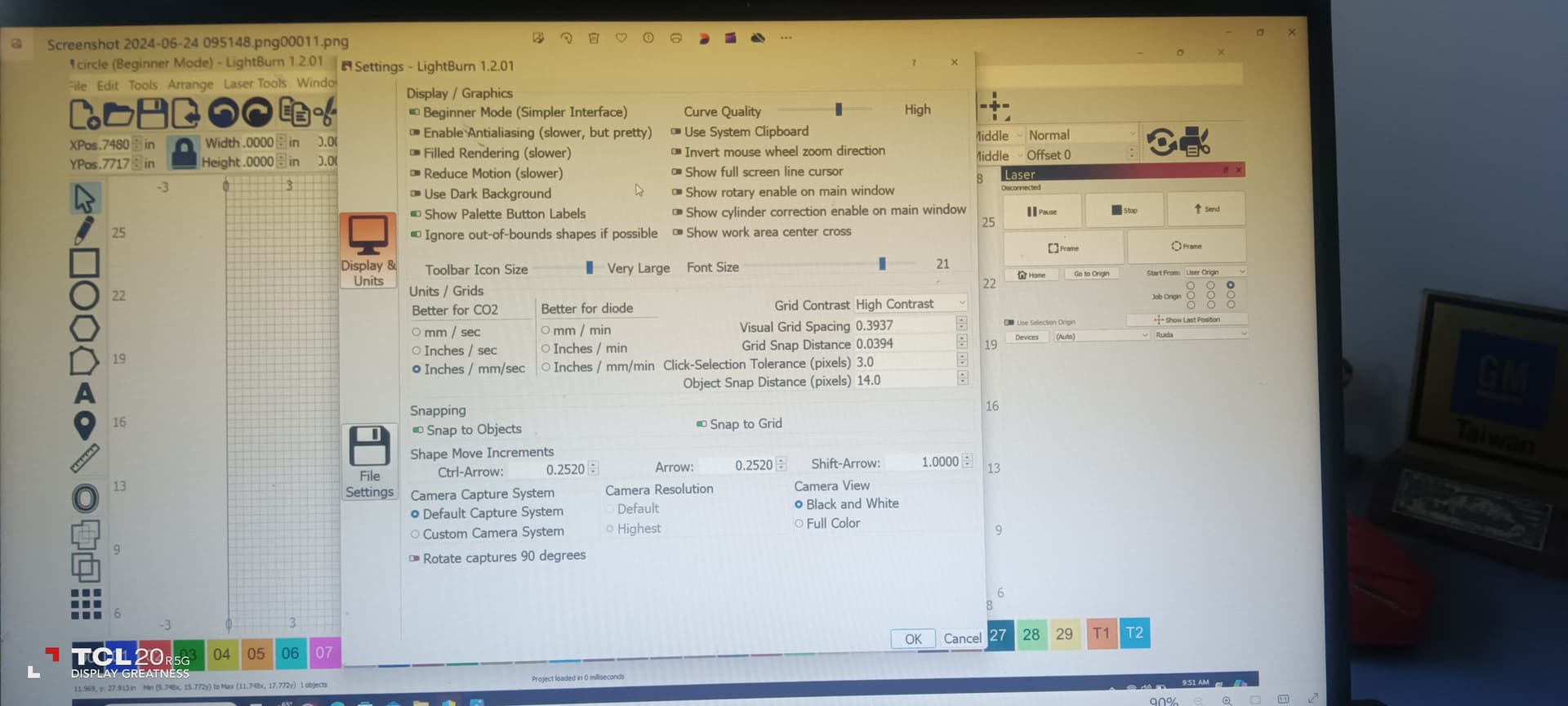
Most operating systems have some way to capture a photo of the screen, which you can then post. That way we can see what you see…
Google how to take a screenshot for your os.

Most operating systems have some way to capture a photo of the screen, which you can then post. That way we can see what you see…
Google how to take a screenshot for your os.
got it will come back to you… Sam
This page tells all:
Then you attach that picture file to your message and away it goes!
Machine start is r/h upper Hello Jack is this what you need or do i need to add more for you TEST RUN
“C:\Users\sammi\OneDrive\Pictures\Screenshots\Screenshot 2024-06-24 093817.png321.png”
C:\Users\sammi\OneDrive\Pictures\Screenshots\Screenshot 2024-06-24 095148.png00011.png
You need to be patient and let the site upload your photos… Neither of them made it.
will try again
Change the “Start From” mode in Laser window to “Absolute Coords” and try again. Do you still get the same issue?
will try and get back to you
changed settings to absolute ordinance
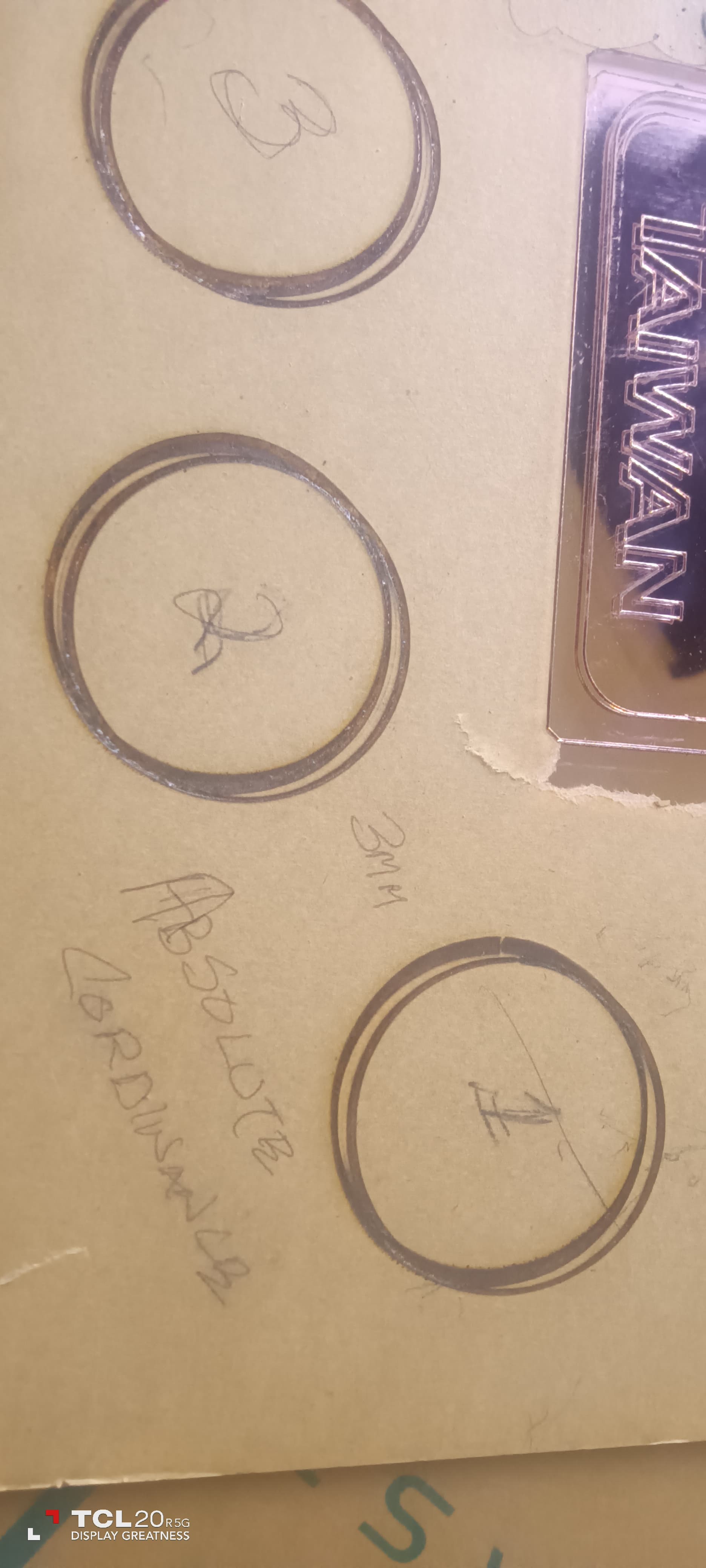
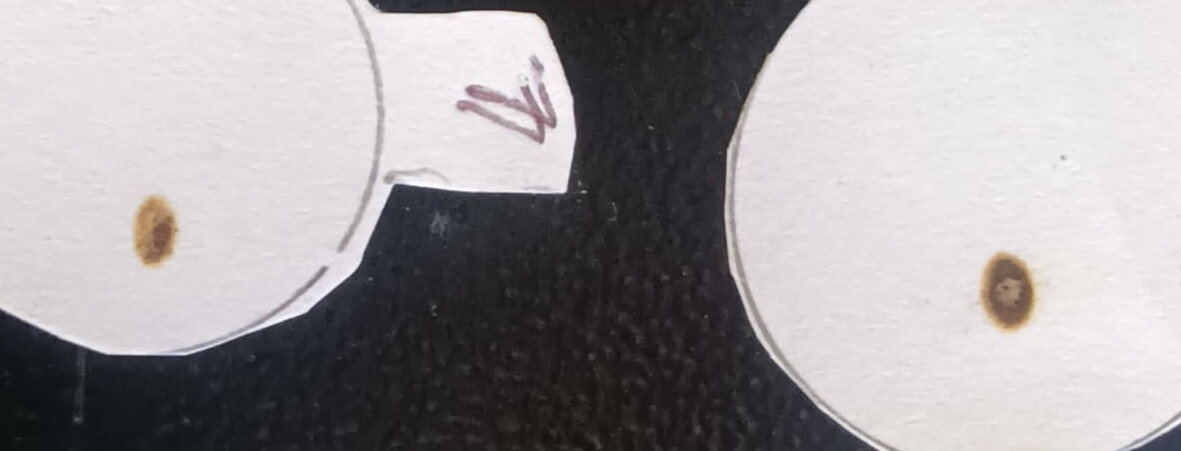
notice the amount of soot now around cut
Change to Absolute Coords will not change the nature of the cut, only how it’s positioned. If the issue with “Out of bounds” is now not showing that indicates that you likely had an issue with where your origin was configured at the Ruida Panel. In that case, continue to use Absolute Coords or reset the Origin as appropriate at the panel if you want to use User Origin.
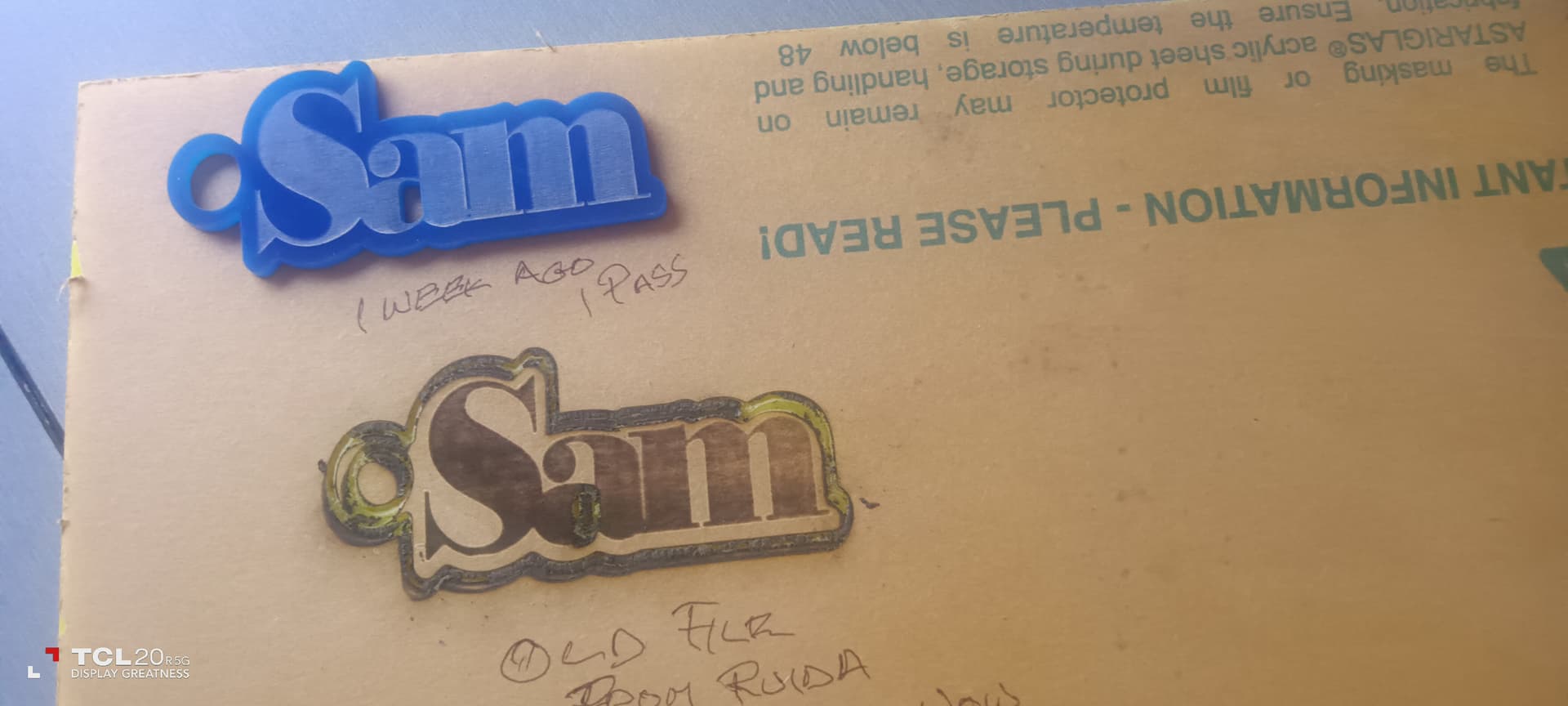
Hard to tell what’s going on with the burn based on the images. This looks possibly like a mechanical issue or a mirror alignment issue.
Can you confirm that you get the same quality of burn irrespective of the location of the material on your bed? Or do you get different results depending on location on bed?
If the latter that implies an issues with mirror alignment.
From all the photos I’ve seen posted, it still appears to me that the tube is not in TEM00 mode — if so it will never align or work properly … The burns he’s getting are what I’d expect from this condition…
It’s possible but I haven’t looked at that aspect of it.
At the least, however, I’d expect the quality of cut to match between last week and today which should be achievable. So there’s likely something going on that’s minimally accounting for that discrepancy.
When mine went out of TEM00 mode, it changed, daily, requiring a daily alignment.
The last day I aligned it three times in the morning to try and keep it usable… that afternoon UPS delivered me a new tube.
We’ve been down this road for over 114+ posts… it has to be a tube issue at this point.
I’m discounting the possibly that it was never aligned properly… as this has been beaten to death.
Interesting. That’s a surprise to me. I wouldn’t have expected lasing mode to affect alignment but I’m open to the possibility. My tube has never been in proper TEM00 and I don’t experience this.
I wouldn’t necessarily dismiss the possibility that alignment is still an issue at this point. Length of Topic isn’t necessarily indicative of quality of outcome. I haven’t followed this thread particularly closely but I don’t think I’ve seen evidence of a complete and proper validation of alignment in an exhaustive way.
Ditto
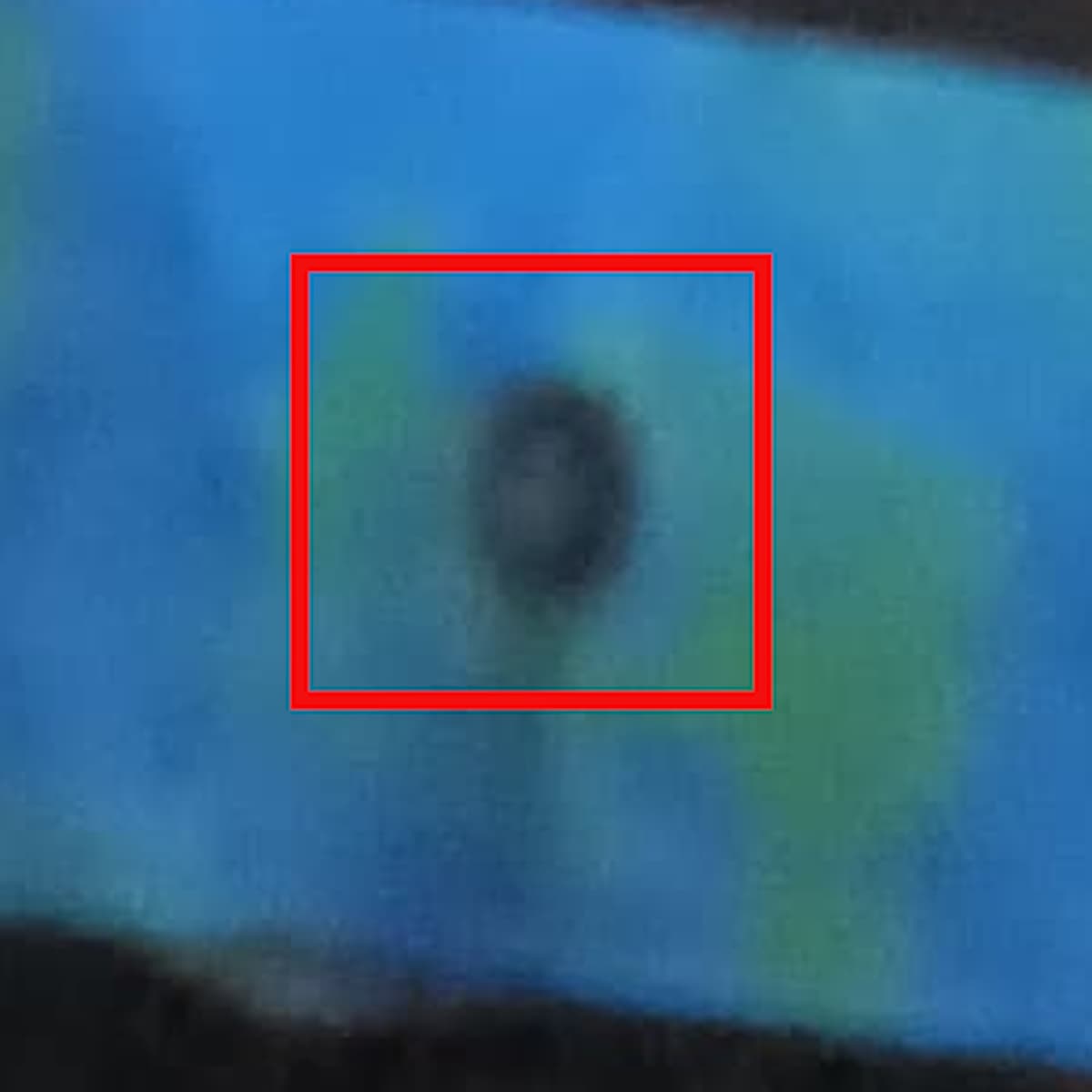
This is one of his first posts of, what looks like m1. There is clearly less power in the center of the mark.
I don’t know what else to attempt, unless someone wants to take them step by step through the alignment…
Hi Guys does this mean that all you experts at NASSA dont have an answer
there must be someone out there in this community that has experienced this problem. its just a laser machine with mirrors…