Hi All
Still Learning.
I have entered some text on my job, however although it reads correctly it is printing backwards.
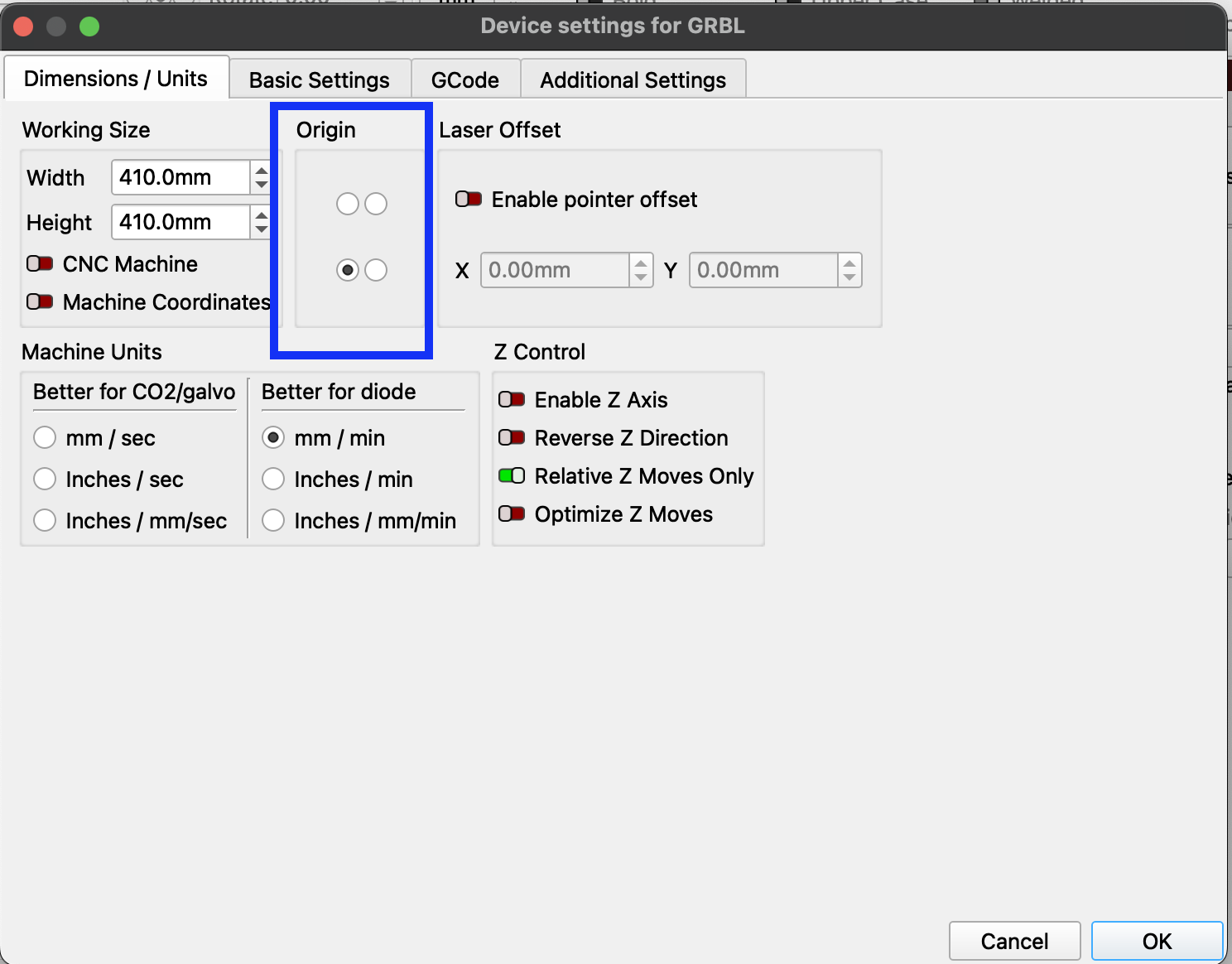
I have read the posts that state check origin, I have don this and have a sculpfun S9 which states lower left. I have checked it is set lower left correctly.
There is a difference between machine origin and job origin. Machine origin is set in Device Settings (gears icon) and once set never changes. Job origin is an alignment tool that is set in the laser window.
Machine origin.
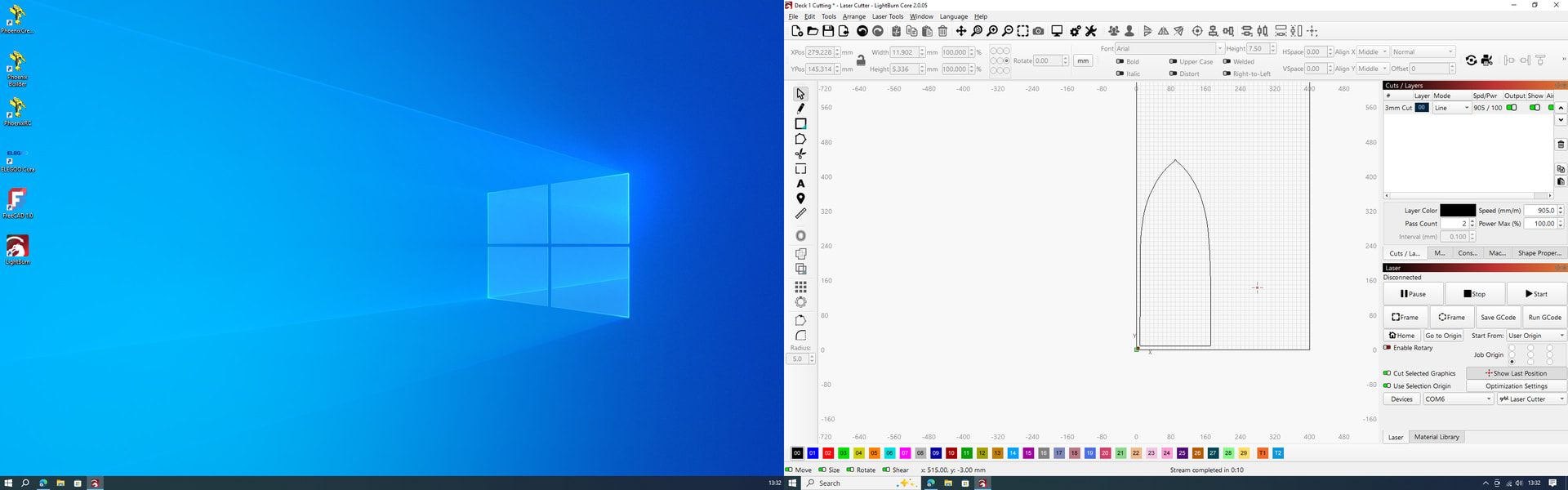
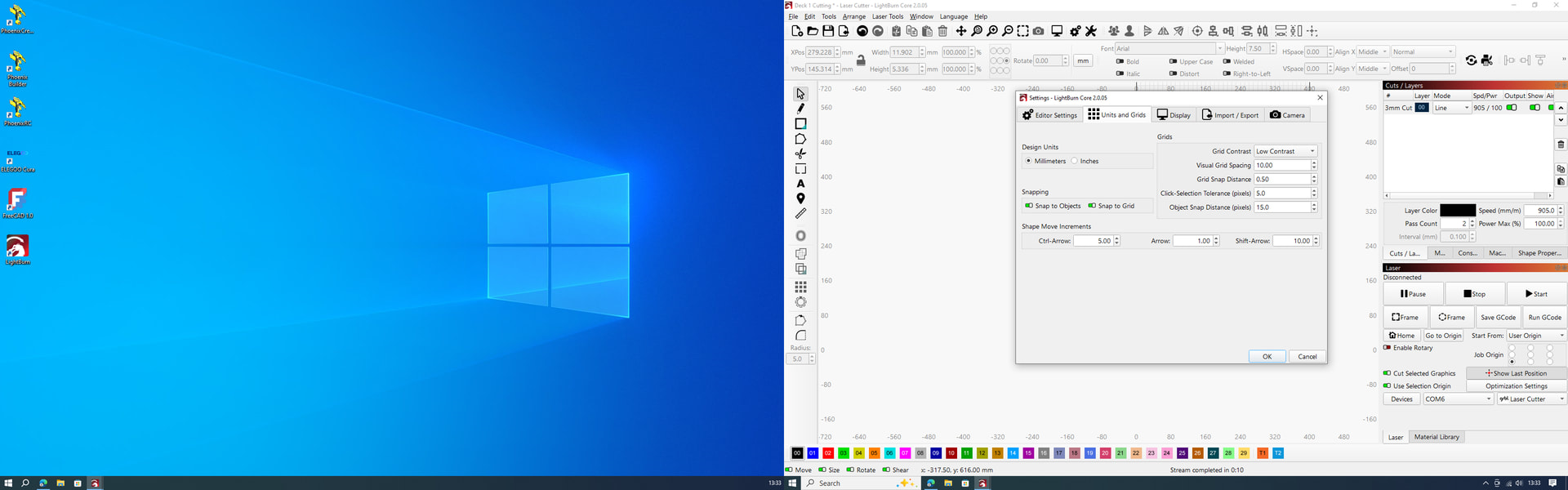
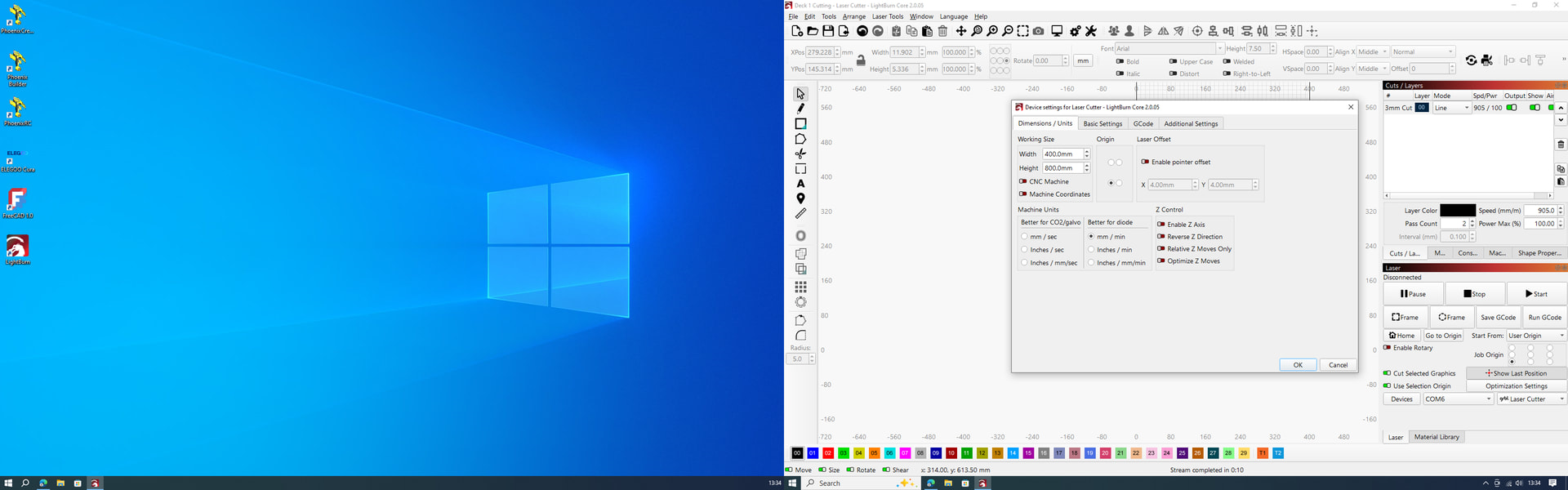
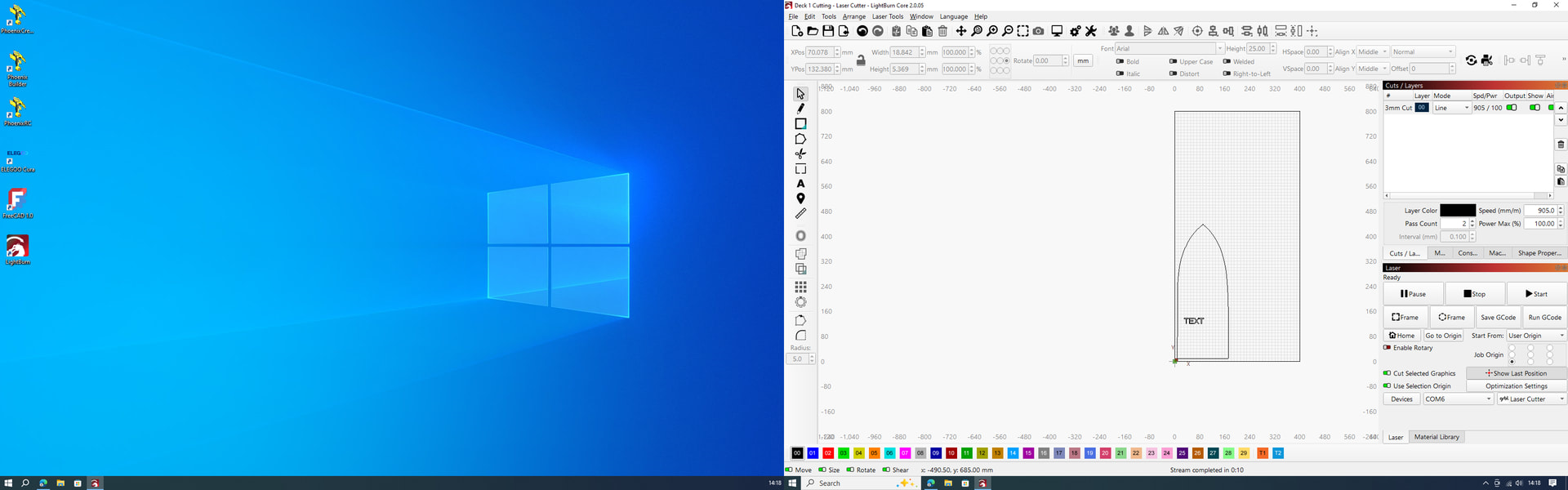
Let’s see if we can figure it out. Please post a screenshot (not a cell phone pic) of your entire Lightburn screen with your project loaded and the Cuts/Layers Panel and Laser Panel visible. Also post a screenshot of the Settings Window (Gears icon) with the Units and Grids tab visible and post a screenshot of the Device Settings Window (Wrench and Screwdriver icon).
Did you add the extension or buy it that way? Does the laser orientation match the screen or is it rotated 90 degrees? Did you enable the swap x y axis button?
I added the extension about 18 months ago when laser was new.
But I have never used the full capacity.
I did used to print text ok.
But I had some issues a while back and may have pressed something I shouldn’t have.
Now you mention it, on the work area the drawing is lower left, but the cut by laser is always lower right. I am unsure what you mean by swap X Y button, however I think you may be heading in the right direction. New picture as requested.
Now we’re getting somewhere. In the Laser Tools Menu select Machine Settings, then Outputs Setup, answer yes to the warning. On the bottom click save to file. This will give us a backup of your current settings. Then toggle the X Direction Pin Invert and click write. Test the arrow direction. If correct, test your file.
You found the error but not what we think.
As a infrequent user I bought my S9 2 years ago with an extension kit and limit switches.
However at that time Sculpfun limit switches did not come with a long enough cable to route the Y axis limit switch.
My attempt was and it worked until know was to put the limit switches on the opposite side on the right not the left.
At 63 years old and not knowing what I did yesterday I did liaise with sculpfun and came up with that fix and alter whatever hardware needed updating, but I can not remember what was altered.
I have always found that the cutting was opposite to the workspace. IE drawing on left but cut on the right.
This has obviously been wrong since I installed but got by.
Now I am using more I need it right and with your help altered what you advised, but then the laser kept banging into the left side as no limit switches we fitted on that side.
So I have reworked the wiring and fitted the switches to the left carried out your work task,s and it has never worked better. Origin of my drawing and the laser, plus the text is spot on.
Well done you, and thank you Tim.
I now just need to get working with nodes in my head to alter shapes and lines.