Hi Michael,
The color palette is design-only, and the layers reflect that. Operations are not necessarily tied to a specific layer color - any geometry can be added to an operation, regardless of the layer color.
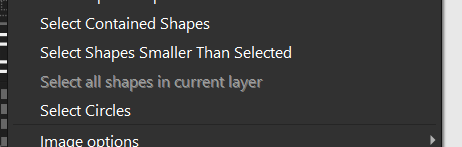
If you disable the ‘show’ slider of Layer 00 and Layer 27, I suspect you’ll find a piece of geometry still displayed somewhere in your workspace. You can use ‘Edit > Select All Shapes in Current Layer’ to select that geometry too.
I do agree that the selection/management of the Layers tab could be better, and I’ve suggested as much internally. We welcome all feature requests over on Fider