Hi guys, reaching out for some help as I’m out of ideas and am just frustrated, I cannot get the laser to frame to start the jobs. it was working last week but not now after ive turned it on, only thing of difference is ive performed a windows update. Runnings windows 11 .
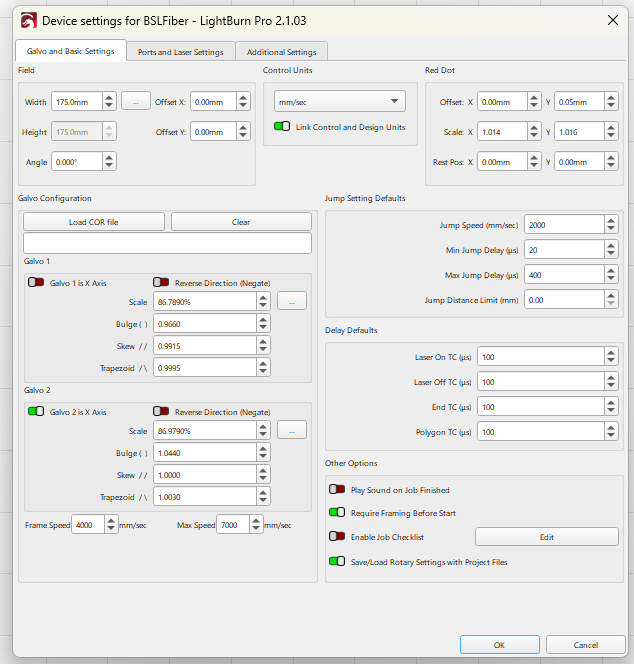
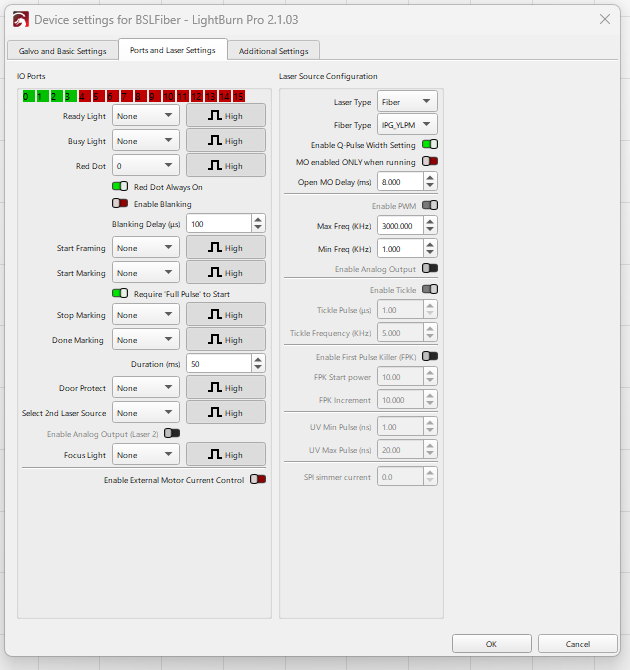
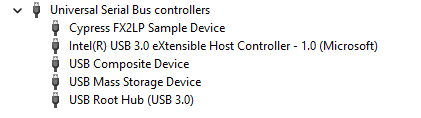
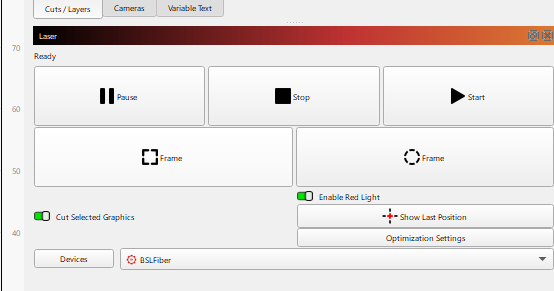
Here are the device settings along with the device manager USB serial communication under Cypress driver I installed as per Monports instructions which is what the laser comes up as when in unplug it and replug it in, the laser connects to Lightburn and shows ready after I refresh, but just wont fire the red laser with the red frame, before I can fire the actual laser.
The supplied software BSLsimple software allows me to red frame as well as fire the laser. so, I don’t know what the connectivity issues are with Lightburn now. is anyone else having anything similar with issues that could help, I also uninstalled the Ezicad drivers and re installed that along with the cypress drivers and no luck, tried it on a new pc and still no luck. BSL simple is not open when trying to use light burn and ive disabled the USB power saving settings, along with running everything in administrator mode.
And yes the Lense cap it off