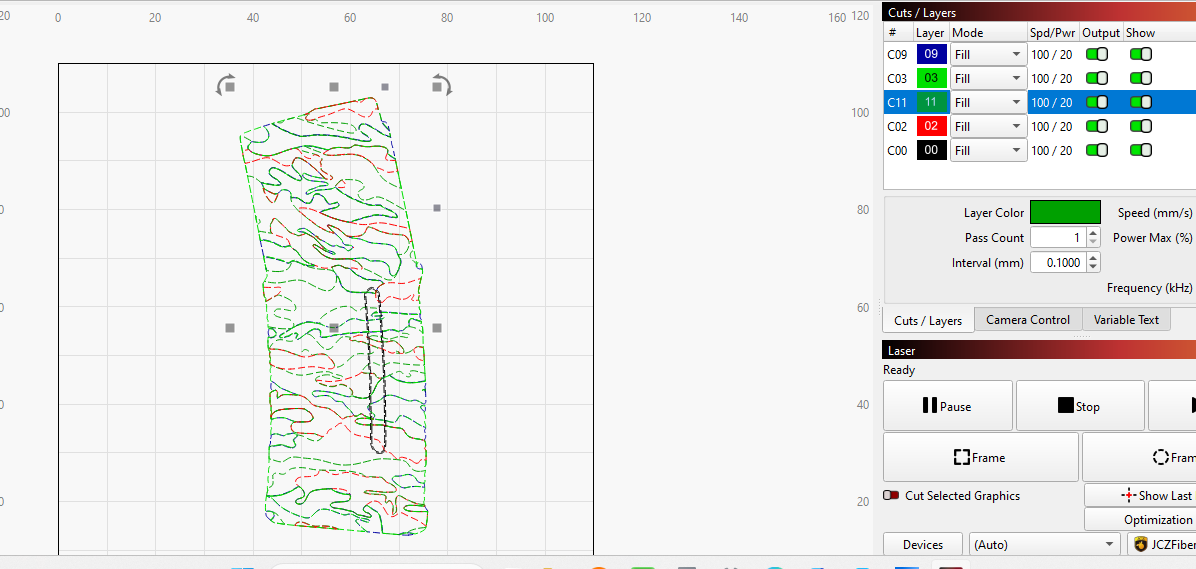
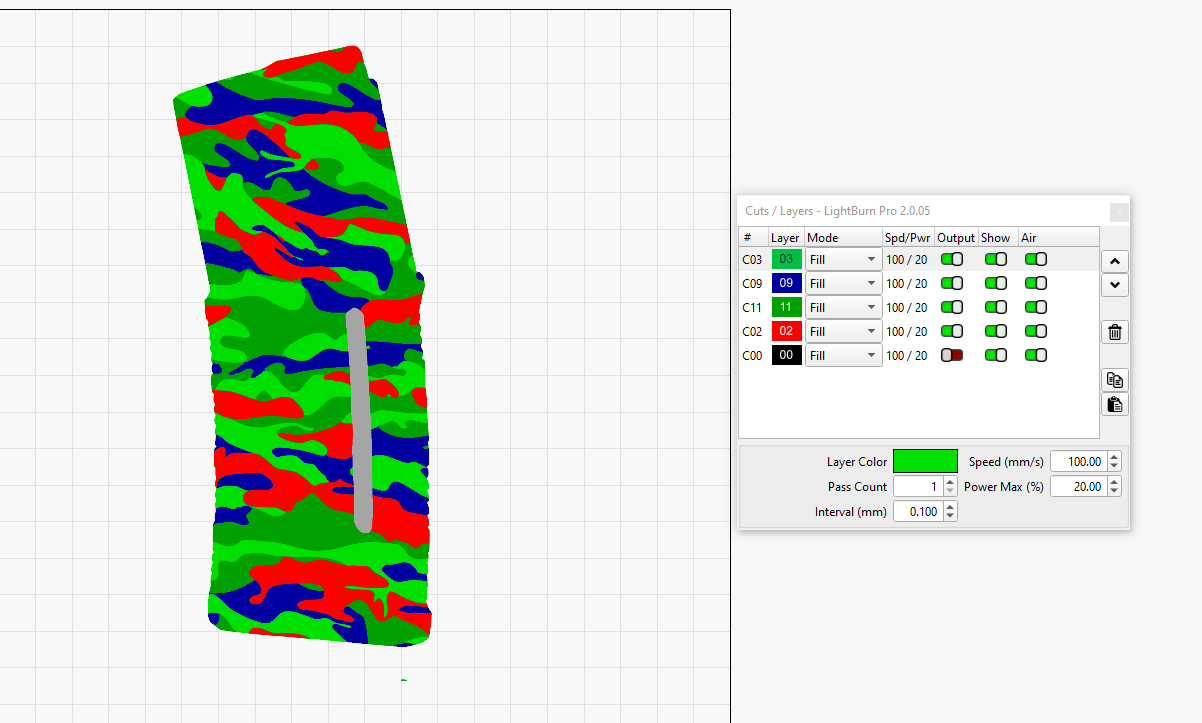
I finally got my camo design to where I wanted it, all camo sections were filled and the window wasn’t. I used a thumb drive to move the file from my desktop to my laptop and all the filled areas disappeared. The modes in the cuts/layers pallet still say ‘FILL’, but they’re not.
I just noticed something; the preview in the thumb drive doesn’t show the filled sections, either. Do they not transfer with the file? Just the outlines transfer? Is there some box I should have checked?
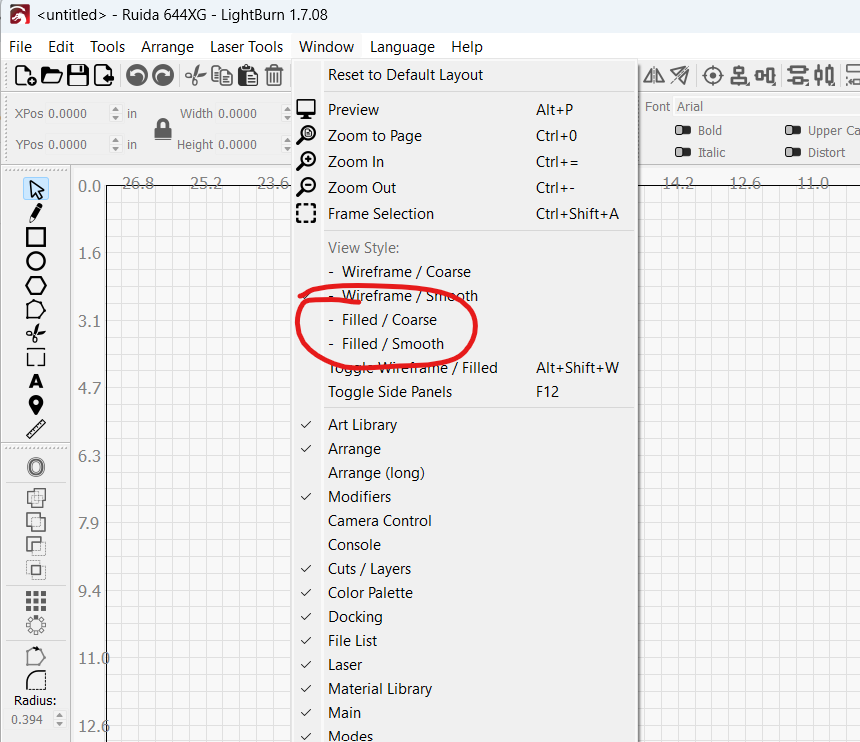
That worked, thanks. I clicked ‘toggle wire frame’ and the fill colors showed up.
I ran a test piece and it filled the camo over the window. I thought if I turned off the Output for that layer, the camo would skip over it, but it didn’t.