I have 2 machines I use lightburn on, My ‘design’ machine is a new laptop , high resolution screen (2200x1400) using Win11 and the latest Lightburn (1.5.02). The ‘controller’ machine attached to my laser is older, lower screen resolution (1400x??), using Debian Linux anso with Lightburn 1.5.02.
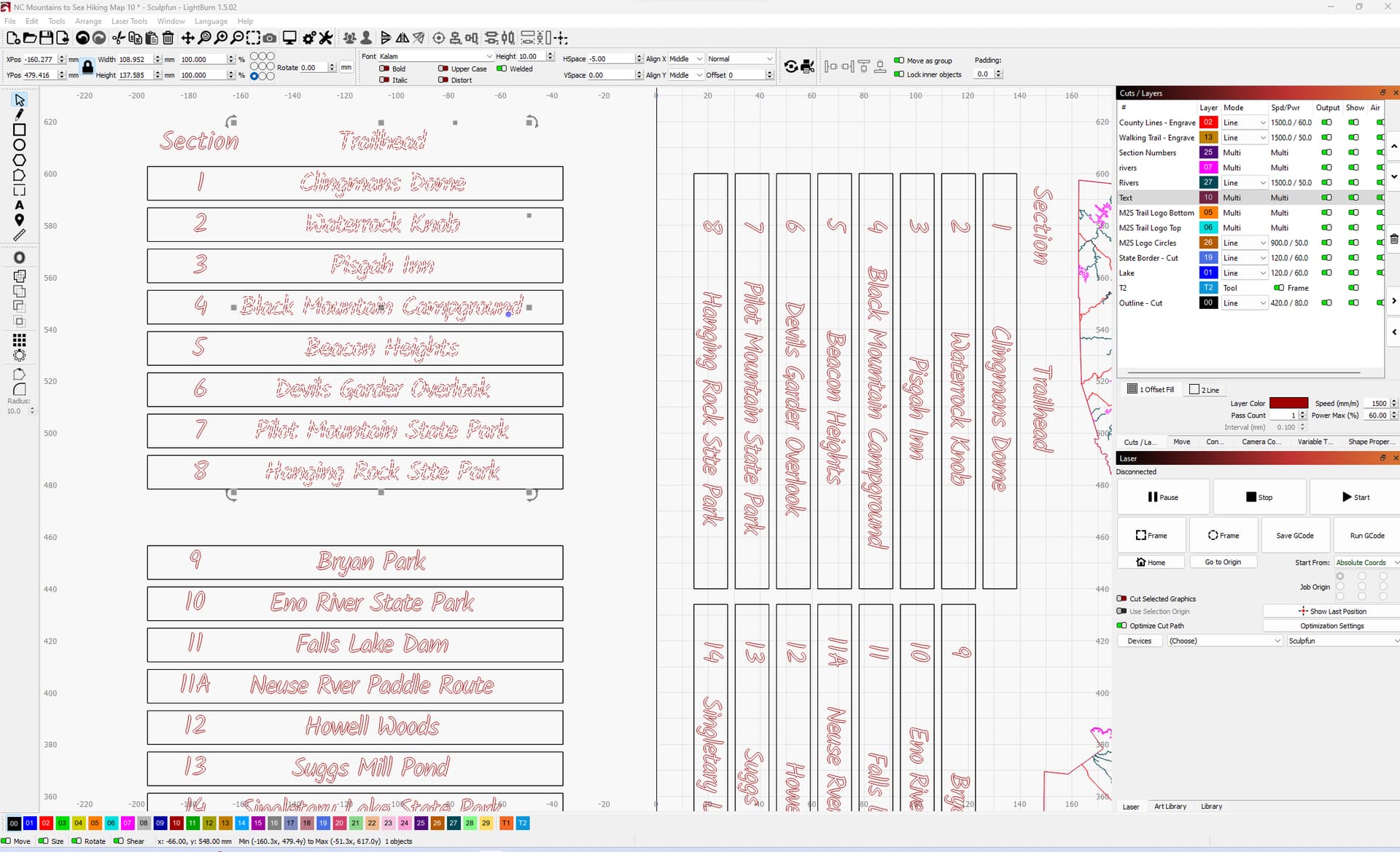
On the ‘design’ machine, I created a multiline text, duplicated it and rotated the second 90*. I have everything the way I wanted ( original text off the workspace is intentional as it will not be burned ). See exhibit A
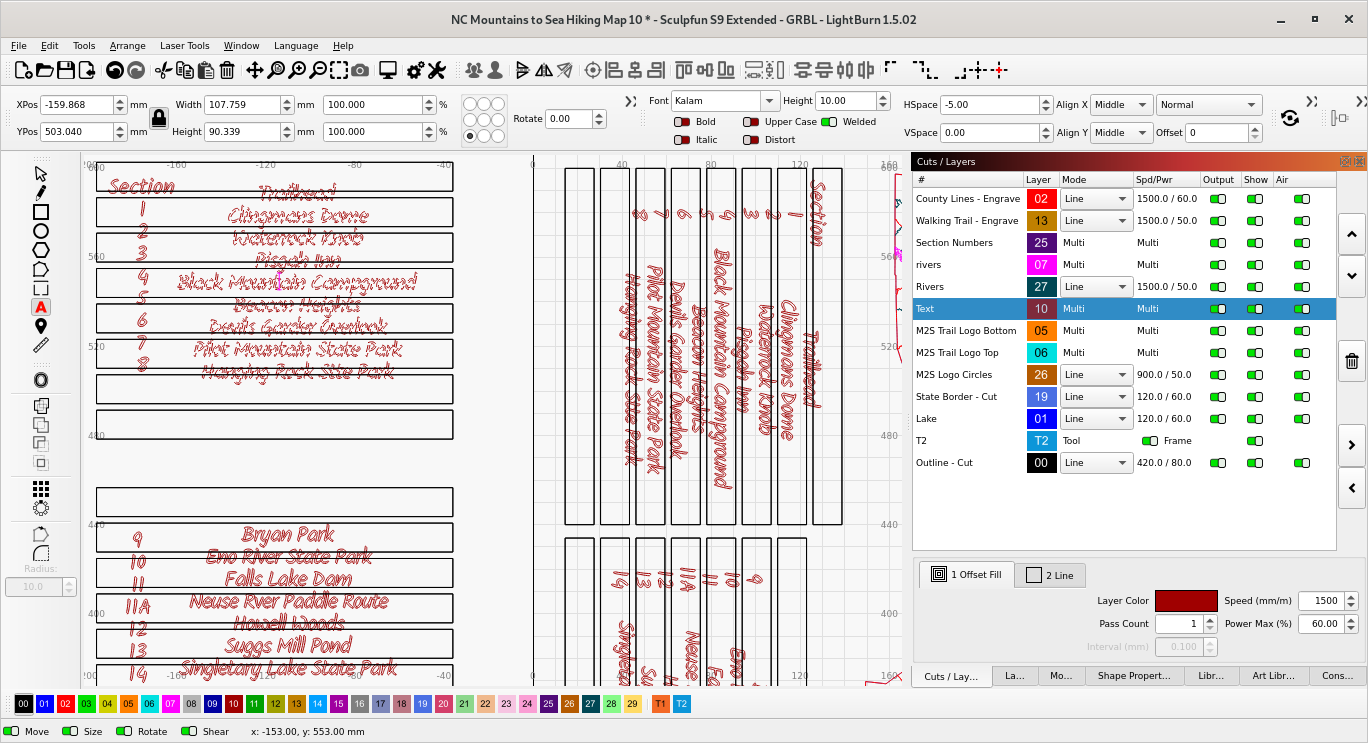
Now I transfer to the file to my controller machine and the text is compressed vertically ( line spacing ), yet the text controls are the same. See exhibit B.
The workaround is to make the text a path, but then I can not make any changes to it later.
Exhibit A: Everything ok:
Seems you have the same font on both, however can it be they are NOT the same font type
fonts are tricky to match exactly across OS’s
are they exactly the same font from the same source?
If you try to replicate this with a more common font, say Arial or times new roman do you get the same issue when migrating file from windows to linux or vice versa?
ETA: Quick test show that you are correct. Tried arial font on a quick test and that worked correctly. Will re-download the same font to both machines and give it a go.