We paired a UR Cobot with our 50W MOPA laser to automate as much work as possible. In most cases, the Cobot holds the part for a single marking. But sometimes we need to mark the part on multiple surfaces. Think of a tumbler that needs marking on both sides. We use the Cobot to mark, rotate, mark.
In ezCAD2 we are able to:
Wait for an I/O signal from the cobot to start marking.
Mark the part in one area.
Send an I/O signal to move the part to a new position.
Wait for an I/O signal from the cobot to start marking.
Mark the part in another area.
Send an I/O signal to move the finished part to the bin.
Repeat.
Are we able to duplicate this workflow in LightBurn?
Thanks for the reply! We are evaluating the trial software now. Everything is better than ezCAD2, I just wanted to verify this workflow.
The markings are different. Think of a logo on one side of the tumbler and a name on the other.
Here is an extreme example of the workflow (not our video).
Is it accurate that LightBurn can not send or receive I/O signals in between Cuts/Layers? It’s not the end of the world if we need to program these types of jobs in antiquated software.
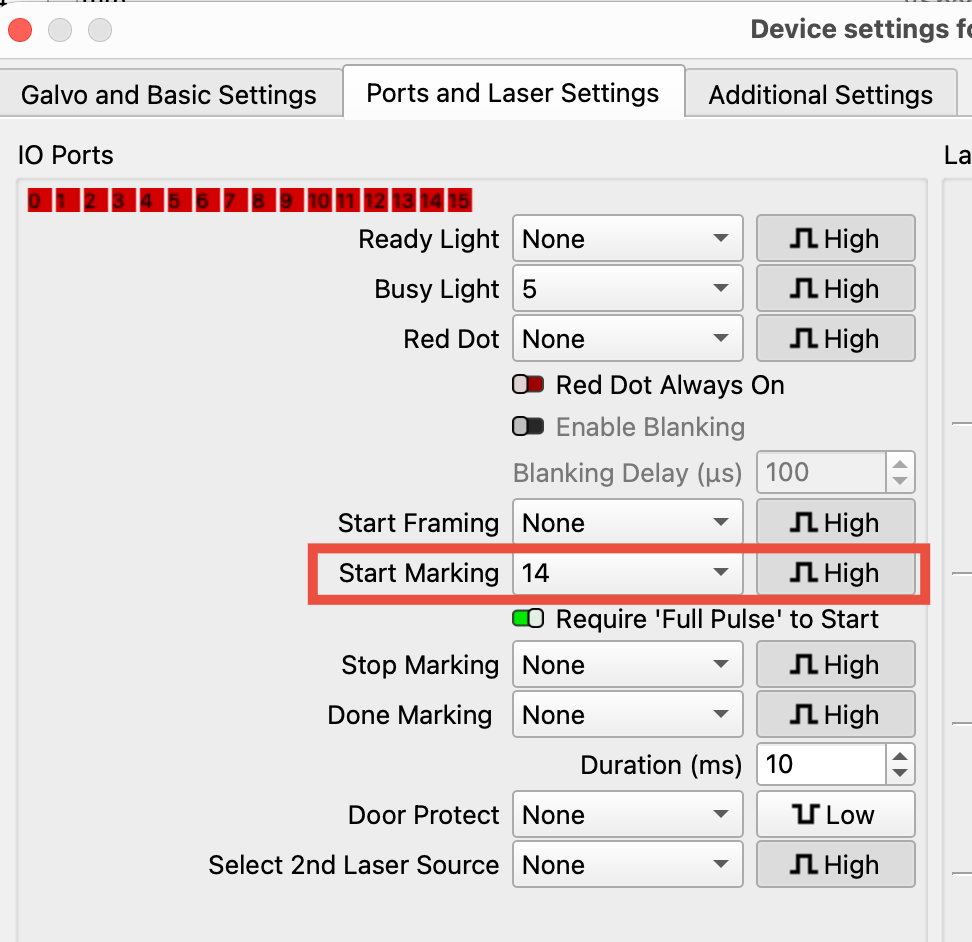
LightBurn does monitor I/O during a job - otherwise features like Door Protect and Stop Marking wouldn’t work.
However, compared to EzCad2, you won’t have the same options to send or respond to user-defined I/O events during a job or between layers.
So for different markings, each marking would require a separate LightBurn project file.
You may not need to use physical I/O triggers at all. Instead, you could run a program on the PC that listens for network messages from the UR Cobot, tells LightBurn to load and start a specific job, and send a message back to the UR when the job is complete (when the laser is idle). This can be done using LightBurn’s UDP commands.
Switching between jobs only takes a split second, for example (using C:\Program Files\LightBurn\SendUDP.exe);