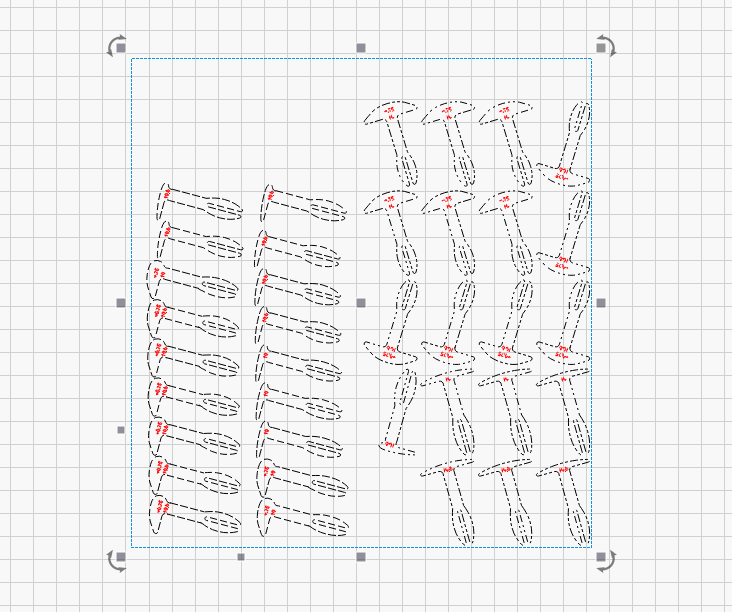
I’m trying to get all these objects aligned to 90 degrees and/or 180 degrees all at once. I tried playing with the new Nest feature in the newest release of LB, and it put all of them on an angle. I have since learned that if I turn on “Lock Objects for Rotation” in the settings, it will prevent this. But I’m beyond using the undo option to return to my original file. Not really an important question, I can and usually do find a work around, but the forum is so good at helping me find a shortcut to the extra work I’ve made for myself.
They are hold down pins, and they are just a sample file to see if I could get the new nesting tool in the new RC (Release Candidate) version of Lightburn to work. It’s sort of proving challenging to me, but I’m also needing to spend more time studying it than I’ve invested so far.
Got it. I use the automotive door panel pins instead. I sometimes burn a 1/4” hole near the middle of the board to pull it down flat. Of course, I make sure that hole is not part of the finished product.