I am working with a home-brew 10w diode laser GRBL controlled laser. I am connected to a MacBook Pro, intel i9 running the latest OSX software and the latest Lightburn.
I use a program called Cutle (https://cuttle.xyz) to generate an SVG that I import into light burn
In light burn it renders as I expect it to (a bunch of circles with interior pattern, all cut lines)
I set one cut intensity, home the device (successfully), and play.
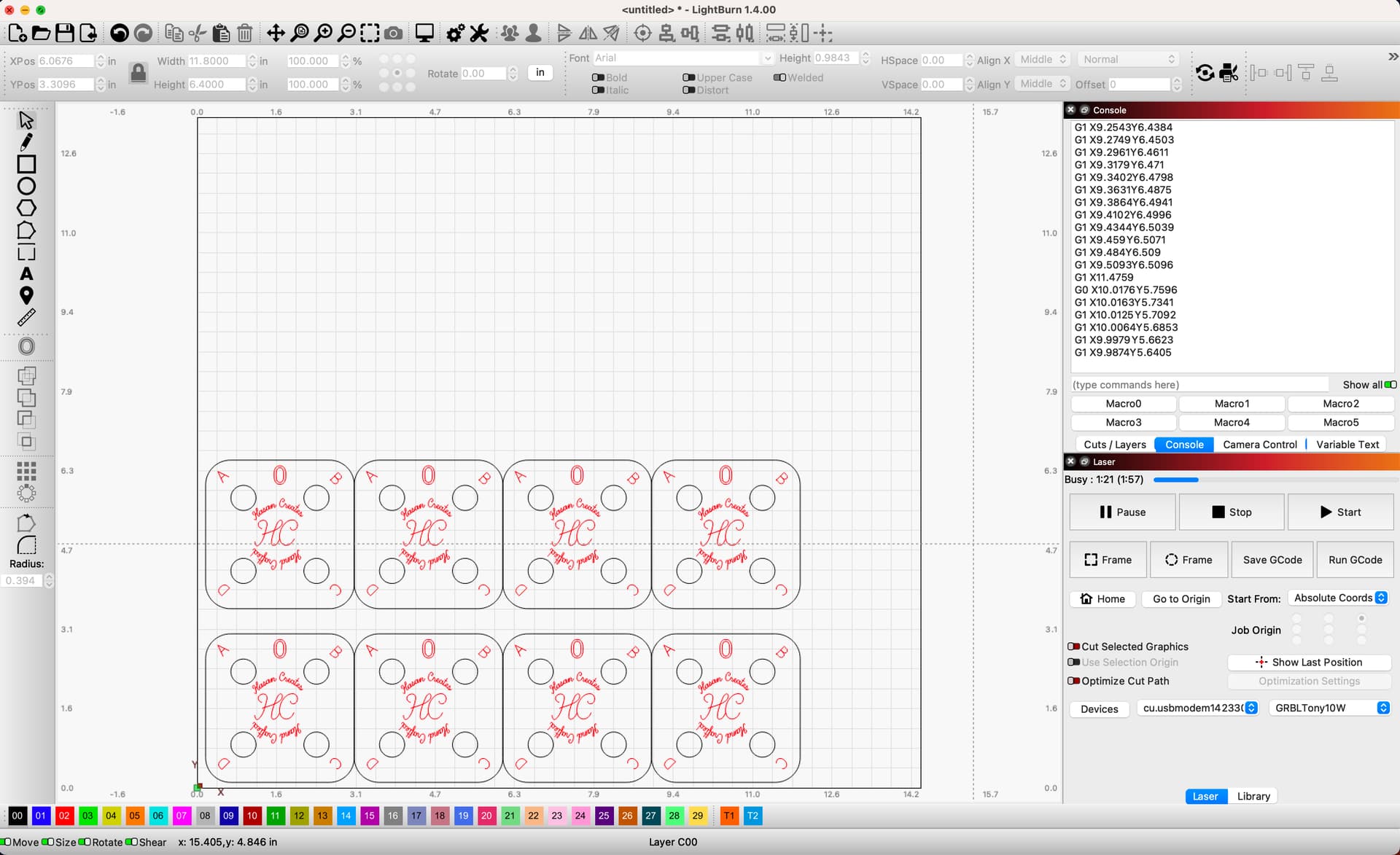
The cut looks fine (cuts the first 5 of 12 circles and their contents). Then each time the laser turns off, and the head stops moving. Lightburn still advances the progress bar, but nothing I do seems to have any effect from here on out. How can I troubleshoot this issue?
I could imagine the following causes:
File is bad (feels less likely since I have cut this file on other lasers)
Lightburn didn’t properly import, or create GRBL commands (How do I troubleshoot?)
Lightburn is not properly configured for this laser (feels likely since I did the auto discovery and changed no settings) (how do I troubleshoot?)
Laser is defective possible, but since it consistently cuts first five… feels less likely.
Actually it’s entirely possible for long durations of cutting at max power to trigger a thermal safety in the diode head. Try running the job with multiple lower power passes, just for kicks, and see if that doesn’t solve the issue. As the OP above noted, reading the console output is where to start as well.
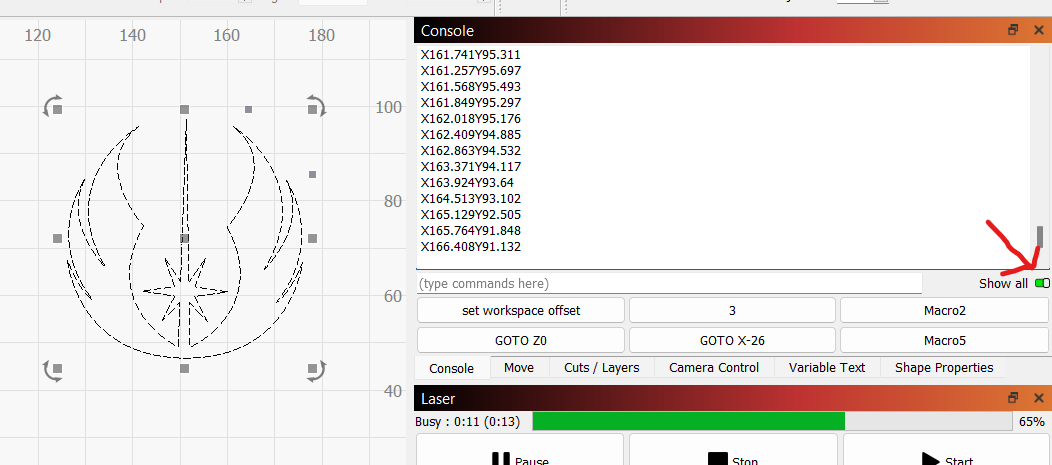
Ok, I decided to try another design, and had the same issue. This time I checked the "show everything BEFORE I started my cut, so I can see the console output.
Not defective, but shutting down due to thermal protection: it’s getting too hot cutting those five sets of lines. The controller has no way to know the laser head shut down, so it noodles along making all the right motions with the lights out.
If you run the same pattern with the power set to “just barely visible”, it’ll (probably) complete the whole set with no problem. No marks on the surface, but that will confirm my guess.
If the heatsink has accumulated a layer of dust, it’s time for a good cleaning. If the laser head has a teeny little fan, it needs more of it.
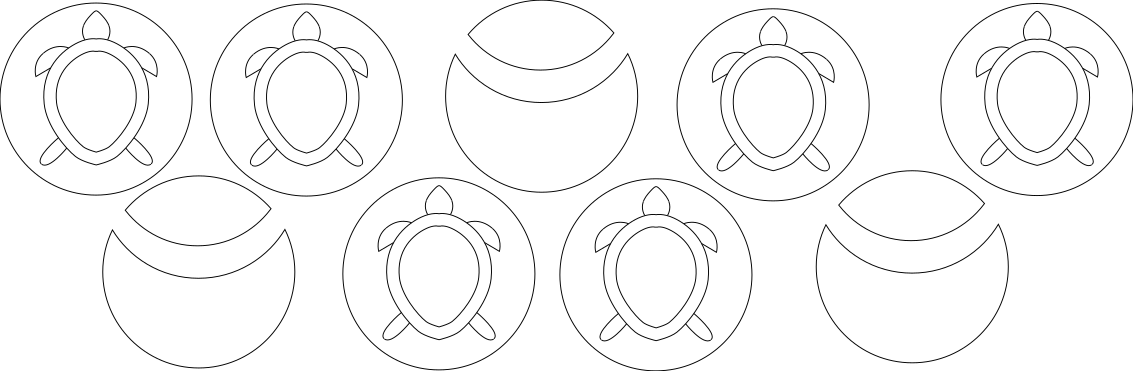
Yeah, understand the thermal protection, but that feels MUCH less likely now that I have the result from Inkscape (see image above) it stopped after 1 turtle (just starting the second) with the exact same feed and power settings. In addition, the laser head stops moving, AND the laser stops delivering power to the surface.
I did the test with the very low power 3inches / second 20% power and it stopped in the EXACT same location as the .3 inches / second 100% power. So the thermal explanation feels less likely.
The laser has two large (computer case) fans, and the laser head itself has an air assist (which I have turned on in Lightburn)
I have some cans of compressed air, and will clean out a bit, but given the stop reliably in the same location / cut, I feel like this is a data issue more likely.
In addition I have used the optimized and non optimized cut path, and they both stop in the same place.
What do you mean "too bright a light from outside?
I have this in a garage (with the door open for ventilation), but other than the natural light, one 100w lightbulb.
Oops. I missed that the first time around; you’re absolutely right that’s not the problem.
Some commercial desktop lasers have a “flame sensor” that has hysterics when sunlight shines on it (or even near it), but that’s not your problem, either.
I have tried a really simple test. I made a two dimensional array (4x4) of Lines, another of Squares, and a third of circles (all 1inch) the lines and squares complete, but t the circles fail…
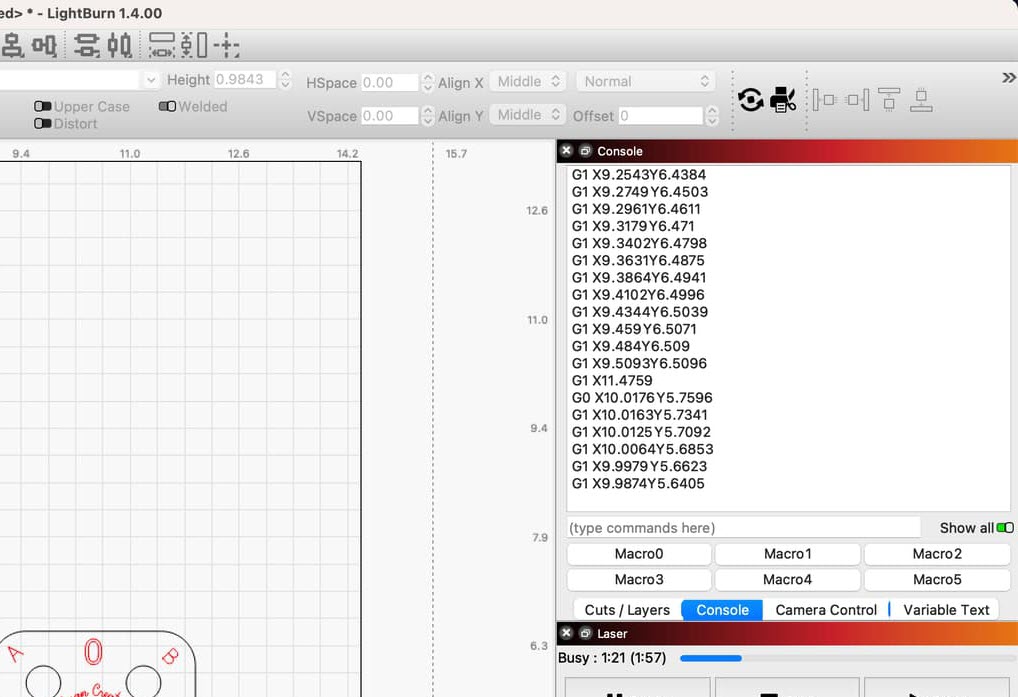
In the Console window in LightBurn, with the Show All selected as it is here, Scroll back and look for damaged GCode, an error message or some other reason for the Job Halt.
I took the file to another laser, and it cuts completely.
I have come to believe there is an issue with the GRBL board on the specific machine.
I was able to create a 4x4 grid of squares and that went to completion, but a similar grid circles failed. I have to believe that Lightburn is capable of cutting a grid of circles, hence my conclusion it must be machine specific.