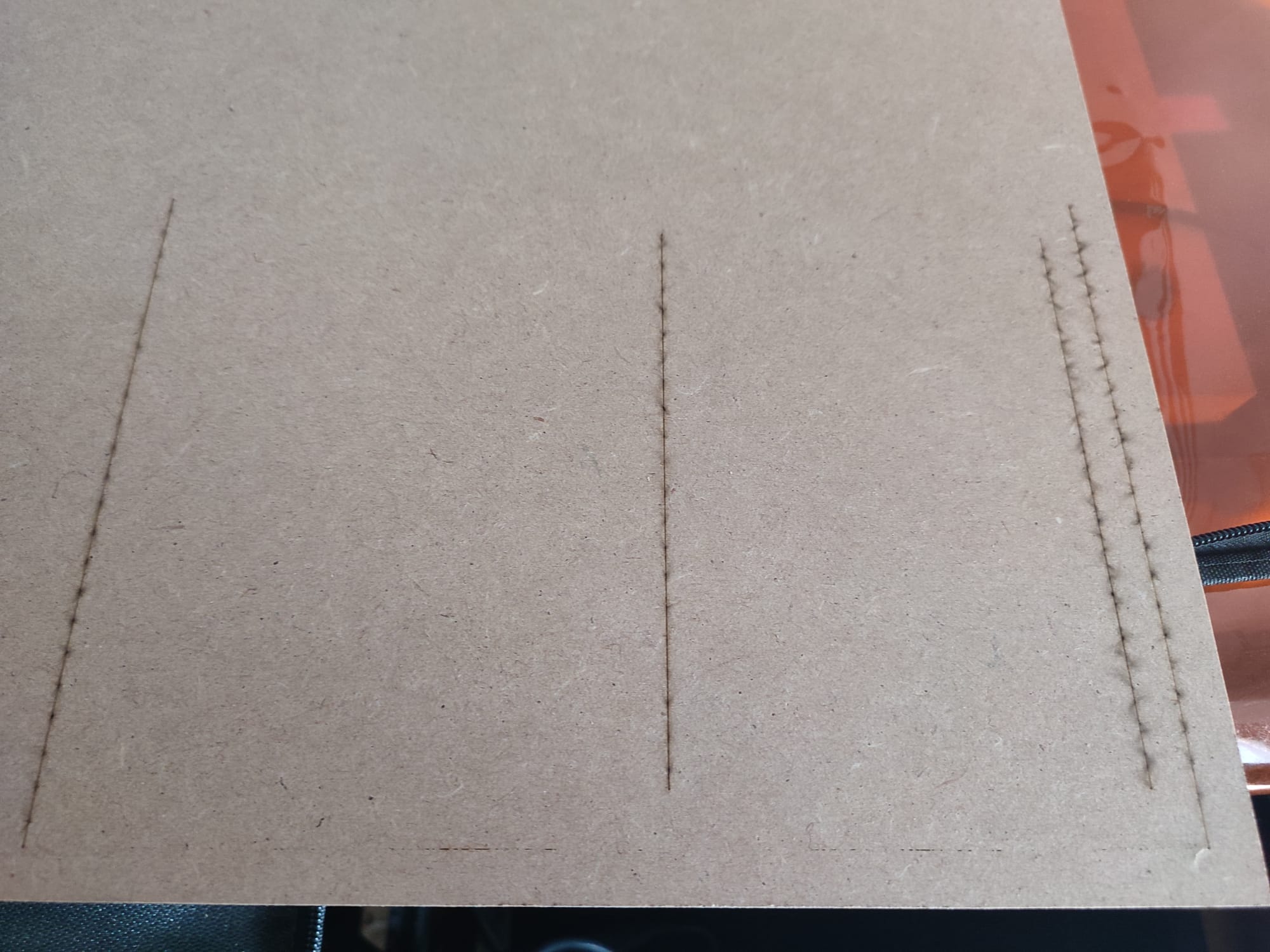
I have a newly purchased Longer Ray5 20W, and when I send something to be cut, it doesn’t cut all the way through on the X axis, while on the Y axis it cuts properly.
I have tried doing a clean installation of LightBurn and the problem still persists. The belt tension is correct, as well as the focus distance.
I have also noticed that when it is engraving, the beginning of the design always comes out darker than the rest.
The focus depth is crucial to ensuring efficient cutting. If you focus on the top surface of a 5mm board, the focus will be 5mm out of focus on the bottom side.
You need to get the focus depth set to the middle of the piece that you are cutting.
Then you need to:
Increase power
Decrease speed
Increase the number of passes made.
Every laser and every piece of material will be slightly different. You will need to adjust your process to fit the product on a regular basis.