The laser stop at same place in the picture even if I move to other places and if I change the size on the picture.
I tried only line and then no problem, why does the laser stop when fill?
When using “Fill” mode, we have to account for overscanning. When overscanning exceeds the limits of the workspace, depending on the machine and the “Start From” mode in the “Laser” window, the machine may generate alerts, the module may hit the edges, or it may stop due to hitting the limit switches, if applicable.
Without a more complete understanding of the problem, it is not easy to guide you to the most accurate solution.
2 Likes
Thanks, I understand the difficulty in understanding. The image is only 55x65 mm. There is as much space as possible. Nothing is received. The laser marks (frames) the image without problems.
I have moved the image around, changed its size but the same result. The laser ends in the same place in the image no matter how I change it. Engraves line without problems, only fills that cause the problem.
Can you upload the .lbrn2 file with the image in it?
If it is proprietary or not for public viewing, send it to Support@LightburnSoftware.com for examination.
Thanks, I understand the difficulty in understanding. The image is only 55x65 mm. There is as much space as possible. Nothing is received. The laser marks (frames) the image without problems.
I have moved the image around, changed its size but the same result. The laser ends in the same place in the image no matter how I change it. Engraves line without problems, only fills that cause the problem.
The laser stop every time about 93%
Longer ray5 20 w. Light burn 2.0.0.5
All switches are free, nothing stops.
It´s a small logo .
TransAm.lbrn2 (96.5 KB)
I have the software configured on this machine (PC) to open with the file settings (not the default or last used settings). In the print preview simulation, I didn’t detect anything that would justify the problem.
I even thought it might be something to do with the origin point or final location point, but nothing like that appears in the simulation. (The red lines represent the movement of the laser head).
Check if any error appears in the “console” window when the machine stops.
If so, please inform us of the error so we can help you; machine settings will probably need to be adjusted.

Hi,
thanks for reply.
I tested and stopped at 94 % See picture
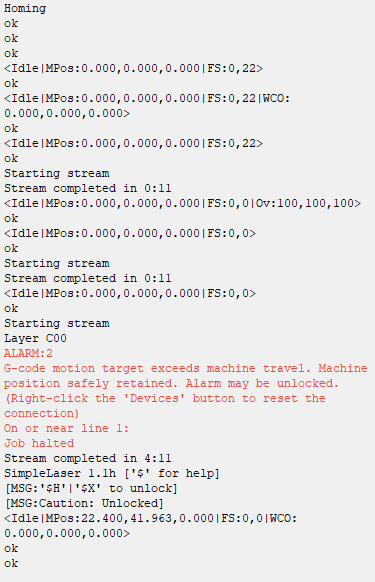
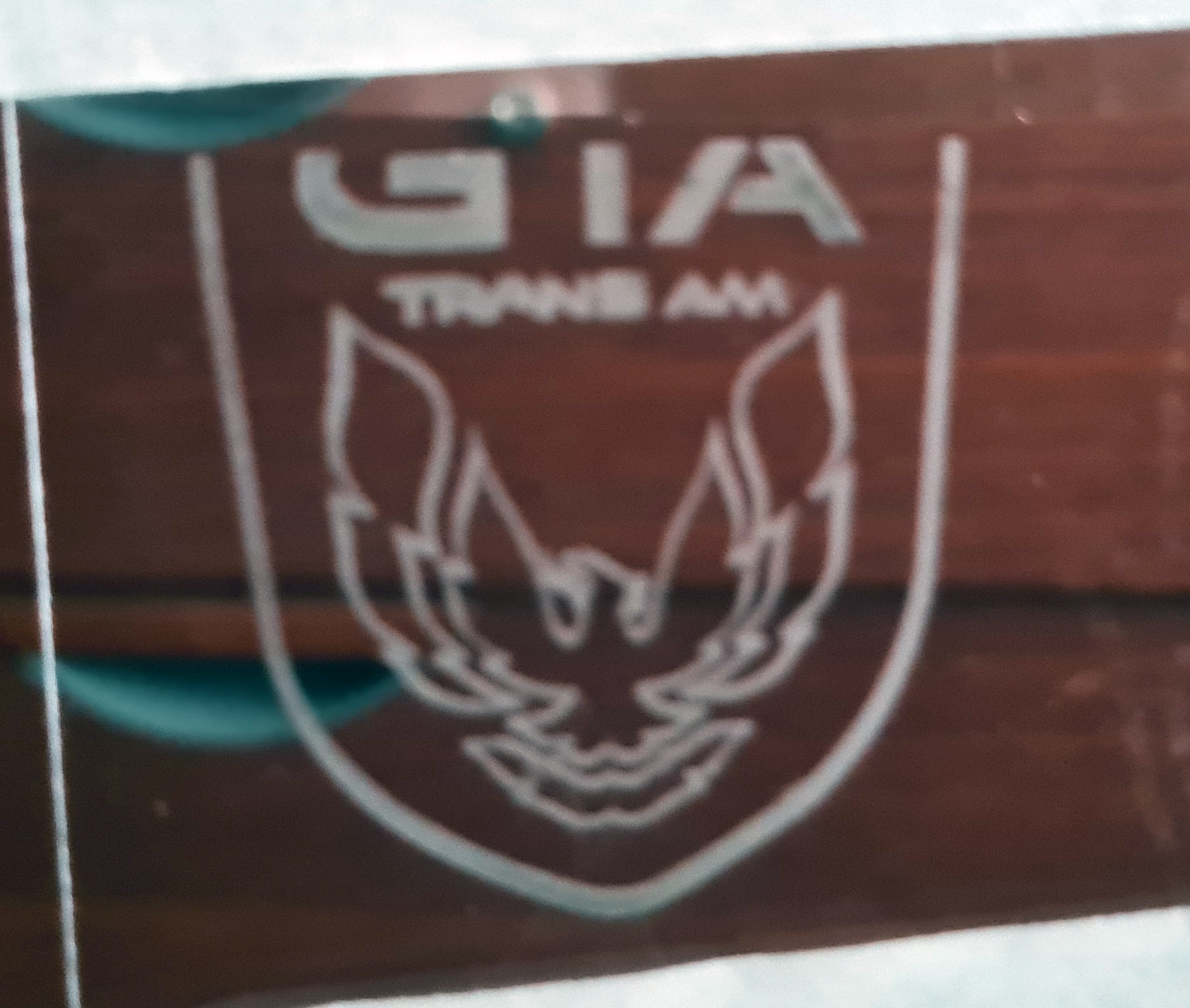
He don´t stop if I engrave only line, only with fill.
Alarm 2 may be related to what I suspect is the cause.
Check and verify what is stated here:
Since the object is only around 50x50 mm, it can’t be on the border of the machine’s working area. I’ve also moved it around to different places. It has turned off at exactly 94% on all of them. Even resized and the same result.
Now for the fun part:
I turned off overscan and burned an image, perfectly fine no stopping. Turned on overscanning with 1.5% and it worked fine. No problems. SOMETHING must have been wrong in the overscanning program. I engraved with fill.
Thanks for the help and the willingness to help.
Sorry for the resumed reply, but I have to go to work.
Can you check which workspace is in the settings?
Or type $$ and press enter in the “console” window and post the result here.
Something strange is definitely happening, but without being present at the machine, it’s necessary to rule out possibilities until the cause is found.
Which “Start From” option are you using?
I suspect, what’s happening is Excessive Overscanning
Review the Solution on this docs page.
1 Like
Hi, 400x400mm
The problem is fixed, I turned off overscan and burned an image, perfectly fine no stopping. Turned on overscanning with 1.5% and it worked fine. No problems. SOMETHING must have been wrong in the overscanning program. So I´m glad now. Thanks for your interest to help. Have a good day
2 Likes