I need a little help on this image I need to weld the small triangle so the whole image becomes one , The problem I am having is after boolean the image seems to already have become one , not allowing me to select layers to weld. any advice on what I may be doing wrong, how to correct.
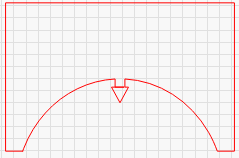
Send your file
Then ungroup everything. It looks like there are double lines. Zoom in much more.
wheel of the year with pointer.lbrn2 (662.2 KB)
Don’t forget the Snipping Tool. It can be a miracle worker.
snip removes all, lets try another how to undo , thinking back what I may have done was to add the triangle after boolean and weld , I need to find away to un-group
Unless you add nodes for it to work with.
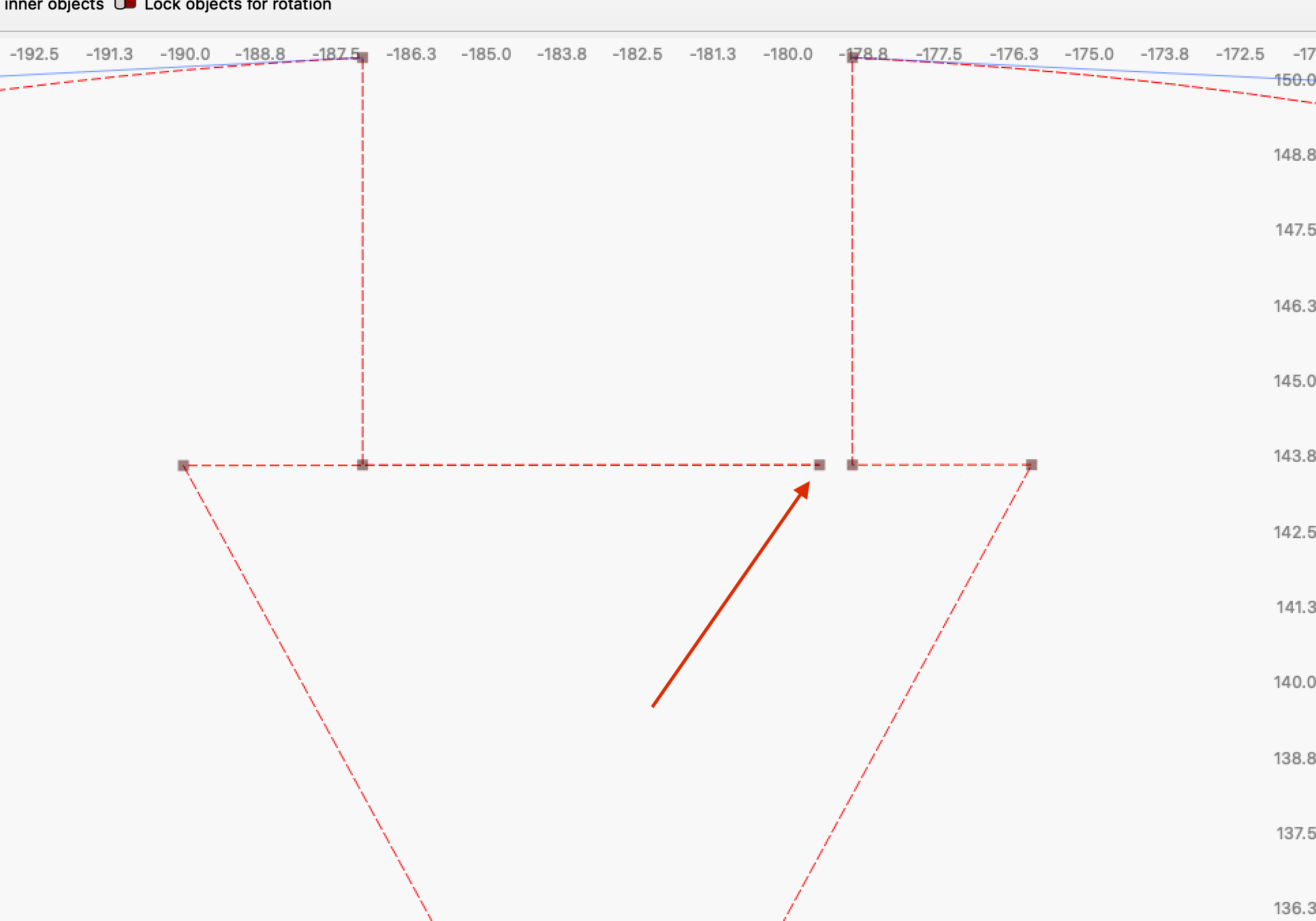
It often helps to analyze the problem by zooming in. Your problem is the one node, delete it and you will get your desired result.
If it were 2 separate shapes, then it is important that they overlap a tiny bit so that boolean operations can be performed.
3 Likes
Ok thanks have now sorted it. I re drew the image and welded, boolean etc in a different order seems to work ok. Thanks for your input I save all the comments form you guys just in case in the future..
A simple node edit took care of the problem.
I just messed with this corner.
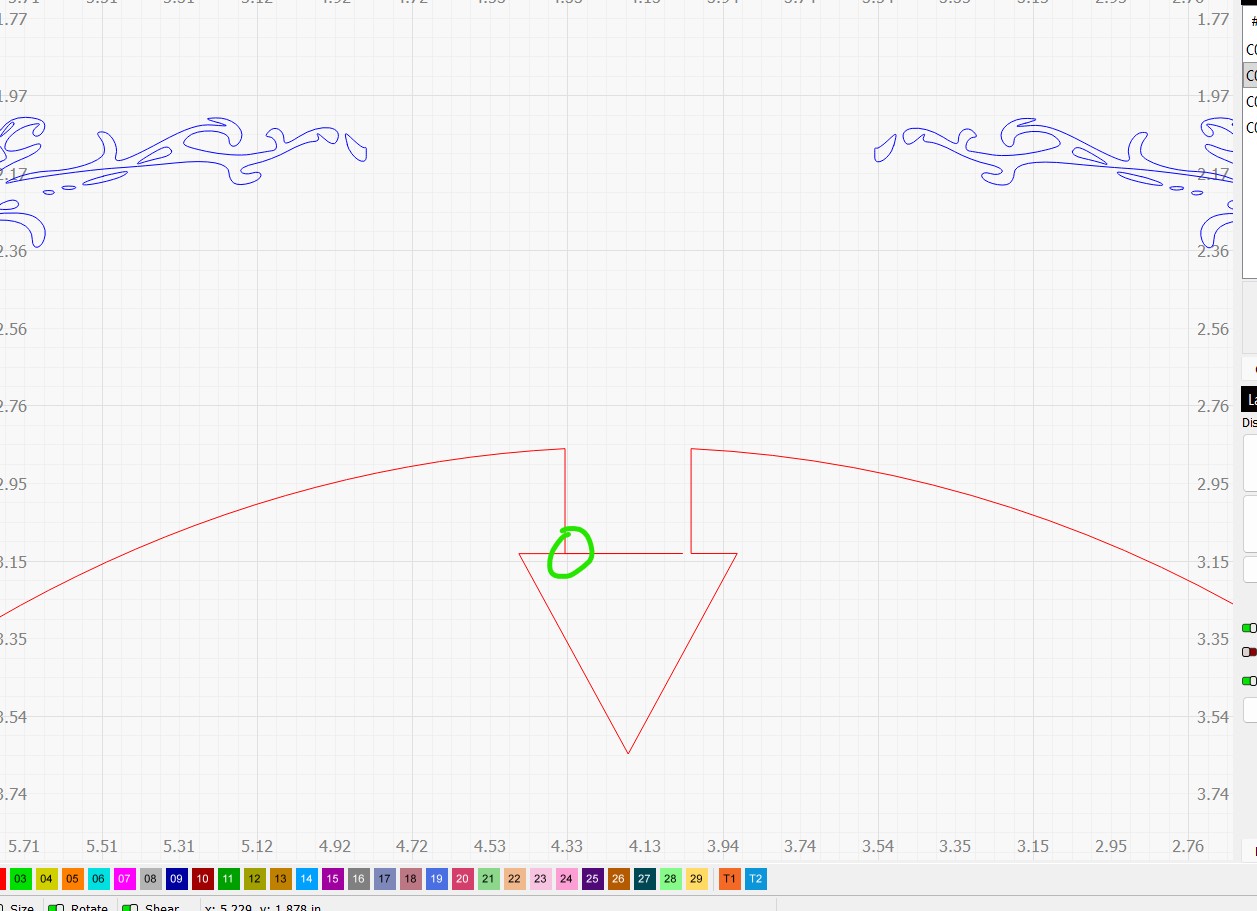
I zoomed in and did a node edit and added a node to the bottom line. I then deleted the 2 lines to the right.
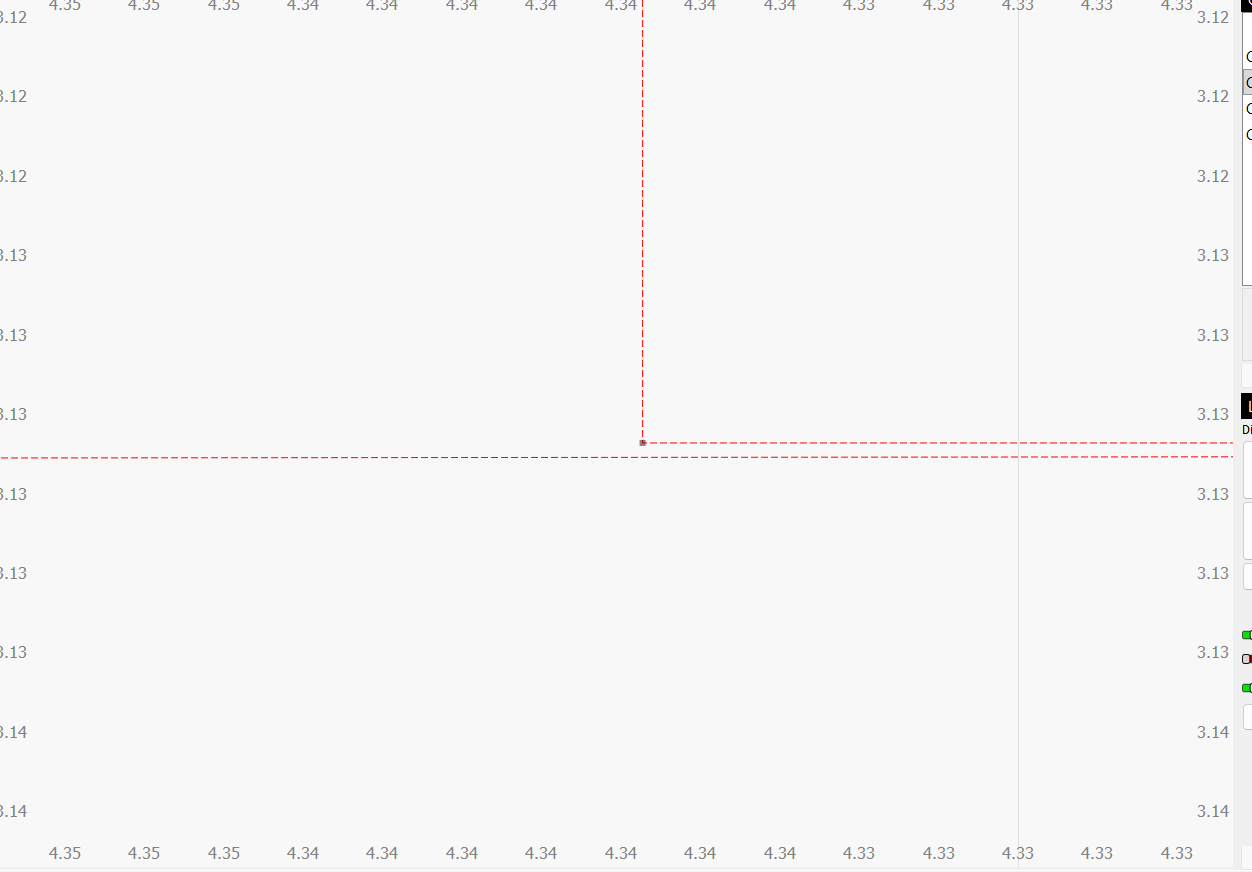
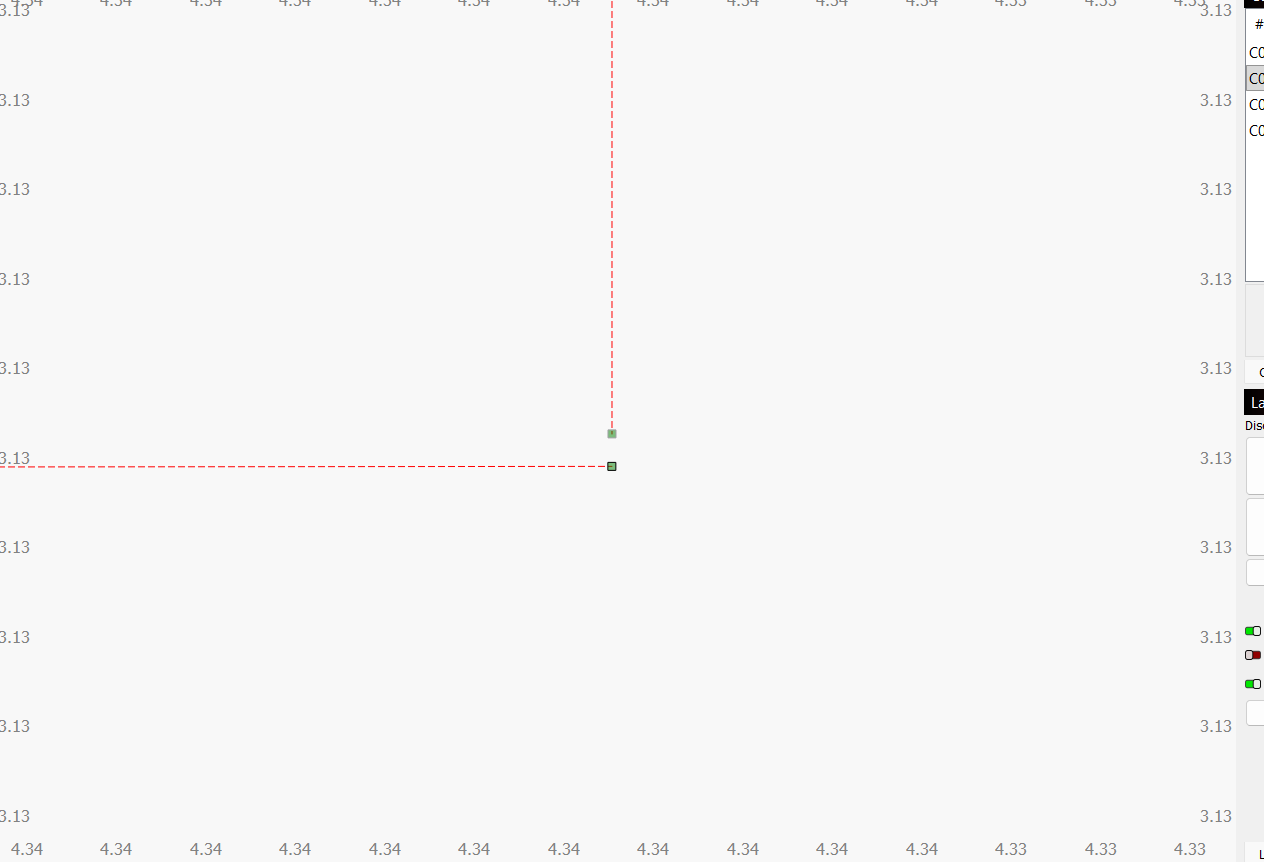
I then dragged the top node and aligned it with the new node on the bottom.
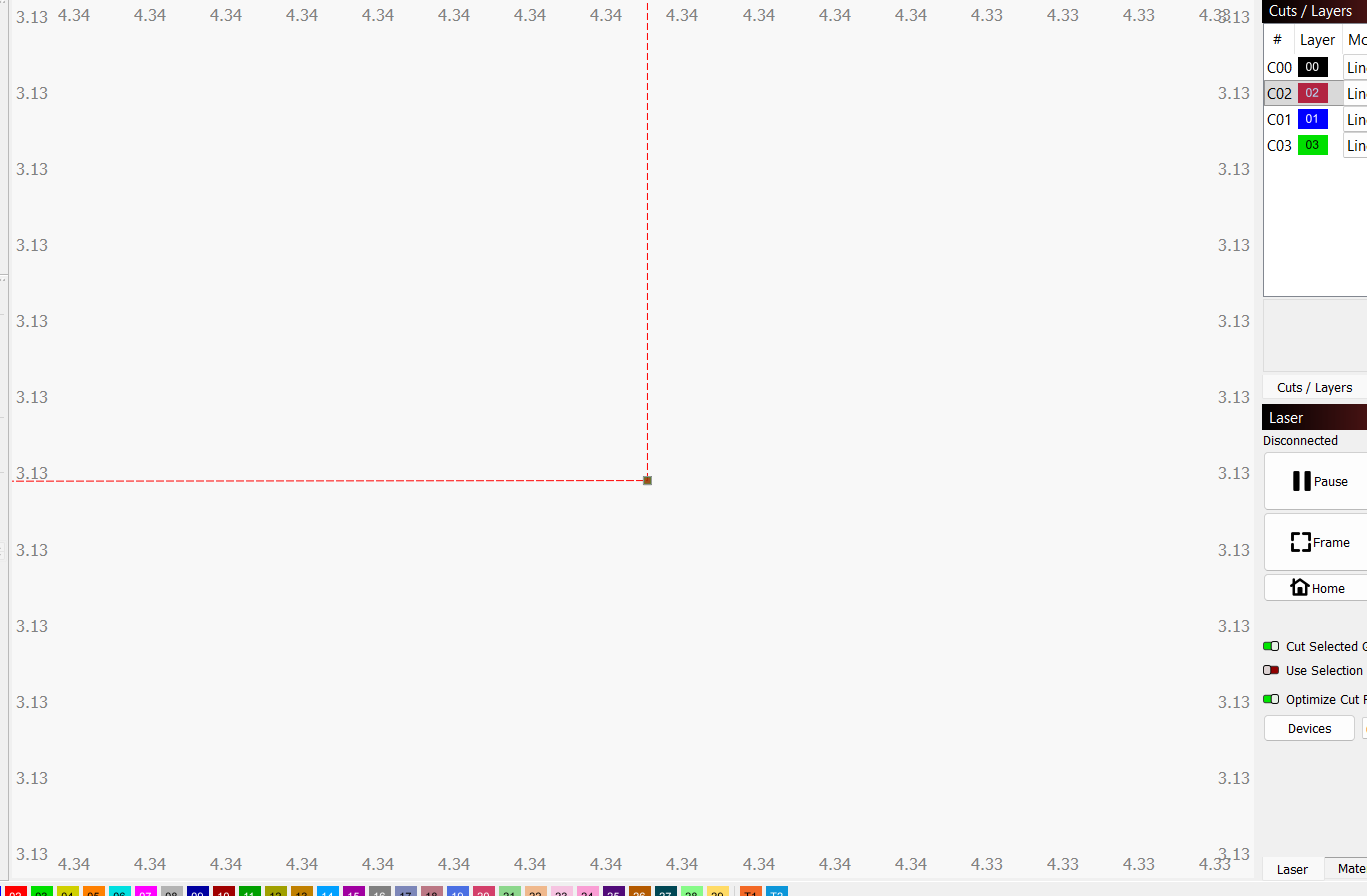
Here is the final result.
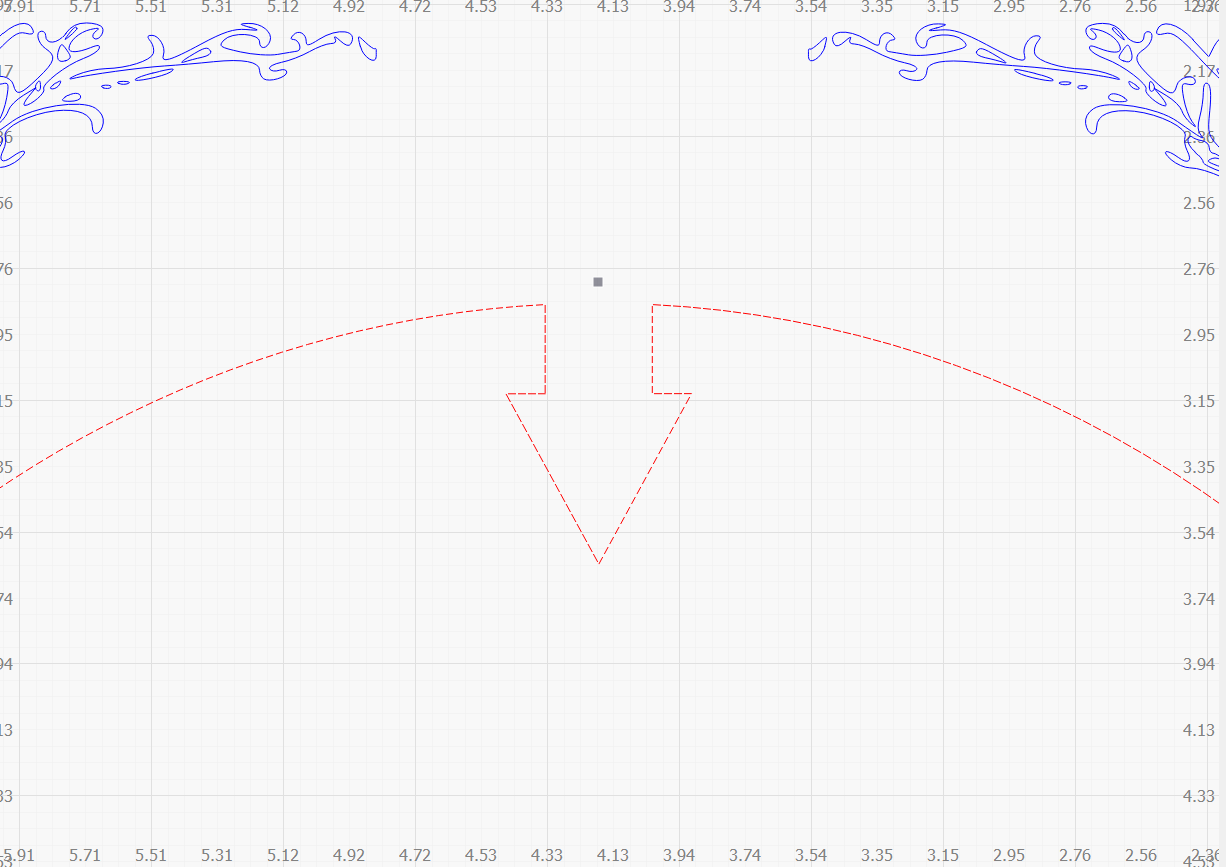
1 Like
Did you have 2 separate shapes aligned so that the edges met and then you used the weld tool? I find that it is always best to draw one shape with perhaps a millimetre extra so that when I weld the 2 shapes are over lapped.
In this case, the rectangle at the top of the arch would be 1mm longer, i.e. the bottom of the rectangle would over lap where you want the triangle to be by 1mm.
If you weld with just the edges butting up to each other you can sometimes get the situation where a what look a like a line remains, as in this case outlined above, or sometimes a very narrow shape.
Over lapping is the sure way to get a clean weld every time. Hope this helps.
Keep in mind that you can only put 2 lines to a node, not three. Probably the basic issue.
Have fun.

This topic was automatically closed 30 days after the last reply. New replies are no longer allowed.