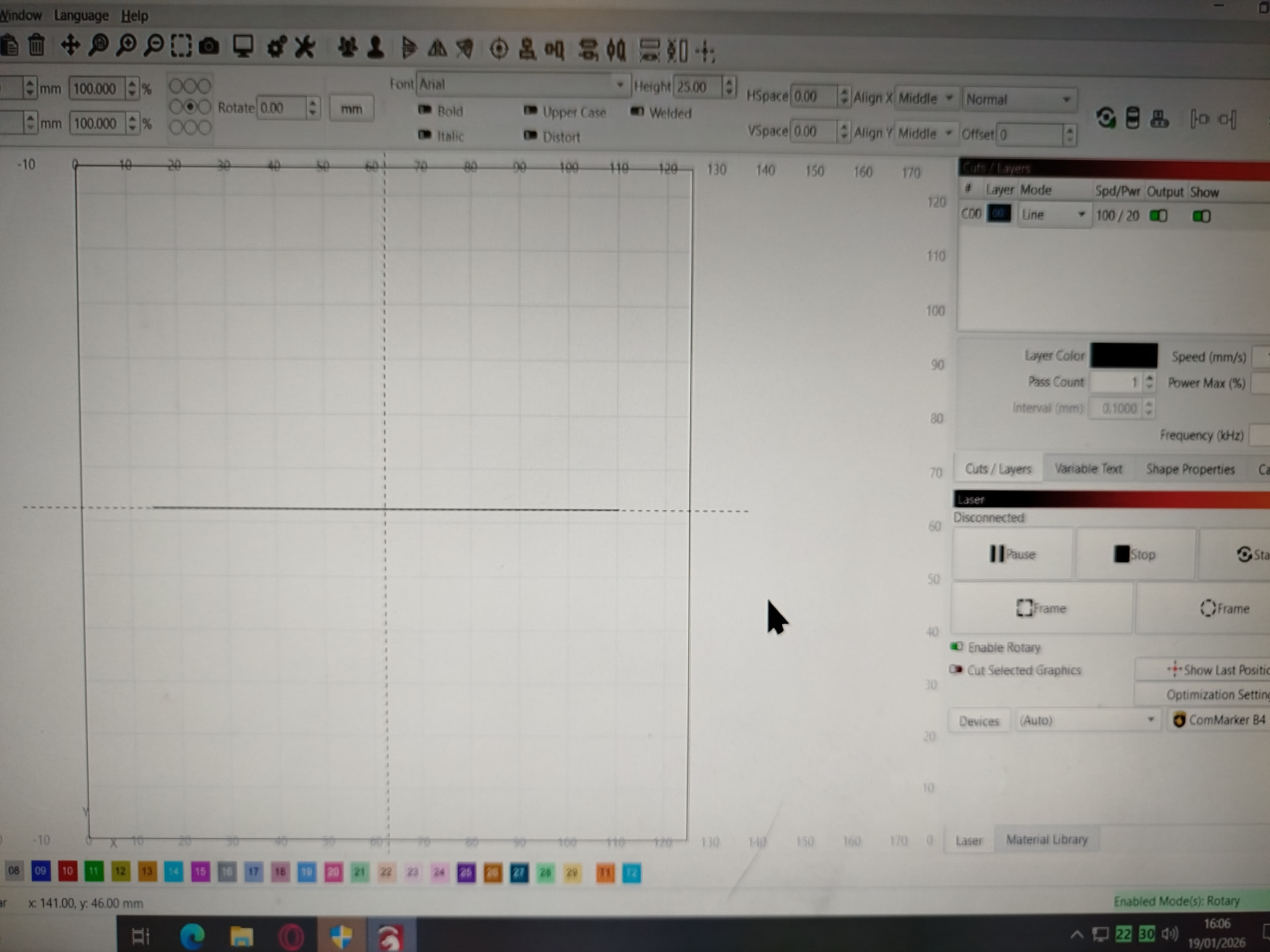
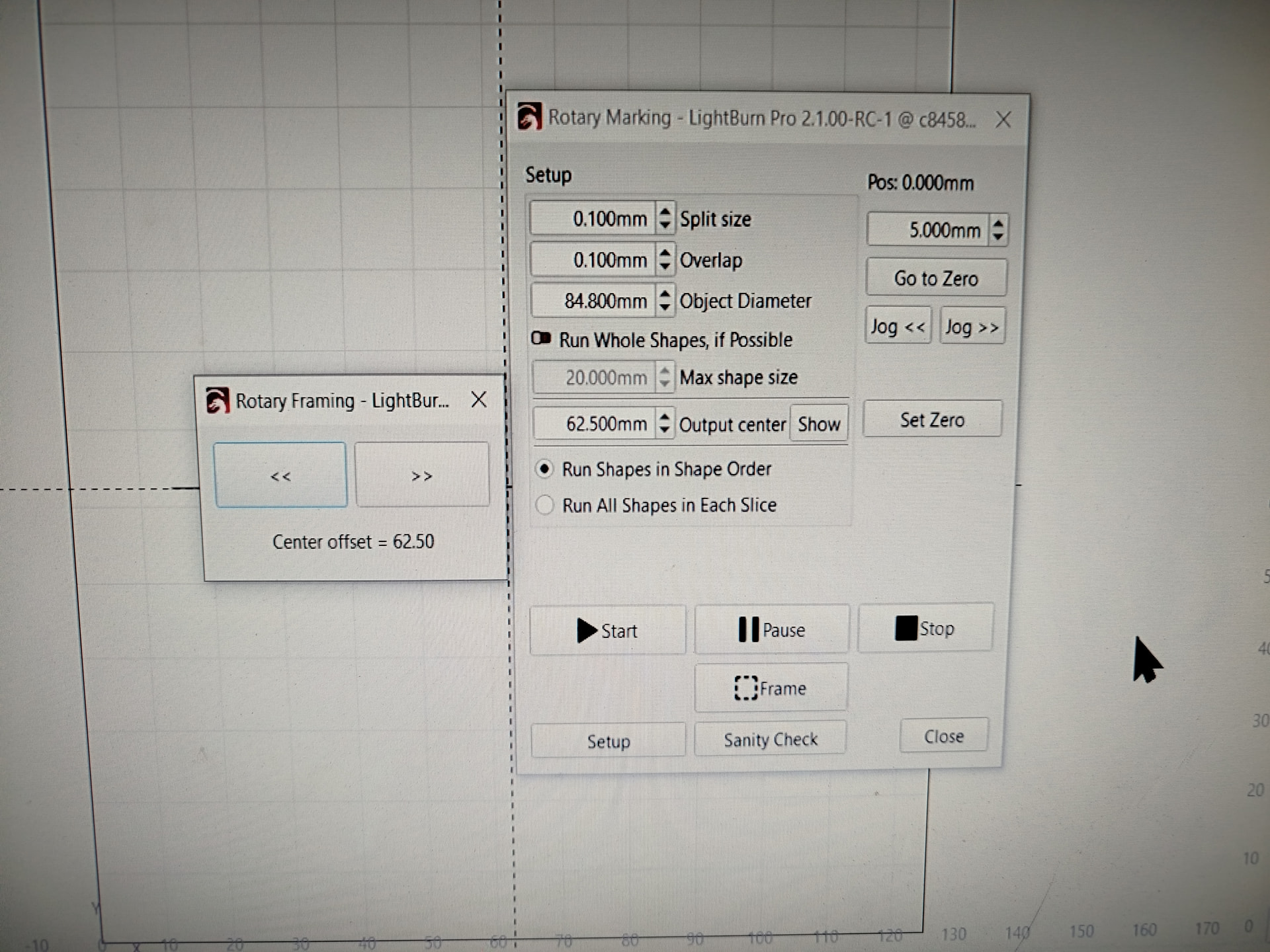
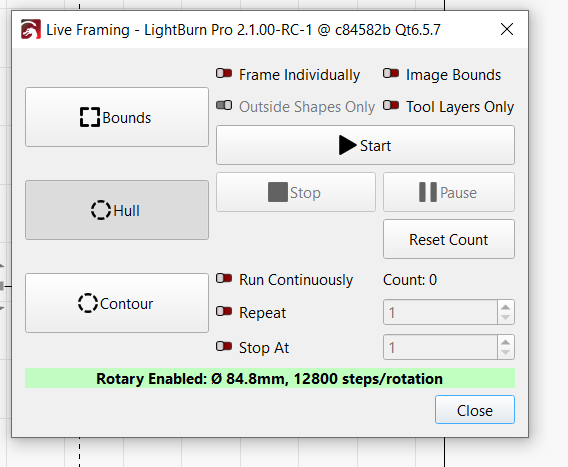
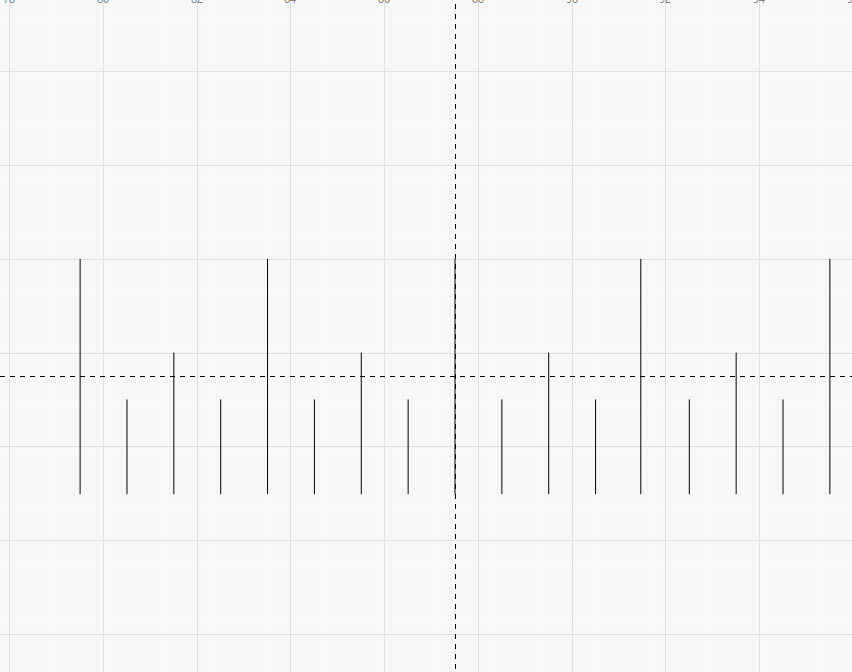
Hi, I have a q pulsed 30w galvo fibre laser. I believe I have it set up correctly. When i use the show output centre line it is lined up with the centre of the rotary but when i frame a line that is inline with the rotary it is not where the show output centre line was. It should be in the same place and is making focusing hard. Can anyone tell me if I am doing something wrong?
Sorry, pics are out of order but I have labelled them.
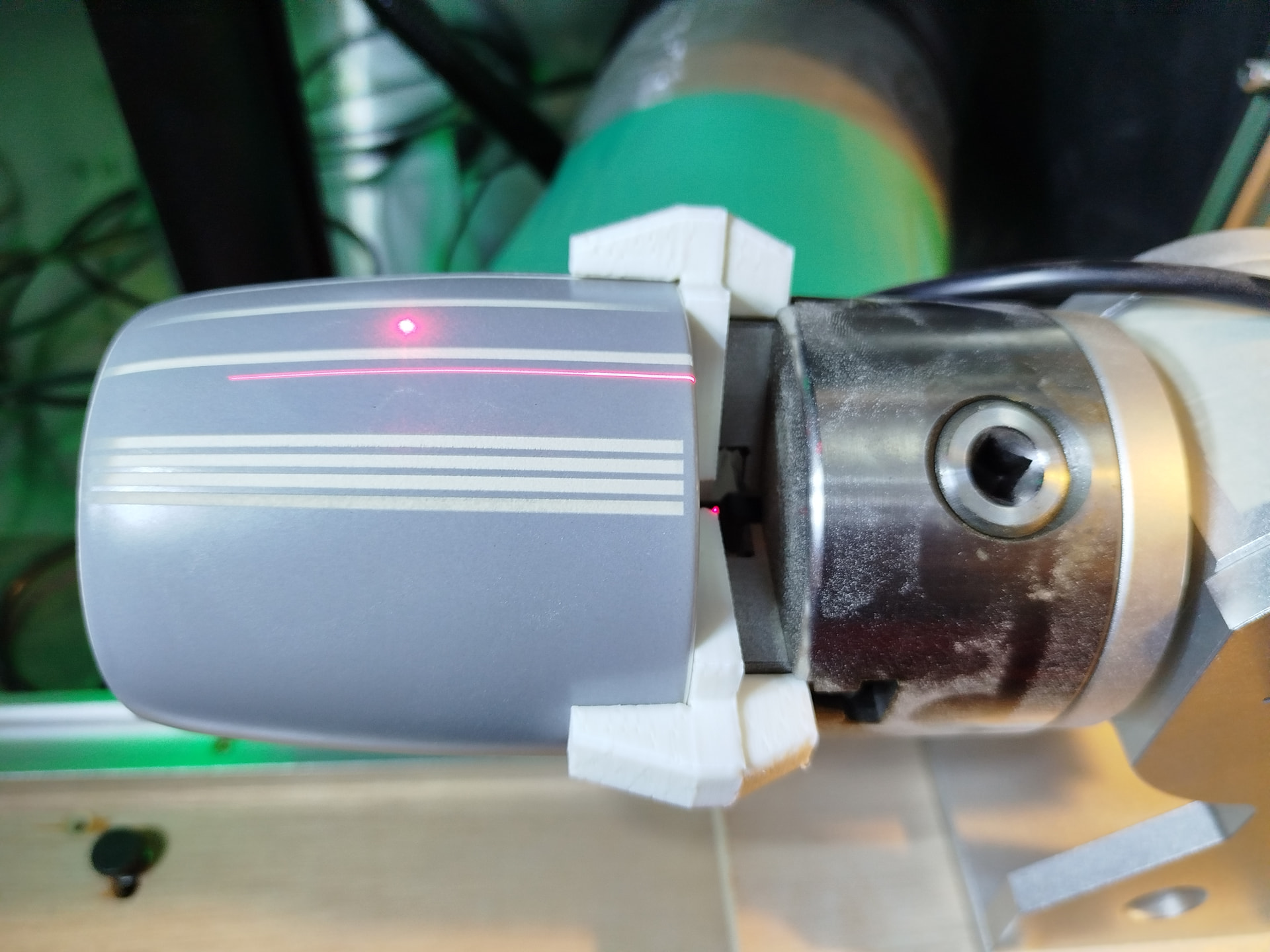
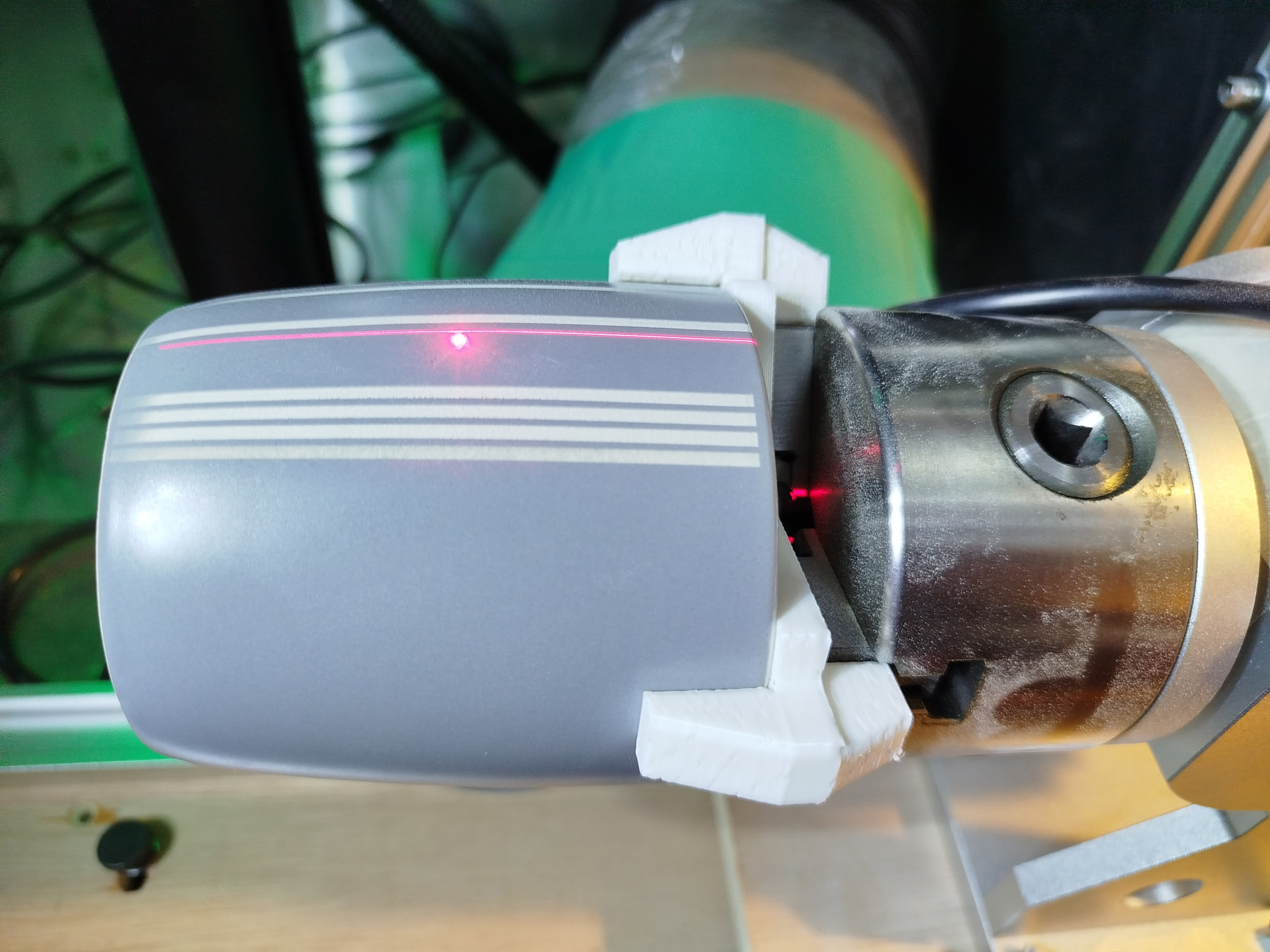
Show output centre: dousnt move rotary and projects line.
Frame: Moves rotary and projects onto same line as Show output centre line.
marking/start: Dousnt move rotary and engraves line on same place as framing and Show output centre.
So I guess its just throwing me off that it rotates it when it frames as I need to reposition the mug so the engraving is the correct distance from the handle and I cant just have it pointing straight up or down when framing is enabled.
Show output centre: dousnt move rotary and projects line. Projects the line on top center of Tumbler?
Frame: Moves rotary and projects onto same line as Show output centre line. Projects the line off top center of Tumbler but in same location as “Show Output Center”?
marking/start: Dousnt move rotary and engraves line on same place as framing and Show output centre. On top center of Tumbler or off the side?
So I guess its just throwing me off that it rotates it when it frames as I need to reposition the mug so the engraving is the correct distance from the handle and I cant just have it pointing straight up or down when framing is enabled. Should be able to.
Can you record and post a video? Record this test: wrap the tumbler with black painters tape. Center up tumbler on rotary and laser, make a center mark. Mark a pattern like this centered in your work area:
Start recording, frame, and then start engraving with rotary off. Then turn rotary on and do it again. Don’t have to use black painters tape, just saves material.
Hi, no that is not what happens. I have made a short video.
First is show output centre button,
Second is framing the line,
Third is engraving the line.
As you can see it only rotates the rotary when framing but not when showing the centre line or engraving. Yet when it does rotate the rotary the framed line is still in the correct location.
OK, I have noticed something similar on my rotary and also on my XY table. Even if I have a very small slice, table (or rotary) moves to the edge of an assumed large slice when framing. Like if I have 600 slices 0.5mm on a 300mm workpiece, when I frame it I’ll get 12 slices 25mm each. And when I frame the end slice it over projects, tempting me to adjust the position of the workpiece. But if a mark is in the center of the work area it will be in the center of the workpiece. Haven’t figured out why, but once I understood it it wasn’t an issue.