I am brand new to Lightburn. I have an xTool D1 Pro with extended rails. I have purchased and installed the Geeks at Large Devil1 Lobotomy kit and done all the required flashes and file updates and loads as suggested and shown on the support page for the Devil1. I have the Production edition. All that went fine and the Devil1 screen moves the laser correctly and directions are correct. Home works as it should and is set.
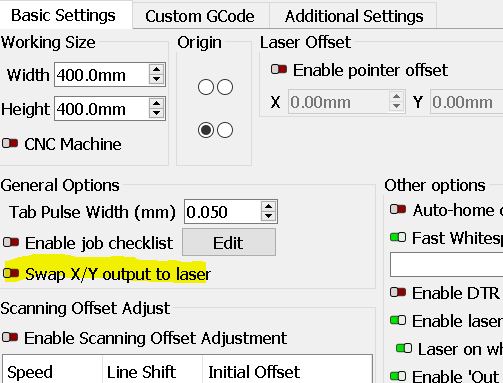
Lightburn communicates with it and the laser fine. I am quite sure this is something I have possibly done setting the extended work area and orientation. I just do not know how to get it corrected from here if so or whatever reason it is not controlling properly. I simply went in as videos showed and changed my work area to 432 x 936. I did also set orientation of how my laser is set up compared to where my laptop is on the side of it; but cannot find where i did that to change it back or how to restore defaults and just start over. I have done nothing else with Lightburn yet. Just installed and updated the software.
One axis controls the laser in same direction with both buttons from “Move” screen. Other axis one button controls laser in opposite direction, and other button doesn’t move it at all.
Not sure why or how, but to my noob brain seems the Gcode is off or messed up. And I am not sure how to fix or troubleshoot this. Not sure if I shouldn’t just restore Lightburn to original defaults somehow and just start over??
Any assistance and instructions is greatly greatly appreciated. My ignorance is frustrating!! I am old school and can build and fabricate just about anything by hand. I’m trying to set this up to make a lot of my tasks quicker and easier, not to mention safer. Small precision parts on router bits with fingers close is not a comfortable feeling no matter how safely you try to do it, and I feel I’ve likely pushed all the luck I have over the years by having to do so.
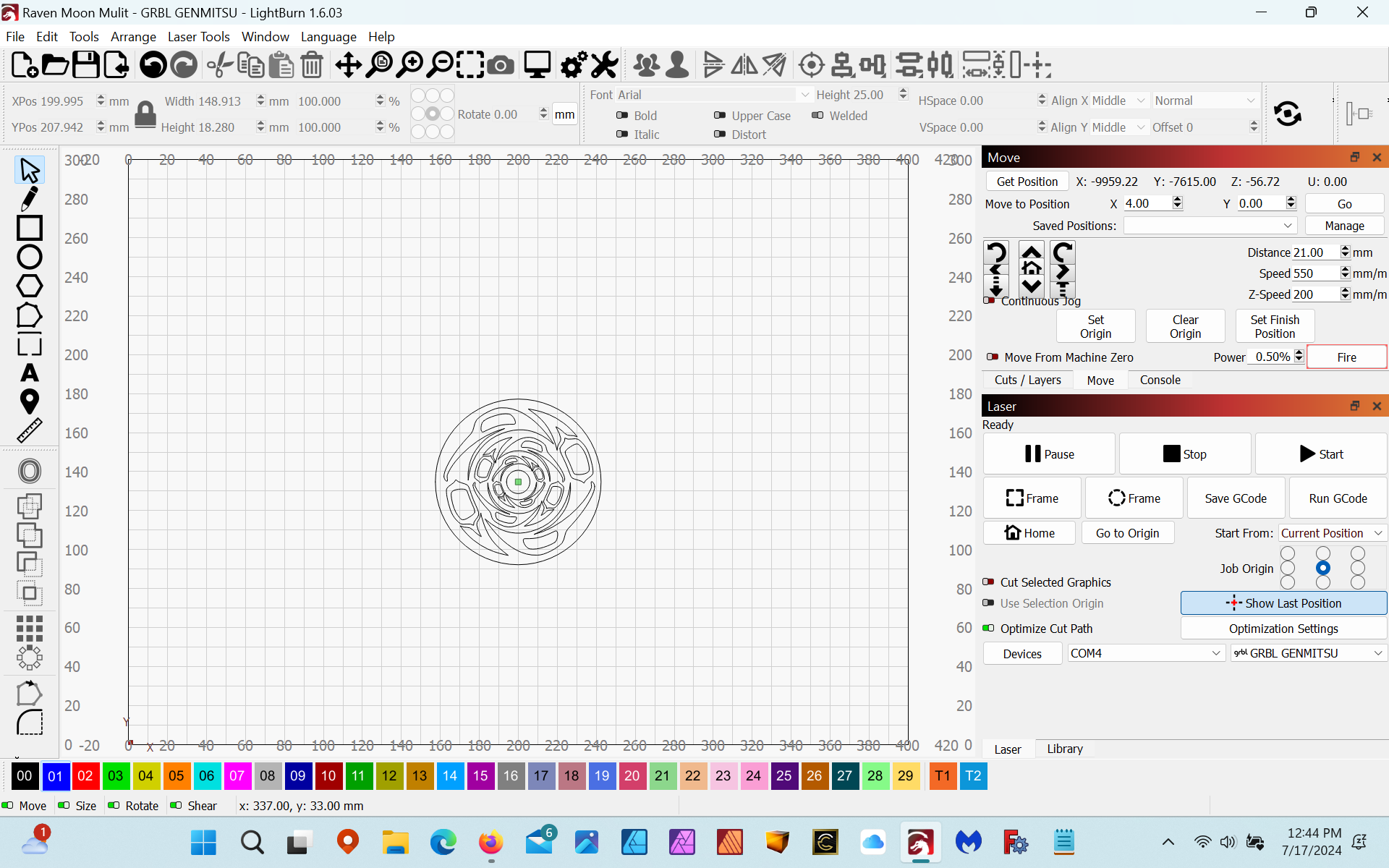
Greetings - I am using a Genmitsu 4030V2 with a Dell laptop running Windows 11 pro. I am experiencing similar issues related to origin and machine control. I have overcome the problems by agreeing to the out of bounds error and just proceeding with the project, however directing the laser to specific locations within the workspace is impossible using any of “go to” features of the software. I see that the reported position of the laser is well outside of my defined work area (400x300mm) yet I am unable to get Lightburn to recognize and work within the installed parameters.
At this point, I am unable to isolate where the problem lies. I have gone through the tutorials, watched the videos and read the articles. My belief is that I have either overlooked something.
Sorry for such a delay in replying. Work schedule and home life has been crazy busy as of late. First of all thank you for all the suggestions and replies!
I ended up, before I saw any of this, uninstalling lightburn completely. As i had dont nothing in it yet anyways but mess it up some how. I reinstalled lightburn. made sure was updated to newest version, and redid all the steps on instrutions from the Geeks At Large Devil1. Flash files and lightburn setup file. Now everything is working properly and I ran a material test burn and all functioned as should. Only thing not working properly is my Z function autofocus. But I just have to run the set up and import the setup file for it again and all will 100%.
Thanks again to all who took the time to read and help! I’m sure I will be back with more serious noobie questions befoe long.