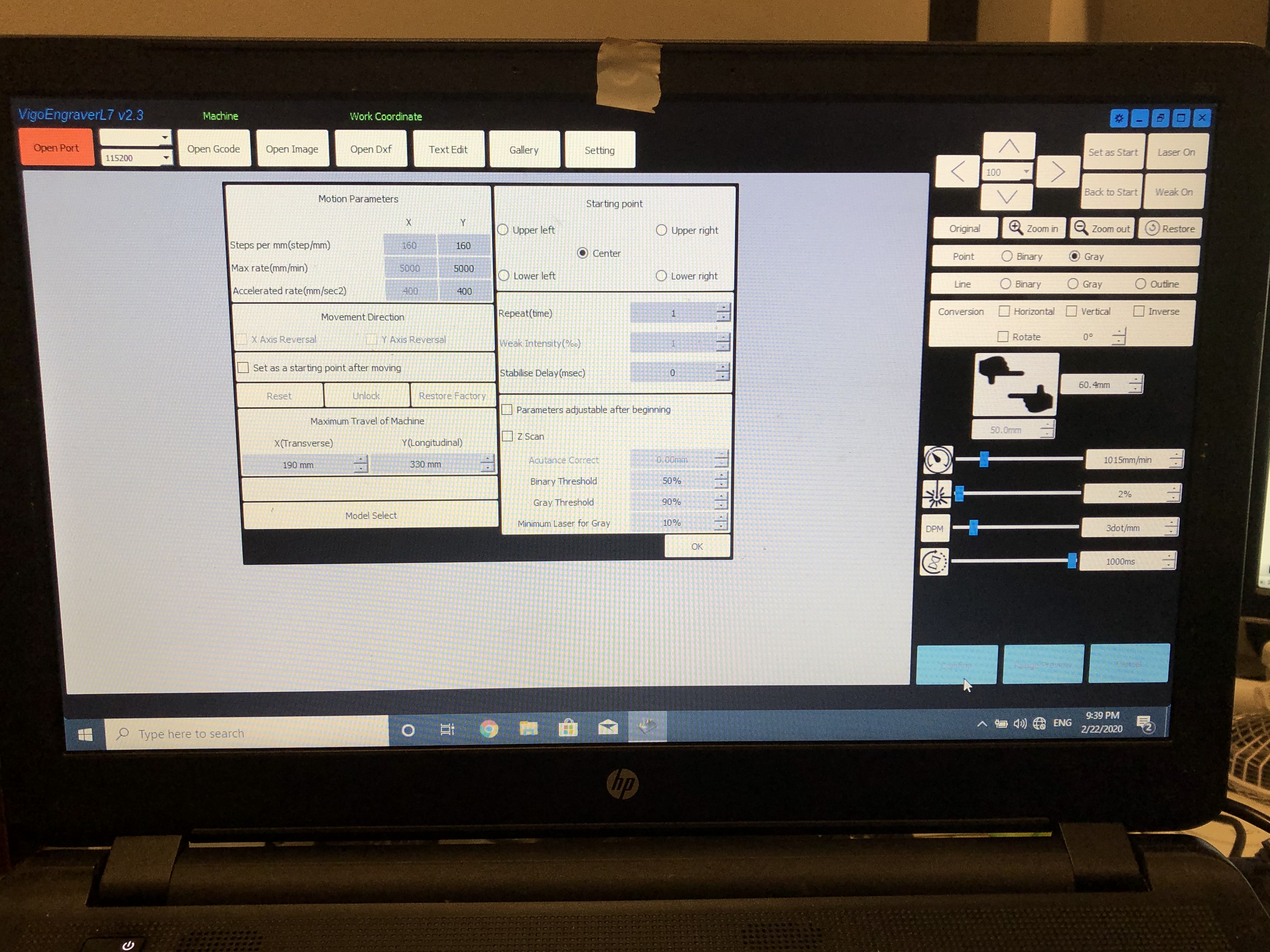
From the screenshot you provide I see a ‘Open GRBL’ button. Do you know what version of GRBL this controller/laser system is using? That information will be critical for proper setup of LightBurn.
Have a look at this for a good place to help you get started.
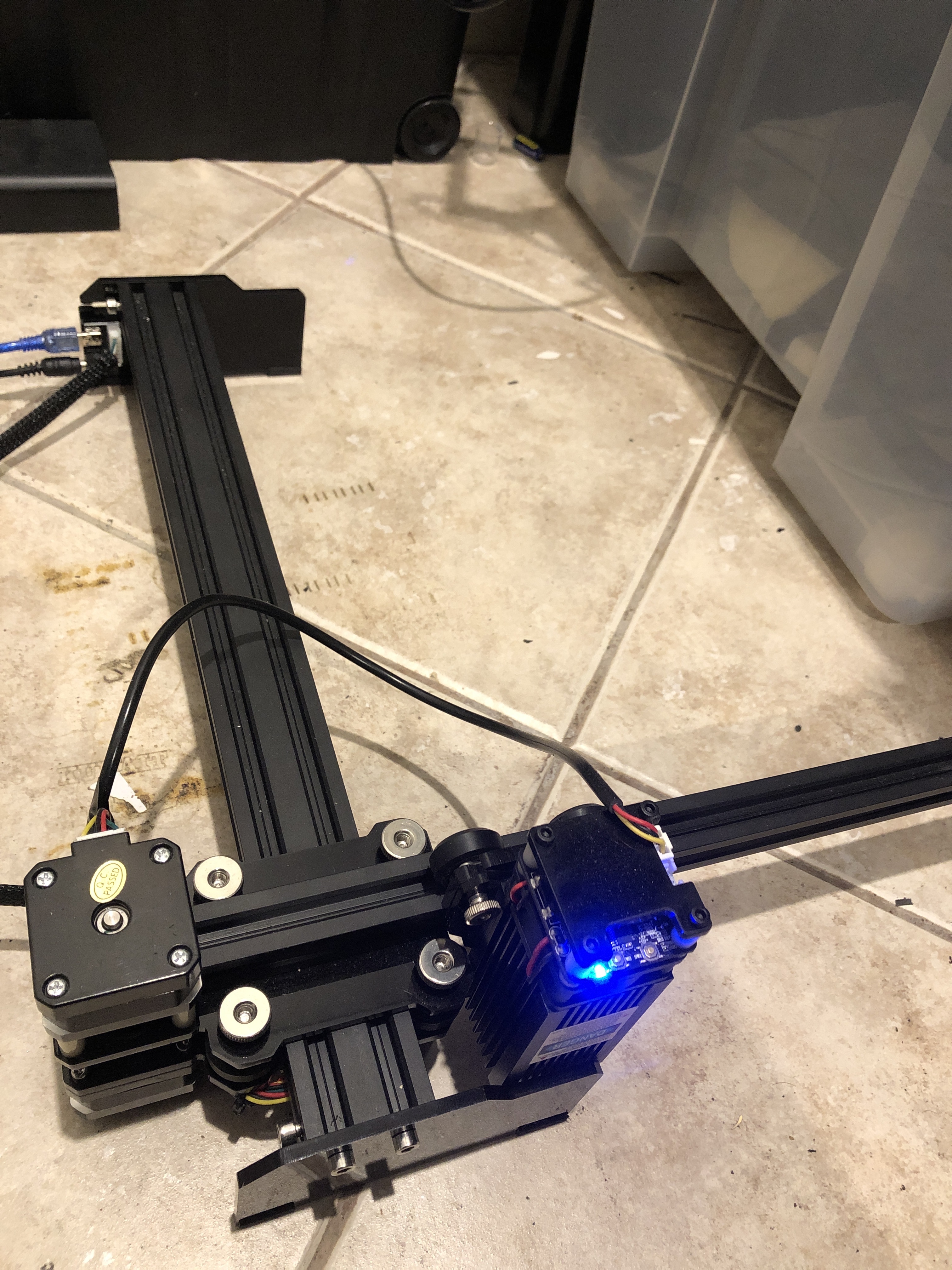
I looked up the laser on Google - I can’t see anywhere on the listing what it’s running, so there’s a very good chance it’s proprietary. I did see “NEJE” on the sample pictures, and if it’s one of theirs, it’s their own custom firmware, not supported by LightBurn.
I managed to let Lightburns to work with it however it’s not working As it should it’s giving me Homing Error number 5 And If I use the x and y it gives me different dimension that’s been set up by the manufacture And the power Off the laser is 20 W
“Error 5” is GRBL telling you that you’ve asked it to home, but do not have homing enabled in the firmware. When you set up the device you probably enabled ‘Auto-home on startup’ which would tell the controller to home, and give you that error.