Greetings, thanks for the add…and excuse the noob…
I have a daunting project and laser engraving seems to be the answer. This is new to me so I am learning as quick as I can…
I need to engrave 2 to 2-1/2" colored aluminum numbered medallions to be used as proof of admission to an event. 10,000 of them… Finding the blanks doesn’t seem a problem. It’s the numbering that seems to be a challenge…
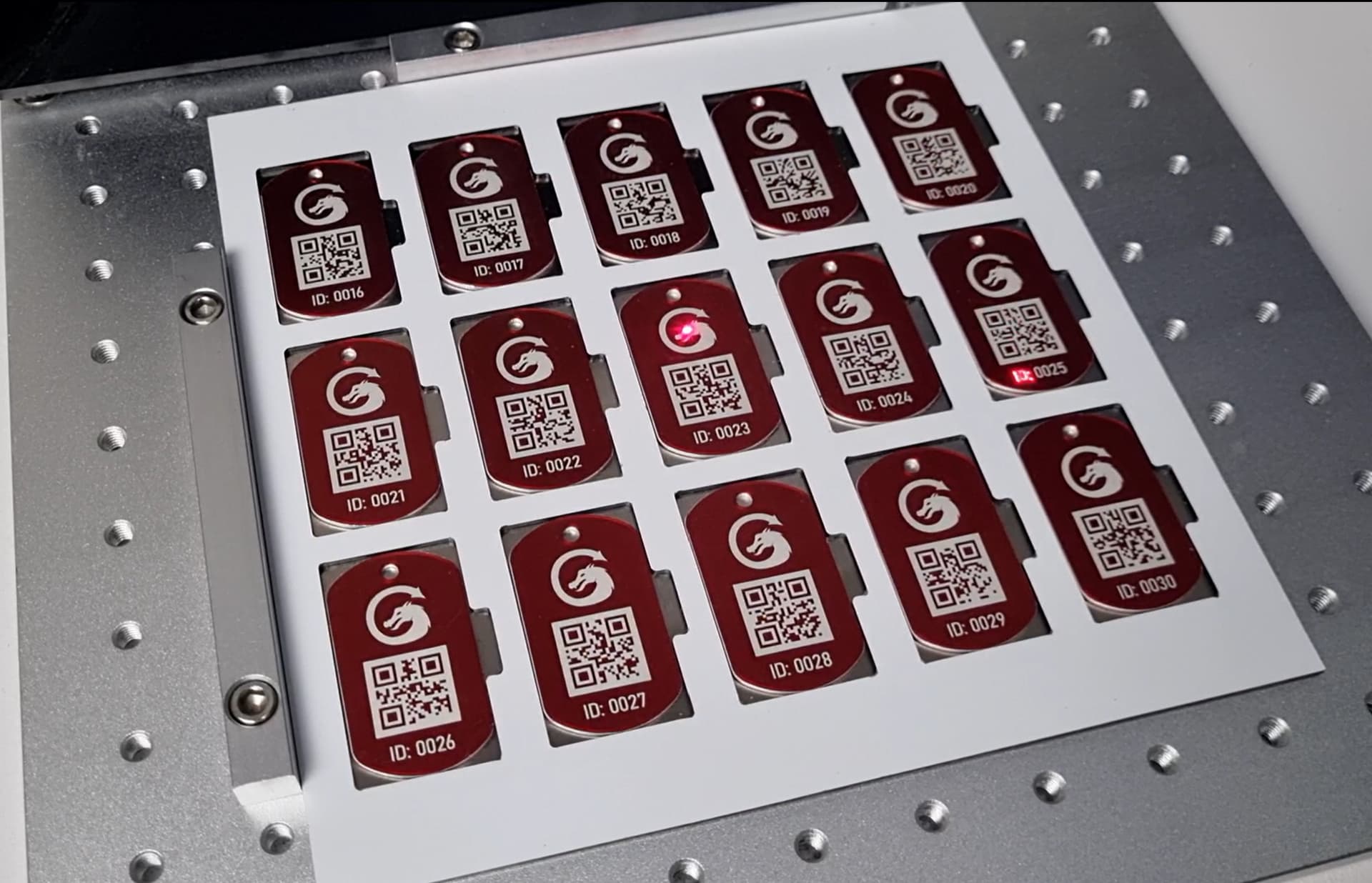
I do have time, but I would like to not have to enter the numbers manually every batch…Thinking right now that I would make a template to fit the machine and fit as many medallions in there as I can per batch.
Automation: Indexing rotary table. Two layer surface. Top plate has holes for coins (medallions). Bottom plate has one hole for them to drop out. Some sort of feed needed unless you plan on hand feeding 10000 coins.
Budget: $10K is cutting it close in my opinion. Your manufacturing cost is $1 per coin, not counting labor. Unless you plan on working for free, you need to charge $2-$3 per coin. Will that scare off your customer?
Thanks for all the replies. I am the customer. It’s for a very large two week historical event which I help run every year. (All volunteer crew) We paid stupid money for medallions this year so I am working this plan.
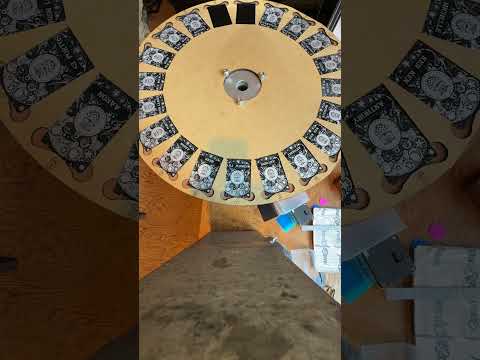
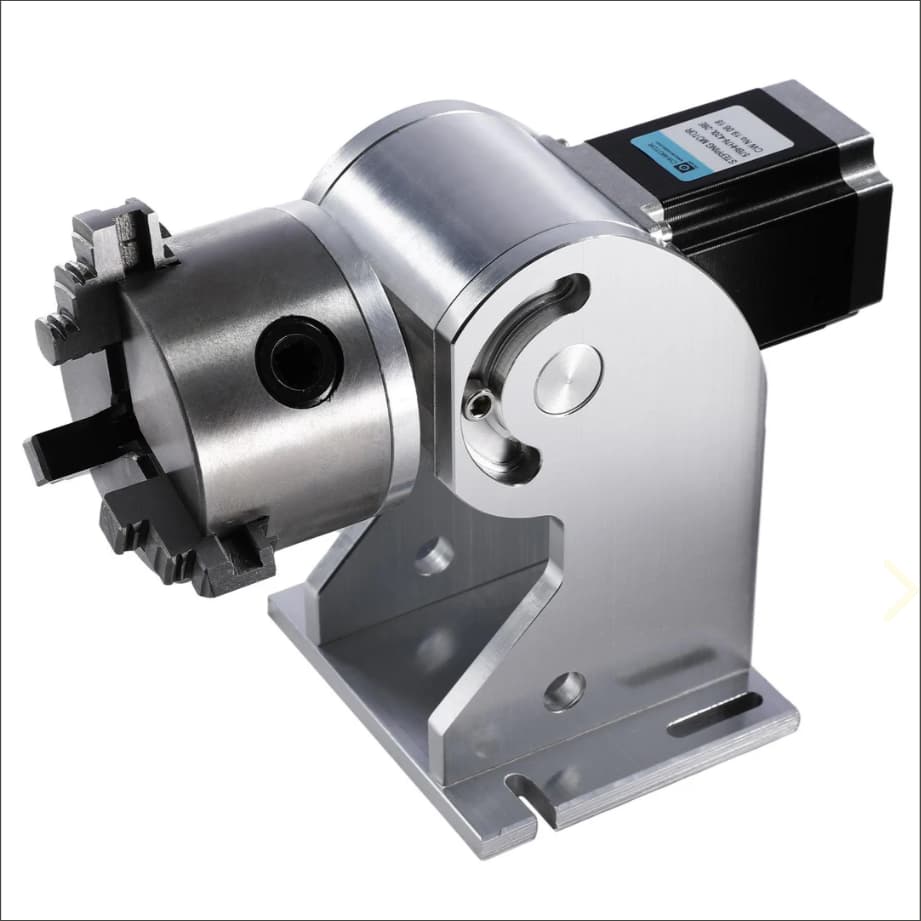
I removed the chuck and built the jig to bolt on to the flange the chuck mounts to.
The galvo laser being used to do the marking uses Repeat Marking in LightBurn, and Variable text, to increment the jig as well as update the names on the card from a .csv file.
You have the right idea with a template + fixture to generate batches of the things, but a (reaonably priced) fiber laser (which I assume is the only thing able to engrave aluminum) has a very limited working area that might handle four medallions at once.
Back of the envelope: 2500 batches × 10 min/batch → 420 hr
Call it three months of full-time labor.
If you can get satisfactory results with a CO₂ laser, then the batch size goes up to maybe 50 → 200 batches. Assuming 300 mm/s scanning at 0.2 mm interval over a 600×400 mm area, it’ll take something over an hour/batch, so figure six weeks of full-time labor.
In addition to the cost of the laser, does the time fit into your project / personal schedule?
The only difference between Core and Pro is the device types you can connect to (DSP + Galvo) - The repeat marking tool is for Galvo lasers but I think we enabled it for all rotary devices. Let me check
As far as I can see here, you’re correct @MikeyH, it’s not possible on Gcode devices to use Repeat Marking - I’ve asked for some more info about why internally.
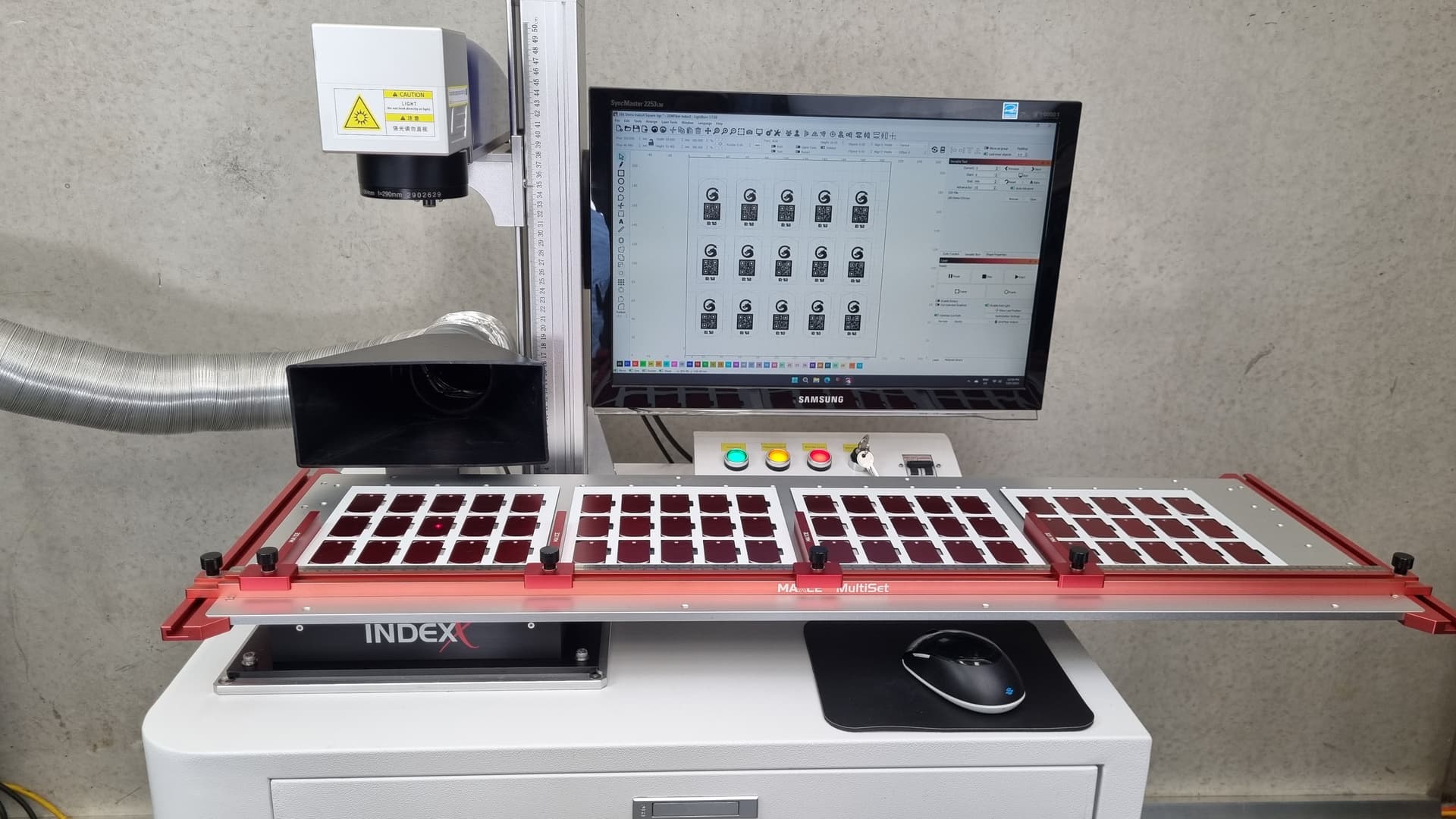
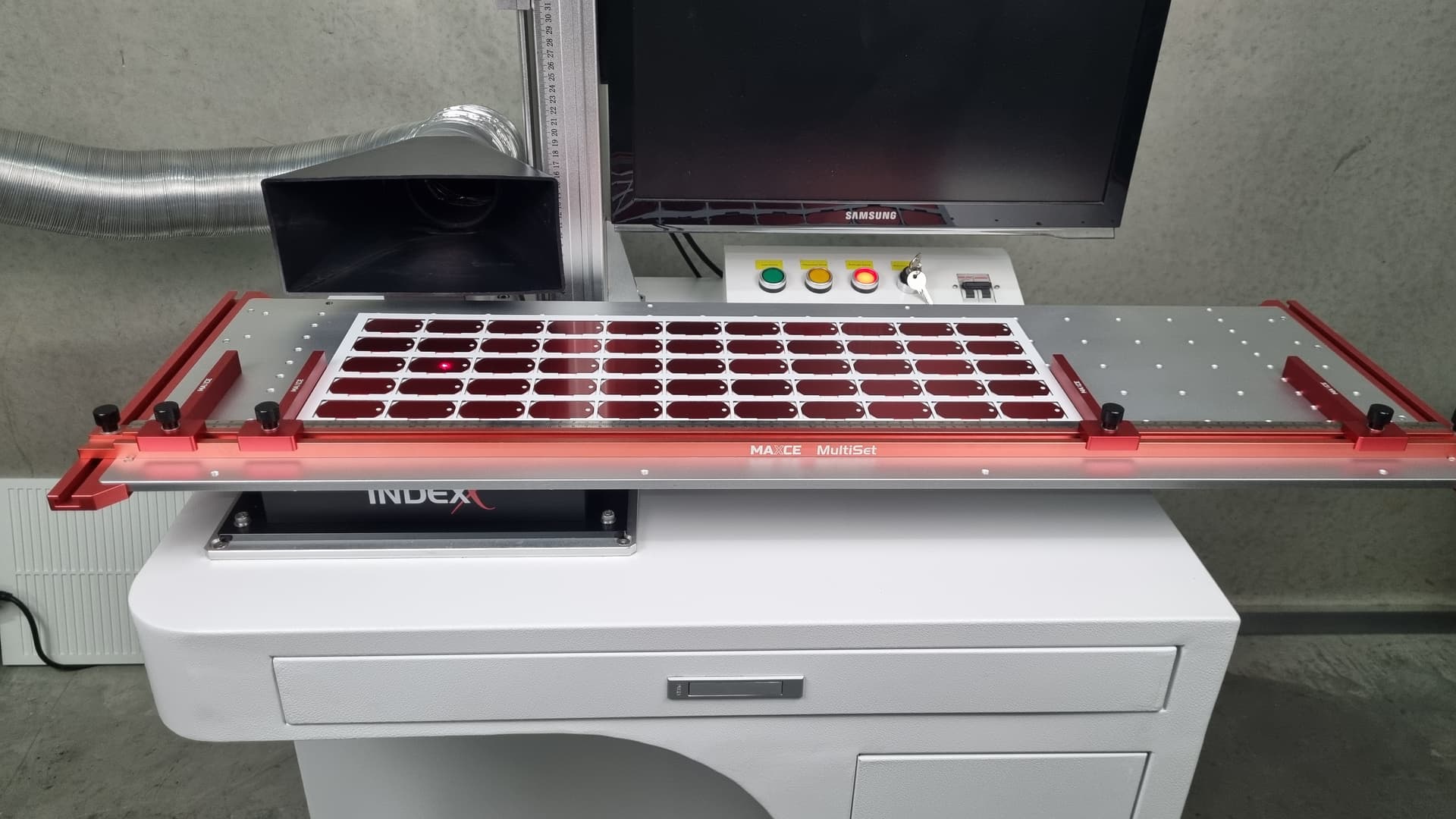
A 20 or 30W galvo fiber laser with a 200x200 area lens, and an IndexX slide attachment would be well under 10k. Use two large interchangeable jigs/trays so you can fill one while the other is marking.
This setup would give you similar capacity to the co2 gantry with the detail and speed of the fiber galvo on aluminium.
The talk I gave recently on batch production marking at LBX would have been perfect for you.
@BetaMax , that’s pretty slick. How is the image quality of the perimeter tags vs the central ones? I was wondering if the extreme angle of the laser at the edges would be enough to make a noticeable difference. Maybe that would only be a factor when deep 3D engraving.
The quality was the same across all the tags in the jig. As a general rule I try not to mark in the outside 10-15% of the lens area. Sizing the jig to the marking area and insetting the parts from the edge gives some buffer.
Breaking up the template so each tag can be framed separately is a good idea. It lets you check each tag alignment in the template matches up with each physical tag and make minor position adjustments in the template if needed.