Negative GCode Boundaries When Using User Origin or Current Position

Hi,

When I generate gcode from images, I get a negative bounding box.

Here is the relevant gcode generated:

; LightBurn 1.7.08
; GRBL device profile, current position
; Bounds: X-3.5 Y0.15 to X33.5 Y33.25
G00 G17 G40 G21 G54
G91
M4

I would dearly love to be using a more up-to-date version of lightburn, but alas, linux.

Here is the lightburn project:

just_dog.lbrn2 (577.8 KB)

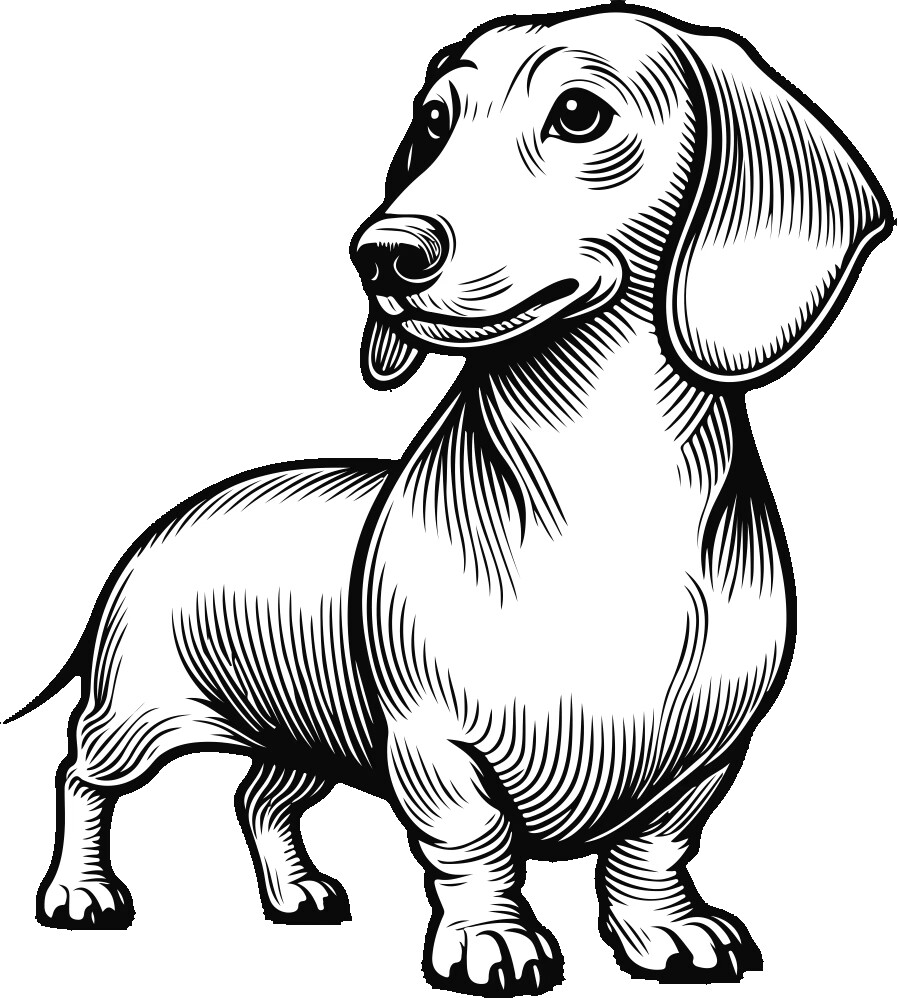
Here is the dog:

A later version will not make a difference here.

How big is the image? If it max’es out your workspace, then Overscan can push you off the grid. Turn on the Show traversal moves switch on the Preview window to see if this is the issue. The green frame is the limit of your laser travel.

The image in original format is pretty big, but in my project I have it scaled down to 30x33mm. It’s placed near the lower left, within the bounds of the laser.

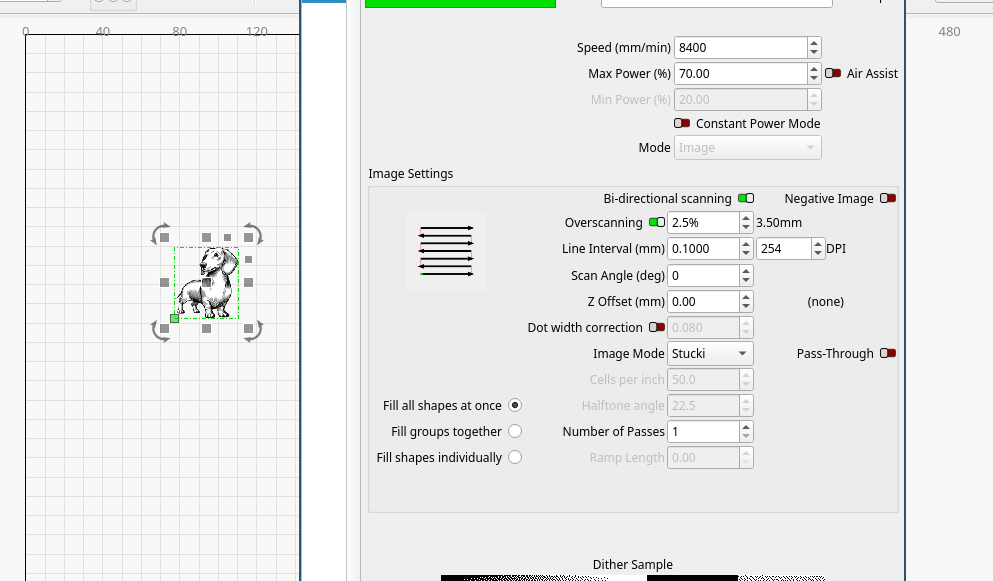
Overscanning does seem to be to blame here. As I scale the image up and down, the “overscan amount” doesn’t change, even thought it claims to be a percentage.
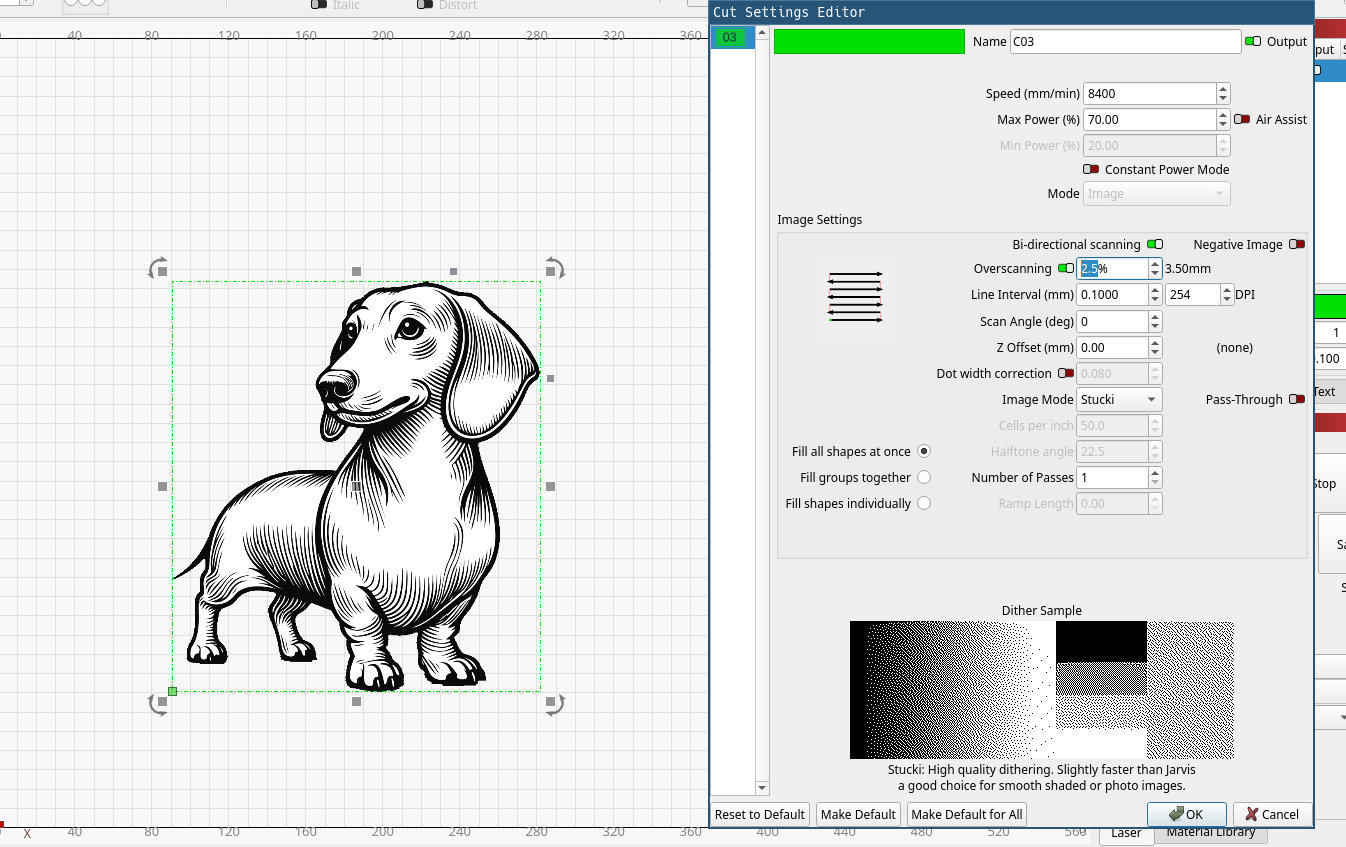
big:

small:

Pay attention that Overscanning is a percentage of speed (mm/s) .

Hmm, good to know. The actual images I was engraving came out shifted left a bit. Would overscanning cause that?

Also, when I replaced the image with a vector, the negative bounding box issue went away. So I don’t think JUST overscanning is to blame.

Did you use fill mode when using the vector graphic? To me, the overscanning issue makes most sense.
You will also see this in preview window.

Ah, yep, that did it. Weird that it will move left of the starting point, but I guess that’s intended behavior. Thanks!