My setup:
-
LightBurn version: 2.0.02 (Windows 64-bit)
-
License type: Pro (GCode, DSP, Galvo enabled)
-
Galvo hardware: BJJCZ Laser Mark Control Board V4 [USB]
-
Drivers: BJJCZ driver installed and confirmed working in Device Manager
What I’ve tried:
- Fully uninstalled and reinstalled LightBurn (cleaning
%appdata%\LightBurnandC:\Program Files\LightBurn) - Installed the EZCad2 driver during setup
- Ran LightBurn as administrator
- Verified license activation shows “GCode, DSP, Galvo” enabled
- Device Manager shows:
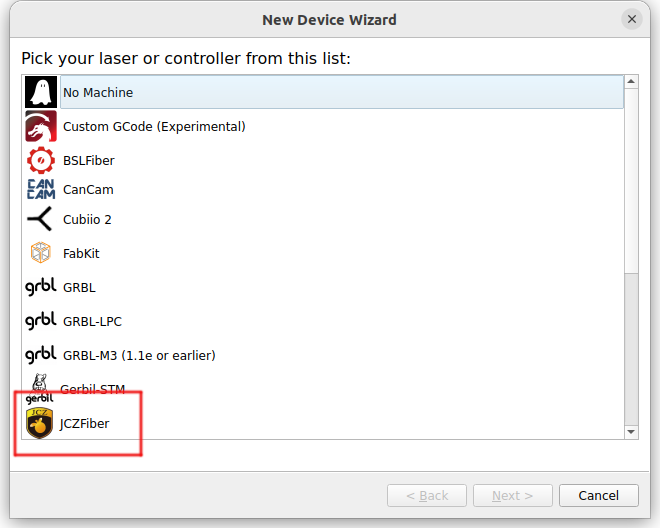
BJJCZ Device → Laser Mark Control Board V4 [USB] - Despite all this, the “Galvo” option never appears under Devices → Create Manually.