I have two lasers, both with Ruida controllers. I connect one with an ethernet cable, the other with a USB cable. Neither will connect since I had a new battery connected and I am tearing my hair out! I have checked ISP address for the ethernet cable, and it worked once, but now will not work at all. help please!
Hi Glenda,
If the battery was replaced at a tech service shop, perjaps did they do any other other work installing windows or security updates?
For the USB connected machine, it could be that the COM port changed, what ports do you see here?, try selecting a different com port.
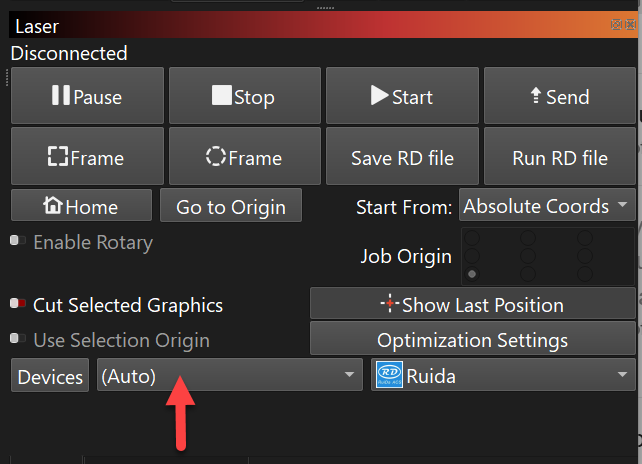
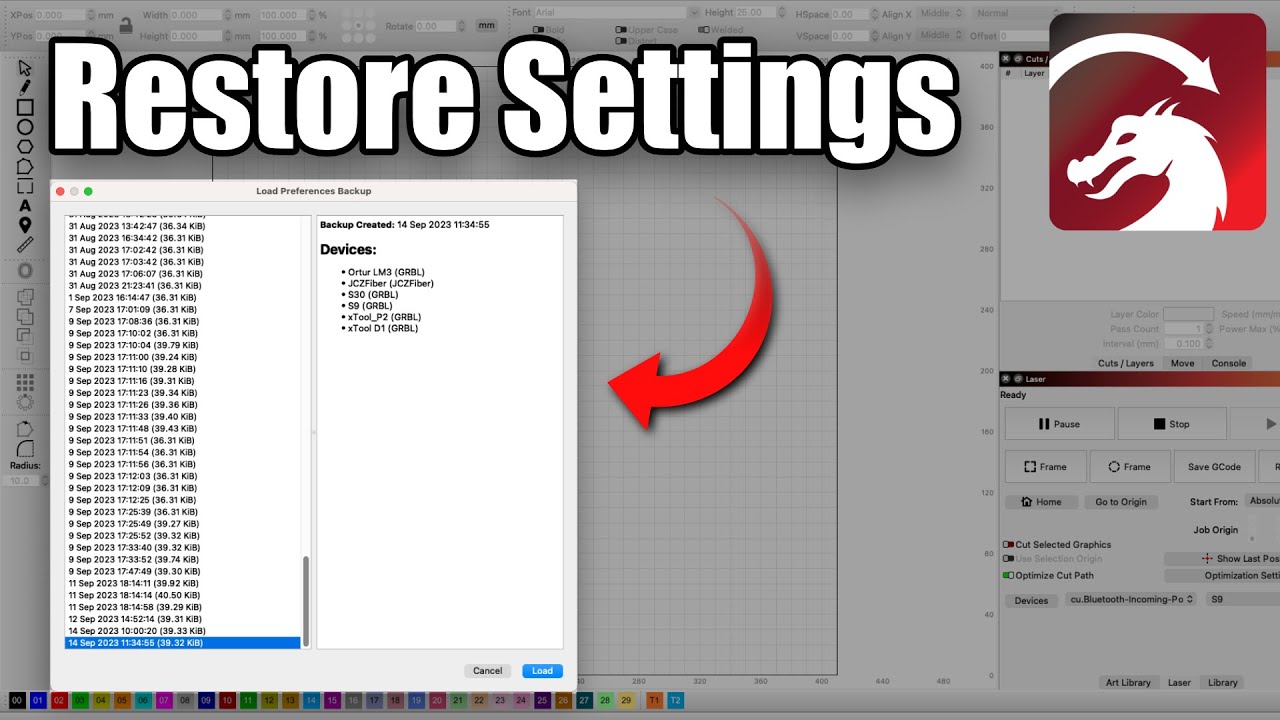
The next thing to try (just in case your settings were lost somehow), is to load a backup of your LightBurn preferences from a time when everything was working well, you can do this within the app as explained here:
For the networked machine…is the laptop able to ping the IP address of the machine ? What is the fixed IP address at the laser? Does anything look out of place at the machines display panel? no alarms or errors?
And just remember if you have urgent work to do there is also a 3rd option to load job files to the the controller using a USB flash drive (use ‘Save RD file’ from LightBurn).
1 Like
Thanks NicholasL. I was able to find a different USB port on the laptop that worked. My ip address on my laptop is constantly changing - something to do with my router? Yes it is new, but the laser doesn’t go anywhere near that.
I had another laptop I tried and it would connect, but for some reason the same file was wild, and when I framed it was way out of proportion. When I figured the com ports on the original laptop and sent the same file again, all was good. So I am in action again, but no idea how to get the ethernet to behave. Thanks again for your advice - it helped!
1 Like
That’s good, it should be fine if your IP address changes, what is your IP address? does it start with 169.254.?? (that would cause a problem). Are you connecting your laptop to a home wifi router or is there an ethernet cable from your laptop going directly to the machine?