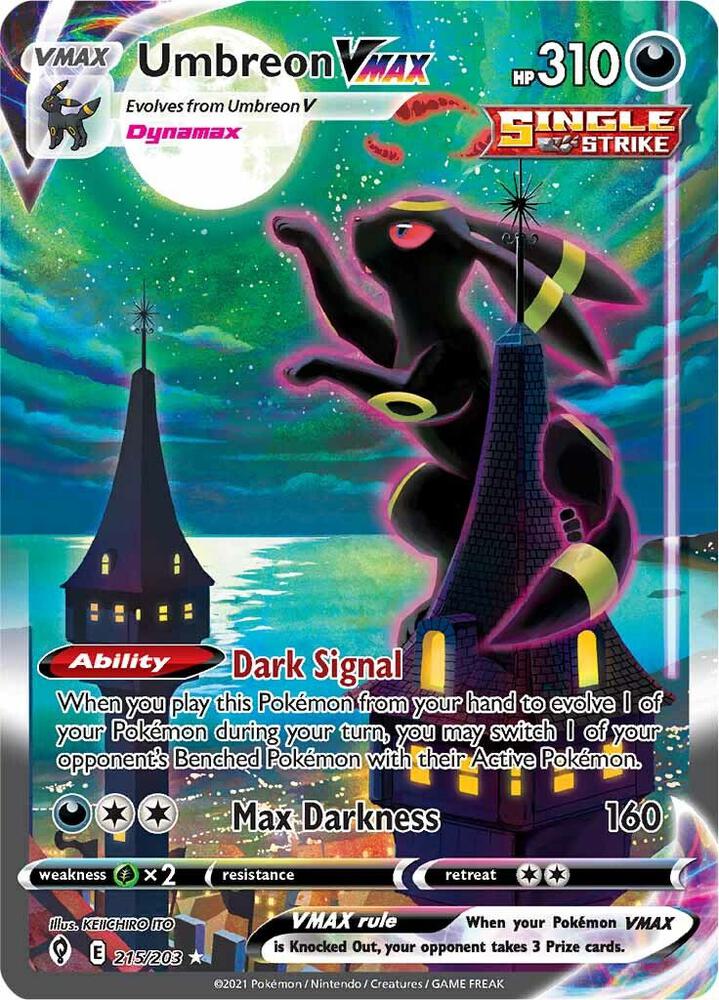
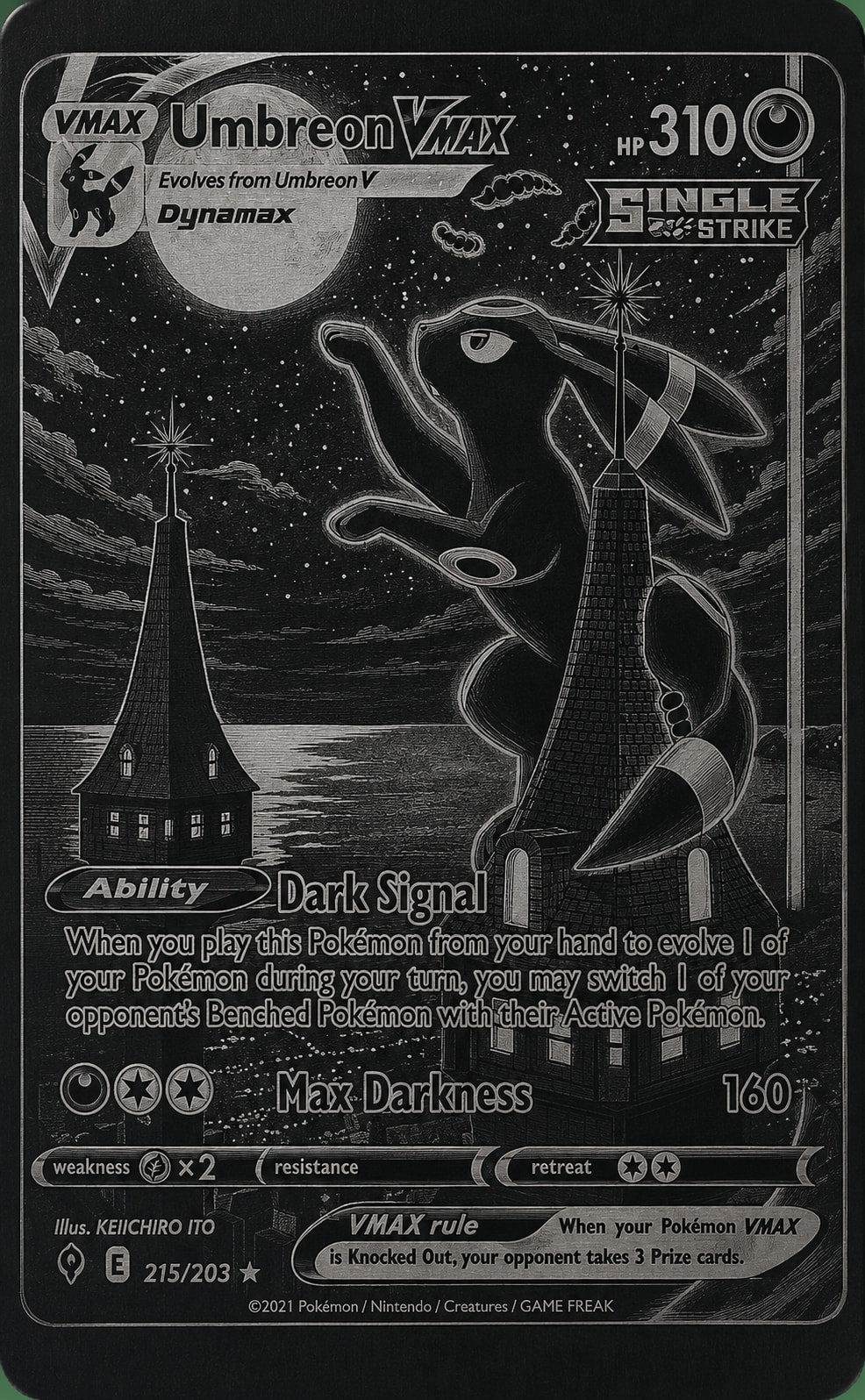
Hi everyone! I’m brand new to the laser engraving community and I’m learning how to use my AlgoLaser T-150.
I’m trying to engrave an image onto a black aluminum card measuring 2.06” × 3.24” × 0.01” thick, but I’m running into an issue where the laser seems to overshoot the material/work area instead of staying within the card dimensions.
I’d really like to understand why this is happening, rather than just guessing at settings.
I’m currently looking at using LightBurn or LaserGRBL/GRBL, and I’d appreciate advice from anyone experienced with the T-150 on:
Proper machine setup and calibration
How to accurately set the engraving area to 2.06” × 3.24”
Correct image sizing and DPI
How to make sure the laser’s origin/position is correct
Recommended starting speed/power settings for a black anodized aluminum card
Whether LightBurn or LaserGRBL would be easier for a beginner
What could cause the laser to move beyond the edges of the material
I’m not necessarily looking for someone to just give me settings—I’d really like to learn how to properly set up and calibrate the machine so I understand what I’m doing.
Any tips, tutorials, or advice from experienced T-150 users would be greatly appreciated!
Check out ‘Lightburn Documents’ look at overscanning and use the Topic search box for previous posts on any subject.
Also check your speed and try various until you get it right. I’m not using your machine and probably not the same LB version. Just keep reading and testing…and asking, but do also post a screenshot of your settings.
Look at the Overscan setting in the Cut Settings Editor window. If you turn on the Show traversal moves switch in the Preview window, and you see red lines going out of the green square, then you have found the problem. Learn to use the Preview window religiously.
Two dramatically products, one free (GCode sender and machine control), one not (vector design with control and run).
With LaserGRBL, you also need an application that can design and/or import designs, and then generate a GCode output.
With Lightburn, you have an all-in-one package for your diode laser.
Google “lightburn tutorials youtube” to get get a feel for what you will be experiencing.
There is a LOT to learn about laser projects, but do not get discouraged. Everybody was a beginner at one time. Learn what you need to know at the moment and do not worry about the rest. Learn it as you need it.
And if you decide to use Lightburn (the trial is free), then make this Forum your new home. There is a stunning amount of experience and good people willing to help here.
 Proper machine setup and calibration
 How to accurately set the engraving area to 2.06” × 3.24”
 Correct image sizing and DPI
 How to make sure the laser’s origin/position is correct
 Recommended starting speed/power settings for a black anodized aluminum card
 Whether LightBurn or LaserGRBL would be easier for a beginner
 What could cause the laser to move beyond the edges of the material