Hi all
I have just purchased a used ( 2019) Bodor BCL0605MU 80w CO2 laser with lots of ancillary items inc cooler, rotary unit, air assist etc. But unfortunately no user manual or tech info for wiring etc.
I am hoping somebody in the groups can help me with any information and / or tips on setting up the unit after a house move and the best places to get spares etc if needed.
Any and all help would would be greatly appreciated.
Best Rgds
Kev
1 Like
This might help
Bodor BCL-MU Laser Specifications.pdf.txt (138.8 KB)
1 Like
If you open the electronics door and take a photo of the insides, maybe we can help. Information in the link is not really usable …
Have no clue what number 3 means. I guess number 4 is a good thing?
- 3 in 1 closed beam
- Taiwan imported square guide rail
- Japan Omron electronic device.
Does number 5 indicate it’s using a non-standard controller? RDWorks runs the Ruida controller, so this is a question about compatibility. This is why we need to see inside.
They claim it’s an 80W machine, however an 80W tube is usually 80mm in diameter and 1250mm in length. The machines specifications indicate it’s <1000mm in width… Good idea to measure the length of the tube.
Does your machine have a side extension to allow for the extra size of tube, such as the one on this machine?
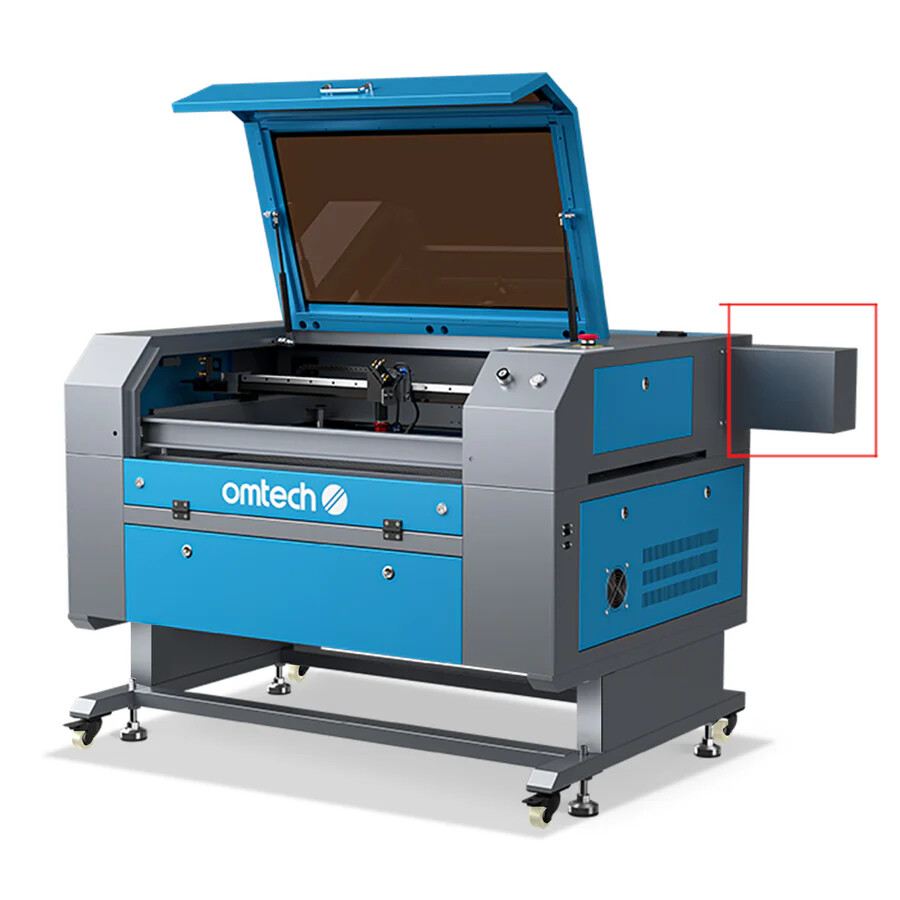
You need to look inside and let us know the type of controller. A few photos would be good.

1 Like
Will do Jack, and will post photos in here as well as following Ed’s suggestion regarding a post for help in setting up as a new user.
Best Rgds
Kev
We should ask @Rick if he can combine these threads in some way… It would be nice to have it all together in one place.
This is what happens when similar threads pick up different comments. It’s much better to have them all in one place.
1 Like
Roger that Jack 
I can review and combine, yes. Which ‘these’ exactly? 
There is another one involving one of these machines… didn’t mark it 
If/when I stumble back upon it, I will come back and post the link…
1 Like
Hi again Jack.
Been a little while but things going on etc!!! Any way I am going to post a lot of photos of my machine as requested plus a lot an info I have been able to gather so far. cheers
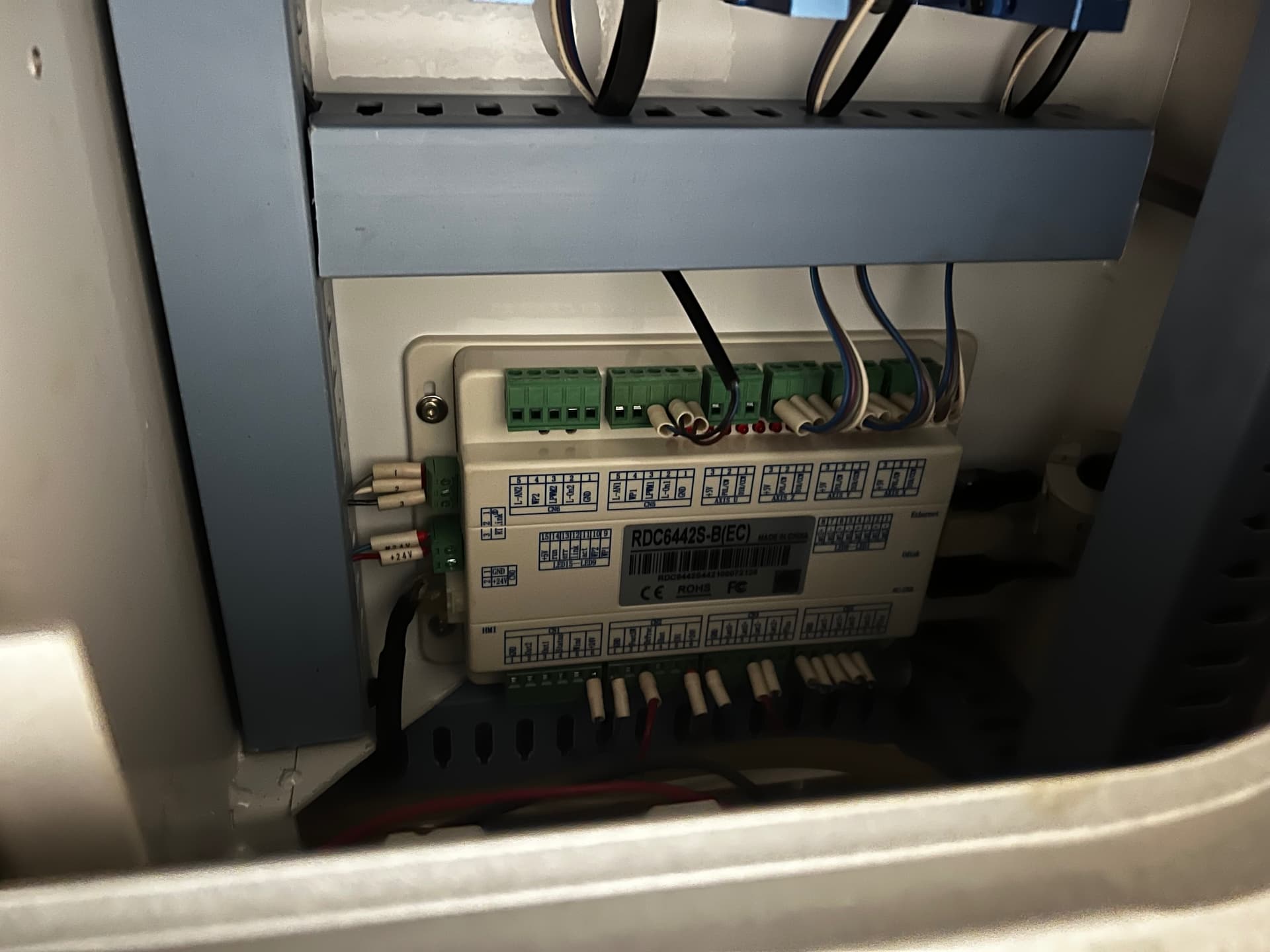
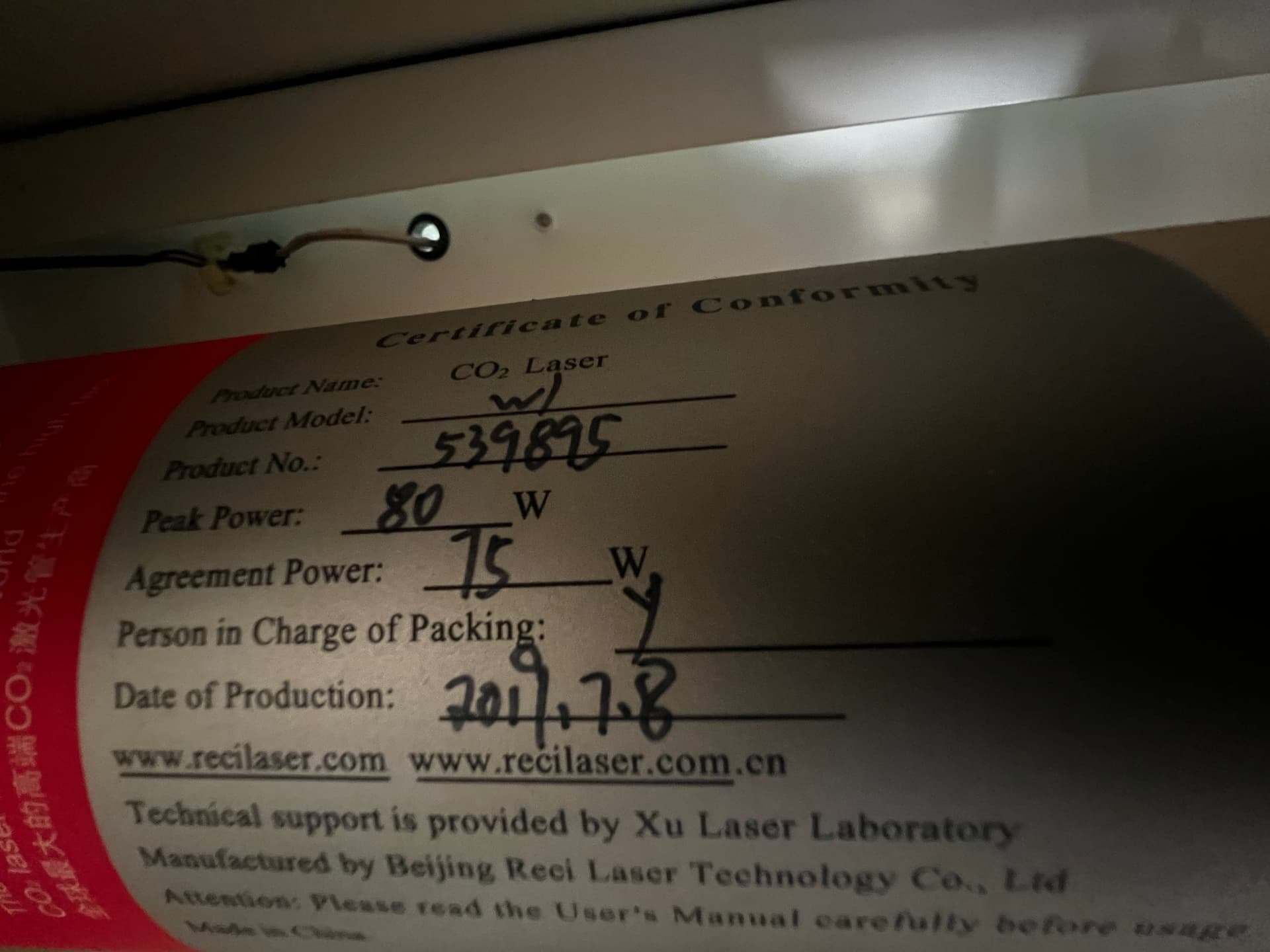
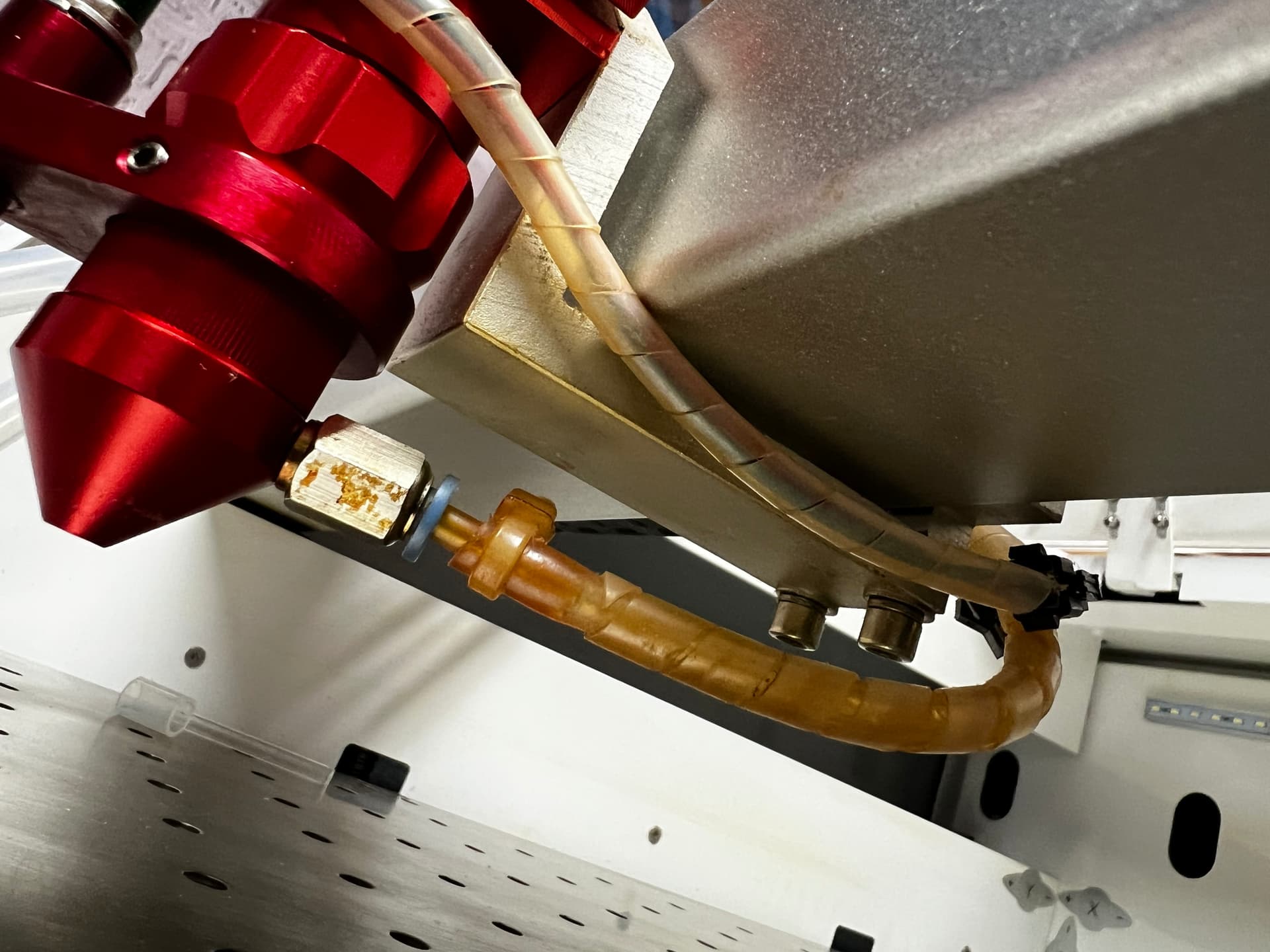
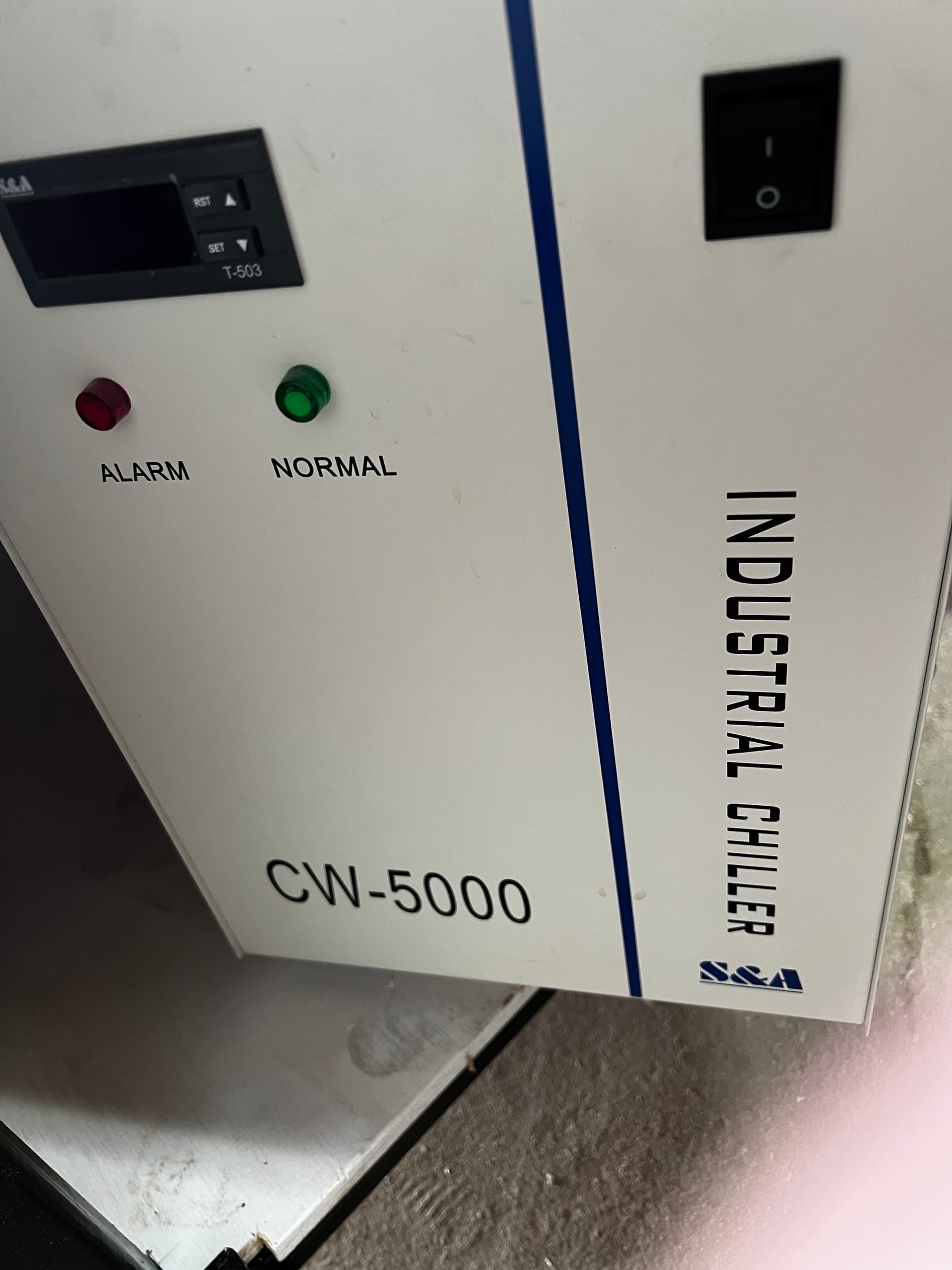
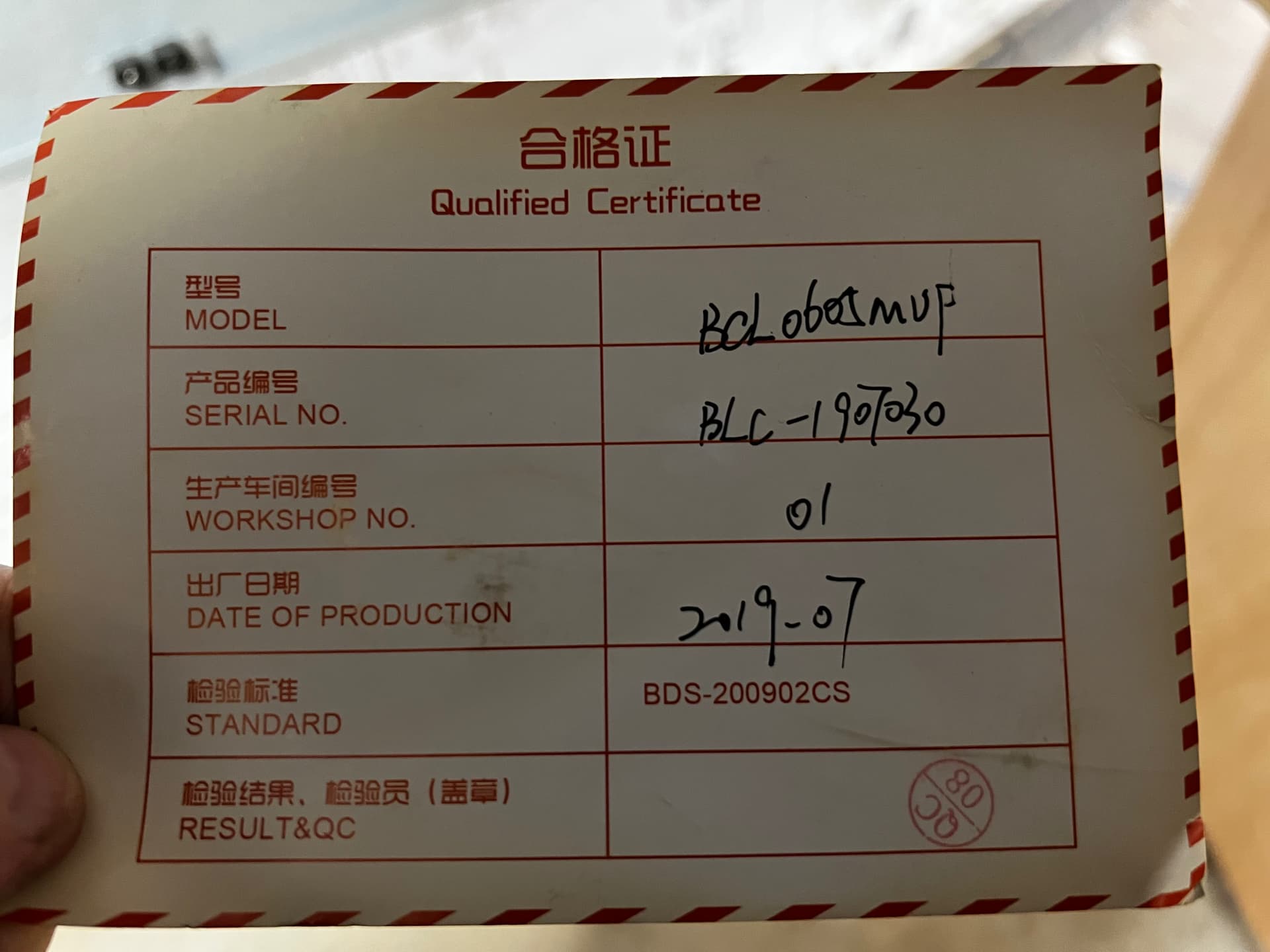
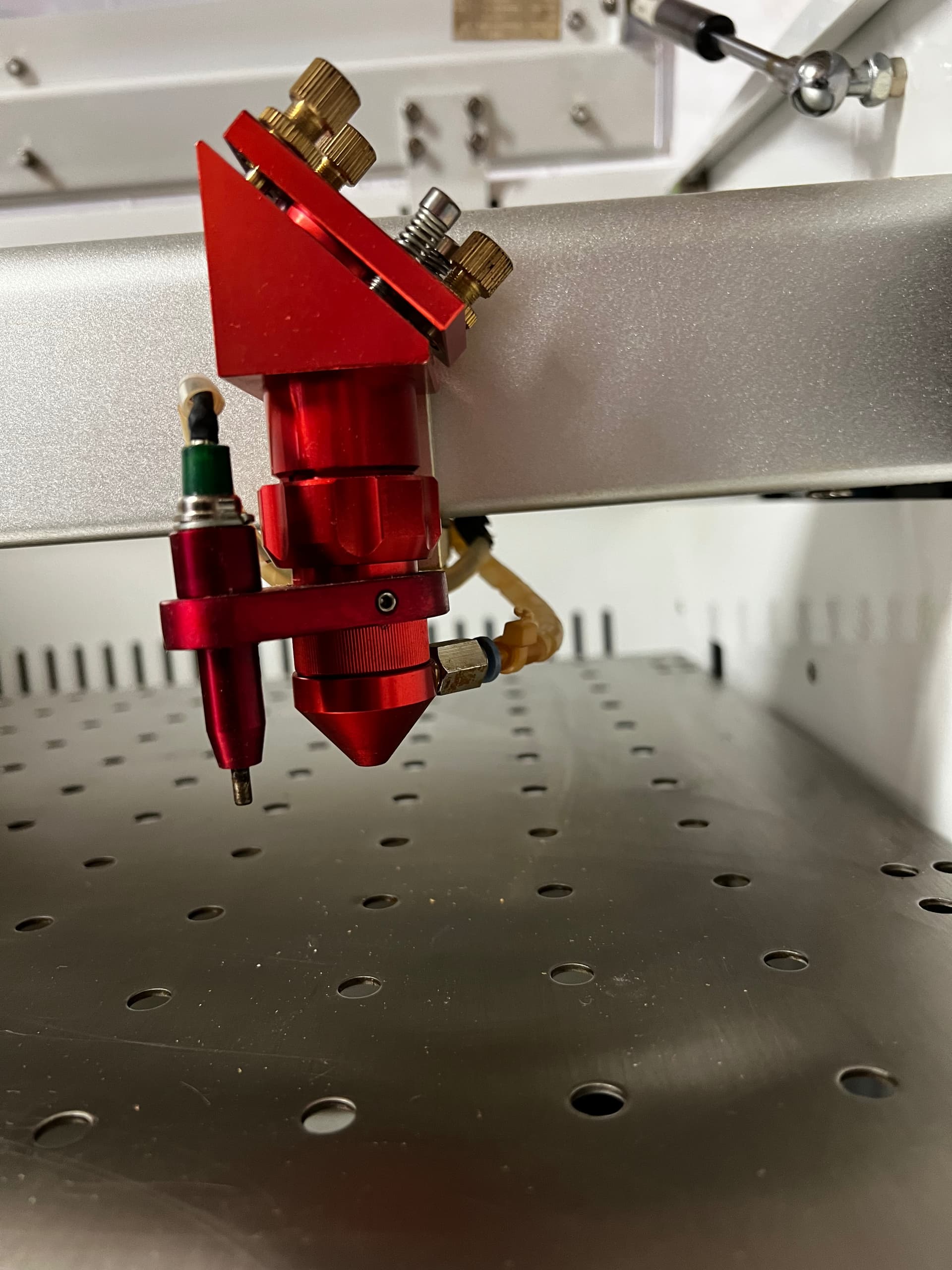
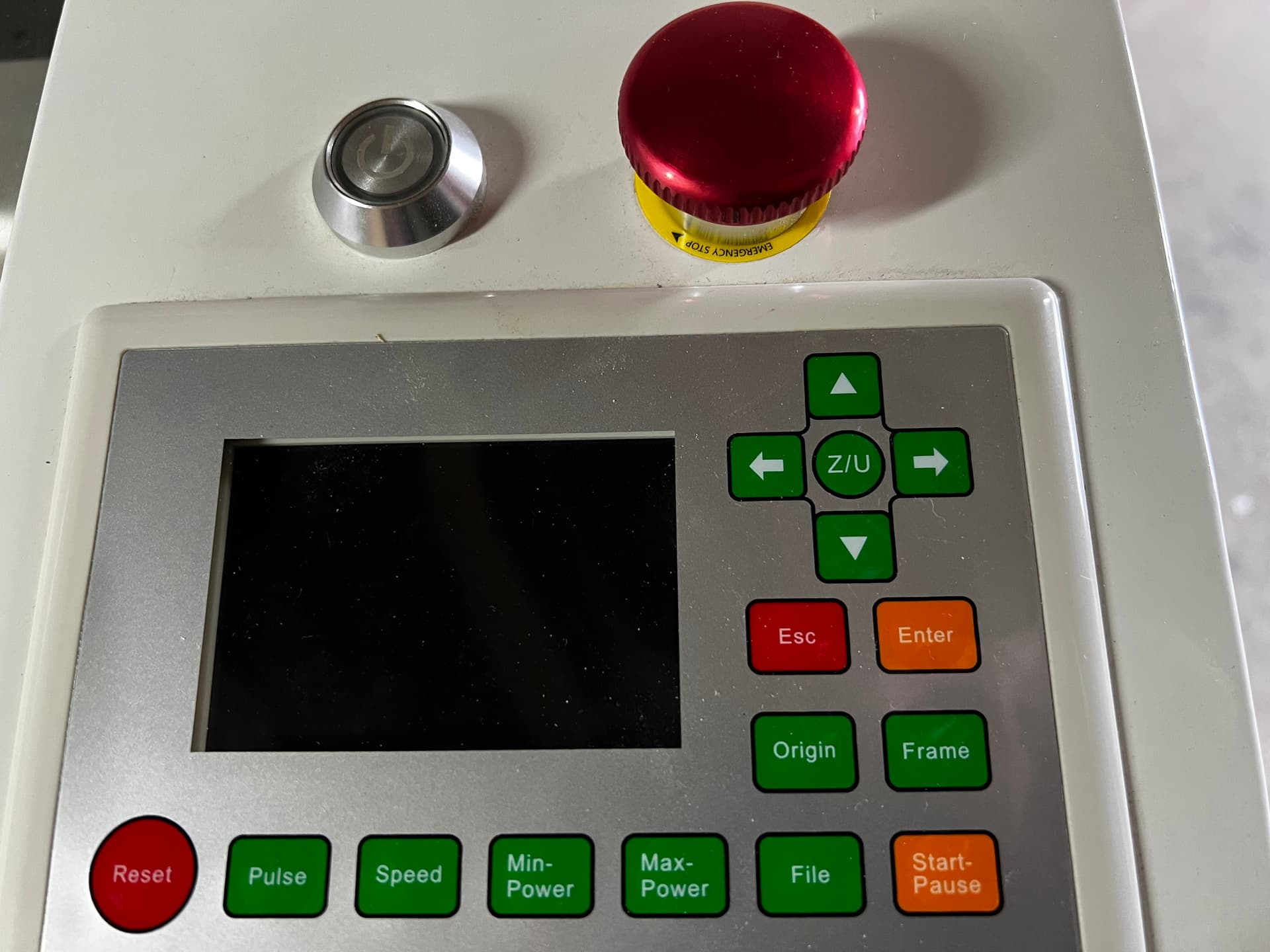
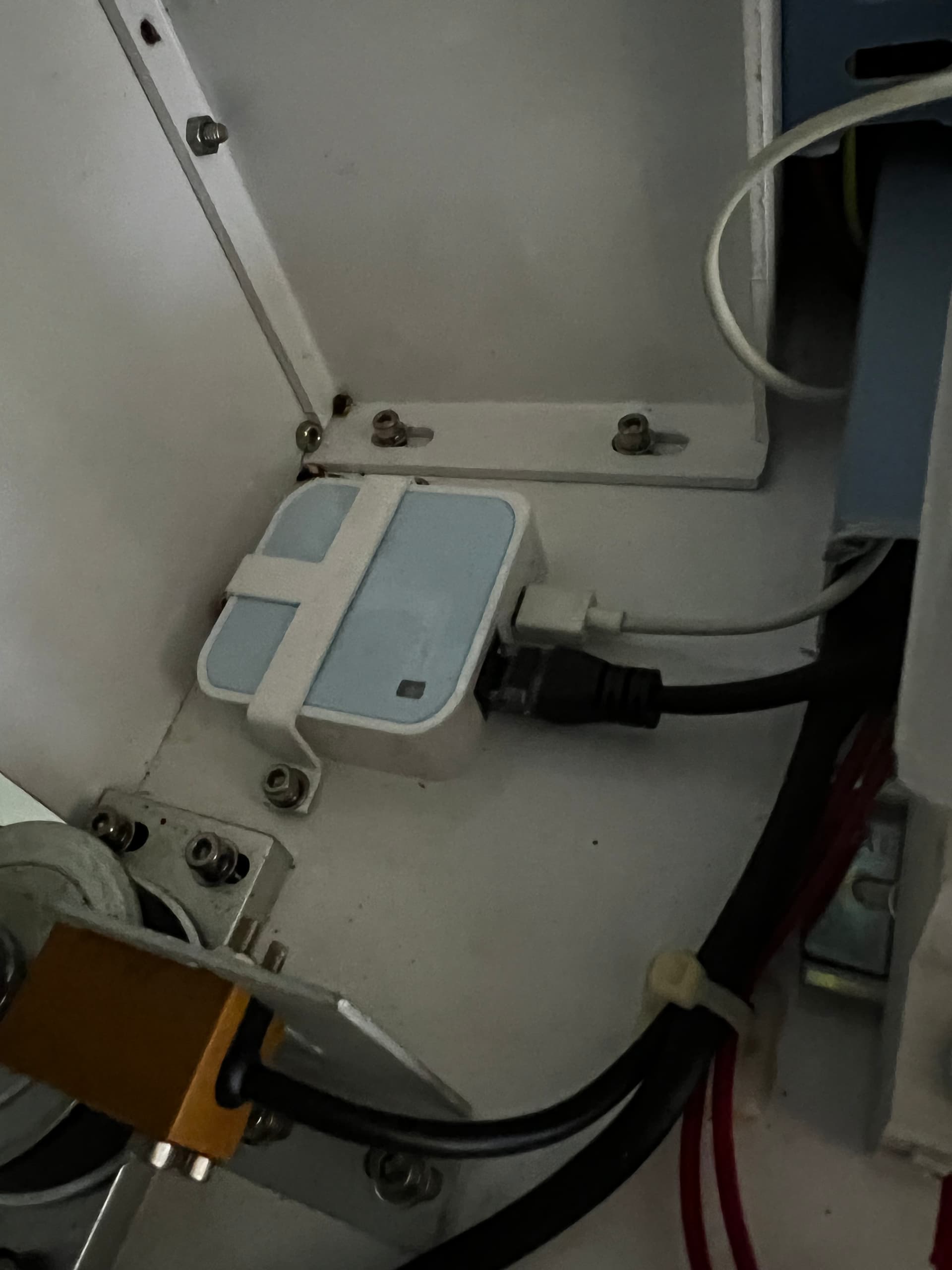
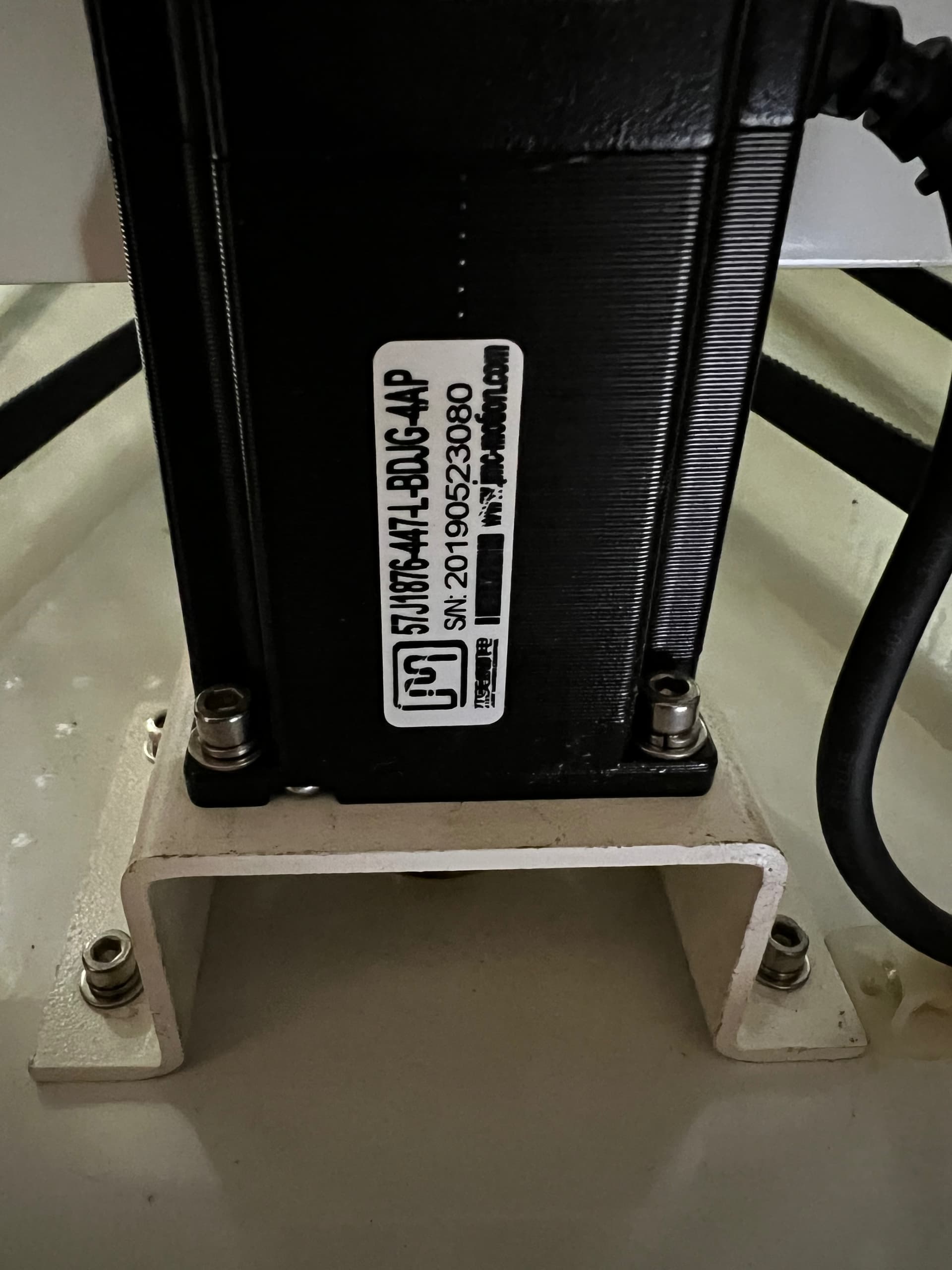
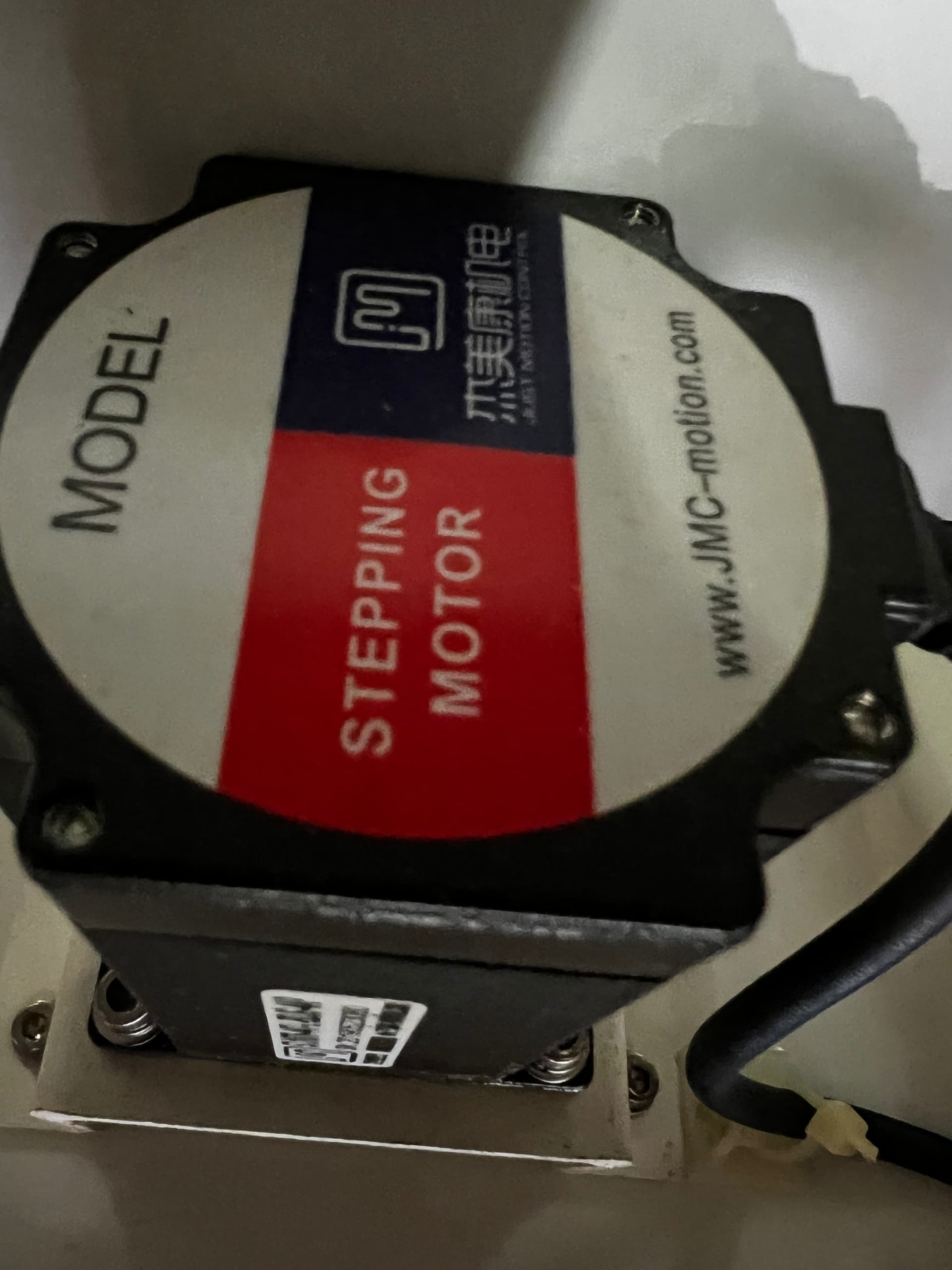
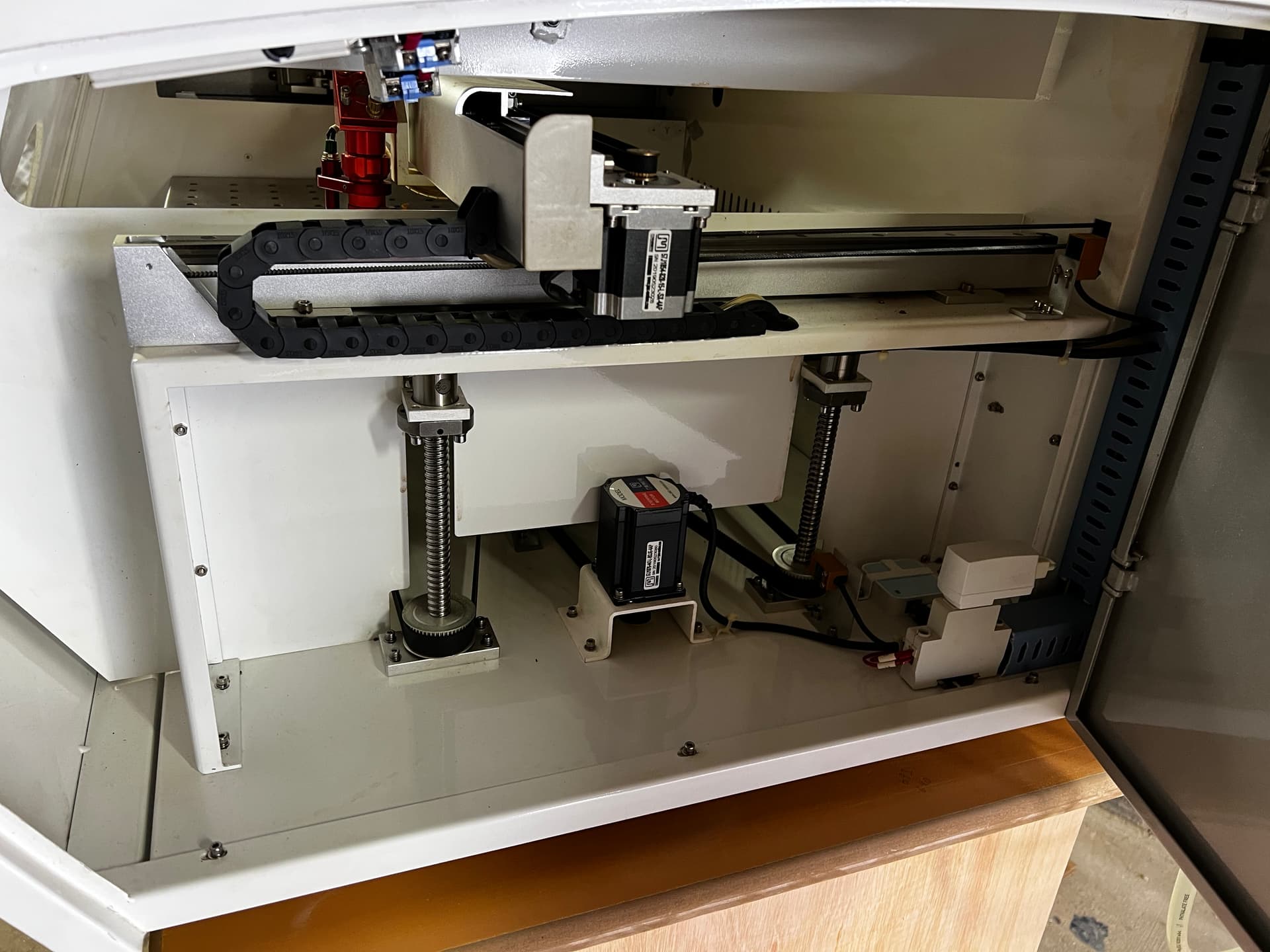
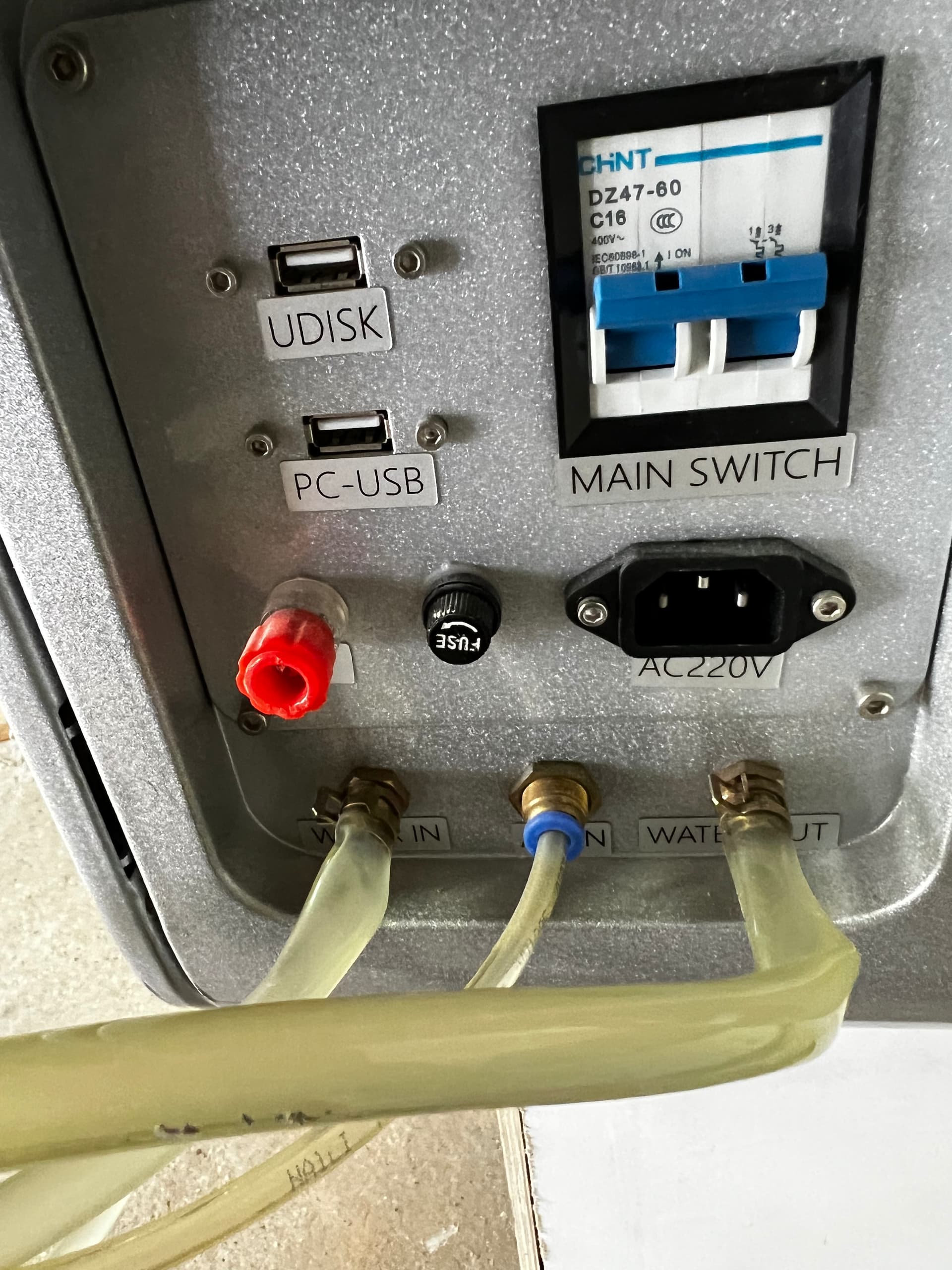
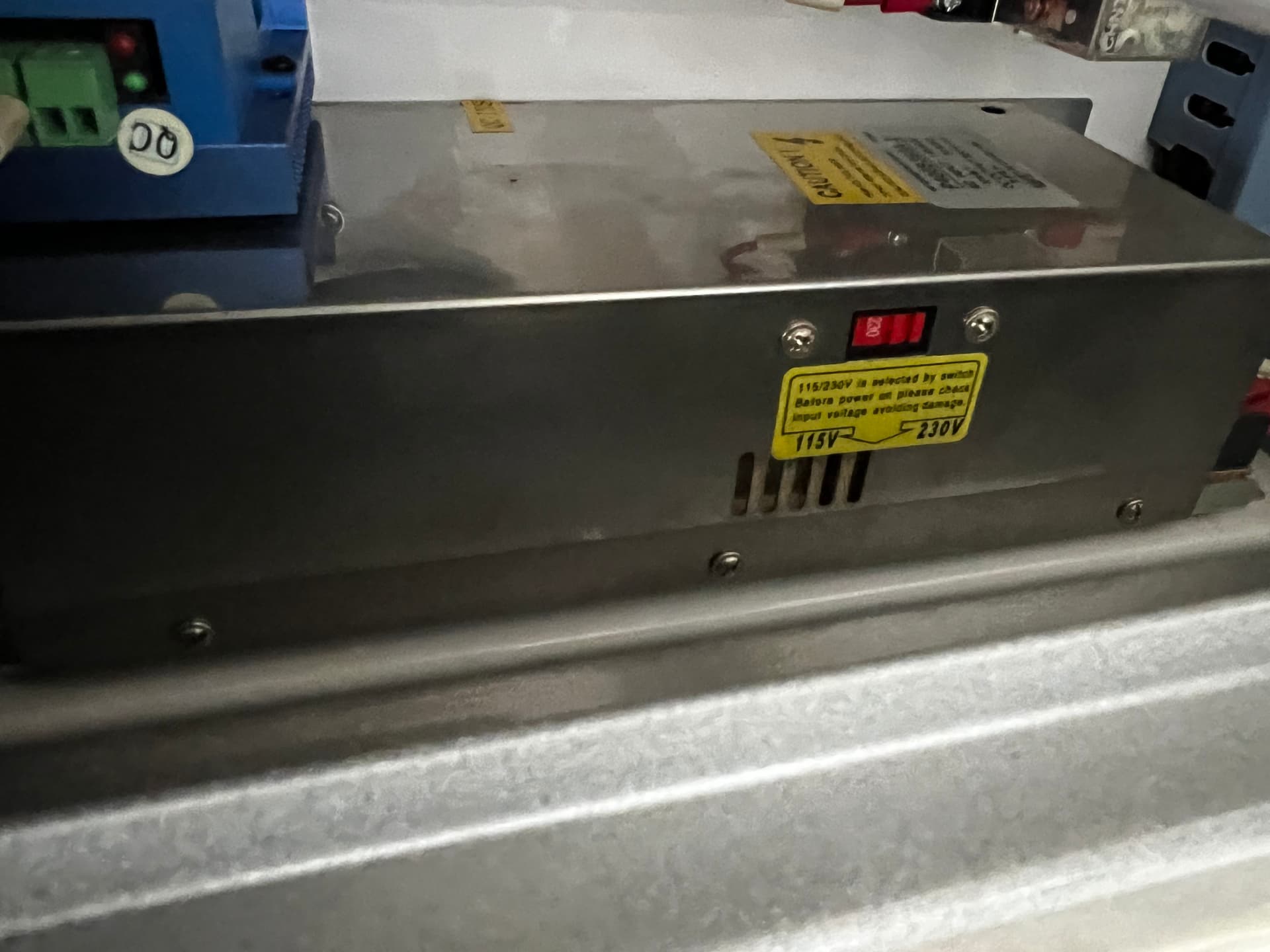
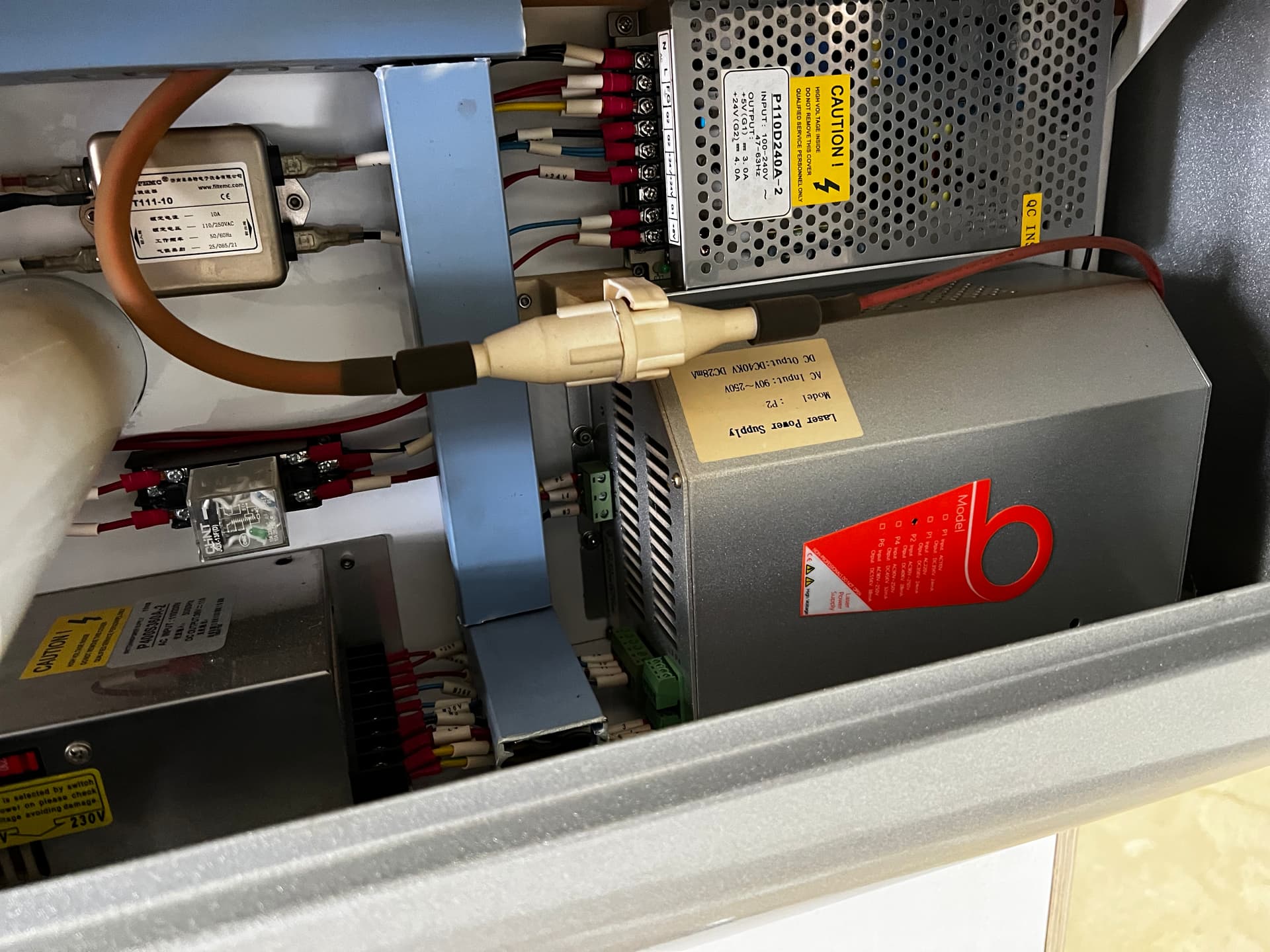
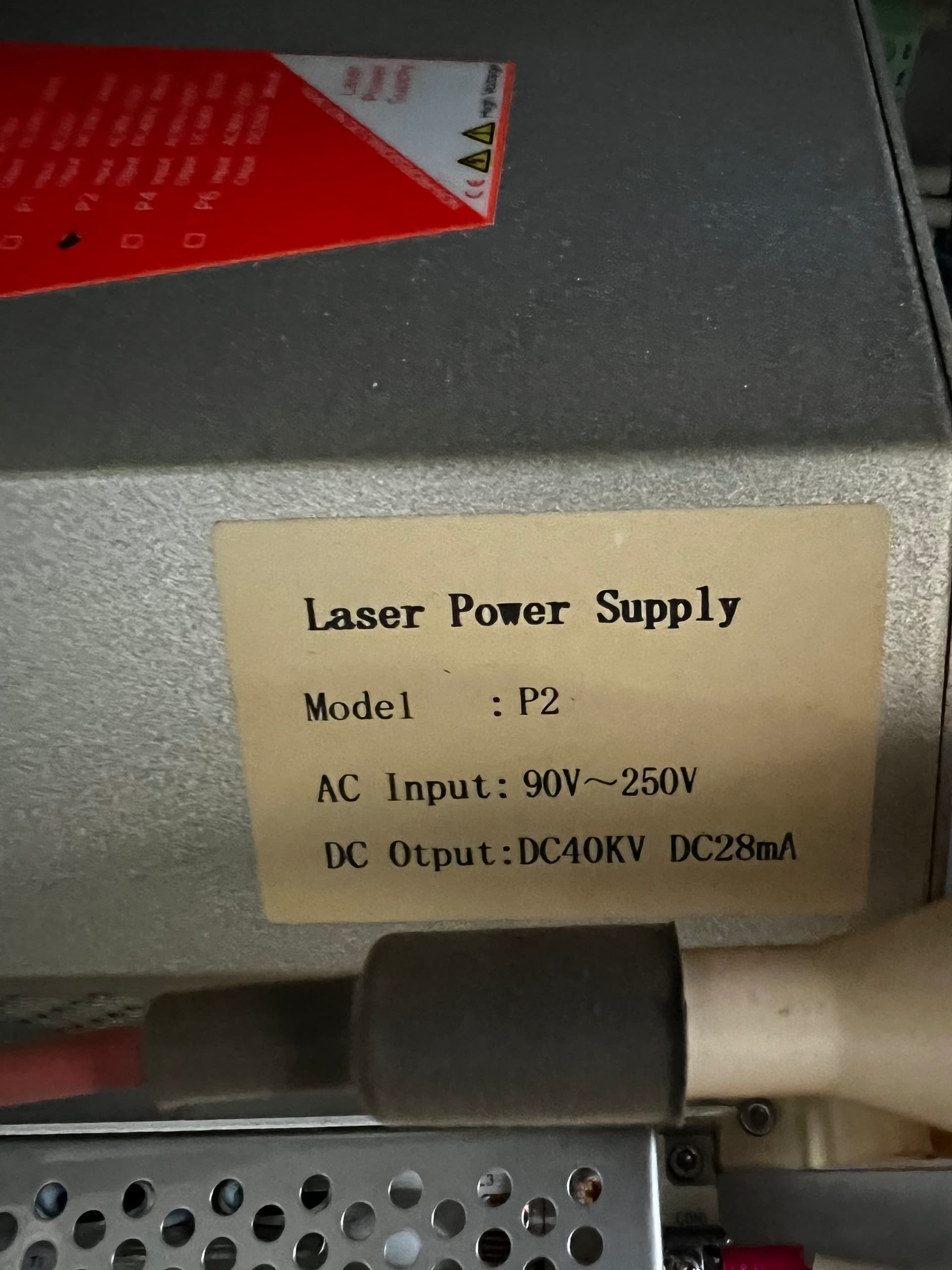
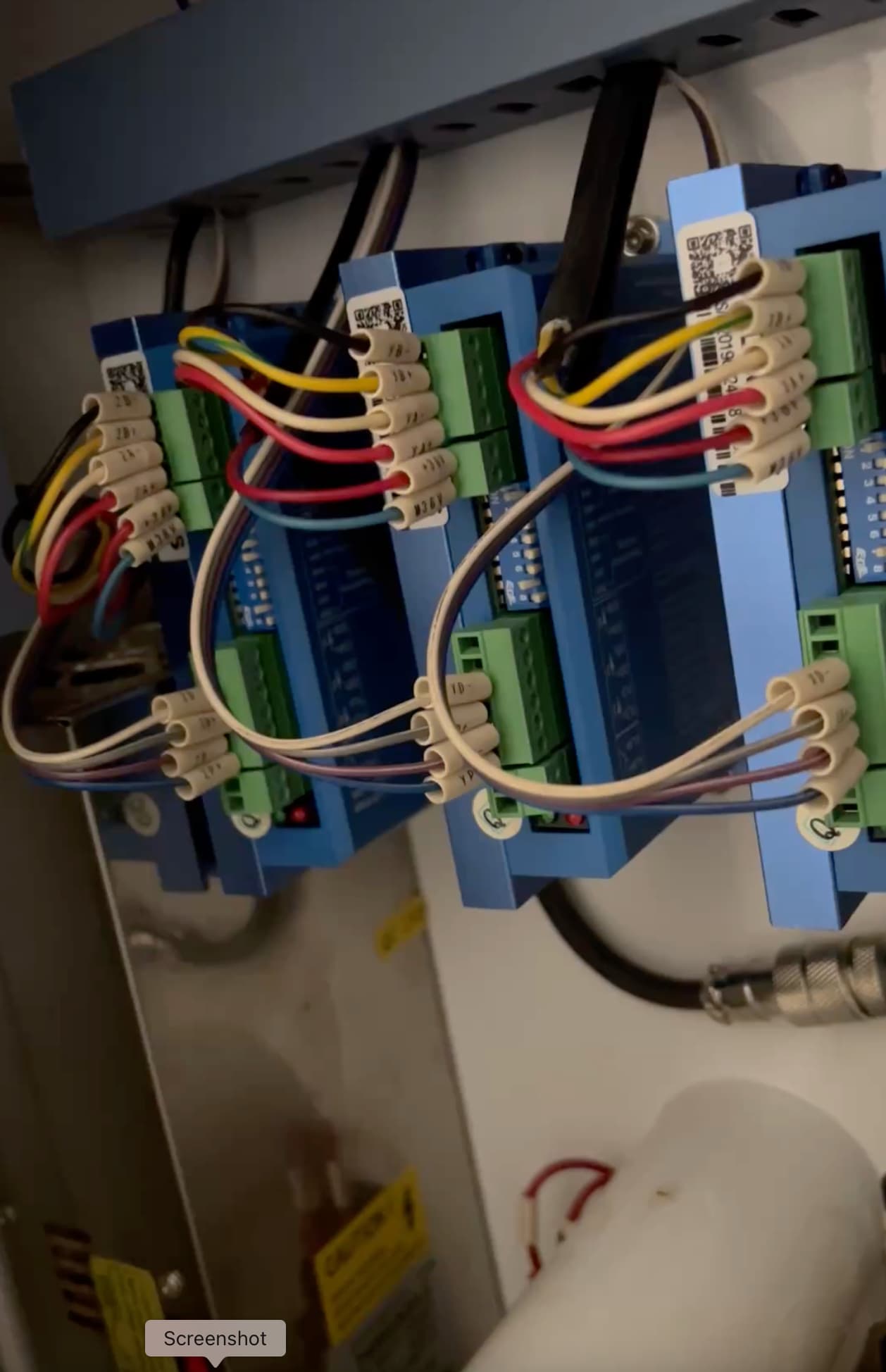
more info to follow
Ho Kev,
Just bought one myself - How you getting on with it?
Hi Chris
Appologies for not replying sooner but as the post did not seem to generate many, if none, answers I only just saw your post when reviewing my original!!!
I love my Bodor but I am now having a few issues with it, mainly relating to a fault I believe is caused by the belt tension on the X and/or Y axis. I am finding it when I cut a circle in acrylic and it leaves a tiny but noticeable step at the start / stop position of the cut.
I understand the principle of adjusting the belt but without a user manual or build manual for the machine I am struggling to put my knowledge into practice as I don’t want to make things worse than they are.
Also I have upgraded the tube to a 90w SPT tube as I believe the original was only putting out under 70w as it was a RECI rejected tube!! I have spent many hours in video calls at the outset of getting my laser with the great Russ Sadler and learnt a great deal from him. But this was all pre-current issue.
I was having a problem aligning the beam in order to get a “straight” and concentric path around and down through the nozzle so I also upgraded to a lightweight head mount ( provided by Russ ) which gave much better alignment arrangement and was much lighter that the original.
How are you getting on with your laser? Better than me I hope 
Did you get a user manual with yours and do you have access to a spare belt supplier? I believe if the Z axis belt brakes they are next to impossible to find a replacement for, at least in the UK and Europe. I have found BODOR next to useless when it comes to getting any info about the machine so good luck with yours mate.
Rgds,
Kev