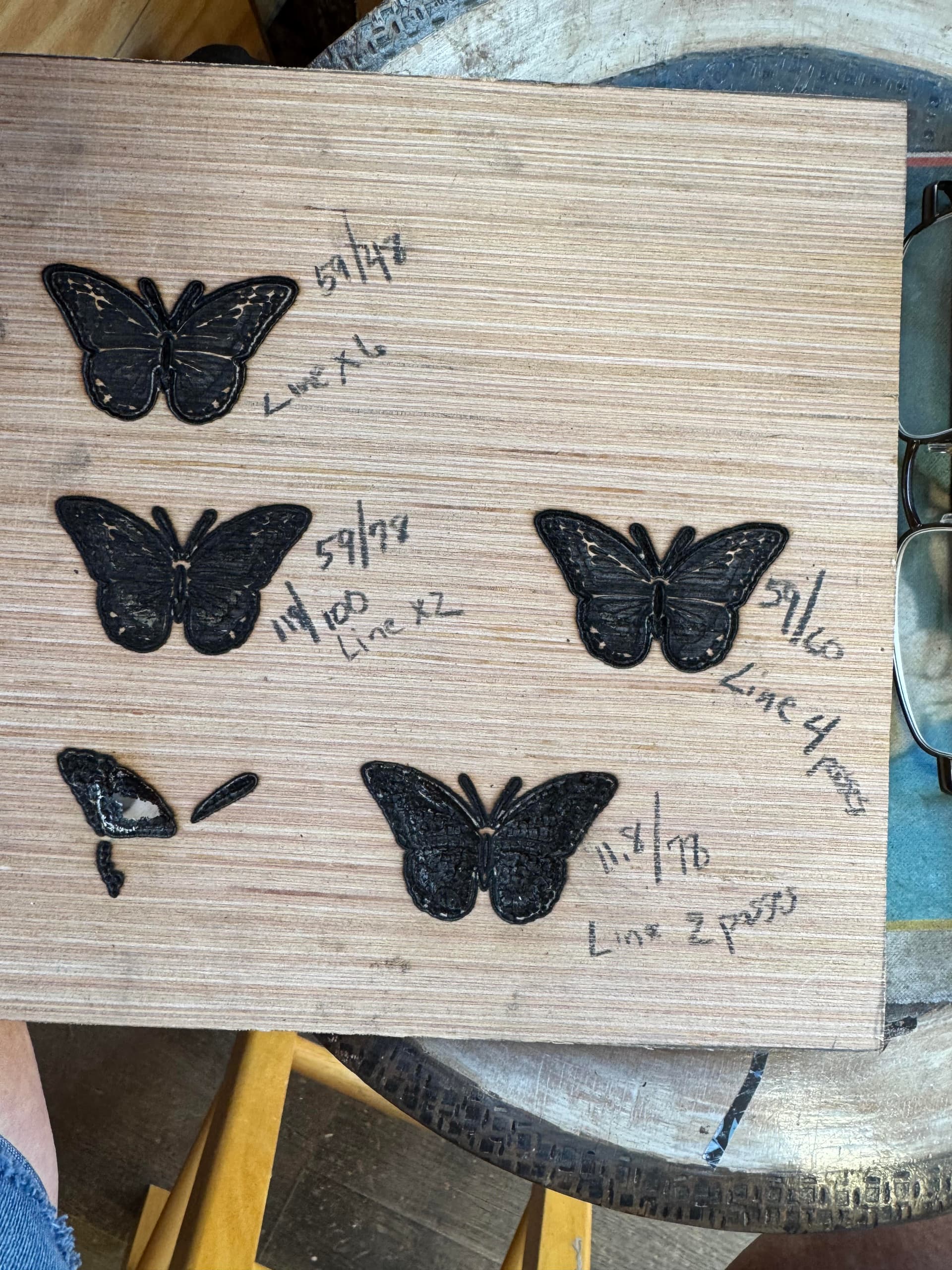
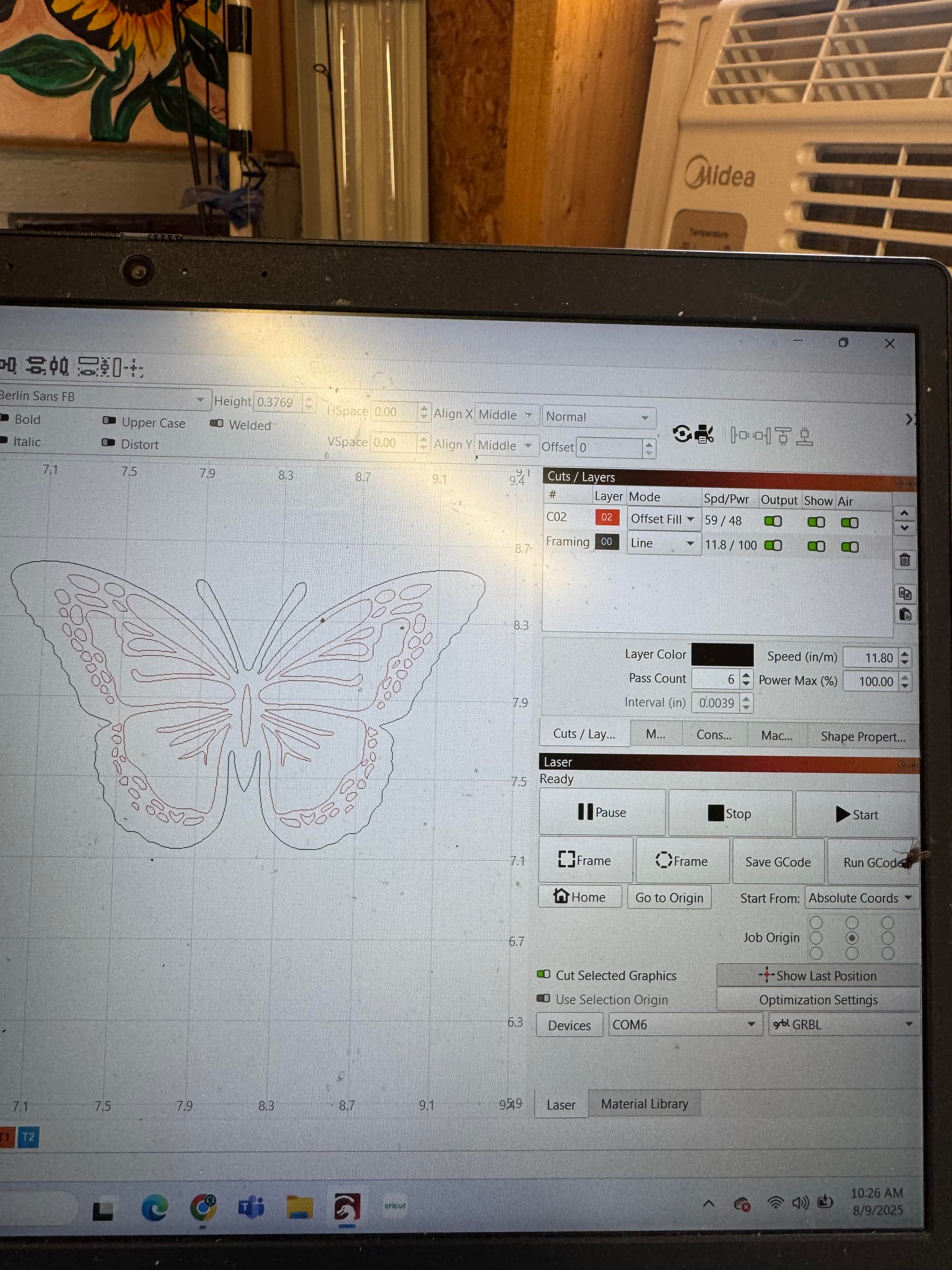
You don’t say what material you are trying to process.
Have you been able to cut this material before?
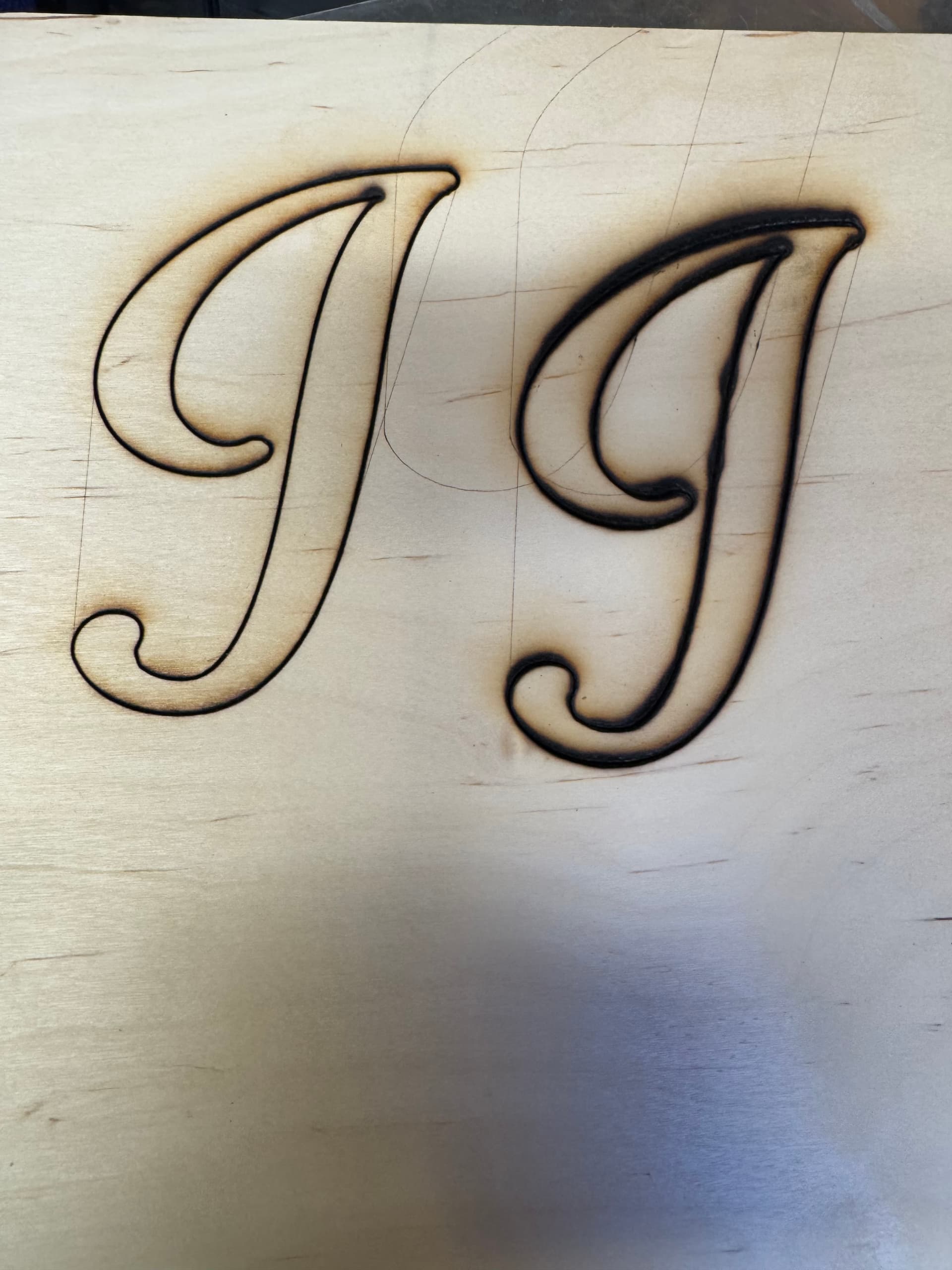
It looks like your laser is not in focus, have you done a focus test/ramp test?
Another thing is, you are using offset-fill, there are only a few designs where it is an advantage to use, your design is not within that (in my opinion)
2 Likes
I would check focus and clean lens. If you don’t have air assist all that wood charring will quicly coat your lens.
1 Like
The wood does not look like it is suited for laser cutting. Try simple plywood first.
Then change your settings to mm/min, then you can compare your settings to the rest of the world, if there is any issue with them.
This looks to be underlayment around 1/4". I cut this with 10w diode at 2 passes around 300mm/min 100% with air assist.
I am using Atomstack s10 pro with lightburn. the examples below are 1/8" birch plywood the settings I used are:
butterflies offset fill 1,501/78 w/air assist 2 passes
cut line 300/100 8 passes
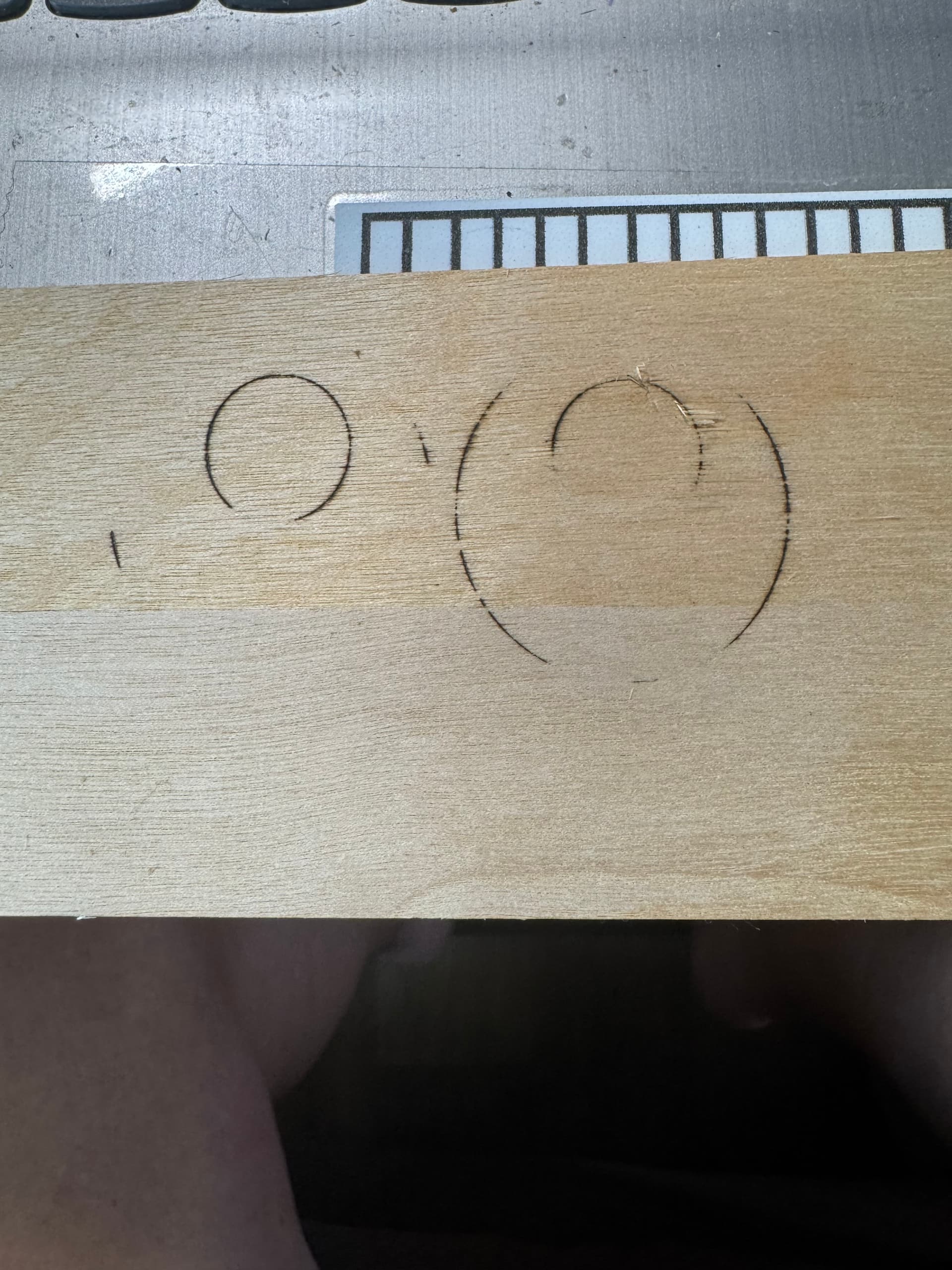
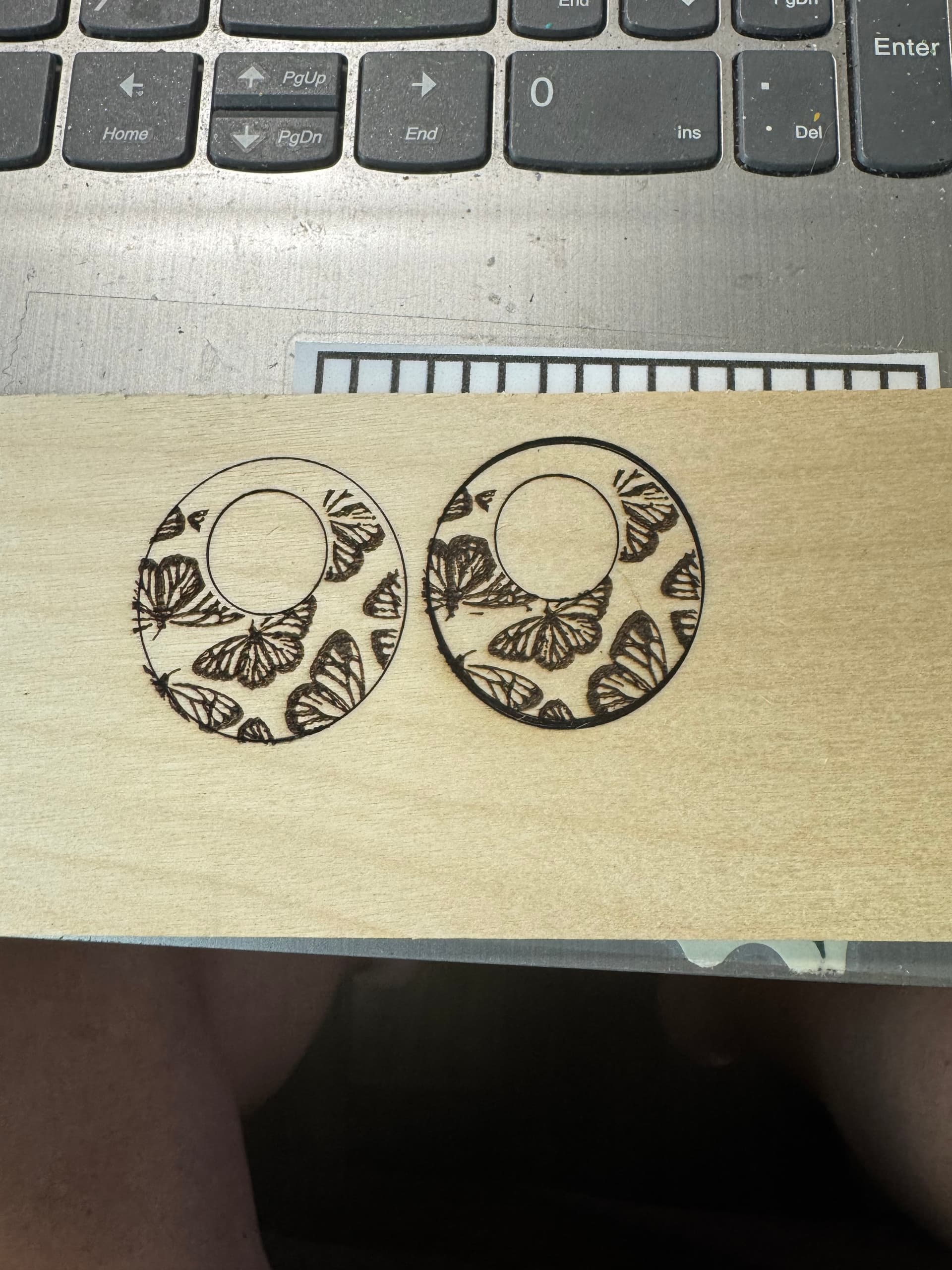
I have cleaned my lens with 91% alcohol and I see no cracks etc.
I have had no trouble cutting in the past however, I have moved and it hasn’t worked correctly since.
I hope this makes it easier to help me solve my issue.
From top picture seems you might have a problem with loosness, set screws not tight, module loose etc.
But that should not really affect your cutting, because if that is a 10w module it should cut in one pass at 300mm/min at 100%.
You are set to mm/min?
A guide that might help.
Guide to mechanical adjustments and maintenance
I’ve tried everything I can think of. I have even hooked up my backup laser cutter (brand new). It cut perfectly the first time but it was not large enough so I made it bigger and made no other adjustments and it won’t cut through 
This topic was automatically closed 30 days after the last reply. New replies are no longer allowed.