Hi,
I am new to Lightburn and installed the Lightburn 2.0.05 on Windows 11. I have a ComMarker Omni X UV Laser 6W with a 150x150 lens connected via USB.
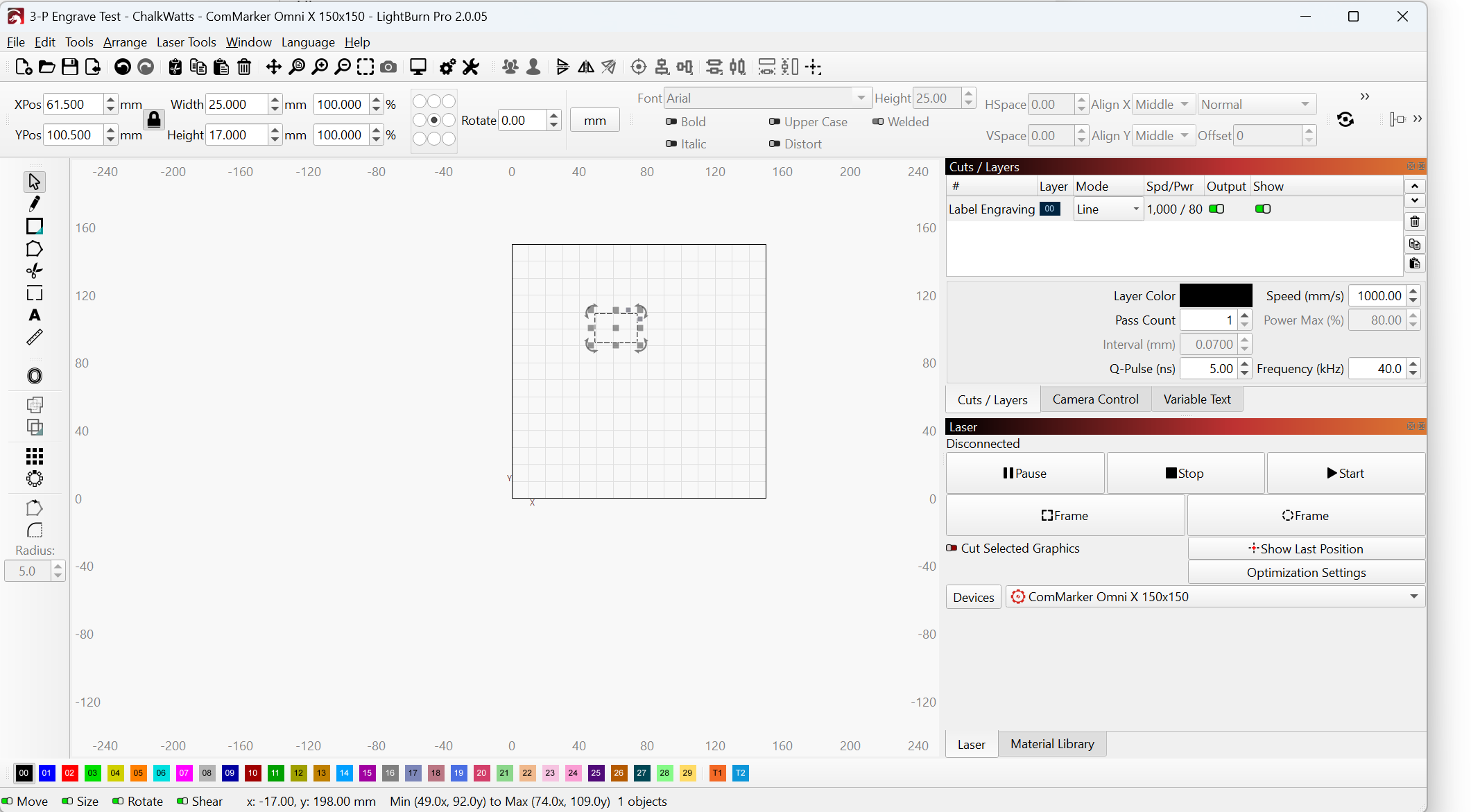
Now I want to test engraving something. I drew a rectangular. and tried to engrave it into MDF.
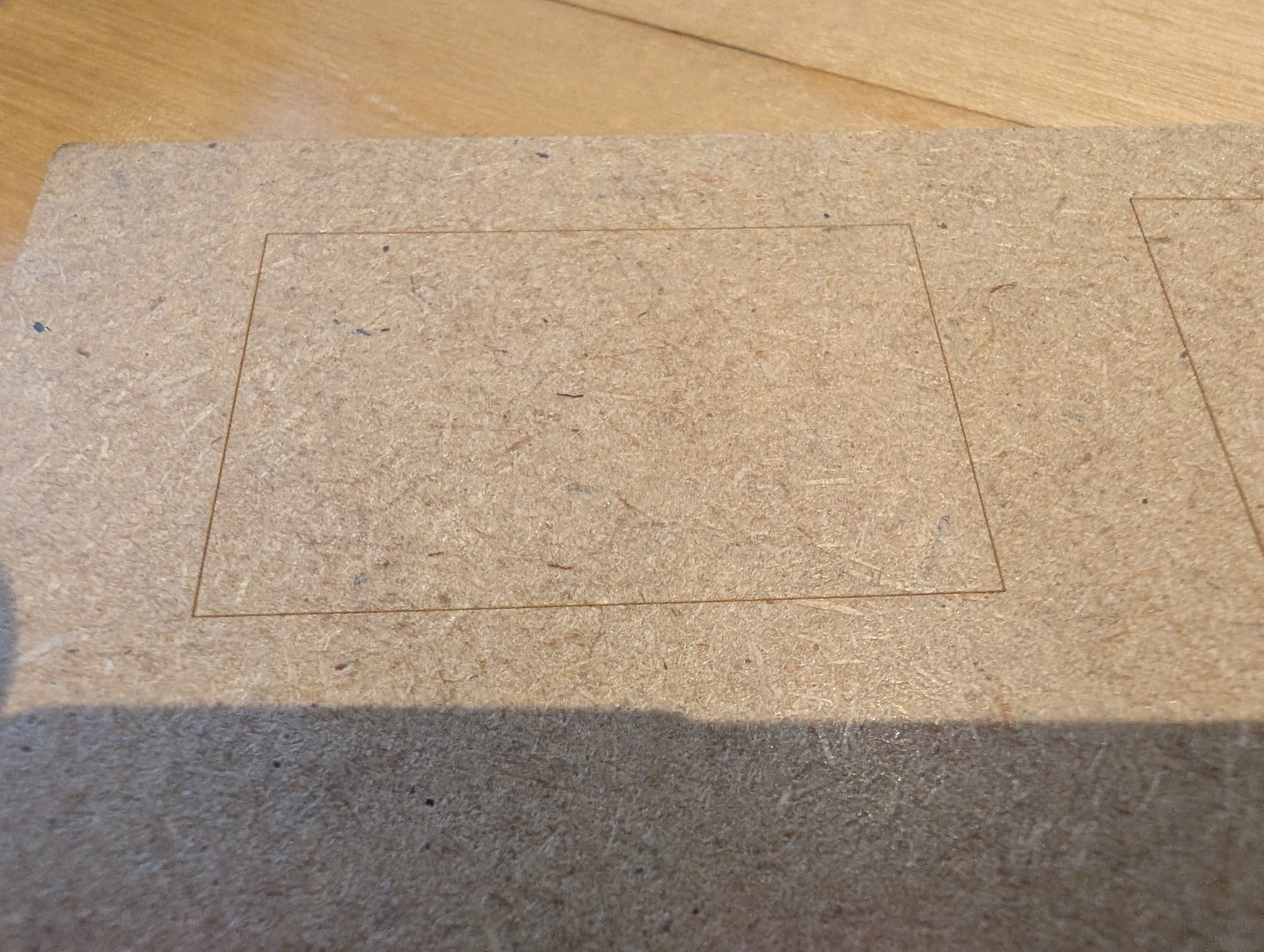
The green preview helper showed where the rectangular would end up, the laster was running as expected but there was nothing engraved.
These are the values recommended in the OmniX operations manual for the 150x150 lens for engraving wood.
Now, I let it run again continously for 100 passes, and then I could see a faint rectangular in the wood. So the laser works, but seems to be too weak.
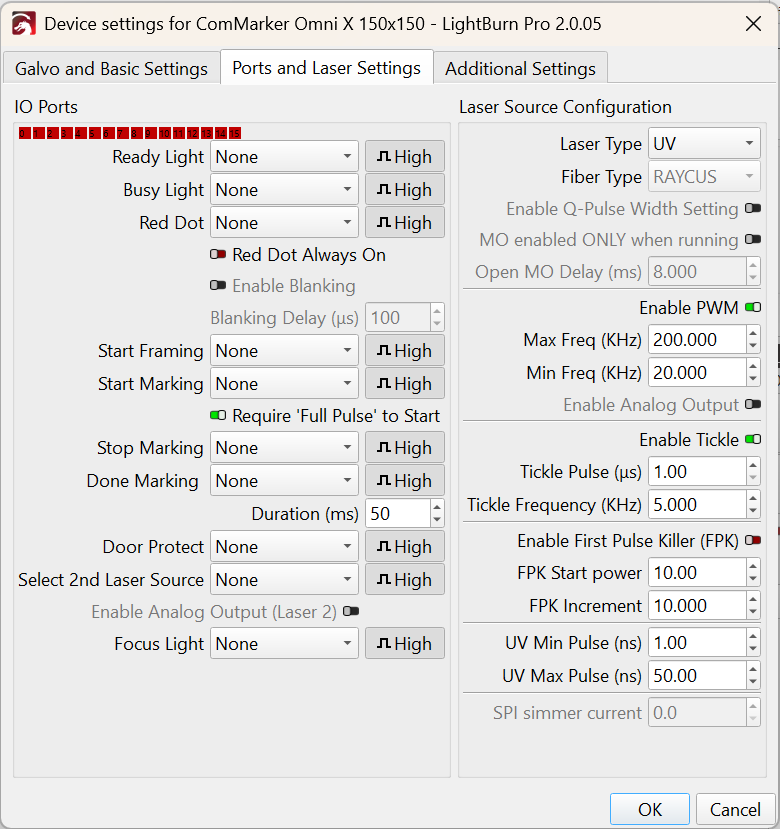
UV lasers do not have any power settings. How can I adjust the output of the laser?
Your machine base settings look to be the same as mine. I was ready to recommend to change your speed but the real question is why is this workable from studio and not lightburn with similar output settings. The only thing I’m thinking is studio somehow has something baked into their software whereas lightburn is more tuned by manual values. I’m interested to see what the LB team thinks. Tomorrow I think I’ll try something similar with comparing between with similar values and will report back.
Curious, if you run both with the same values do they finish around the same time? So 5 passes of x value equals x seconds.