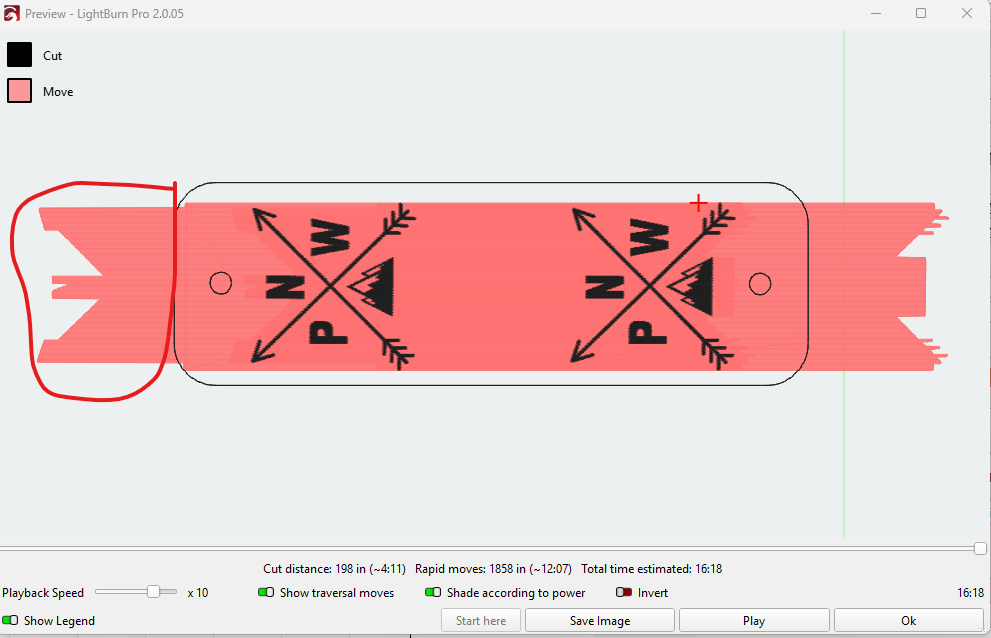
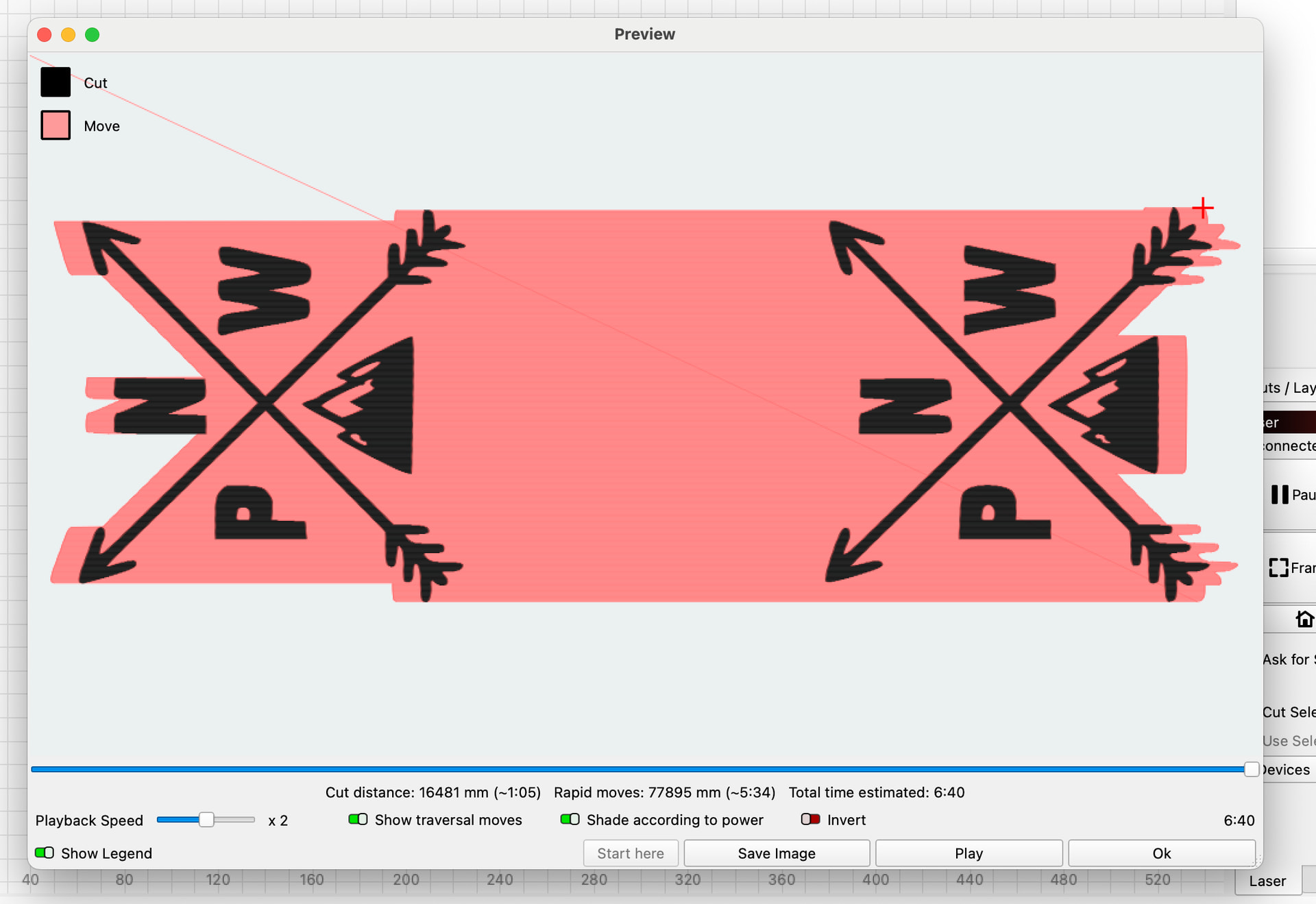
I recently bought an Acmer S1 laser & all I want to do is make faux leather hat tags. I can design the tags with the icons I want, but when I go to make them, I get an error message saying it will be out of bounds. When I look at the preview, I see the pink fill goes way past the tag on both sides which causes
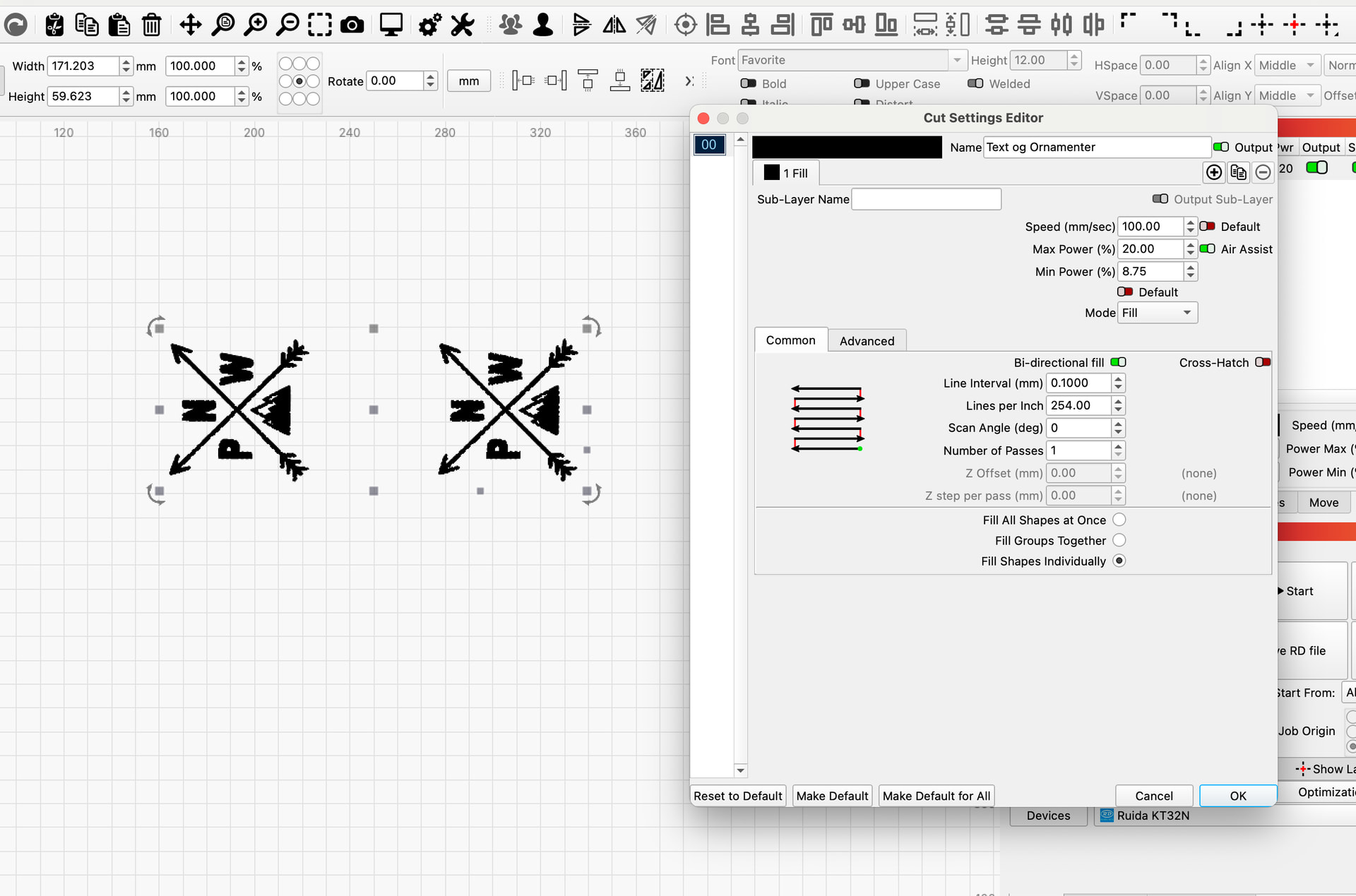
With that much overscan, I presume you are running at max advertised speed. It is not wise, and counter intuitively, it will take longer to complete due to excessive space needed for acceleration and deceleration.
I suggest you try around 3000 mm/m and default overscan of 2.5%.
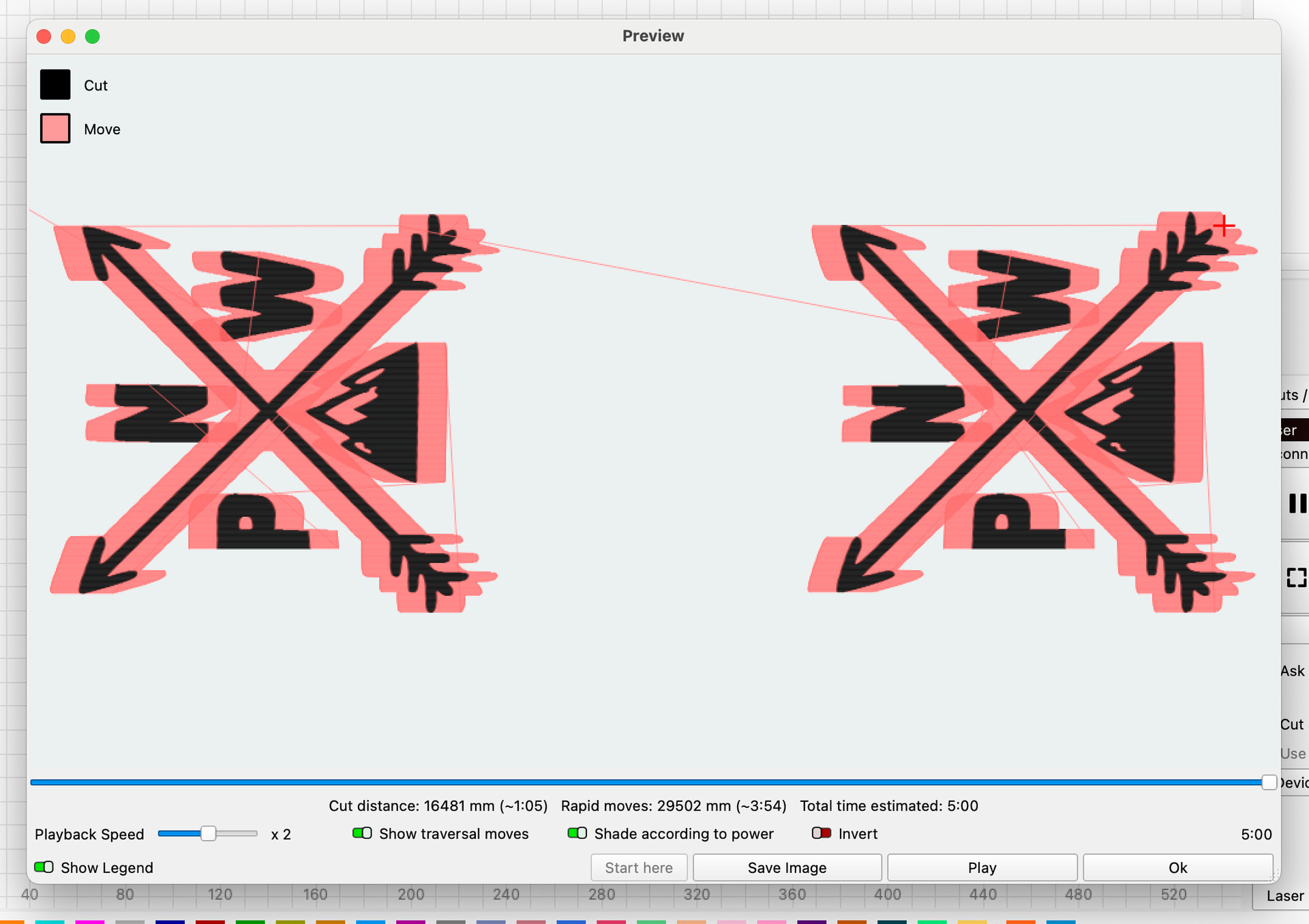
Try that setting and show us another preview screenshot
You should find your machine’s realistic and optimal speed.
Use some leftover material and do a test with one of your 2 shapes. Place it in the middle and reduce the power or turn off the laser itself.
Now run a test with several speeds and either read or measure the time spent.
You will see the shortest time measurement around the optimal speed, which is very far from the machine’s stated top speed.
The higher speeds are often better used for lines and not for fills, especially not on small shapes, here start stop - reverse, acceleration-deceleration is such a big part of the movement that it has a huge impact on the project speed. Another element of excessive speed is the load on the machine and image quality. When the whole machine shakes like it has Parkinson’s in the final stages, the machine will not last long and the material to be lasered must be bolted down to the machine so that it does not fly off the machine…
A completely different thing is the optimization of your project itself, look at the 2 pictures and the time spent, and you will understand what I mean.