I’m running a Trocen Gantry and have “Show Rotary Enable on Main Window” in the settings page but there is no Enable Rotary button. I use the rotary very rarely and it’s been a while so I’m wondering if there’s been a step added that I’m unaware of.
Unfortunately, Trocen doesn’t play well with a rotary:
So this is something that has changed? I’ve run rotary jobs from LB on this gantry before.
Apparently you must configure / enable the rotary at the machine’s display, then LightBurn can use it.
Perhaps your memory of what happened way back then has changed? Definitely happens in my shop! 
Rotary is enabled on the Trocen controller. Machine has been Reset as per instructions to enable the switch from Y axis to rotary. But there is no longer a Rotary button in the LB window. No, my memory isn’t that bad thanks.
Perhaps because it’s a Trocen and you must enable it (and define the settings) in the controller, there’s no need to tell LightBurn it’s enabled, so there’s no need for the Enable Rotary switch?
@JohnJohn: What’s the truth about Trocen nowadays?
There has never been a rotary button in LightBurn for the Trocen controllers. There’s no way for LightBurn to query for or alter the setting.
That’s really strange because I still have several projects on file where I used my rotary from LB and distinctly recall having the rotary function for my roller attachment which I have only ever used on the CO2 gantry. When I open these projects there is no longer any rotary facility.
In order to accomplish the job I had yesterday I was constrained to do it from the controller which was SO involved and KNOW I’ve never done it that way before.
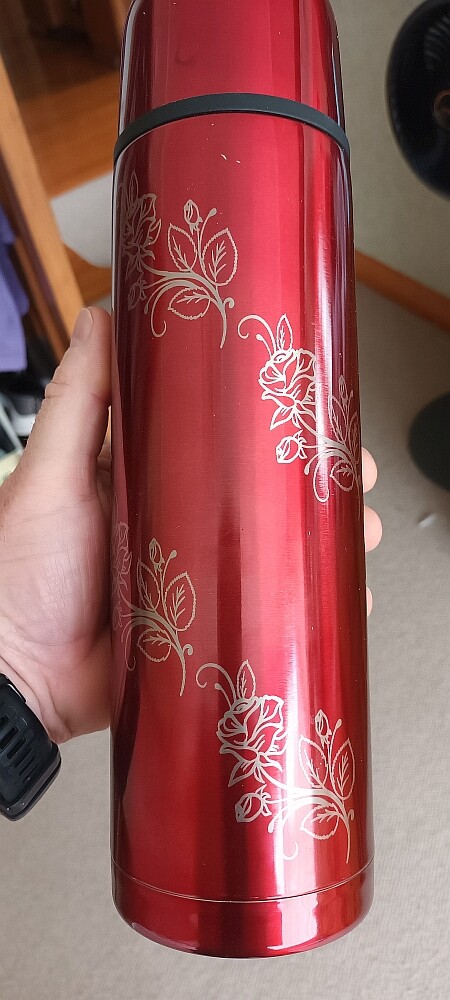
The project attached (Nov. 2020) shows the setup lines and the photo the result.
I have several other projects done the same way. I was using LB before I bought the gantry and have never used any other software on this machine. The controller is Trocen AWC708s.
Rotary Red Flask.lbrn (945.4 KB)
I’m not the expert on Trocen controllers. Company-wide, Oz would be the most knowledgeable and reliable.
If Oz says Lightburn has no way to do something.. I might gently ask “…yet?” in jest.
I’m fairly certain that he wrote the code for both the rotary control and the Trocen communication protocol in LightBurn.
Come to think about it.. @ednisley I can’t recall the last time you were wrong about something either.
I believe that you hadn’t gone into the controller before. It sounds like that was an awful ordeal.
I’ll take a look at the file to see if I can see how this may have been handled.
Do you have an lbprefs file from the time when you engraved the red flask? If you’re willing to share the related lbprefs file, please post it as well.
LightBurn generates and keeps the last 50 backups of the prefs file and puts the date in the filename for future reference. I might be able to figure out what happend by looking at the lbprefs file.
The oldest Pref file I have was May this year sorry.
I also recall using “Curvature Correction” which I’m assuming is tied together with Rotary.

Hi Oz, cylinder correction was used on Galvo, but rotary definitely on the gantry.
Well, I’m not sure else how to put this - Trocen’s own software also doesn’t provide the ability to set rotary parameters in their software, because the hardware doesn’t support it. It’s possible they’ve added it to some of their newer models, but the 608 and 708 definitely didn’t.
You might very well have used the rotary on the gantry and just got lucky with the settings, but I can say for certain that you didn’t use LightBurn to enable rotary mode, or change any rotary settings on a Trocen laser. The code doesn’t exist, and never has.