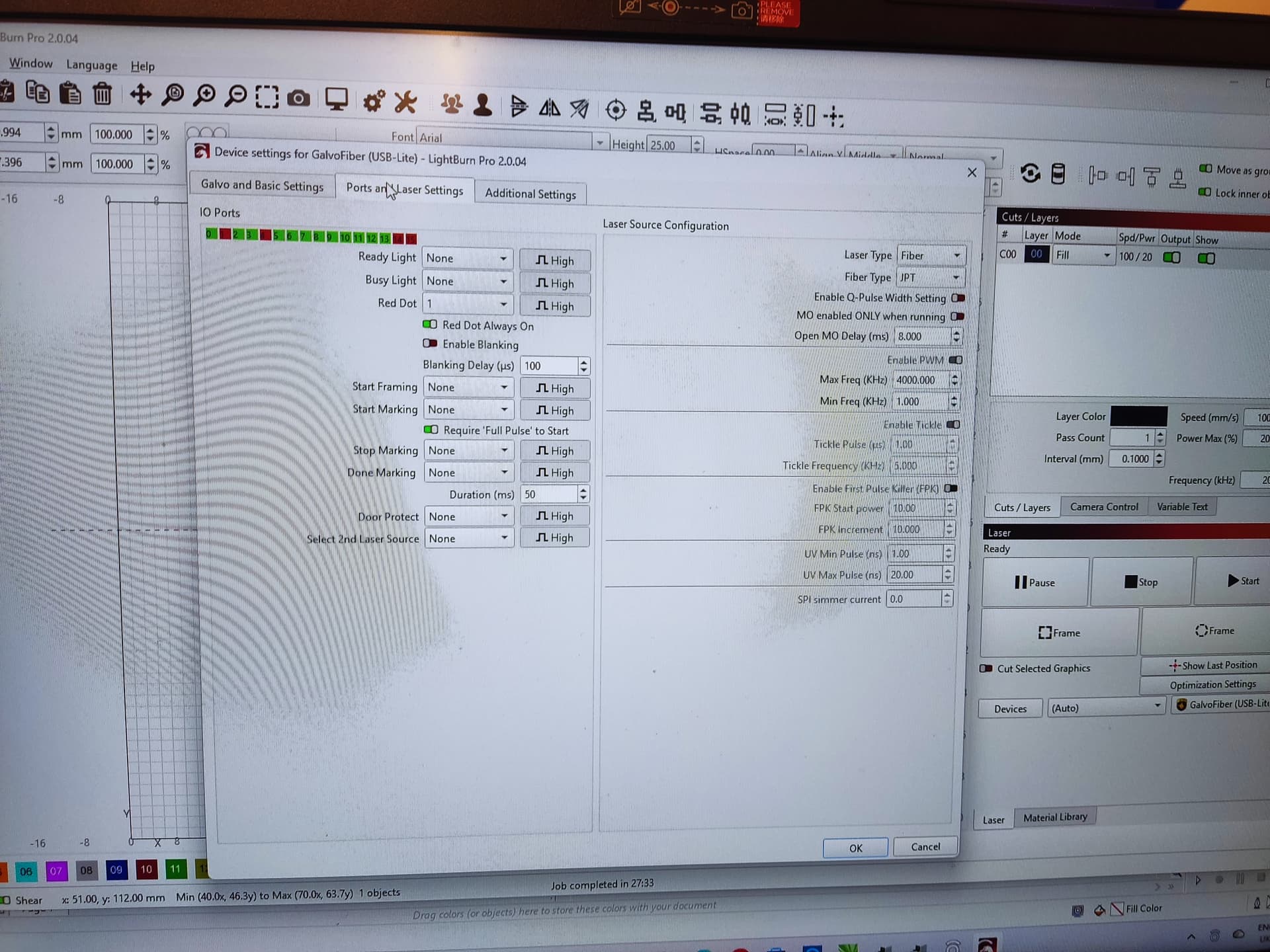
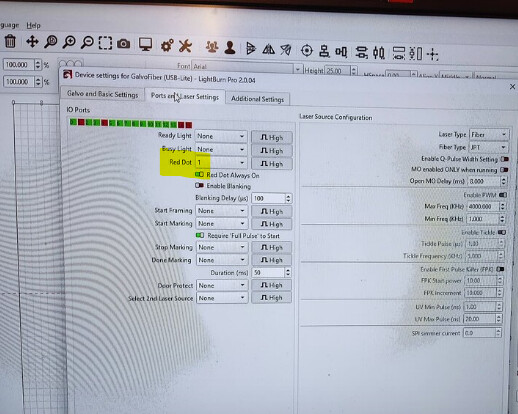
I am having a couple of problems with my new Fibre laser. I’ve tried to find solutions in the forum and online but I can’t find an answer to them. I am using version 2.0.04
Firstly I cannot get it to frame at all on the artwork I have generated which is just basic text. Secondly when I fire the laser it engraved the image at a 90 degree angle to what is on screen.
I’ve never used a fibre laser before so it’s kinda all Greek to me although I have used Lightburn with a co2 for about four years
Are you able to help please as I’ve been trying to sort this for about seven days with no result.
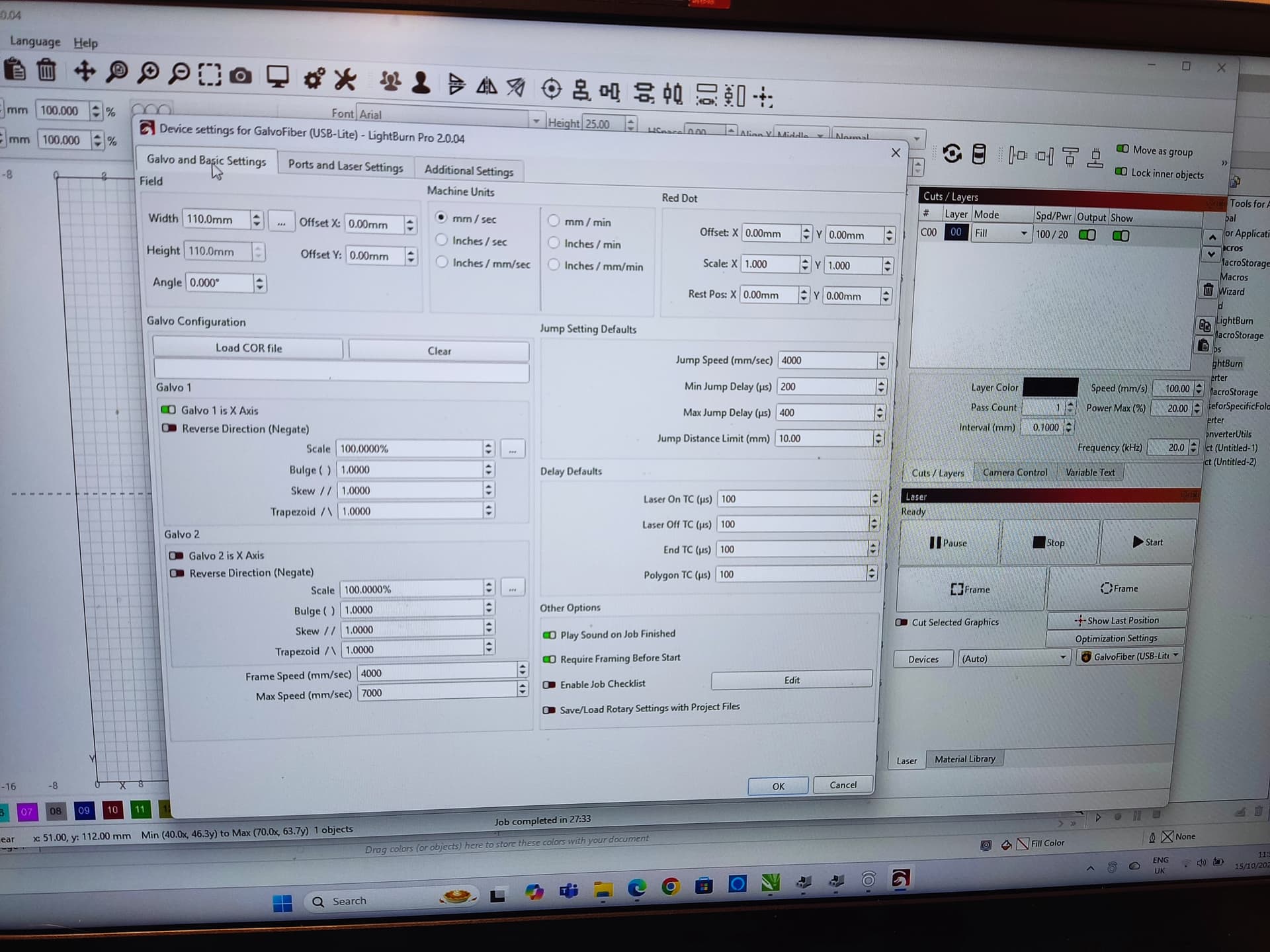
Given the settings for scale and skew etc aren’t set, I’d recommend you go through the 9-point calibration. This should solve the orientation issue, as part of it will determine the axis orientation.
If your engraving is 90 degrees to what you think it should be, you probably have the wrong axis selected under the Galvo and Basic Settings tab as the X axis.
You’ll want to confirm that the markcfg7 file was indeed imported during setup (if you don’t know what that is, it’s explained in the above docs - it’s basically a text file with your galvo’s settings that the manufacturer provides). Then, you’ll want to either import a .COR lens correction file, or do the 9 point calibration of your lens to get the galvo calibrated. All is explained above, but let us know if you hit any snags.
All good advice above, first make sure you are 100% in focus. Lots of videos out there on how to do that. Once in focus measure or better yet cut a stick to make establishing focal length repeatable.
Run 9 point correction.
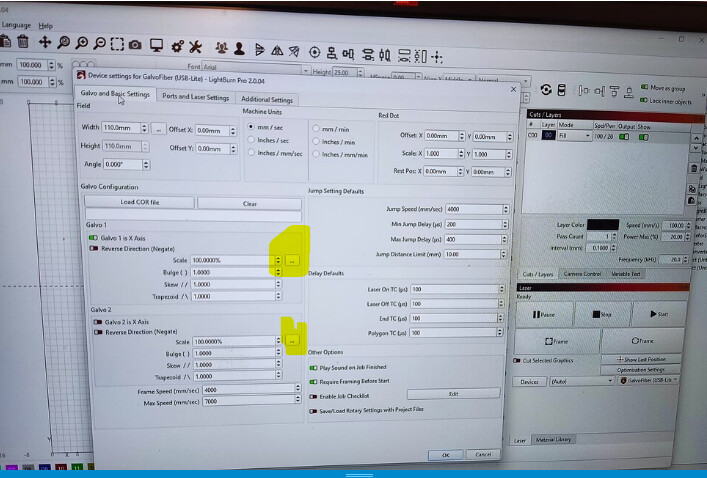
After running the 9 point utility there is a scale utility for each axis, the 3 little dots. Run that as well. Lastly, check corner to corner and manually adjust skew. Then double check scale. But first, like I said above, need to be solid on your focus.